7,363 open-source and SaaS tools, with GitHub stats refreshed every day.

7 alternatives ranked by real activity

Open-source Apple Notes alternatives

A curated, ranked list of the 7 best open-source alternatives to Apple Notes.

The best open-source alternative to Apple Notes is Memos. If that doesn't suit you, other good options are Joplin, Notesnook, FSNotes and Standard Notes.

Apple Notes alternatives are mainly note-taking tools, but some are also productivity tools. 7 of them shipped code in the last 30 days, 6 can be self-hosted, and 2 use a permissive licence.

Last updated October 2, 2026 · ranked by GitHub stars, growth and recent commits

Memos

A self-hosted, Markdown-based notes timeline for capturing quick thoughts, private by default, with search, tags, pinned memos and per-note visibility.

GitHub stars
63k
Last commit
yesterday
Latest release
v0.31.0
Licence
MIT
Self-hosted
Yes
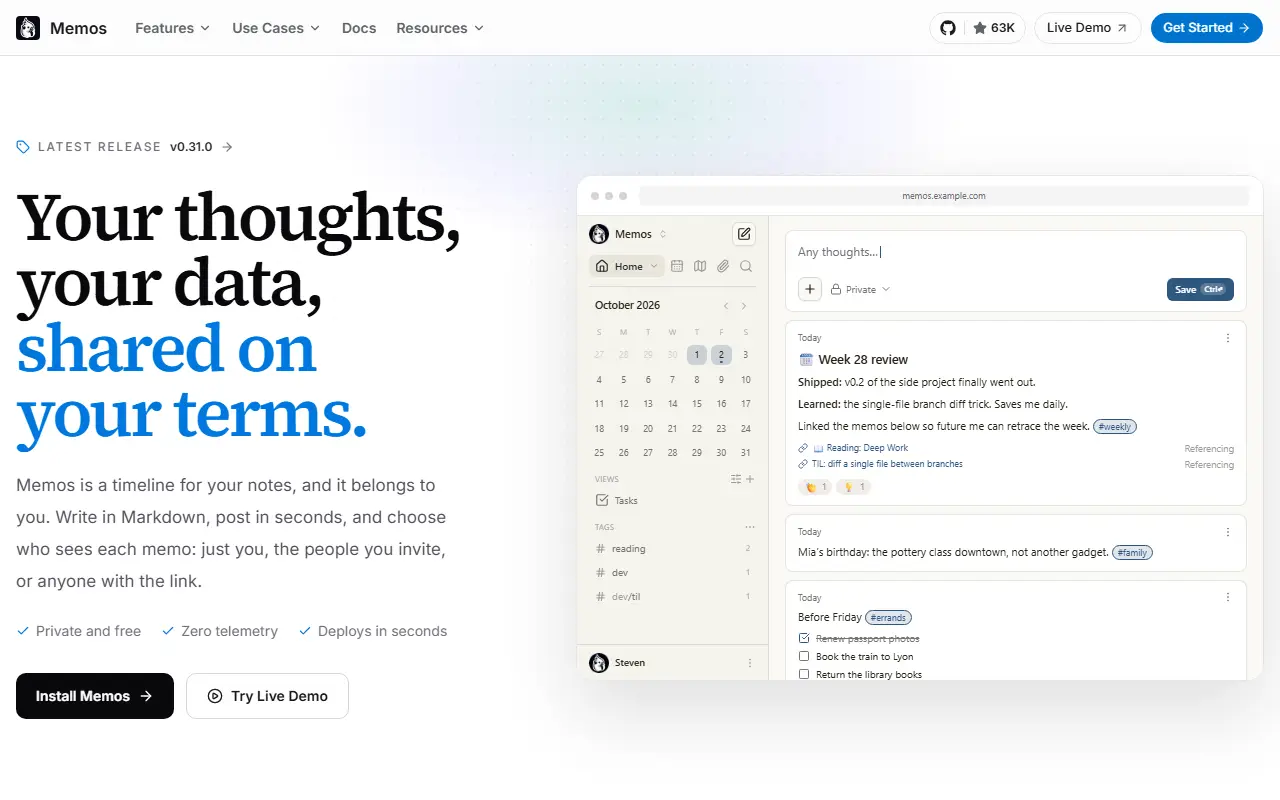
usememos.comMemos homepage screenshot

Memos is a personal timeline for quick notes that you host yourself. The idea is to write first and organize later: you save a thought in Markdown without choosing a title or folder, optionally attach images and files, and it lands on a chronological feed.

Finding things again relies on search, tag filters and a view of any given day on the timeline. You can pin important memos and save frequently used filters as views. New memos are private, and you decide per memo whether to keep it to yourself, show it to signed-in users or invite specific people, or make it public with a link. The project advertises zero telemetry and a full export of your data.

Memos is MIT licensed and built with Go on the back end, React on the front end and SQLite for storage. The quickest way to run it is a Docker container, with other options in the deployment guide, and there is a live demo to try first. Releases follow a year-and-month version scheme.

Key features

  • Markdown notes with images and file attachments
  • Chronological timeline of memos
  • Search, tag filters and saved views
  • Per-memo visibility controls
  • Pinned memos for important notes
  • Full data export with zero telemetry

Pricing: Memos is free, MIT-licensed software with no paid tiers, seat fees or usage charges. Only your own hosting costs apply.

Read more about MemosWebsite GitHub

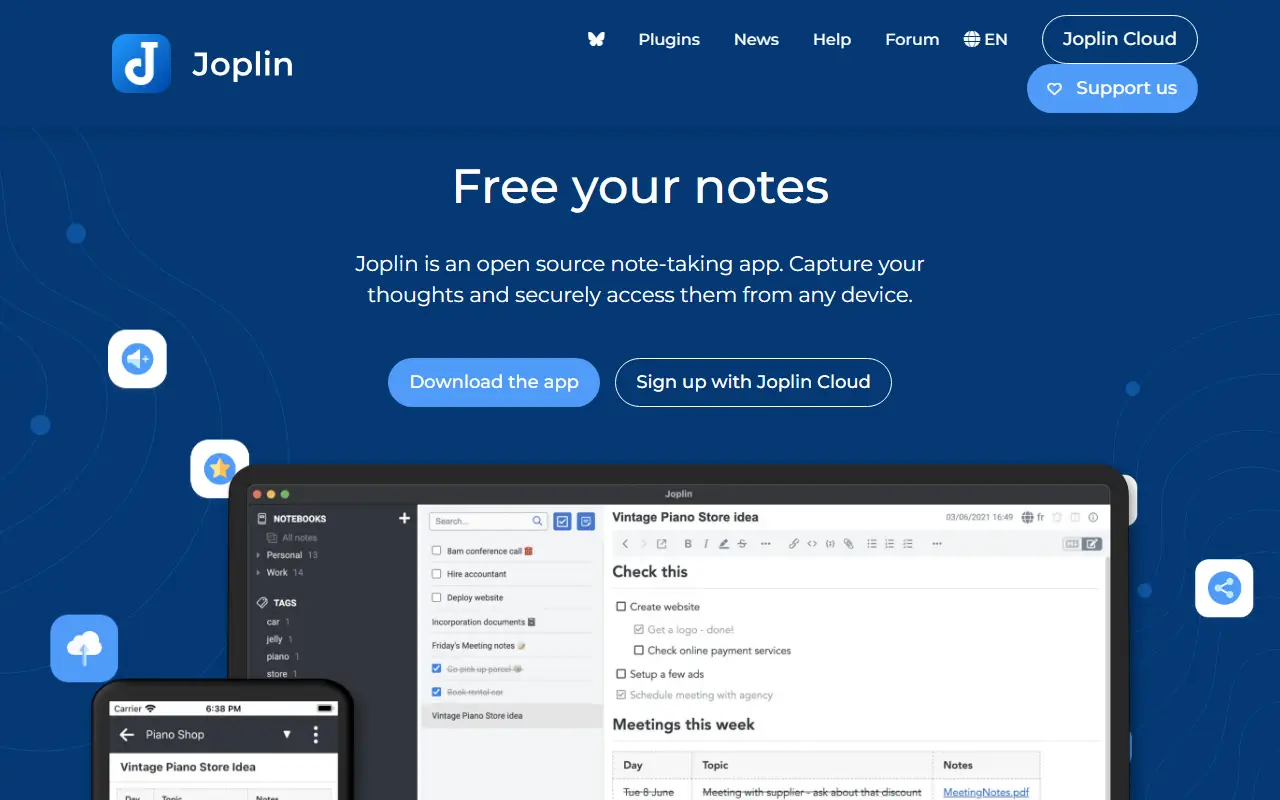
Joplin

A free, open-source, offline-first note-taking and to-do app with Markdown notes, end-to-end encrypted sync, plugins and apps for desktop and mobile.

GitHub stars
57k
Last commit
2 days ago
Latest release
v3.7.21
Self-hosted
Yes
Hosted version
Available
joplinapp.orgJoplin homepage screenshot

Joplin is a note-taking and to-do application, free and open source, that can manage large collections of notes organized into notebooks. Notes are written in Markdown, are searchable, can be tagged, and can be edited either in the app or in your own text editor. Apps are available for Windows, macOS, Linux, Android and iOS.

The app is offline first, so all your data lives on your phone or computer and stays accessible without a connection. Notes can be synchronized with end-to-end encryption through services such as Nextcloud, Dropbox, OneDrive and Joplin Cloud, and topics also mention WebDAV. Full-text search is available on every platform, and plugins and themes let you customize the app. A web clipper saves pages, and notes exported from Evernote can be imported with formatting, attachments and metadata intact; plain Markdown files can be imported as well.

The repository license is listed as 'Other', so check its terms if you plan to redistribute. Joplin is a popular choice for people who want an Evernote replacement that keeps data local or on storage they already control.

Key features

  • Markdown notes organized into notebooks
  • Offline-first storage on your own devices
  • End-to-end encrypted sync via Nextcloud, Dropbox or OneDrive
  • Evernote import with attachments and metadata
  • Plugins and themes
  • Web clipper for saving pages
  • Apps for desktop and mobile

Pricing: Joplin Cloud costs 2.99€ (Basic), 5.99€ (Pro) or 9.99€ (Pro 100 GB) per month, and Teams 7.99€ per user per month. Self-hosted Server Business is 3.33€ per user per month; 14-day trial.

Read more about JoplinWebsite GitHub

Notesnook

A free, open-source, end-to-end encrypted note-taking app with web, desktop and mobile clients, positioned as a private alternative to Evernote.

GitHub stars
15k
Last commit
yesterday
Latest release
v3.4.8
Licence
GPL-3.0
Self-hosted
Yes
Hosted version
Available
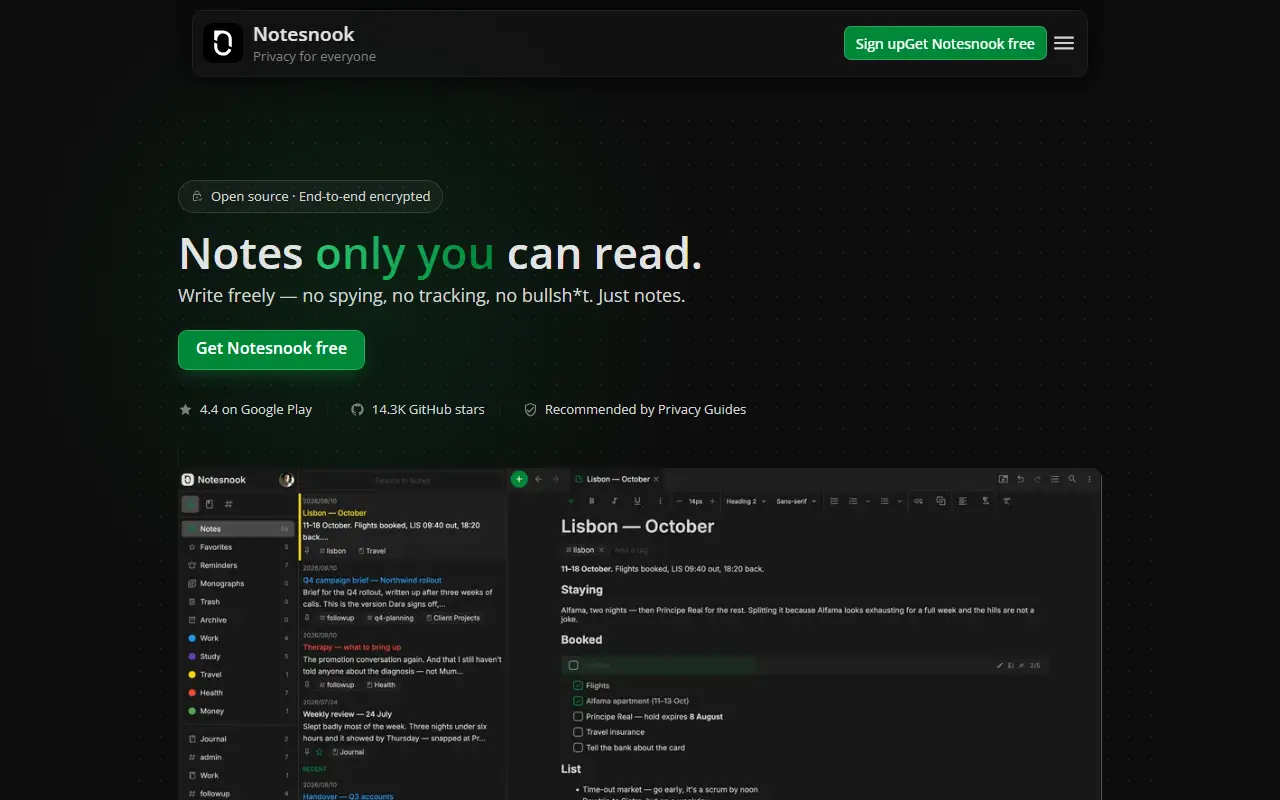
notesnook.comNotesnook homepage screenshot

Notesnook is a note-taking app that puts privacy first. Everything is encrypted on your device with XChaCha20-Poly1305 and Argon2 before it syncs, following zero-knowledge principles, and the whole thing is open source. It is presented as an end-to-end encrypted alternative to Evernote, aiming to show that privacy does not have to cost convenience.

The repository contains all the code needed to build and use the web, desktop and mobile clients. They are built mainly with TypeScript and React, with Electron for desktop and React Native for mobile, and parts of the code base are still being ported from JavaScript. A server component written with .NET appears in the topics. The website covers the full feature list, roadmap and downloads, and the team encourages community involvement through Discord.

Notesnook is licensed under GPL-3.0. A hosted sync service is operated by the company behind it, and the open-source code lets you inspect how encryption is handled. It suits people moving away from Evernote or other cloud notes who want strong encryption and cross-platform apps.

Key features

  • End-to-end encrypted notes
  • XChaCha20-Poly1305 and Argon2 encryption
  • Web, desktop and mobile apps
  • Open-source clients you can audit
  • Notebooks and organization tools
  • Evernote-style note-taking workflow

Pricing: Unlimited encrypted notes are free forever. Essential, Pro and Believer add storage (1GB, 10GB, 25GB) with a 14-day trial, and yearly and 5-year billing options.

FSNotes

A fast, native Markdown notes app for macOS and iOS that keeps every note as a plain Markdown or text file, with tags, wiki-style links and encryption.

GitHub stars
7.5k
Last commit
12 days ago
Latest release
v7.3.4
Licence
MIT
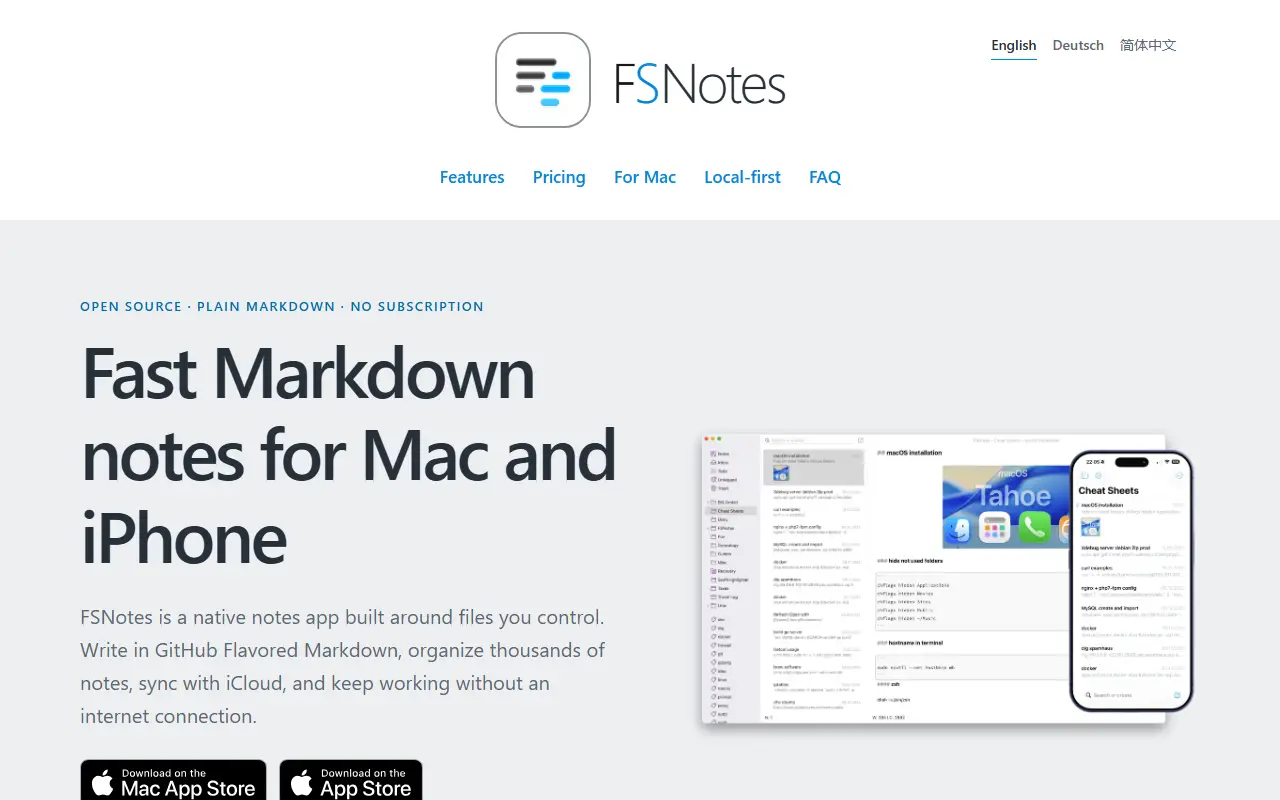
fsnot.esFSNotes homepage screenshot

FSNotes is a native notes app for macOS and iOS built around the idea of owning your notes. Each note is stored as a portable Markdown or plain-text file rather than in a proprietary database, so the notes can be opened with any compatible app now or years later.

The app focuses on writing and quick retrieval. It handles several folders, external editors, sync through iCloud Drive or Dropbox, and Git backups if you want them, and connects ideas with tags and double-bracket links. Private notes can be protected with AES-256 encryption, and it renders code blocks, Mermaid diagrams and MathJax math. Search and navigation are designed to stay smooth across large note collections.

FSNotes is written in Swift and released under the MIT licence. The apps are sold through the App Store, and those purchases support continued development, while the source code is open. It suits Apple users who want local Markdown notes with sync through their own storage service.

Key features

  • Notes stored as Markdown or text files
  • Tags and wiki-style note links
  • AES-256 encryption for private notes
  • iCloud Drive, Dropbox and Git backups
  • Mermaid diagrams and MathJax rendering
  • Native macOS and iOS apps

Pricing: Source code is MIT licensed; App Store purchases support development.

Read more about FSNotesWebsite GitHub

Standard Notes

An end-to-end encrypted note-taking app with sync across devices and a self-hostable server, available on web, desktop and mobile.

GitHub stars
6.6k
Last commit
3 days ago
Latest release
@standardnotes/desktop@3.202.7
Licence
AGPL-3.0
Self-hosted
Yes
Hosted version
Available
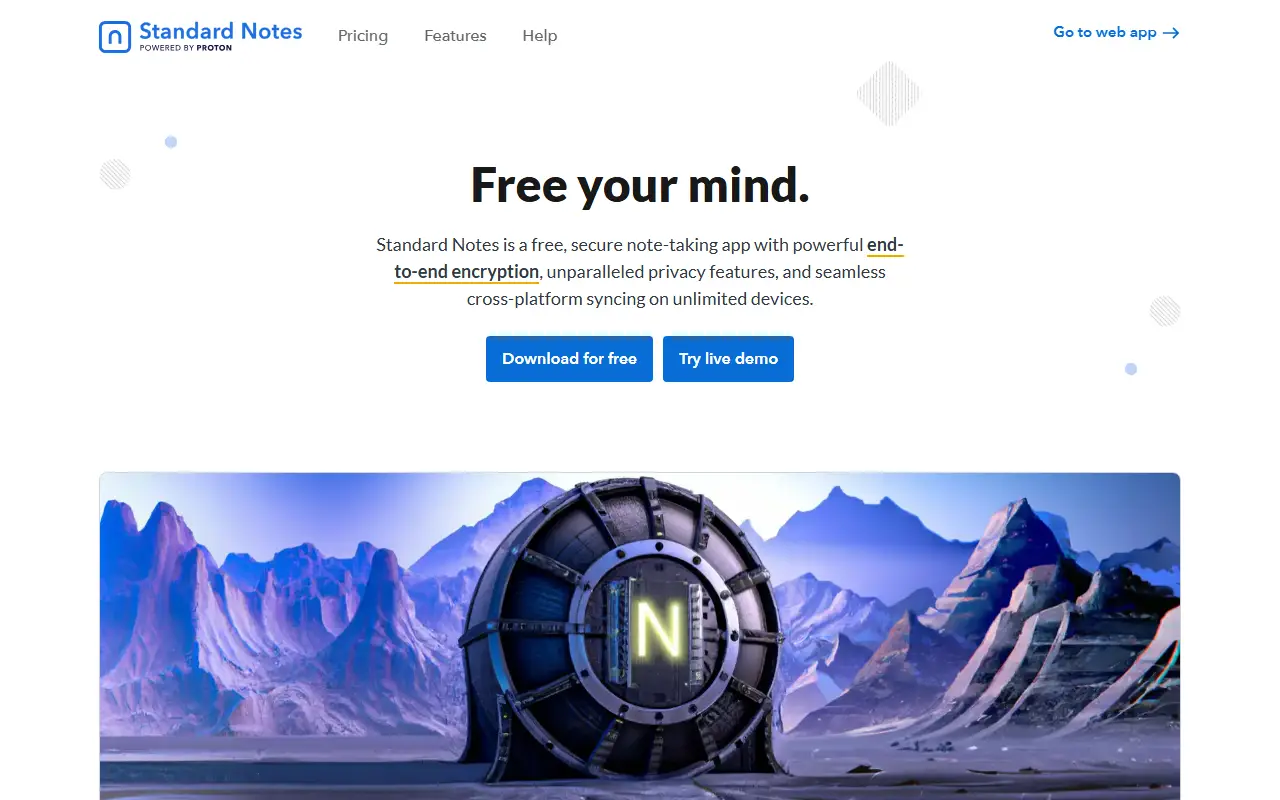
standardnotes.comStandard Notes homepage screenshot

Standard Notes is a note-taking app with end-to-end encryption, built for digitalists and professionals, aiming to keep notes, files and life's work in one secure place. Only the user can read their notes, and sync across devices is encrypted by default.

You register for an account on the web app and install clients for Mac, Windows, Linux, iOS and Android. The README highlights fast, free and encrypted sync on an unlimited number of devices, public source code, the option of hosting your own server with a few steps, and a focus on longevity and sustainability. A companion service called Listed turns notes into an online publication with email newsletters, and developers can build and publish extensions.

The web app compiles to static HTML, JavaScript and CSS files that can be served from any web server, and the README includes build and development instructions. Standard Notes is written in TypeScript and licensed under AGPL-3.0, with a forum and help pages for support. It suits privacy-minded users who want encrypted notes with the option to host their own backend.

Key features

  • End-to-end encrypted notes and files
  • Sync across unlimited devices
  • Apps for web, desktop and mobile
  • Self-hostable sync server
  • Listed publishing and newsletters
  • Extensions published by developers

Pricing: Free Standard plan includes end-to-end encryption and device sync. Productivity costs $90 and Professional $120 per year; there is no trial, but refunds are offered.

Simplenote

The open-source Simplenote client for web, Windows and Linux, a React app packaged in Electron that syncs notes through Simperium.

GitHub stars
5.3k
Last commit
today
Latest release
v2.27.1
Licence
GPL-2.0
Self-hosted
No
Hosted version
Available
app.simplenote.comSimplenote homepage screenshot

Simplenote Electron is the open-source desktop and web client for Simplenote, a note-taking service from Automattic. The app is built with React and packaged with Electron, which lets the same codebase run in a browser and as an installable application, with packages producible for macOS, Windows and Linux.

Notes are synchronized through the Simperium library, and the interface is written in TypeScript with ReactJS. The repository documents how to build packages and how to run unit tests. Local development currently requires an existing account on the test server or access to production credentials, because the email-first signup flow no longer allows creating accounts in the test database, and sharing and publishing features do not work in development builds.

The code is released under GPL-2.0 and follows the coding guidelines used by wp-calypso. As a client for the hosted Simplenote service, it is meant for people who already use that service rather than for self-hosting their own notes server.

Key features

  • React note-taking client packaged with Electron
  • Runs on the web, Windows and Linux
  • Note syncing through Simperium
  • Build targets for macOS, Windows and Linux
  • TypeScript codebase with unit tests

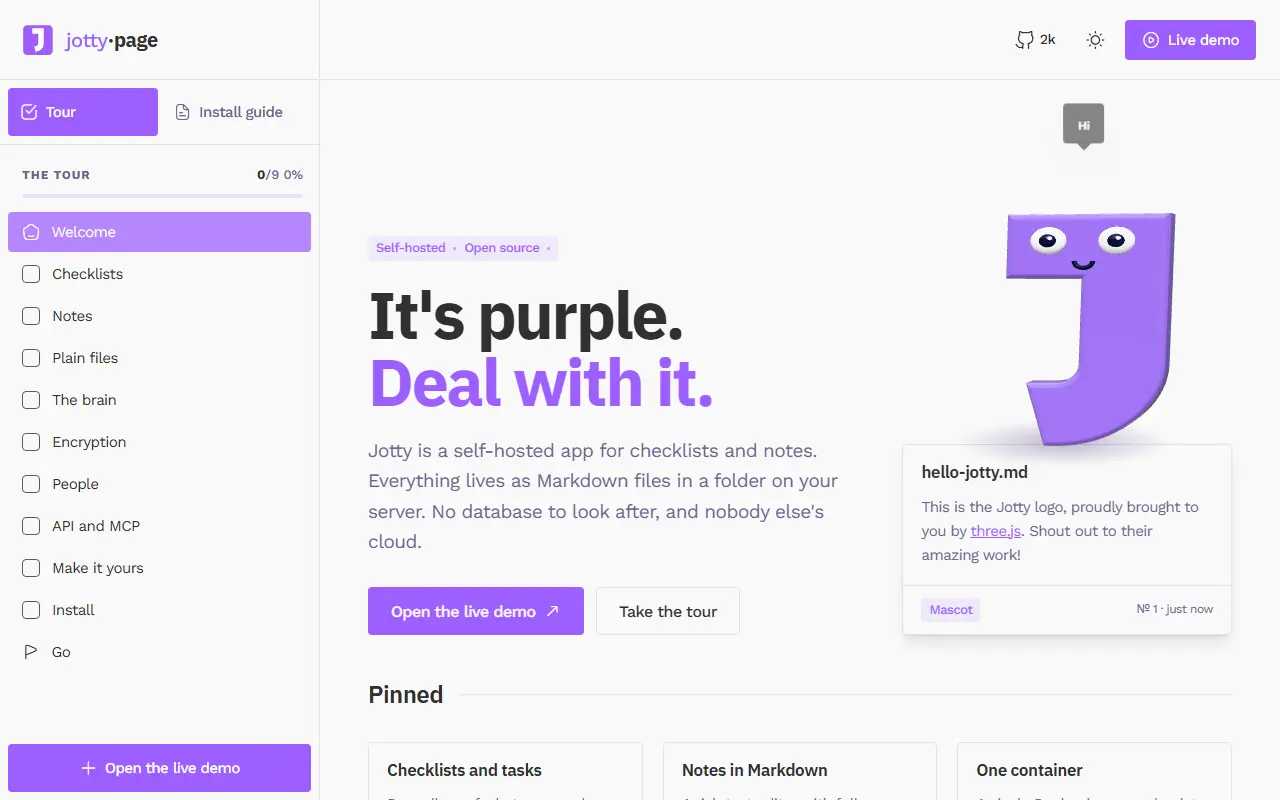
Jotty

Lightweight self-hosted app for checklists and notes that stores data as files on your own server, with optional note encryption, OIDC single sign-on, and MFA.

GitHub stars
2k
Last commit
yesterday
Latest release
1.28.0
Licence
AGPL-3.0
Self-hosted
Yes
jotty.pageJotty homepage screenshot

Jotty is a self-hosted application for managing personal checklists and notes. It is easy to deploy, keeps all data on your own server, and can encrypt and decrypt notes for extra privacy. It was previously known as rwMarkable and is released under the AGPL-3.0 license.

The interface offers task lists with drag-and-drop ordering, a rich text editor for notes, keyboard shortcuts, translations, and custom themes and emojis. Data is stored as files rather than in a database, which keeps backups simple. For access control it supports single sign-on through OIDC and multi-factor authentication, and it exposes an API.

Docker Compose is the recommended way to install it, and the documentation covers initial setup, data storage, the versioning scheme, and encryption. Jotty suits homelab users and individuals who want a simple, private alternative to cloud to-do and note apps.

Key features

  • Checklists with drag-and-drop ordering
  • Rich text note editor
  • Optional note encryption
  • File-based data storage
  • OIDC single sign-on and MFA
  • API and custom themes

Pricing: Free and open source under the AGPL-3.0 license.

Read more about JottyWebsite GitHub

Apple Notes alternatives: questions

What is the best open-source alternative to Apple Notes?
Memos is the top-ranked open-source alternative to Apple Notes on Enlisted: A self-hosted, Markdown-based notes timeline for capturing quick thoughts, private by default, with search, tags, pinned memos and per-note visibility. Other strong options are Joplin, Notesnook, FSNotes and Standard Notes.
Are these Apple Notes alternatives free?
All 7 are open source, so the code is free to use under its licence, and 6 of them can be self-hosted on your own server or computer. 4 also offer a paid or managed cloud version if you'd rather not host it yourself.
How is this list of Apple Notes alternatives ranked?
By a score built from GitHub stars, star growth over the last 30 days and how recently the code changed. 7 of these projects shipped code in the last 30 days. Data is refreshed daily, and nobody can pay to move up.

People also look for alternatives to…

View all