
About LaunchGuard
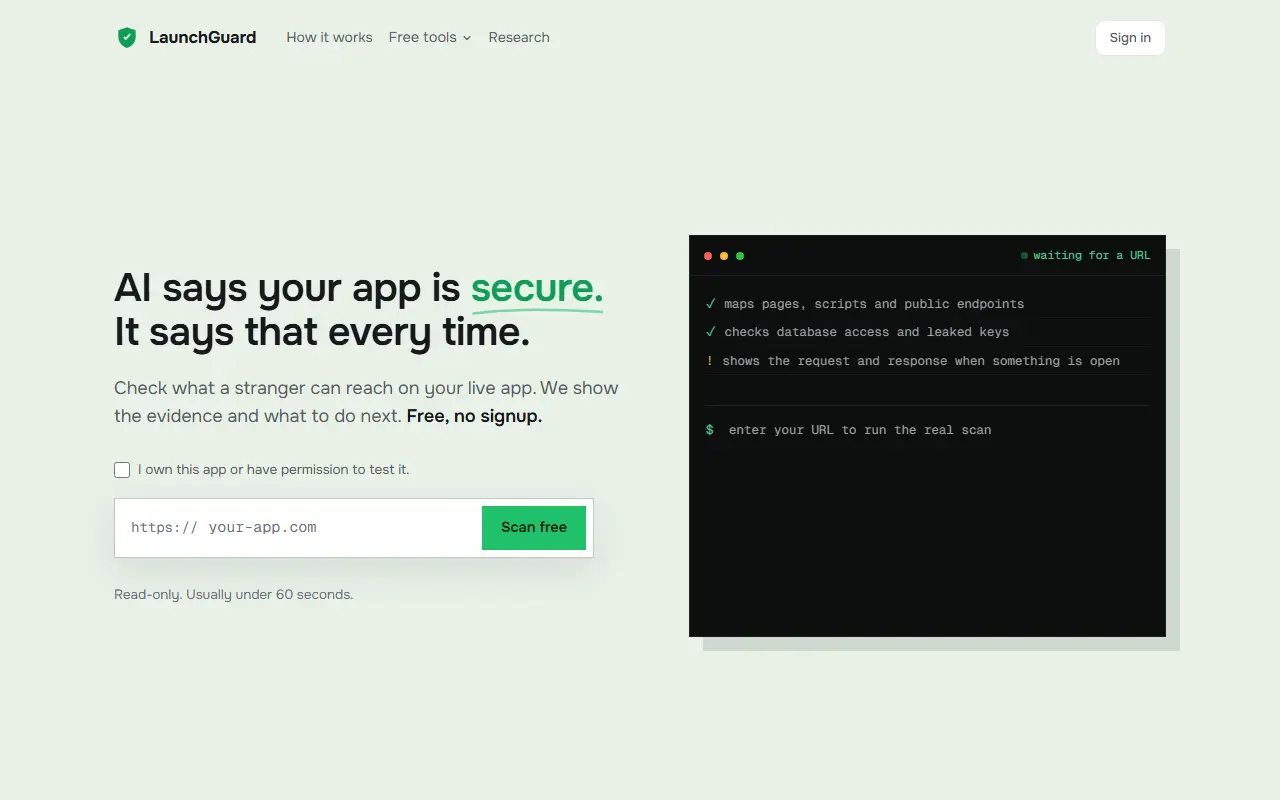
LaunchGuard scans a live app the way an outsider would, aimed at apps built quickly with AI tools. The free scan is read-only, needs no signup and usually finishes in under a minute. It crawls the pages, scripts and public endpoints it can find, tests database access, looks for leaked keys and shows the actual request and response when something is open. It reads up to 10 pages and you confirm you own the app or have permission to test it.
A one-time deep scan reads up to 60 pages, attempts writes and deletions through any opening it finds, and chains those openings together by reusing the identifiers it collects along the way to get at data that should be protected. It also provides a fix as a prompt written for your app that you paste into Cursor or Claude Code, then re-run the scan to confirm, followed by 30 days of monitoring with email alerts for high or critical changes.
Free tools include a Supabase scanner, a Firebase scanner, Leak Radar and a Ship Score, The site publishes research on exposed data in AI-built apps and explains how its scanning works. LaunchGuard is a hosted service with a one-time paid deep scan.
Key features
- Read-only outside scan with no signup
- Detection of leaked keys and exposed secrets
- Database access checks for Supabase and Firebase
- Deep scan that tests writing and deleting
- Fix prompt for Cursor or Claude Code
- 30 days of monitoring with email alerts
- Free Leak Radar and Ship Score tools
Good fit for
- Developers checking an AI-built app before launch
- Teams reviewing exposed endpoints and databases
LaunchGuard: questions and answers
- What is LaunchGuard used for?
- LaunchGuard is a security scanner for AI-built web apps that checks a live site from the outside for exposed databases, leaked keys and open endpoints. It is a good fit for developers checking an AI-built app before launch, and teams reviewing exposed endpoints and databases.
- Is LaunchGuard free?
- Yes. LaunchGuard has a free plan, and paid plans start at $19 as a one-time payment.
- Is LaunchGuard open source?
- No. LaunchGuard is proprietary (closed-source) software and can't be self-hosted. In the Security category, open-source options include osquery, Grype and Horusec.
- What are some alternatives to LaunchGuard?
- LaunchGuard competes with CheckVibe, AuditYourApp and AttackerView.
Open-source alternatives to LaunchGuard
See all
osquery
Security
SQL powered operating system instrumentation, monitoring, and analytics.
OSSvs Tanium★ 24k
Grype
Security
A vulnerability scanner for container images and filesystems
Apache-2.0vs Snyk★ 13k
Horusec
Security
Horusec is an open source tool that improves identification of vulnerabilities in your pro
Apache-2.0vs Checkmarx★ 1.3k
OpenVAS
Security
This repository contains the scanner component for Greenbone Community Edition.
GPL-2.0vs Tenable★ 4.9k
Gitleaks
Security
Find secrets with Gitleaks 🔑
MITvs GitGuardian★ 30k
TruffleHog
Security
Find, verify, and analyze leaked credentials
AGPL-3.0vs GitGuardian★ 28k
SaaS alternatives to LaunchGuard
See all
CheckVibe
Security
Scans live sites for security, SEO and performance issues left behind by AI coding agents
SaaS
AuditYourApp
Security
Scans Supabase projects, websites and mobile apps for exposed RLS rules, open RPCs and leaked API keys
SaaS
AttackerView
Security
Security auditor that shows what an attacker can see on your website
SaaS
Intruder
Security
Cloud-based vulnerability scanner for external attack surface
SaaS
Aikido Security
Security
All-in-one application security platform for code, cloud and runtime scanning
SaaS
Vibe App Scanner
Security
Automated external security scanner for AI-built apps with one-click AI-ready fix instructions
SaaS