
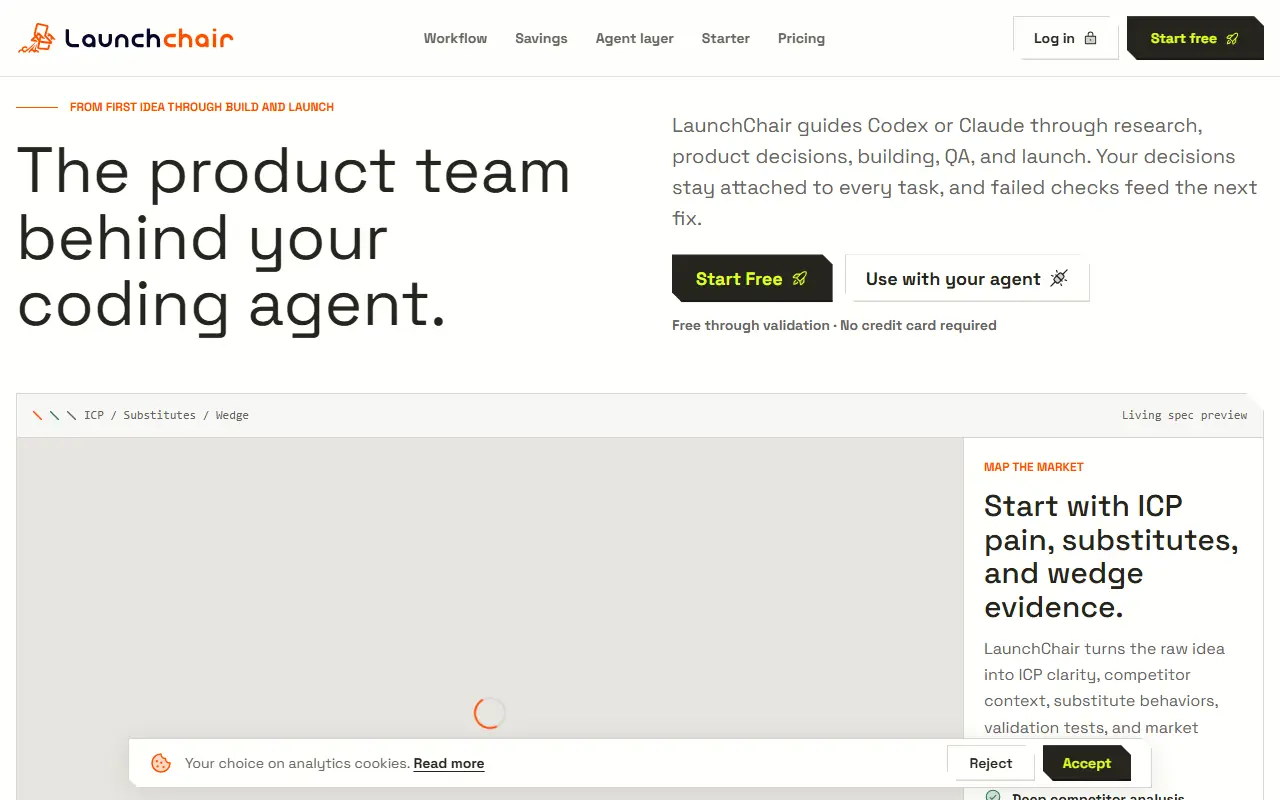
About LaunchChair
LaunchChair is a spec-driven planning tool for people building software with AI coding agents. It supports a new-product track and a feature track for an existing codebase, and takes an idea through gated phases: product ideation, market and validation research, positioning and pricing, an MVP blueprint with features, screens, flows and a data model, and then stack setup and a build board. Human checkpoints pause the loop between agent runs.
A prompt engine compiles each prompt from the current phase and the saved project state and writes results into a living spec, so an agent works from structured context instead of a vague paragraph. The execution loop queues the next action, runs an agent, validates the structured output and retries if needed. An agent API and MCP bridge exposes this to tools such as Codex or Claude Code, and the stack check covers GitHub, Vercel, Supabase and Stripe.
After the build, the same spec can generate a landing page, search and answer-engine optimization assets and launch plans with outbound sequences and lead tracking. LaunchChair is a hosted service with a free start and a pricing section.
Key features
- New-product and existing-feature planning tracks
- Living spec updated through gated phases
- Market, ICP and competitor research
- MVP blueprint with screens, flows and data model
- Agent API and MCP bridge
- Build board with QA checkpoints
- Landing page and SEO asset generation
Good fit for
- Solo builders planning an MVP before coding
- Teams scoping a new feature for an AI coding agent
LaunchChair: questions and answers
- What is LaunchChair used for?
- LaunchChair is an AI planner that turns a product or feature idea into validated research, a living spec and build-ready tasks for coding agents. It is a good fit for solo builders planning an MVP before coding and teams scoping a new feature for an AI coding agent.
- How much does LaunchChair cost?
- Paid plans for LaunchChair start at $19 per month, and there is no free plan.
- Is LaunchChair open source?
- No. LaunchChair is proprietary (closed-source) software and can't be self-hosted. In the Developer Tools category, open-source options include Atlas, Docs MCP Server and Munder Difflin.
- What are some alternatives to LaunchChair?
- LaunchChair competes with CoFoundr AI.
Open-source alternatives to LaunchChair
See all
Atlas
Developer Tools
Atlas is a native macOS workspace for coding agents. Install Claude Code, Codex, OpenCode
Apache-2.0★ 9.1k
Docs MCP Server
Developer Tools
Grounded Docs MCP Server: Open-Source Alternative to Context7, Nia, and Ref.Tools
MIT★ 1.8k
Munder Difflin
Developer Tools
Free and open source multi agent harness. Run Claude Code, Codex, Gemini CLI and nine more
MIT★ 8.5k
Mission Control
Developer Tools
Run agent operations from one self-hosted control plane with tasks, activity, costs, appro
MIT★ 6.3k
Agentation
Developer Tools
The visual feedback tool for agents.
OSS★ 4.9k
Agent Beacon
Developer Tools
The cross-harness, self-improving memory layer for AI agents.
MIT★ 1.8k
SaaS alternatives to LaunchChair
See all
CoFoundr AI
AI Tools
AI guide that walks founders through idea validation, MVP planning, go-to-market and pitch decks
SaaS
Artiforge
Developer Tools
Tool that gives AI coding agents project context to improve code generation
SaaS
LLMToMd
Developer Tools
Converts specs, API docs and websites into AI-ready Markdown served to coding agents over MCP
SaaS
PandaNpc
Developer Tools
Remote-control app for coding agents like Claude Code and Codex CLI from your phone, browser or desktop
SaaS
PinVari
Developer Tools
Mac capture tool: circle a UI element and speak, and your AI coding agent gets the element, screenshot and words
SaaS
Quey
Developer Tools
Browser extension and CLI agent that leaves comments on your site and ships fixes into Claude Code
SaaS