
About Gling
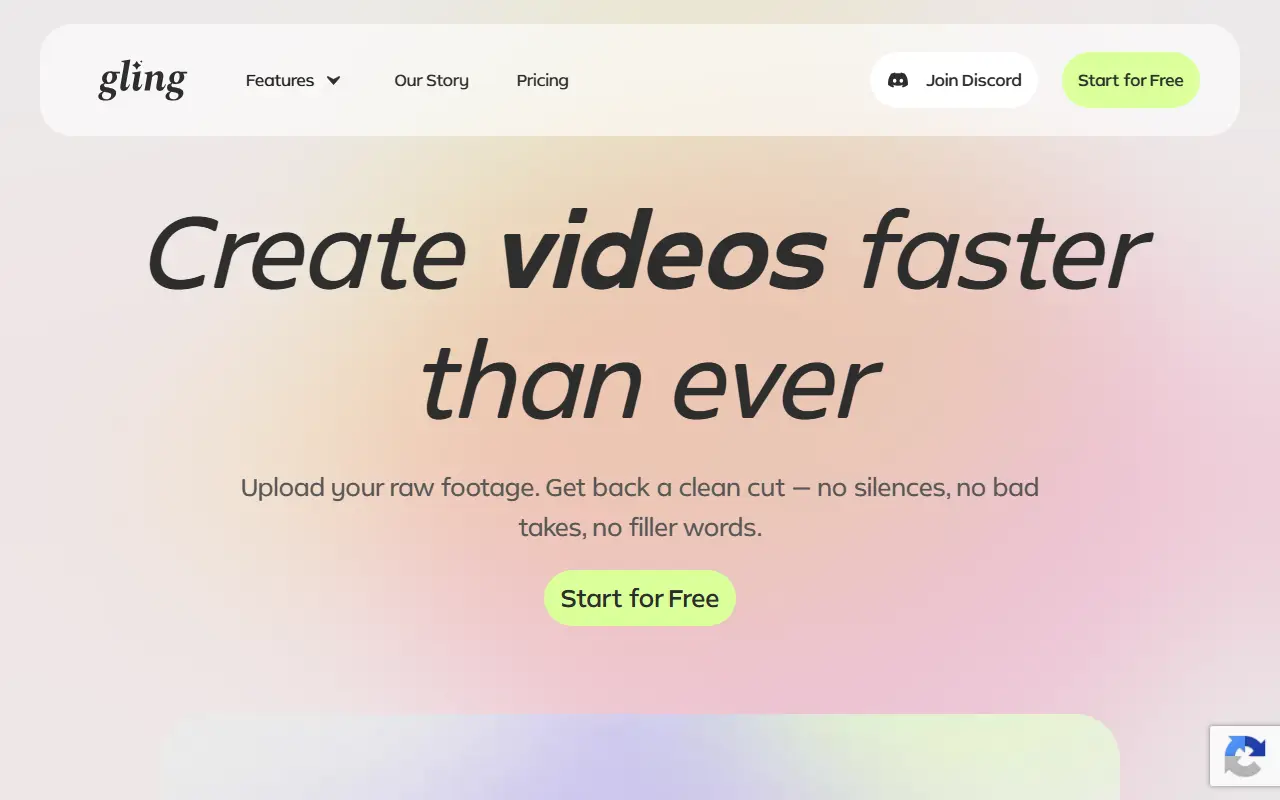
Gling is an AI-assisted editing tool built for YouTube creators who record talking-head footage. It analyzes raw recordings and removes bad takes, silent moments, filler words and background noise so the first rough cut is largely done automatically.
Besides cleanup, it offers an AI text-based trimmer, AI-generated short clips, captions, noise removal, automatic zoom in and out framing, plus helpers that generate video titles, chapters and next-video suggestions, and a feature that generates video from a link. Gling is designed for desktop use, and the vendor sends the download link to the user's email.
Gling is a commercial product with a free start option and plans on its pricing page. It fits solo YouTubers and podcasters who spend most of their editing time cutting dead air and retakes.
Key features
- Automatic removal of silences and filler words
- Bad take detection and removal
- Text-based trimming
- AI captions and noise removal
- Auto zoom framing for talking-head video
- Title and chapter generation
Good fit for
- →YouTubers cutting rough edits of talking-head videos
- →Podcasters tightening video recordings
- Tags
- ai-video-editor
- youtube
- silence-removal
- captions
- noise-removal
- text-based-editing
- desktop
Gling: questions and answers
- What is Gling used for?
- Gling is a desktop AI video editing tool for YouTube creators that cuts bad takes, silences and filler words from raw footage automatically. It is a good fit for YouTubers cutting rough edits of talking-head videos and podcasters tightening video recordings.
- Is Gling free?
- Yes. Gling has a free plan, and paid plans start at $20 per seat per month.
- Is Gling open source?
- No. Gling is proprietary (closed-source) software. In the Video Editing category, open-source options include Kdenlive, OpenCut and OBS Studio.
Open-source alternatives to Gling
See all
Kdenlive
Video Editing
Free and open source video editor, based on MLT Framework and KDE Frameworks
GPL-3.0vs Adobe Premiere Pro★ 5.8k
OpenCut
Video Editing
The open-source CapCut alternative
MITvs CapCut★ 91k
OBS Studio
Video Editing
OBS Studio - Free and open source software for live streaming and screen recording
GPL-2.0vs vMix★ 77k
HandBrake
Video Editing
HandBrake's development repository
OSS★ 25k
Cap
Video Editing
Open source Loom alternative. Beautiful, shareable screen recordings.
OSSvs Loom★ 23k
Screenity
Video Editing
The free and privacy-friendly screen recorder with no limits 🎥
GPL-3.0vs Screencastify★ 19k
SaaS alternatives to Gling
See all
Descript
AI Tools
Edit video and podcasts by editing their transcript, with AI voice and cleanup tools
SaaS
CapCut
Video Editing
Video editor for short-form clips with templates, effects and auto captions
SaaS
Kapwing
Video Editing
Browser-based video editor with subtitles, templates and AI tools
SaaS
VEED
AI Tools
Browser-based video editor with auto subtitles, AI avatars and screen recording
SaaS
Cubix
Video Editing
Agentic AI video editor for content creators
SaaS
Captions
Video Editing
AI video editing app for captions, dubbing and talking-head content
SaaS