
About FrameOS
FrameOS takes a long video, such as a podcast or interview, and returns short clips ready for vertical platforms. It reframes footage to five formats including 9:16 and 1:1 with speaker focus, detects and ranks hooks to find up to 20 clips per video and adds one of 21 caption styles with word-level highlighting. A full timeline editor supports overlays, text, stickers, sound effects and filters, and filler-word and silence removal tidy the audio.
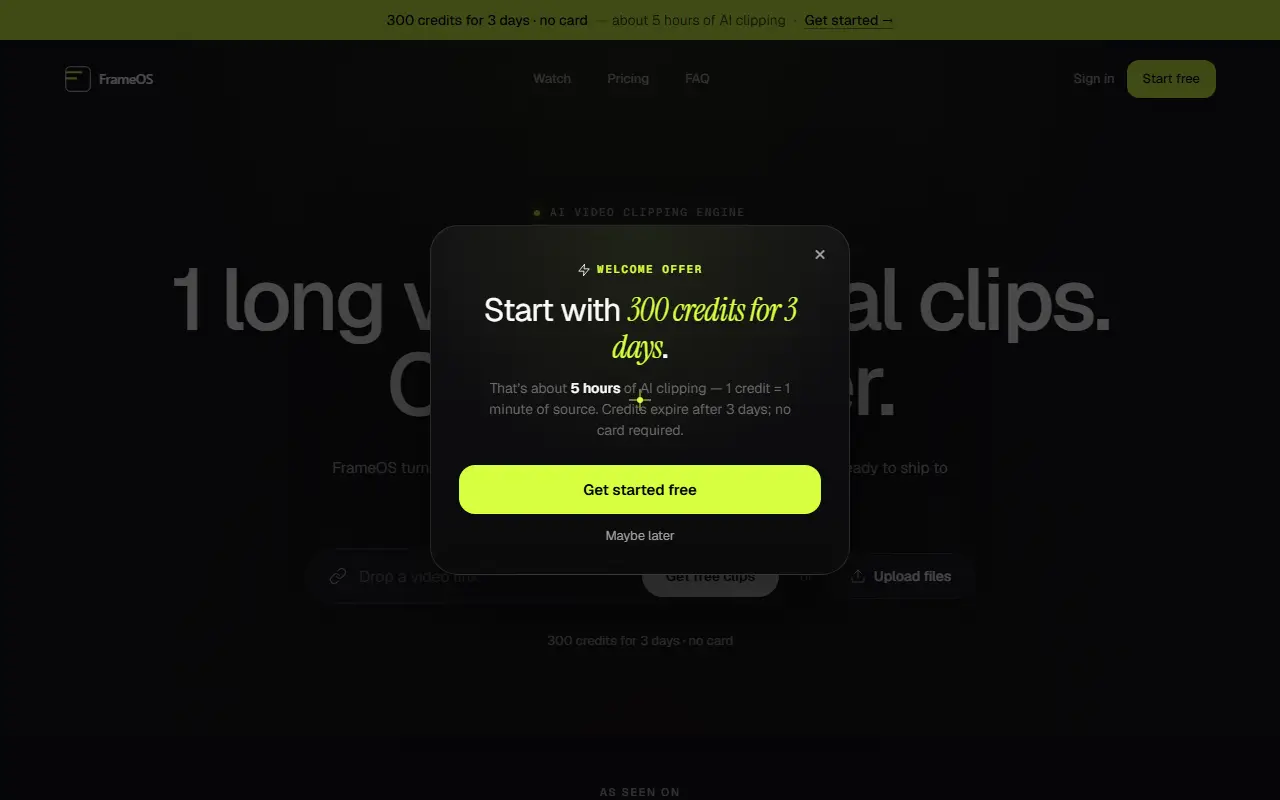
Extras include AI B-roll, speech enhancement with denoising and level balancing, AI voice-over from text, and export to Premiere Pro and DaVinci Resolve as XML with source. Higher plans add auto-publishing to YouTube Shorts, Instagram Reels, LinkedIn and Facebook, a team workspace and faster rendering, and a Business tier adds API access, bulk editorial exports and enterprise security options. A free start gives 300 credits for 3 days with no card. Starter is $19 a month with 400 credits, Pro is offered with annual billing and discounts, and Business is custom.
Key features
- Long video to short clips with hook ranking
- Reframing to five aspect ratios
- 21 caption styles with word highlighting
- Timeline editor with overlays and effects
- Filler word and silence removal
- Export to Premiere Pro and DaVinci Resolve
- Auto-publishing on higher plans
Good fit for
- Cutting podcast episodes into shorts
- Repurposing webinars for Reels and TikTok
FrameOS: questions and answers
- What is FrameOS used for?
- FrameOS is AI clipping software that turns long videos into short clips with reframing, hook detection, captions, B-roll, timeline editing and export to Premiere Pro or DaVinci Resolve. It is a good fit for cutting podcast episodes into shorts, and repurposing webinars for Reels and TikTok.
- How much does FrameOS cost?
- Paid plans for FrameOS start at $19 per month, and there is no free plan. A free trial is available.
- Is FrameOS open source?
- No. FrameOS is proprietary (closed-source) software and can't be self-hosted. In the Video Editing category, open-source options include OpenCut, OBS Studio and HandBrake.
- What are some alternatives to FrameOS?
- FrameOS competes with Opus Clip, Vizard and Klap.
Open-source alternatives to FrameOS
See all
OpenCut
Video Editing
The open-source CapCut alternative
MITvs CapCut★ 93k
OBS Studio
Video Editing
OBS Studio - Free and open source software for live streaming and screen recording
GPL-2.0vs vMix★ 77k
HandBrake
Video Editing
HandBrake's development repository
OSS★ 25k
Cap
Video Editing
Open source Loom alternative. Beautiful, shareable screen recordings.
OSSvs Loom★ 23k
Screenity
Video Editing
The free and privacy-friendly screen recorder with no limits 🎥
GPL-3.0vs Screencastify★ 19k
Shotcut
Video Editing
cross-platform (Qt), open-source (GPLv3) video editor
GPL-3.0vs Adobe Premiere Pro★ 15k
SaaS alternatives to FrameOS
See all
Opus Clip
AI Tools
Cuts long videos into short vertical clips with captions for social platforms
SaaS
Vizard
Video Editing
AI tool that turns long videos into short clips with captions
SaaS
Klap
Video Editing
AI tool that converts long videos into short clips for social media
SaaS
Submagic
Video Editing
AI tool that adds captions and edits to short-form videos
SaaS
Subscut
Video Editing
Uses AI to clip podcasts, interviews and webinars into captioned Shorts, Reels and TikToks
SaaS
Autoclip
Video Editing
AI tool that turns YouTube videos into short clips for TikTok, Reels and Shorts
SaaS