
About FrameLiq
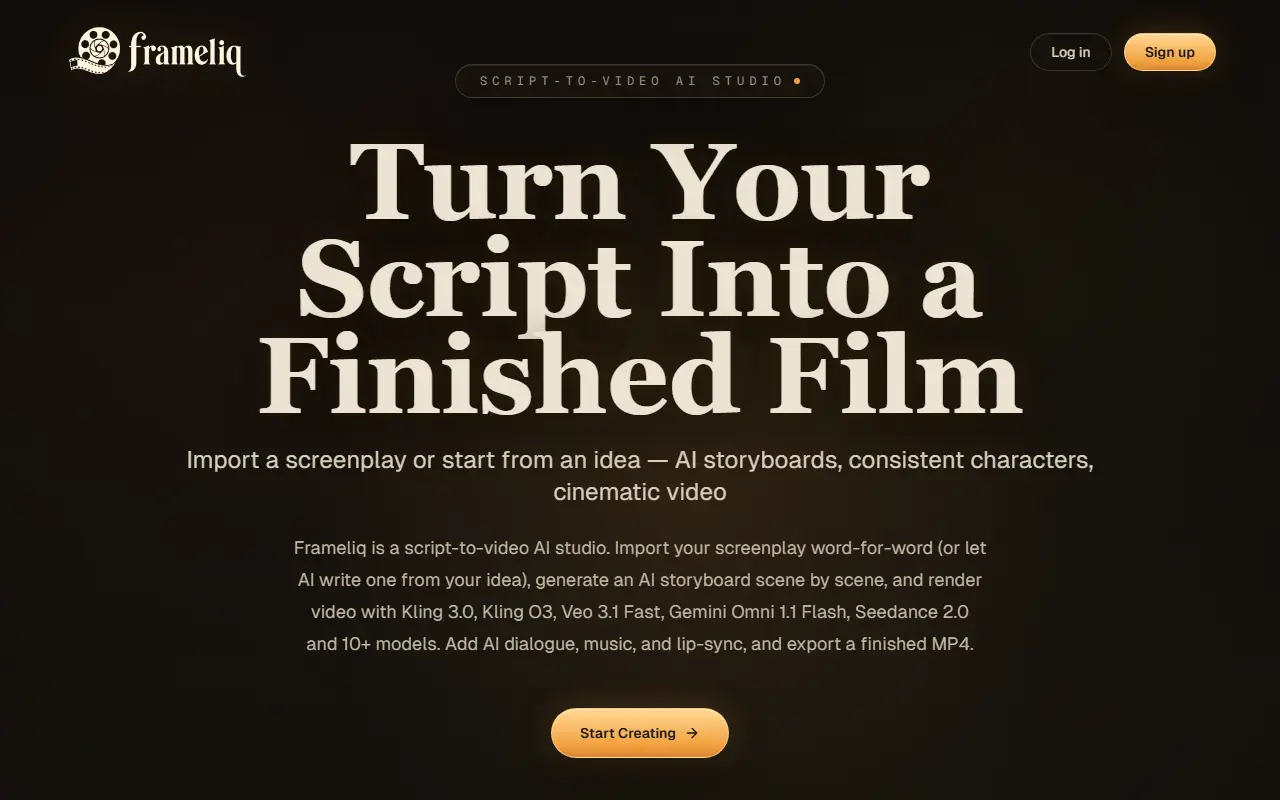
Frameliq takes a story from idea to finished film in one project. You import a screenplay word for word or have the AI write one from a logline, and it builds a character and environment bible so portraits and settings stay consistent. A storyboard is generated scene by scene with 1 to 4 frames per beat linked to each line of dialogue, and a shot designer canvas lets you plan in-between shots with first-and-last-frame mode.
Video is rendered shot by shot with more than 10 video models, among them Seedance 2.0, Veo 3.1 Fast, Kling 3.0, Gemini Omni and H3 Max, using platform credits or your own fal key. An audio pipeline generates dialogue, music from 10 seconds to 5 minutes, sound effects and ambience with automatic lip-sync, and a timeline composes the cut for an MP4 export up to 1080p or an EDL for professional editors. Frameliq can also be connected to Claude or ChatGPT so an assistant writes the story, cast, screenplay and shot prompts directly into your project.
Key features
- Screenplay import or AI script writing
- Character and environment bible for consistency
- Scene-by-scene AI storyboard
- Shot designer canvas
- 10+ video models with your own fal key option
- AI dialogue, music, sound effects and lip-sync
- MP4 and EDL export
Good fit for
- Turning a screenplay into a previsualized short film
- Keeping characters consistent across AI-generated shots
FrameLiq: questions and answers
- What is FrameLiq used for?
- FrameLiq is a script-to-video AI studio that imports a screenplay or writes one from an idea, builds a storyboard with consistent characters and renders video, dialogue, music and lip-sync. It is a good fit for turning a screenplay into a previsualized short film and keeping characters consistent across AI-generated shots.
- How much does FrameLiq cost?
- Paid plans for FrameLiq start at $19 per month, and there is no free plan.
- Is FrameLiq open source?
- No. FrameLiq is proprietary (closed-source) software and can't be self-hosted. In the Video Editing category, open-source options include OpenCut, OBS Studio and HandBrake.
- What are some alternatives to FrameLiq?
- FrameLiq competes with InVideo, Pictory and Fliki.
Open-source alternatives to FrameLiq
See all
OpenCut
Video Editing
The open-source CapCut alternative
MITvs CapCut★ 93k
OBS Studio
Video Editing
OBS Studio - Free and open source software for live streaming and screen recording
GPL-2.0vs vMix★ 77k
HandBrake
Video Editing
HandBrake's development repository
OSS★ 25k
Cap
Video Editing
Open source Loom alternative. Beautiful, shareable screen recordings.
OSSvs Loom★ 23k
Screenity
Video Editing
The free and privacy-friendly screen recorder with no limits 🎥
GPL-3.0vs Screencastify★ 19k
Shotcut
Video Editing
cross-platform (Qt), open-source (GPLv3) video editor
GPL-3.0vs Adobe Premiere Pro★ 15k
SaaS alternatives to FrameLiq
See all
InVideo
AI Tools
Online video maker that generates videos from text prompts with stock media and voiceover
SaaS
Pictory
Video Editing
AI video generator that turns scripts and articles into short videos
SaaS
Fliki
Video Editing
AI tool that turns text into videos with voiceovers
SaaS
Lumen5
Video Editing
Video creation platform that turns articles and text into social videos
SaaS
Higgsfield
AI Tools
AI video generation app with cinematic camera controls
SaaS
Runway
AI Tools
AI video, image and audio generation and editing for creative teams
SaaS