
About CUPS
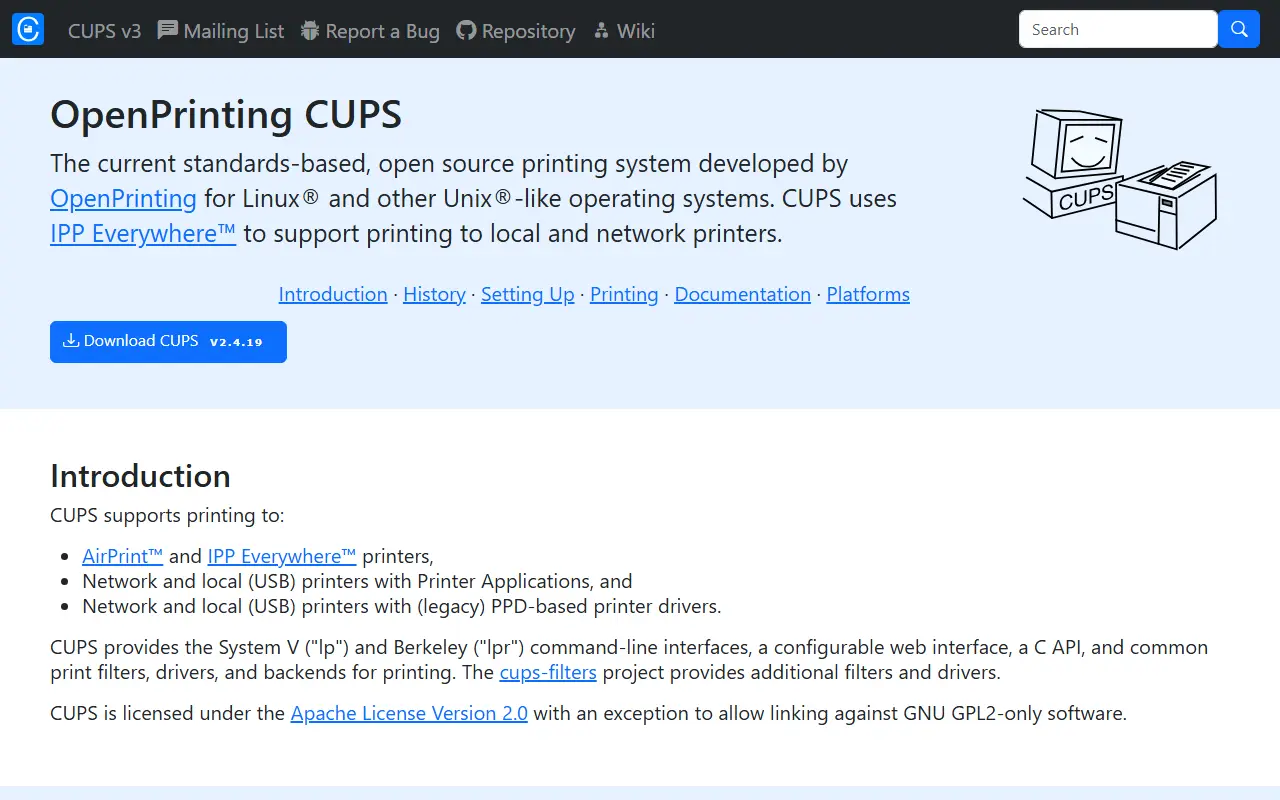
OpenPrinting CUPS is the current development line of CUPS, a standards-based printing system for Linux and other Unix-like operating systems. It is written in C and distributed under the Apache License 2.0, with an exception that allows linking against software licensed under GPL version 2 only. Apple maintains a separate repository for the CUPS version that ships with macOS and iOS.
CUPS can print to AirPrint and IPP Everywhere printers, to network and USB printers through Printer Applications, and to network and USB printers using legacy PPD-based drivers. It provides the System V lp and Berkeley lpr command-line interfaces, a configurable web interface, a C API and the common filters, drivers and backends needed for printing. The related cups-filters project supplies additional filters and drivers.
The repository documents its changes, contribution rules, developer guidelines and build and install instructions in files at the top level. The default branch tracks a future 2.5 feature release, while the 2.4.x branch carries the current stable series. The latest tagged release listed is v2.4.19, and project documentation is published on the OpenPrinting site.
Key features
- Print to AirPrint and IPP Everywhere printers
- Printer Applications for network and USB printers
- Legacy PPD-based driver support
- lp and lpr command-line interfaces
- Configurable web interface
- C API and print filter framework
Good fit for
- →Print servers on Linux and BSD systems
- →Sharing network printers across a small office
- Built with
- C
- Tags
- printing
- ipp
- airprint
- linux
- bsd
- print-server
- openprinting
- unix
CUPS: questions and answers
- What is CUPS used for?
- CUPS is a standards-based open-source printing system for Linux and other Unix-like systems, supporting IPP, AirPrint and legacy printer drivers. It is a good fit for print servers on Linux and BSD systems, and sharing network printers across a small office.
- Is CUPS open source?
- Yes. CUPS is open source under the Apache-2.0 licence. Its source code is on GitHub at OpenPrinting/cups and is written mainly in C.
- Is CUPS free?
- Yes. CUPS is open source, so the software itself is free to use.
- Can I self-host CUPS?
- Yes. CUPS can be self-hosted on your own server or infrastructure; there is no official hosted version.
- What are some alternatives to CUPS?
- Similar open-source tools in the Productivity category include Flameshot, Bottles and auto-cpufreq. SaaS products in the same category include ManicTime, 1% Better and 1 Pixel Workout.
- Is CUPS actively maintained?
- Yes. The most recent commit to CUPS was on 2 October 2026, and the latest release is v2.4.19, published on 27 April 2026. The project has 1.8k stars on GitHub.
Open-source alternatives to CUPS
See all
Flameshot
Productivity
Powerful yet simple to use screenshot software :desktop_computer: :camera_flash:
GPL-3.0vs Snagit★ 31k
Bottles
Productivity
Run Windows software and games on Linux
GPL-3.0★ 8.9k
auto-cpufreq
Productivity
Automatic CPU speed & power optimizer for Linux
GPL-3.0★ 7.8k
Planify
Productivity
Task manager with Todoist, Nextcloud & CalDAV support designed for GNOME
GPL-3.0vs Todoist★ 5.7k
Persepolis
Productivity
Persepolis is a download manager written in Python.
GPL-3.0★ 7.5kRSSHub
Productivity
🧡 Everything is RSSible
AGPL-3.0★ 46k
SaaS alternatives to CUPS
See all
ManicTime
Productivity
Automatic time tracker for Windows, Mac and Linux with local or server storage
SaaS
1% Better
Productivity
Habit tracker mobile app that visualises how small daily progress compounds over time
SaaS
1 Pixel Workout
Productivity
Site blocker that swaps distracting scrolling for short 60-second workouts
SaaS
10K Steps Club
Productivity
Mobile app for daily step goals, healthy habits and milestone tracking
SaaS
140.6
Productivity
Mobile app with personalised triathlon training plans, fueling guidance and progress stats
SaaS
3AK Track & Field
Productivity
Mobile app giving athletes personalised sprint and track training with form feedback
SaaS