
About ManicTime
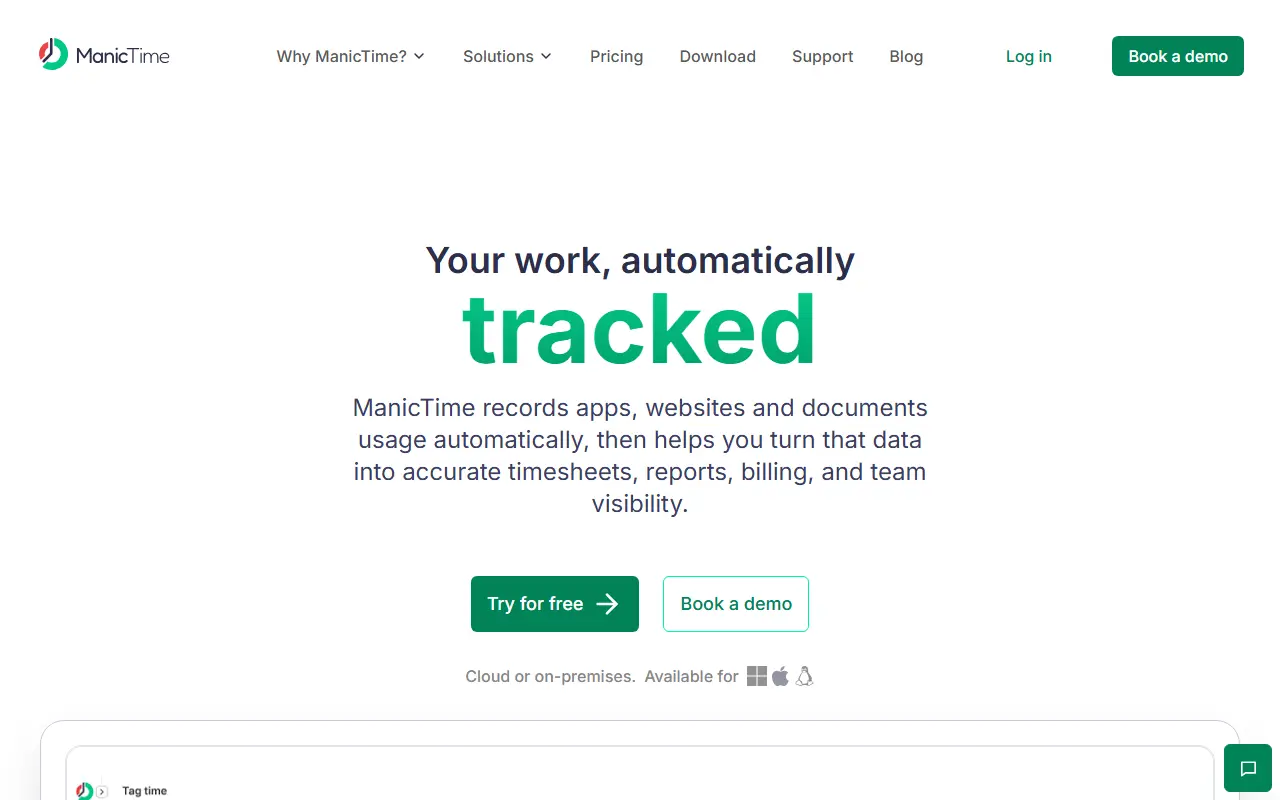
ManicTime is an automatic time tracking application for individuals and teams. It captures work activity such as the applications and documents in use, can add screenshots and track idle and away time, and lets users assign tracked time to projects or tasks to build accurate timesheets.
Other features include auto-tagging rules, search, productivity categorization, time tracking reports, automated email reports, invoicing from a timesheet, and attendance, vacation and overtime tracking. There is also a time tracking API, integrations with tools such as Jira, GitHub, Asana, Harvest and QuickBooks Online, and an MCP server for AI-based time tracking.
A distinguishing point is deployment choice. ManicTime can be used with cloud or on-premise servers, including a self-hosted deployment, and has privacy controls over what is recorded. It is a commercial product sold with a free trial and pricing page.
Key features
- Automatic tracking on Windows, Mac and Linux
- Screenshots and idle time tracking
- Project and task assignment with tagging rules
- Timesheets, reports and invoicing
- Attendance and leave tracking
- Cloud or on-premise deployment
Good fit for
- →Teams that need self-hosted time tracking
- →Freelancers and professionals billing by the hour
- Tags
- time-tracking
- automatic
- self-hosted
- timesheets
- windows
- linux
- attendance
ManicTime: questions and answers
- What is ManicTime used for?
- ManicTime is an automatic time tracker for Windows, Mac and Linux with timesheets and reports, available with local storage or a cloud or on-premise server. It is a good fit for teams that need self-hosted time tracking, and freelancers and professionals billing by the hour.
- How much does ManicTime cost?
- Paid plans for ManicTime start at $7 per seat per month, and there is no free plan. A free trial is available.
- Is ManicTime open source?
- No. ManicTime is proprietary (closed-source) software. Open-source alternatives to ManicTime include ActivityWatch.
- Can I self-host ManicTime?
- Yes. Although ManicTime is closed source, it can be self-hosted on your own servers, and the vendor also offers a hosted version.
- What are some alternatives to ManicTime?
- ManicTime competes with RescueTime, Timing and Timely. For open-source options, see Enlisted's ranked list of open-source ManicTime alternatives.
Open-source alternatives to ManicTime
See all
ActivityWatch
Productivity
The best free and open-source automated time tracker. Cross-platform, extensible, privacy-
MPL-2.0vs RescueTime★ 19k
Solidtime
Productivity
The modern Open-Source Time Tracker for Freelancers and Agencies. Manage Projects, Tasks,
AGPL-3.0vs Clockify★ 9k
Kimai
Productivity
Kimai is the #1 open-source time-tracking application. From freelancers to companies and o
AGPL-3.0vs Clockify★ 5.1k
Traggo
Productivity
self-hosted tag-based time tracking
GPL-3.0vs Clockify★ 1.6k
PowerToys
Productivity
Microsoft PowerToys is a collection of utilities that supercharge productivity and customi
MITvs Alfred★ 139k
Stirling PDF
Productivity
A free, private PDF editor you can run on any infrastructure.
OSSvs Adobe Acrobat★ 93k
SaaS alternatives to ManicTime
See all
RescueTime
Productivity
Automatic time tracker that reports on app and website usage
SaaS
Timing
Productivity
Automatic time tracking app for Mac that records app and document usage
SaaS
Timely
Productivity
Automatic time tracking and capacity planning software for teams
SaaS
Toggl Track
Productivity
Time tracking tool for teams and freelancers with reports and project budgets
SaaS
BillNotch
Productivity
Automatic desktop time tracking that turns your tracked activity into invoices
SaaS
Chronoid
Productivity
Mac app for automatic time tracking, website blocking, invoicing and productivity insights
SaaS