
About ClearCut
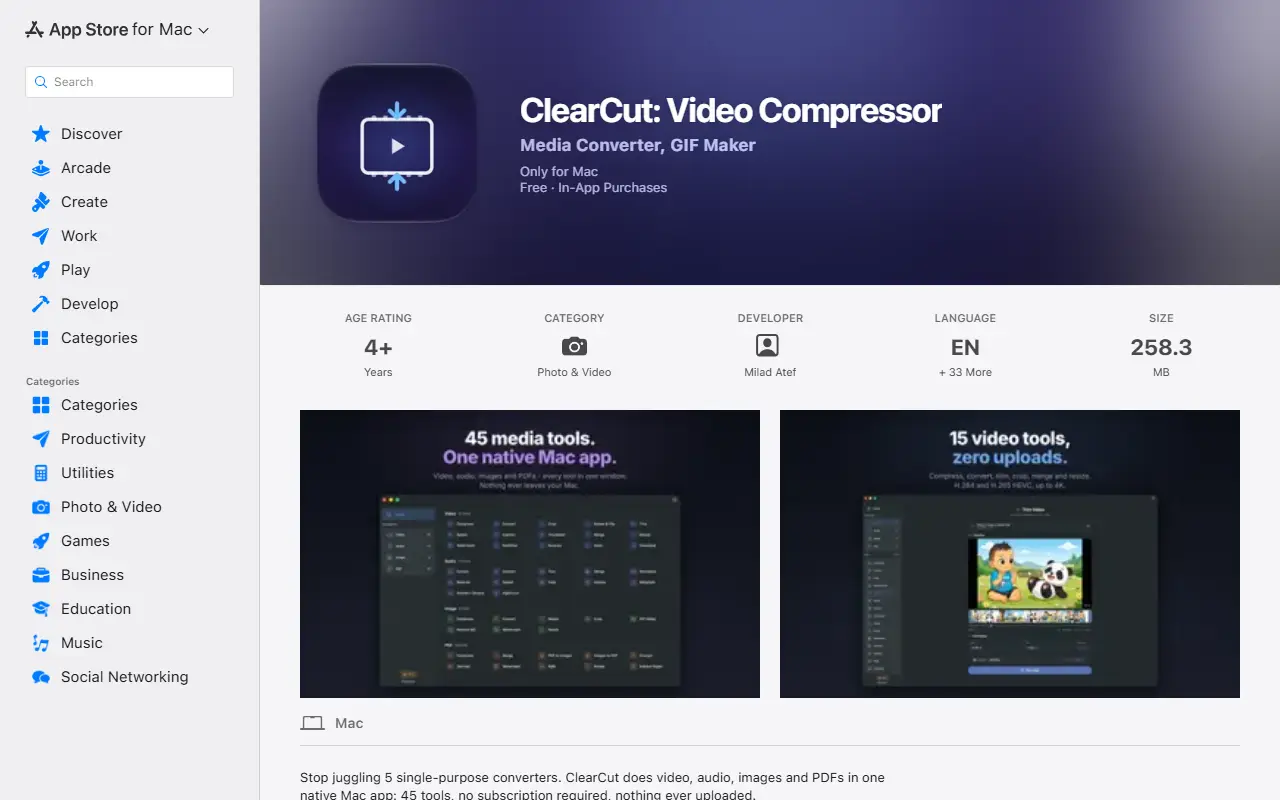
ClearCut is a native macOS app that gathers video, audio, image and PDF utilities in one place. It is aimed at people who would otherwise keep a folder of single-purpose converters or rely on web upload sites, and it processes files on the Mac with a bundled FFmpeg, so files are not uploaded anywhere.
On the video side it covers compression with H.264 or H.265, conversion between common containers such as MP4, MOV, MKV and WebM, trimming, cropping, merging with optional crossfades, resizing, captions, watermarks, burned-in subtitles, speed changes, rotation and thumbnail extraction. Audio tools convert between formats such as MP3, AAC, FLAC and WAV, and further tools handle images and PDFs, for 45 tools in total.
ClearCut is a proprietary product from the developer Milad Atef, distributed through the Mac App Store. It is listed as free to download with in-app purchases and needs no account, and its offline design suits anyone handling sensitive footage or documents that should stay on their own computer.
Key features
- H.264 and H.265 video compression
- Conversion between common video and audio formats
- Frame-accurate trimming, cropping and merging
- Watermarks, captions and burned-in subtitles
- Audio extraction and format conversion
- Image and PDF tools in the same app
- Runs offline with bundled FFmpeg
Good fit for
- →Shrinking large videos before sharing
- →Converting media without web upload sites
- →Preparing clips with captions or watermarks
- Tags
- macos
- video-compression
- video-converter
- audio-converter
- pdf-tools
- offline
- ffmpeg
ClearCut: questions and answers
- What is ClearCut used for?
- ClearCut is a native macOS app that bundles 45 offline tools for compressing, converting and editing video, audio, images and PDFs, for people who want files kept local. It is a good fit for shrinking large videos before sharing, converting media without web upload sites and preparing clips with captions or watermarks.
- Is ClearCut free?
- Yes. ClearCut has a free plan.
Open-source alternatives to ClearCut
See all
Stats
Productivity
macOS system monitor in your menu bar
MIT★ 42k
Rectangle
Productivity
Move and resize windows on macOS with keyboard shortcuts and snap areas
OSSvs BetterTouchTool★ 30k
Maccy
Productivity
Lightweight clipboard manager for macOS
MITvs Paste★ 22k
BentoPDF
Productivity
The Privacy First PDF Toolkit
AGPL-3.0vs iLovePDF★ 16k
NetNewsWire
Productivity
RSS reader for macOS and iOS.
MITvs Feedly★ 10k
OmniTools
Productivity
Self-hosted collection of powerful web-based tools for everyday tasks. No ads, no tracking
MITvs iLovePDF★ 10k
SaaS alternatives to ClearCut
See all
Compresto
Productivity
macOS app that compresses images, videos, PDFs and GIFs with minimal quality loss
SaaS
Compresso
Video Editing
Video and image compression app that reduces file sizes without visible quality loss
SaaS
iLovePDF
Productivity
Online PDF tools for splitting, merging, compressing and converting
SaaS
Smallpdf
Productivity
Browser-based PDF tools for merging, compressing, editing and signing
SaaS
PDF Expert
Productivity
PDF reader, annotator and editor for Mac, iPhone and iPad
SaaS
Adobe Acrobat
Productivity
PDF reader and editor with e-signature and document conversion
SaaS