About BuildNotch
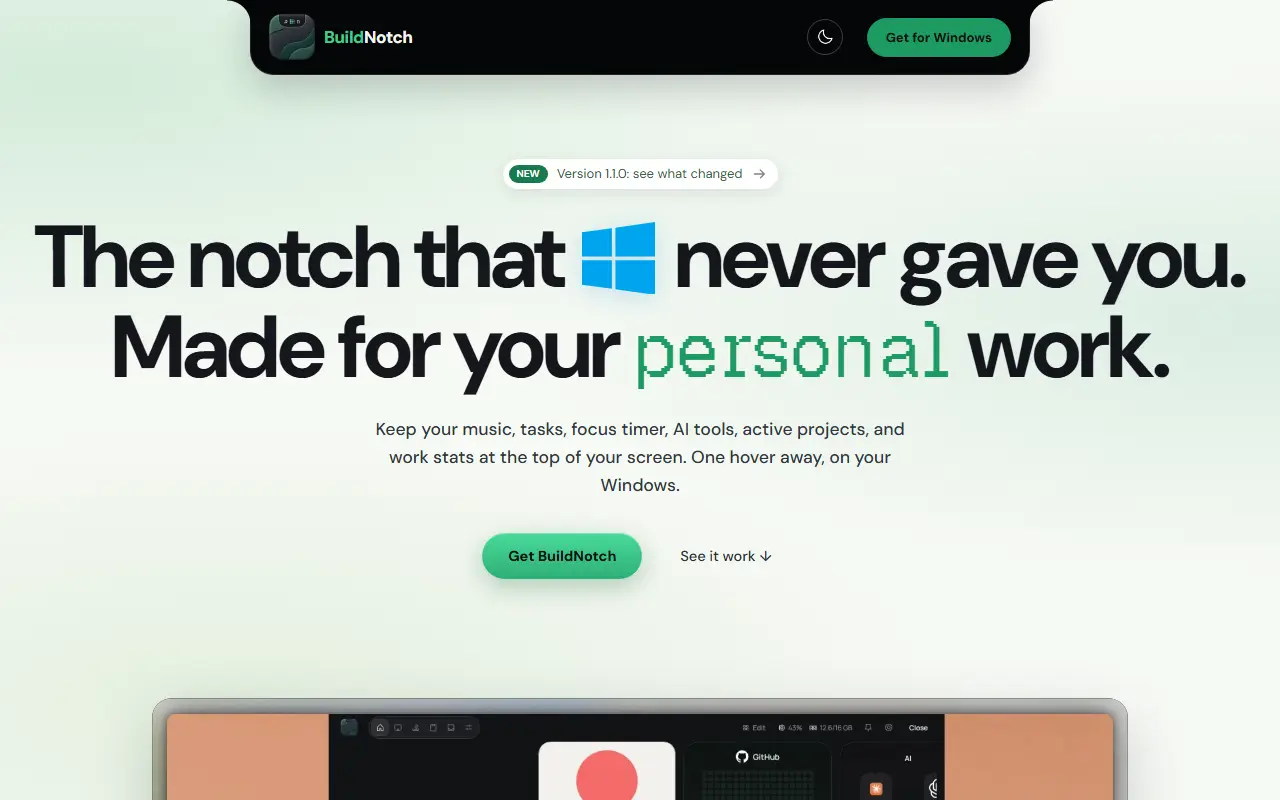
BuildNotch is a Windows utility that adds a notch-style bar at the top of the screen, aimed at developers and people doing deep work. The bar expands when the pointer enters it and can be pinned open with a click, keeping frequently used tools one hover away instead of spread across windows.
Panels shown on the site include a current-track display with playback control, tasks, a Pomodoro-style focus timer with several visual styles, shortcuts that launch AI tools with Alt plus a number key, GitHub contribution stats, a personal note, clipboard history, a small code playground and system stats such as CPU, RAM and network use. The layout can be edited.
BuildNotch is a proprietary desktop app for Windows, and the site advertises a version 1.1.0 release. Pricing is not stated in the available material.
Key features
- Notch bar that opens on hover
- Music display with playback control
- Pomodoro-style focus timer in several styles
- Launch shortcuts for AI tools
- Clipboard history and code playground
- CPU, RAM and network stats
Good fit for
- →Developers keeping tools within a hover
- →Deep-work sessions with a built-in focus timer
- Tags
- windows
- productivity
- focus-timer
- pomodoro
- clipboard-history
- desktop-app
- developers
BuildNotch: questions and answers
- What is BuildNotch used for?
- BuildNotch is a Windows app that adds a hover-to-open notch bar at the top of the screen with music controls, tasks, a focus timer, AI shortcuts and project stats. It is a good fit for developers keeping tools within a hover and deep-work sessions with a built-in focus timer.
- How much does BuildNotch cost?
- BuildNotch is a paid product with no free plan.
- Is BuildNotch open source?
- No. BuildNotch is proprietary (closed-source) software. In the Productivity category, open-source options include MarkerOn, PowerToys and Files.
- What are some alternatives to BuildNotch?
- BuildNotch competes with AWNA.
Open-source alternatives to BuildNotch
See all
MarkerOn
Productivity
Lightweight (~1.5 MB) open-source screen annotation with click-through mode and keyboard-f
MIT★ 1.1k
PowerToys
Productivity
Microsoft PowerToys is a collection of utilities that supercharge productivity and customi
MITvs Alfred★ 139k
Files
Productivity
A modern file manager that helps users organize their files and folders.
MIT★ 46k
ShareX
Productivity
ShareX is a free and open-source application that enables users to capture or record any a
GPL-3.0vs Snagit★ 40k
Rectangle
Productivity
Move and resize windows on macOS with keyboard shortcuts and snap areas
OSSvs BetterTouchTool★ 30k
Super Productivity
Productivity
Super Productivity is an advanced todo list app with integrated Timeboxing and time tracki
MITvs Todoist★ 22k
SaaS alternatives to BuildNotch
See all
AWNA
Productivity
Windows notch at the top of the screen with tabs for meetings, tasks, notes, timers and clipboard history
SaaS
DodoDeck
Productivity
Lightweight desktop app that keeps daily tasks on one side and rough notes on the other
SaaS
Athenify
Productivity
Study time tracker for students with a fullscreen timer, Pomodoro, streaks and a progress dashboard
SaaS
CaughtShipping
Productivity
Curfew app that starts a countdown if you keep using dev apps past a set stop time
SaaS
AI Renamer
Productivity
Renames files automatically based on their content using AI, with a local or cloud mode
SaaS
Annotator
Productivity
Windows app for drawing live annotations over anything on your screen
SaaS