
About BlurScreen
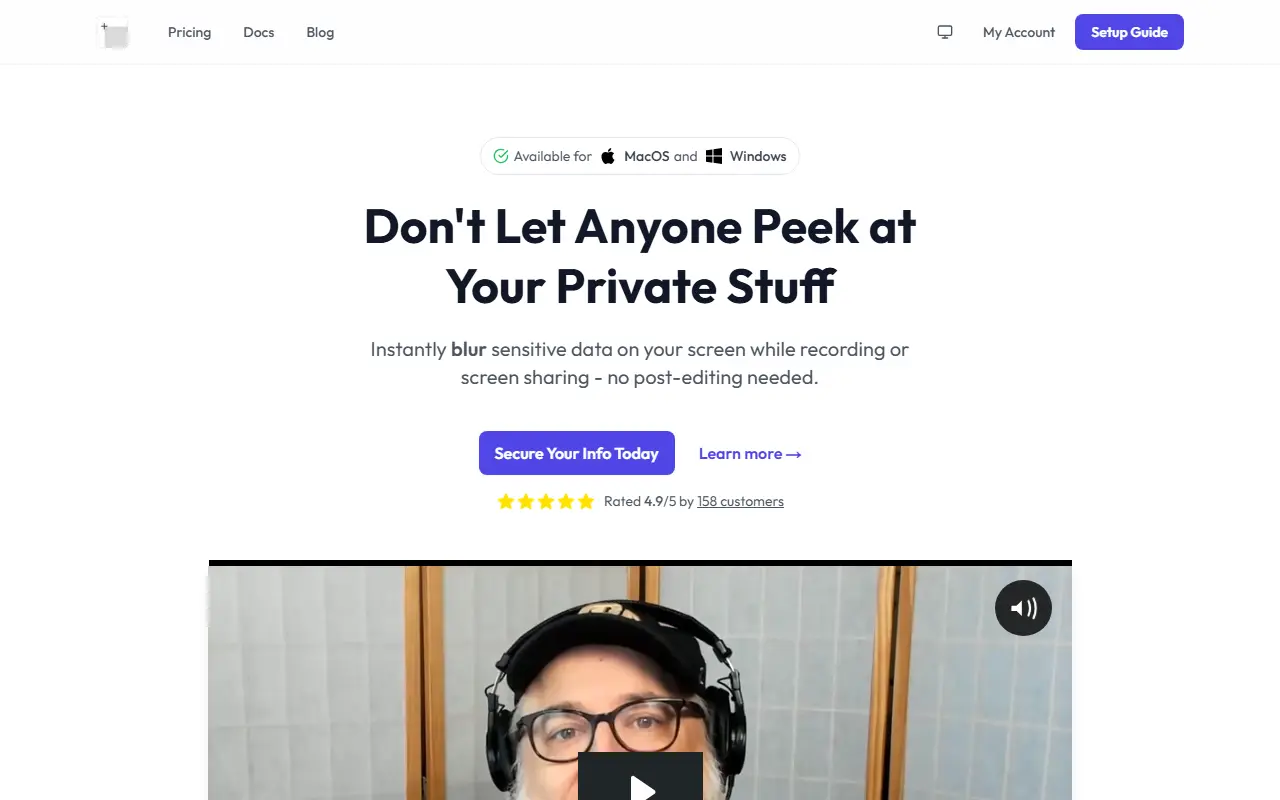
BlurScreen is a desktop utility for people who record tutorials, demos and live streams, or who share their screen on calls. It blurs private data as it appears, so the sensitive content never reaches the recording and there is nothing to mask afterward in an editor.
You trigger it with a keyboard shortcut, draw a rectangle over the area to hide and carry on recording. It works across applications because it operates at the screen level rather than inside a single browser, and it is available for both macOS and Windows.
BlurScreen is a commercial product with account management, documentation, a blog and a pricing page. The homepage compares the few seconds this takes to the time spent blurring footage in a video editor.
Key features
- Blur any screen region with a shortcut
- Works live during recording or sharing
- Available for macOS and Windows
- No post-production editing needed
- Setup guide and documentation
Good fit for
- →Recording demos with private data on screen
- →Hiding details on live streams and calls
- Tags
- screen-blur
- screen-recording
- privacy
- macos
- windows
- redaction
- streaming
BlurScreen: questions and answers
- What is BlurScreen used for?
- BlurScreen is a Mac and Windows app that blurs sensitive areas of your screen live during recording or screen sharing, with no video editing afterward. It is a good fit for recording demos with private data on screen, and hiding details on live streams and calls.
- How much does BlurScreen cost?
- BlurScreen is a paid product with no free plan.
- Is BlurScreen open source?
- No. BlurScreen is proprietary (closed-source) software. In the Productivity category, open-source options include BetterShot, MarkerOn and PowerToys.
Open-source alternatives to BlurScreen
See all
BetterShot
Productivity
Screenshot, screen recording, and video editor for macOS. Native SwiftUI app with capture
OSSvs CleanShot X★ 2.4k
MarkerOn
Productivity
Lightweight (~1.5 MB) open-source screen annotation with click-through mode and keyboard-f
MIT★ 1.1k
PowerToys
Productivity
Microsoft PowerToys is a collection of utilities that supercharge productivity and customi
MITvs Alfred★ 139k
Files
Productivity
A modern file manager that helps users organize their files and folders.
MIT★ 46k
Zen Browser
Productivity
Welcome to a calmer internet
MPL-2.0vs Google Chrome★ 45k
Stats
Productivity
macOS system monitor in your menu bar
MIT★ 42k
SaaS alternatives to BlurScreen
See all
Blurweb
Productivity
Browser extension that hides sensitive information while screen sharing or recording
SaaS
Blur It
Productivity
Censors passwords, emails and sensitive data on your screen before you share it on Zoom, Meet or Loom
SaaS
AIBlurWeb
Security
Chrome extension that detects and blurs sensitive data on screen during screen sharing and recording
SaaS
ContextBlur
Security
Browser extension that blurs sensitive information on webpages before screen sharing or recording
SaaS
Annotator
Productivity
Windows app for drawing live annotations over anything on your screen
SaaS
Dictivo
Productivity
Local-first dictation app for macOS and Windows that transcribes speech on-device with Whisper
SaaS