
About ContextBlur
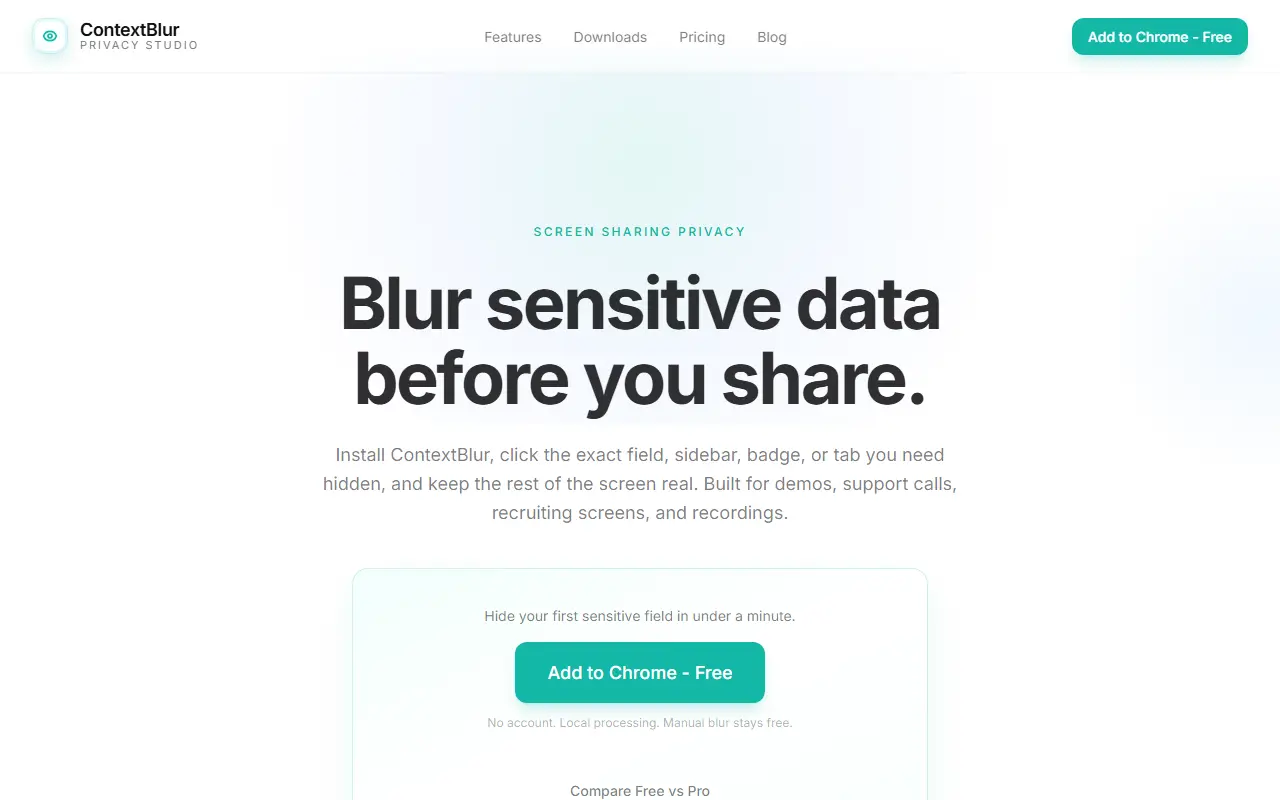
ContextBlur is a browser extension that hides private details on a web page before they appear in a screen share, demo or recording. You click the exact field, sidebar, badge or tab you want hidden, and the rest of the page stays readable. It addresses the risk of a private Slack message, a salary figure or a customer's account number appearing mid-call.
Processing happens locally in the browser, and no account is required. The extension is built for demos, support calls, recruiting screens and recorded walkthroughs on tools such as Zoom, Google Meet and Microsoft Teams. It is available for Chrome, Firefox and Edge, and the site mentions a Chrome Web Store listing with a high rating.
ContextBlur is a commercial closed-source product. Manual blurring is described as free, while a Pro tier with a pricing page exists for people who need recurring or additional blur features.
Key features
- Click-to-blur for specific fields and sections
- Works on Chrome, Firefox and Edge
- Local processing with no account required
- Designed for Zoom, Meet and Teams sharing
- Free manual blur with an optional Pro tier
Good fit for
- →Hiding customer data during product demos
- →Protecting private messages in screen recordings
- →Support calls where dashboards contain sensitive details
- Tags
- privacy
- browser-extension
- screen-sharing
- blur
- chrome
- firefox
- edge
ContextBlur: questions and answers
- What is ContextBlur used for?
- ContextBlur is a browser extension for Chrome, Firefox and Edge that blurs sensitive information on webpages before you share your screen or record. It is a good fit for hiding customer data during product demos, protecting private messages in screen recordings and support calls where dashboards contain sensitive details.
- Is ContextBlur free?
- Yes. ContextBlur has a free plan, and paid plans start at $1.50 per month.
- Is ContextBlur open source?
- No. ContextBlur is proprietary (closed-source) software. In the Security category, open-source options include Privacy Badger, uBlock Origin and Cryptomator.
- What are some alternatives to ContextBlur?
- ContextBlur competes with AIBlurWeb, Blurweb and BlurScreen.
Open-source alternatives to ContextBlur
See all
Privacy Badger
Security
Privacy Badger is a browser extension that automatically learns to block hidden trackers
OSS★ 3.9kuBlock Origin
Security
uBlock Origin - An efficient blocker for Chromium and Firefox. Fast and lean.
GPL-3.0★ 68k
Cryptomator
Security
Cryptomator for Windows, macOS, and Linux: Secure client-side encryption for your cloud st
GPL-3.0vs Tresorit★ 16k
VeraCrypt
Security
Disk encryption with strong security based on TrueCrypt
OSS★ 12k
Onetime Secret
Security
Keep passwords and other sensitive information out of your chat logs and inboxes.
MIT★ 3kCryptgeon
Security
cryptgeon is a secure, open source note / file sharing service inspired by PrivNote writte
MIT★ 1.5k
SaaS alternatives to ContextBlur
See all
AIBlurWeb
Security
Chrome extension that detects and blurs sensitive data on screen during screen sharing and recording
SaaS
Blurweb
Productivity
Browser extension that hides sensitive information while screen sharing or recording
SaaS
BlurScreen
Productivity
Blurs sensitive data on your screen while recording or screen sharing, with no post-editing
SaaS
Blur It
Productivity
Censors passwords, emails and sensitive data on your screen before you share it on Zoom, Meet or Loom
SaaS
ADM Guard
Security
Compliance and audit software that keeps tamper-evident records of automated decision-making systems
SaaS
Aura
Security
Consumer identity theft protection bundling credit monitoring, VPN and antivirus
SaaS