
 Koofr
Koofr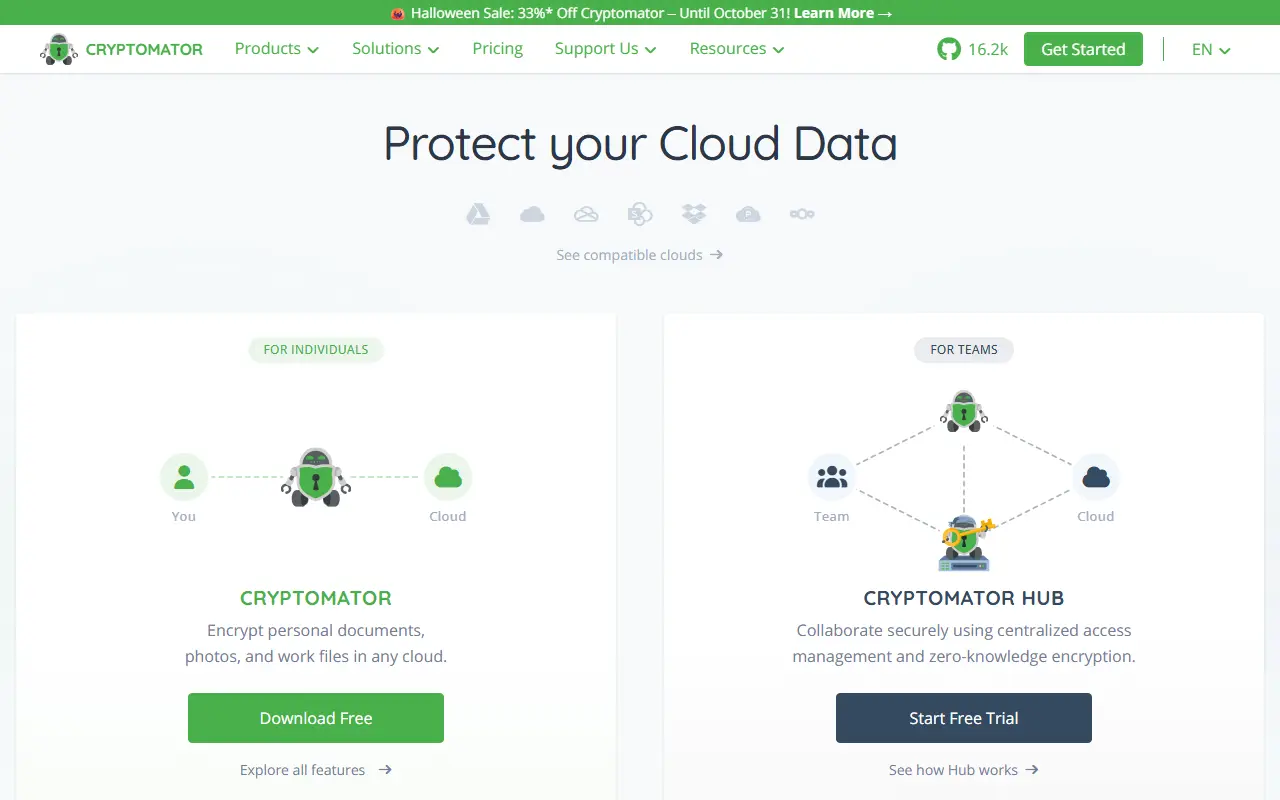
About Cryptomator
Cryptomator encrypts files on your own device before they reach a cloud storage service. It presents an encrypted vault as a virtual drive, so you work with files as if they were on a USB flash drive while only encrypted data is synced. It runs on Windows, macOS and Linux, is written in Java and is released under the GPL-3.0 license.
It works with any cloud service that synchronizes with a local directory, including Dropbox, Google Drive, OneDrive, MEGA, pCloud, ownCloud and Nextcloud. Files are protected with AES encryption using 256-bit keys, file names are encrypted, and the folder structure is obfuscated. You can keep as many vaults as you like, each with its own password.
The security design uses scrypt key derivation and cryptographically secure random numbers, and it wipes sensitive data from memory quickly. Encryption is client-side, so no account is needed and no data is shared with an online service. The project is provided free of charge and relies on donations and sponsors for development.
Key features
- Client-side AES-256 encryption for cloud files
- Transparent virtual drive for each vault
- Encrypted file names and obfuscated folders
- Works with Dropbox, Google Drive, OneDrive and more
- Multiple vaults with separate passwords
- Scrypt key derivation
Good fit for
- →Encrypting Dropbox or Google Drive folders
- →Keeping sensitive files private in the cloud
- Built with
- Java
- Tags
- encryption
- cloud-storage
- privacy
- security
- vault
- java
- client-side
- file-encryption
Cryptomator: questions and answers
- What is Cryptomator used for?
- Cryptomator is a free, open-source desktop app that adds client-side encryption to cloud storage through transparent encrypted vaults. It is a good fit for encrypting Dropbox or Google Drive folders and keeping sensitive files private in the cloud.
- Is Cryptomator open source?
- Yes. Cryptomator is open source under the GPL-3.0 licence. Its source code is on GitHub at cryptomator/cryptomator and is written mainly in Java.
- Is Cryptomator free?
- Yes. Cryptomator is open source, so the software itself is free to use. Paid plans are also available, starting at €29.99 as a one-time payment.
- Can I self-host Cryptomator?
- Yes. Cryptomator can be self-hosted on your own server or infrastructure; there is no official hosted version.
- What is Cryptomator an alternative to?
- Cryptomator is an open-source alternative to Tresorit, Sync.com, Proton Drive and pCloud. Other open-source alternatives to Tresorit include Nextcloud, ownCloud and Seafile.
- Is Cryptomator actively maintained?
- Yes. The most recent commit to Cryptomator was on 1 October 2026, and the latest release is 1.19.3, published on 29 June 2026. The project has 16k stars on GitHub.
Open-source alternatives to Cryptomator
See all
Nextcloud
File Storage & Sharing
☁️ Nextcloud server, a safe home for all your data
AGPL-3.0vs Dropbox★ 37k
ownCloud
File Storage & Sharing
:cloud: ownCloud web server core (Files, DAV, etc.)
AGPL-3.0vs Dropbox★ 8.8k
Seafile
File Storage & Sharing
Beyond file syncing and sharing, a new way to organize your files with extensible file pro
OSSvs Dropbox★ 15k
Nextcloud All-in-One
File Storage & Sharing
📦 The official Nextcloud installation method. Provides easy deployment and maintenance wi
AGPL-3.0vs Google Drive★ 11k
Sync-in
File Storage & Sharing
Sync-in · Sovereign platform for file storage, sharing, synchronization, and collaboration
AGPL-3.0vs Dropbox★ 1.8k
ownCloud Infinite Scale
File Storage & Sharing
:atom_symbol: ownCloud Infinite Scale
Apache-2.0vs Dropbox★ 2.1k
SaaS alternatives to Cryptomator
See all
Tresorit
File Storage & Sharing
End-to-end encrypted cloud storage and file sharing for businesses
SaaS
Sync.com
File Storage & Sharing
Zero-knowledge encrypted cloud storage and file sharing from Canada
SaaS
Proton Drive
File Storage & Sharing
End-to-end encrypted cloud storage from Proton for files and photos
SaaS
pCloud
File Storage & Sharing
Swiss cloud storage with lifetime plans, file sharing and optional client-side encryption
SaaS
MEGA
File Storage & Sharing
Cloud storage with end-to-end encryption, chat and file sharing, with a free tier
SaaS
Icedrive
File Storage & Sharing
Cloud storage with a virtual drive, client-side encryption and lifetime plans
SaaS