7,363 open-source and SaaS tools, with GitHub stats refreshed every day.

12 alternatives ranked by real activity

Open-source pCloud alternatives

A curated, ranked list of the 12 best open-source alternatives to pCloud.

The best open-source alternative to pCloud is Syncthing. If that doesn't suit you, other good options are Nextcloud, Cloudreve, Cryptomator and Seafile.

pCloud alternatives are mainly file storage & sharing tools, but some are also security tools. 12 of them shipped code in the last 30 days, 12 can be self-hosted, and 2 use a permissive licence.

Last updated October 2, 2026 · ranked by GitHub stars, growth and recent commits

Syncthing

Open-source continuous file synchronization that keeps folders in step between two or more computers, with a focus on safety, security and ease of use.

GitHub stars
89k
Last commit
3 days ago
Latest release
v2.1.5
Licence
MPL-2.0
Self-hosted
Yes
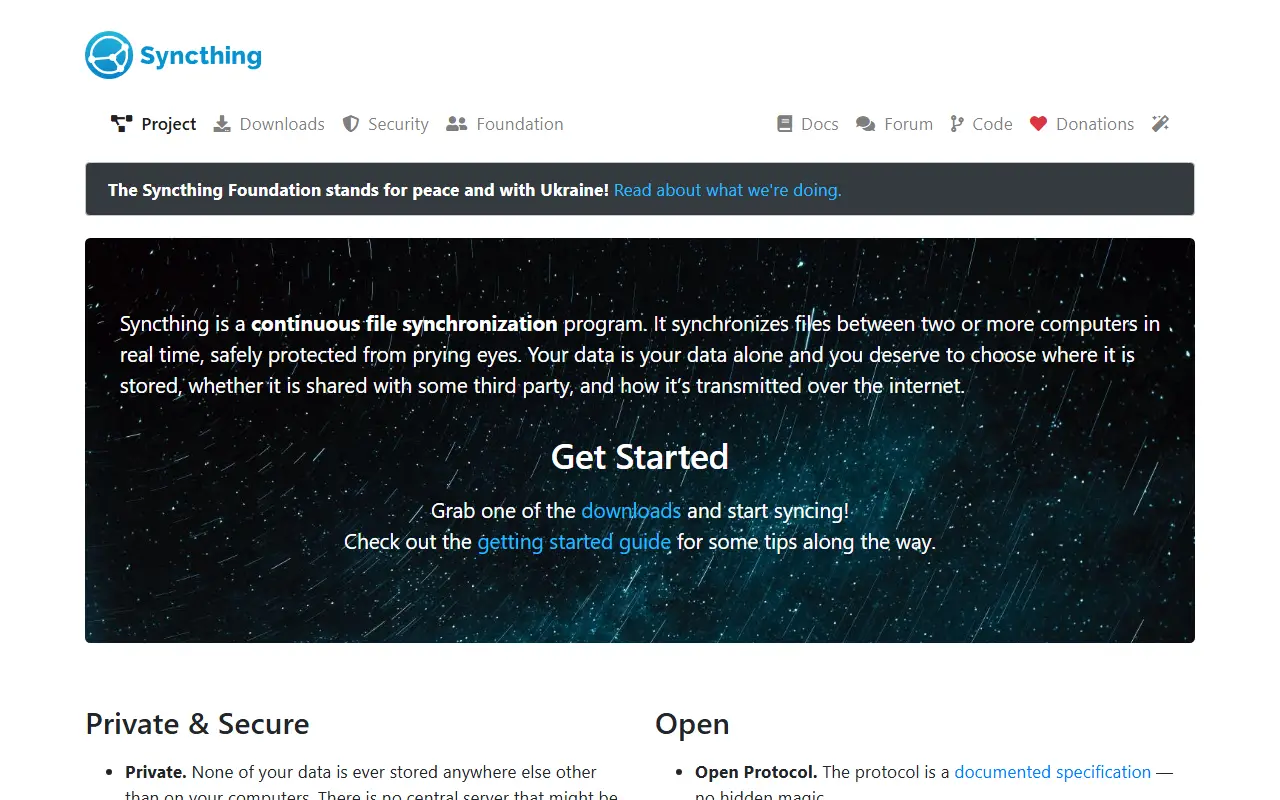
syncthing.netSyncthing homepage screenshot

Syncthing is a continuous file synchronization program that keeps files in sync between two or more computers. It is written in Go and released under the MPL-2.0 license, and its peer-to-peer design means your devices exchange files with each other directly rather than through a central storage service.

The project ranks its goals in order of importance: protect users from data loss, stay secure against eavesdropping and tampering, be easy to use, work automatically with minimal interaction, run on every common computer, and focus on empowering individuals. Several graphical front ends exist for Windows, Mac and Linux, and the repository includes sample files for running it as a background service.

Syncthing can also be run in Docker, and a getting-started guide covers setup. It suits individuals and small groups who want to sync folders between laptops, desktops and servers they control instead of relying on a hosted file-sharing service, and who value open, auditable software.

Key features

  • Continuous file synchronization between computers
  • Peer-to-peer device connections
  • Safety and security as top-ranked goals
  • Graphical interfaces for Windows, Mac and Linux
  • Docker deployment support
  • Automatic operation with minimal user interaction

Pricing: Free and open source under the MPL-2.0 license.

Nextcloud

A self-hosted file sync, sharing and collaboration platform that stores files, contacts and calendars on a server you choose, extensible with hundreds of apps.

GitHub stars
37k
Last commit
today
Latest release
v35.0.1
Licence
AGPL-3.0
Self-hosted
Yes
Hosted version
Available
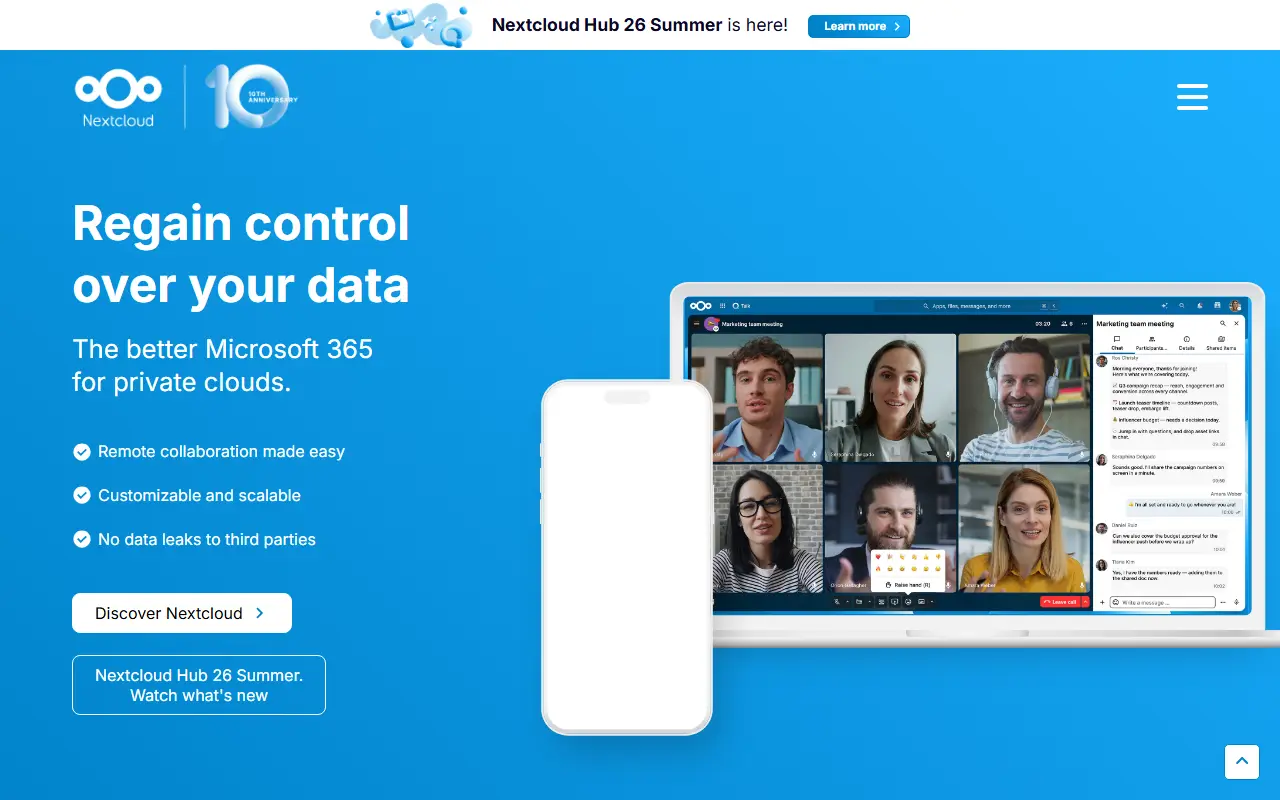
nextcloud.comNextcloud homepage screenshot

Nextcloud Server is a platform for keeping your files, contacts, calendars and other data on a server of your choosing. Content is synchronized across your devices, can be shared with other people for viewing or collaboration, and stays under your control rather than with a large cloud provider. It grew out of the ownCloud lineage.

Functionality can be expanded through hundreds of apps in its App Store, including Calendar, Contacts, Mail and Video Chat. Security measures include encryption mechanisms, a public bug bounty program and two-factor authentication. There are several ways to get a Nextcloud: sign up with a provider, install the server yourself on your own hardware or with a ready-to-use appliance, buy a device that comes with it preinstalled, or find a service provider to host it for you.

The server is written in PHP and JavaScript under the AGPL-3.0 license. Nextcloud GmbH also offers an Enterprise edition aimed at public sector, education and company users. It suits households, schools and organizations that want to replace commercial cloud storage and office suites with something they run themselves.

Key features

  • File storage and sync across devices
  • Contacts and calendar hosting
  • Sharing and collaboration controls
  • App Store with hundreds of apps
  • Two-factor authentication and encryption
  • Self-install, appliance or provider-hosted options

Pricing: Nextcloud Enterprise Standard starts at 42€ per user per year, with subscriptions from 100 users and 31.50€ from 250 users. Nextcloud One managed hosting is offered for smaller teams.

Cloudreve

A self-hosted file management and sharing system that stores files across local disks and many cloud storage providers, with WebDAV, previews and share links.

GitHub stars
29k
Last commit
12 days ago
Latest release
4.19.1
Licence
GPL-3.0
Self-hosted
Yes
cloudreve.orgCloudreve homepage screenshot

Cloudreve is a self-hosted file management and sharing system with support for multiple storage backends. You can keep files on local disk, on a remote node, or with providers including OneDrive, S3-compatible services and several Chinese clouds such as Aliyun, Tencent, Huawei and Qiniu, and clients transfer data directly to the provider.

Everyday file features include drag-and-drop upload of files and folders with parallel, resumable transfers, batch download, compressing and extracting archives, WebDAV access across all storage providers, and background downloads through Aria2 or qBittorrent using one or more download nodes. Media metadata can be extracted so files can be searched by metadata or tag. Multiple users and groups are supported, and share links for files and folders can carry an expiry date. Videos, images, audio and ePub files preview online, and text, Markdown, diagrams and Office documents can be edited.

Cloudreve is written in Go and licensed under GPL-3.0, with a project homepage, online demo, documentation and Telegram and Discord communities. It suits individuals and small organizations that want a private, Chinese-ecosystem-friendly alternative to commercial cloud drives.

Key features

  • Multiple storage backends including S3 and OneDrive
  • Direct client-to-provider transfers
  • WebDAV access to storage
  • Resumable parallel uploads
  • Share links with expiry dates
  • Online preview and editing of documents
  • Multi-user and group management

Pricing: Free and open source under the GPL-3.0 license.

Cryptomator

Cryptomator is a free, open-source desktop app that adds client-side encryption to cloud storage through transparent encrypted vaults.

GitHub stars
16k
Last commit
2 days ago
Latest release
1.19.3
Licence
GPL-3.0
Self-hosted
Yes
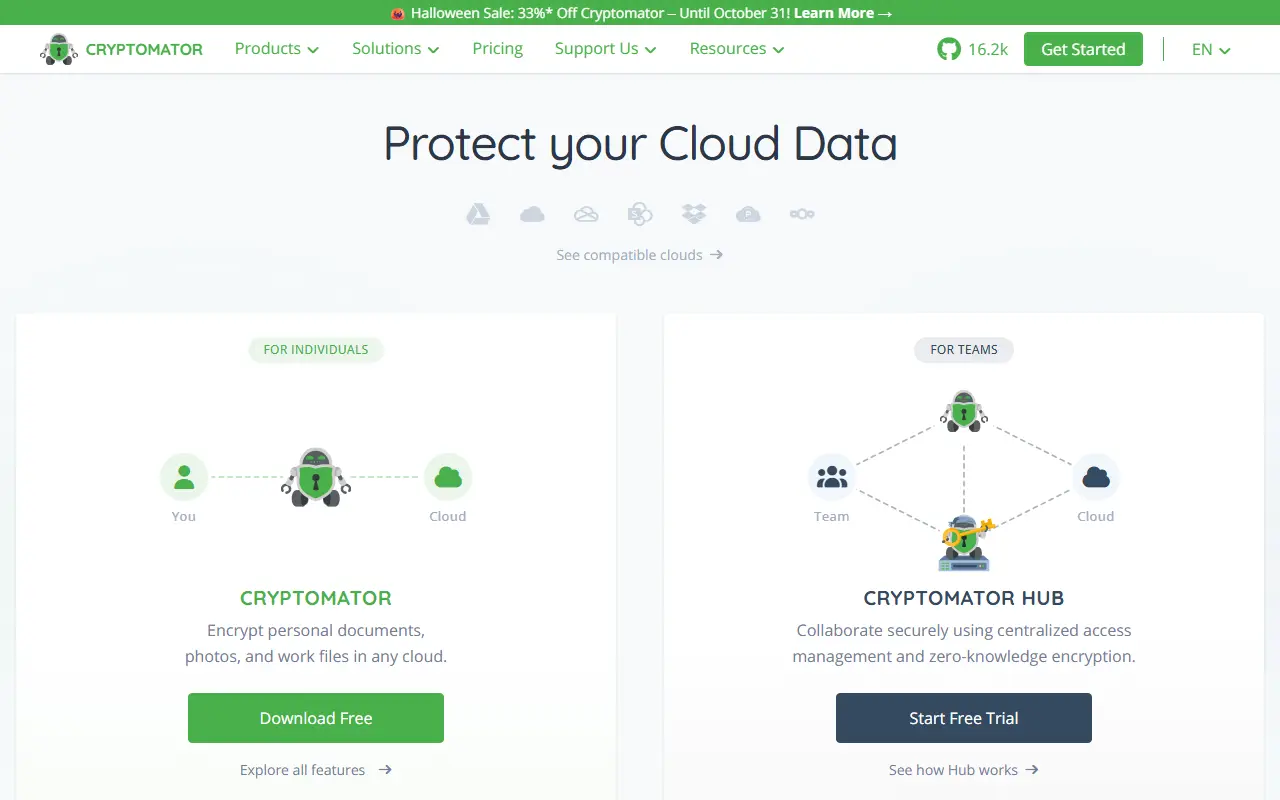
cryptomator.orgCryptomator homepage screenshot

Cryptomator encrypts files on your own device before they reach a cloud storage service. It presents an encrypted vault as a virtual drive, so you work with files as if they were on a USB flash drive while only encrypted data is synced. It runs on Windows, macOS and Linux, is written in Java and is released under the GPL-3.0 license.

It works with any cloud service that synchronizes with a local directory, including Dropbox, Google Drive, OneDrive, MEGA, pCloud, ownCloud and Nextcloud. Files are protected with AES encryption using 256-bit keys, file names are encrypted, and the folder structure is obfuscated. You can keep as many vaults as you like, each with its own password.

The security design uses scrypt key derivation and cryptographically secure random numbers, and it wipes sensitive data from memory quickly. Encryption is client-side, so no account is needed and no data is shared with an online service. The project is provided free of charge and relies on donations and sponsors for development.

Key features

  • Client-side AES-256 encryption for cloud files
  • Transparent virtual drive for each vault
  • Encrypted file names and obfuscated folders
  • Works with Dropbox, Google Drive, OneDrive and more
  • Multiple vaults with separate passwords
  • Scrypt key derivation

Pricing: The desktop app is free for personal use, with optional one-time mobile upgrades from 29.99 euros. Cryptomator Hub has a free self-hosted Community tier, a Standard per-seat tier with a 30-day trial, and Enterprise from 10,000 euros a year.

Seafile

A file sync and sharing platform with desktop and mobile clients that also lets teams organize files with extensible properties and flexible views.

GitHub stars
15k
Last commit
14 days ago
Latest release
v9.0.5
Self-hosted
Yes
Hosted version
Available
seafile.comSeafile homepage screenshot

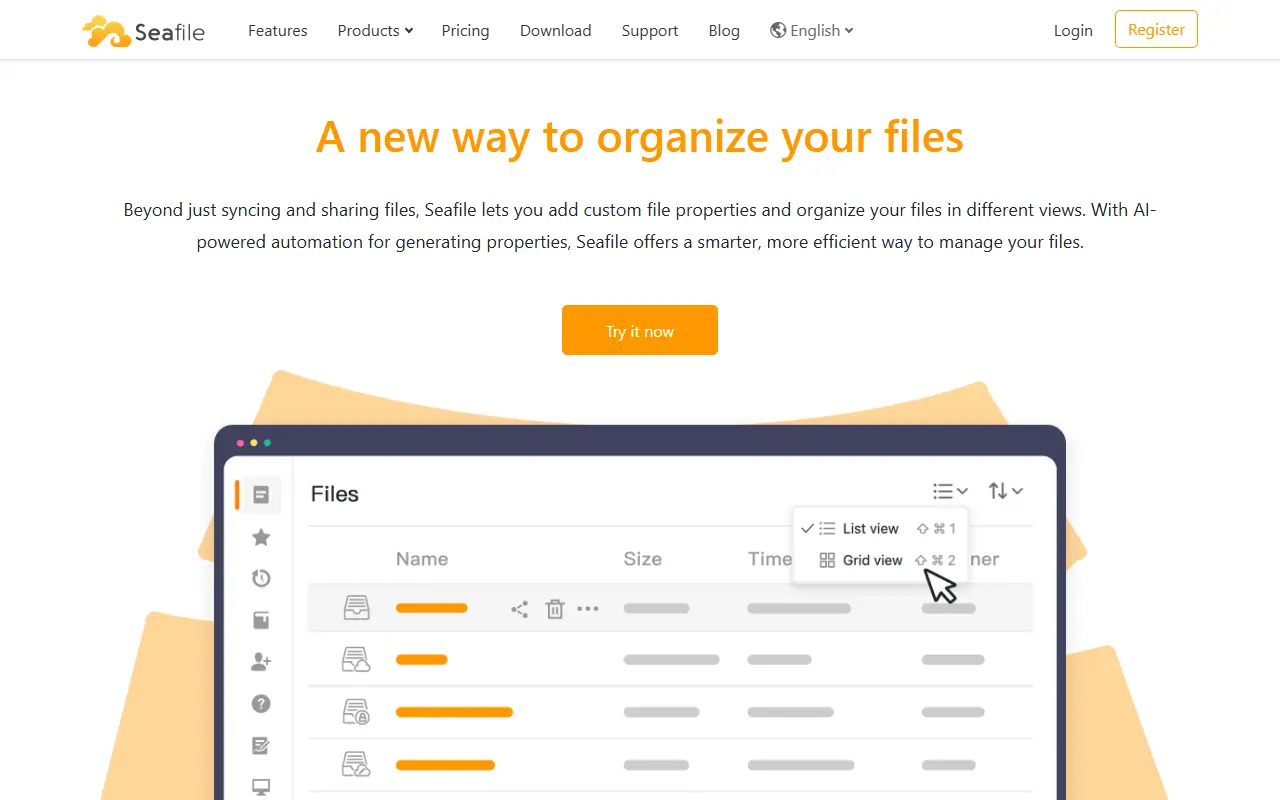
Seafile is a file synchronization and sharing platform written mainly in C. Beyond keeping folders in sync across devices and sharing them with others, it describes a newer way of organizing files using extensible file properties and flexible views. Topics also tie it to wikis, Markdown, knowledge management and document management.

The project's homepage could not be fetched while preparing this entry, so the details here come from the repository description, its topics and general knowledge of the product. Seafile is known for client apps on desktop and mobile, libraries as the unit of syncing and sharing, and an emphasis on reliable syncing of large numbers of files.

The core server is open source, with its license listed as 'Other' on GitHub, and the vendor also sells a professional edition and offers hosted service. You can run it on your own servers, which suits teams and organizations that want private cloud storage under their control.

Key features

  • File synchronization across devices
  • File and folder sharing
  • Extensible file properties
  • Flexible views for organizing files
  • Wiki and Markdown document features

Pricing: The Community Edition is free to self-host. Pro Edition is $48 per user per year (free for 3 users); the hosted Plus Team plan is $8 per user per month with a 30-day trial.

Filestash

Filestash is a storage-agnostic web file manager that connects to FTP, SFTP, S3, SMB, WebDAV and many other storage backends through plugins.

GitHub stars
15k
Last commit
today
Licence
AGPL-3.0
Self-hosted
Yes
filestash.appFilestash homepage screenshot

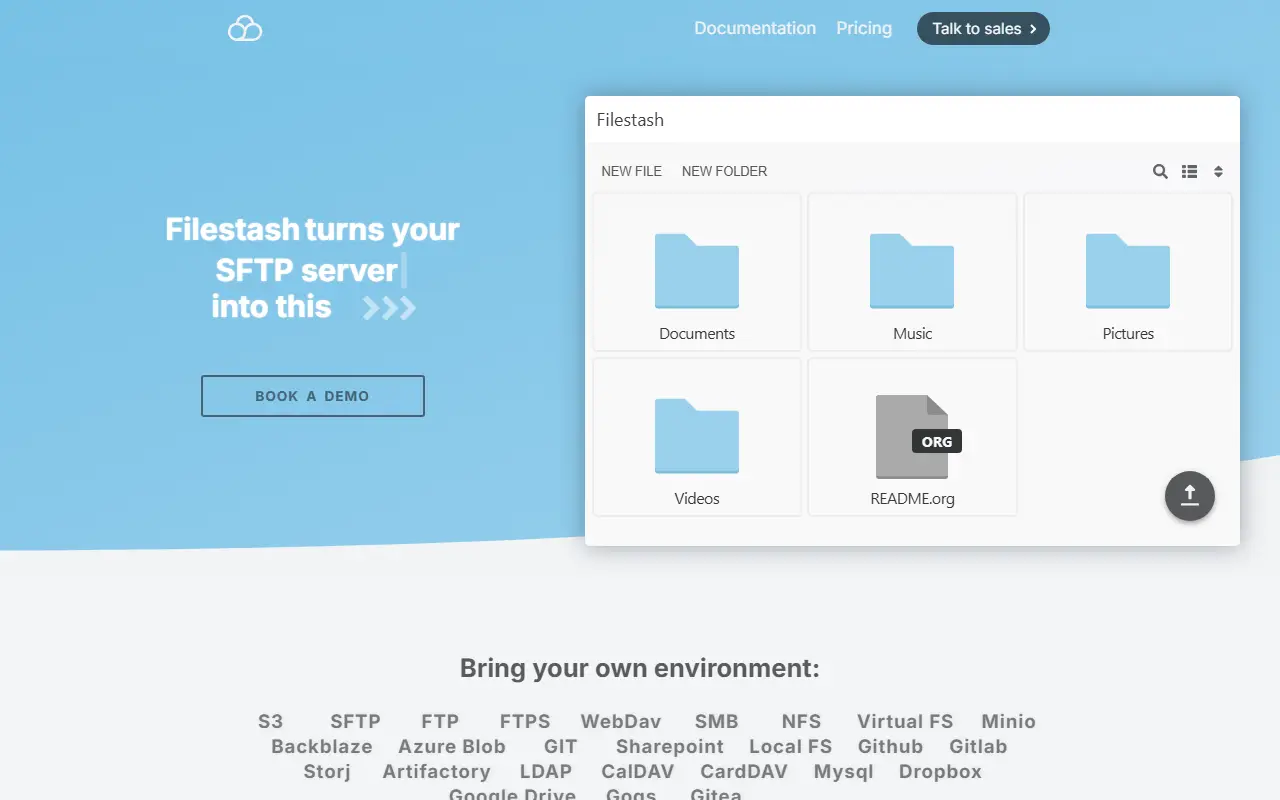
Filestash began as a Dropbox-like file manager that speaks many storage protocols, including FTP, SFTP, S3, SMB, WebDAV and IPFS along with about twenty more. It has since grown into a wider file management platform built around three products: a web client for browsing files in a browser, a native client for syncing data to devices, and gateways that expose storage over other protocols.

Its architecture is plugin-driven, so anything beyond the lean core lives in a plugin and requirements are met by adding or writing plugins rather than forking. The web client is written in vanilla JavaScript, and APIs and gateways can expose data over SFTP, S3, FTP, WebDAV, MCP and AS2. Authentication integrations can go as far as delegating login to a WordPress site and using its roles for access control.

A workflow engine automates actions on files by chaining steps on events, ranging from Slack or email notifications to managed file transfer pipelines. Filestash is written in Go and released under the AGPL-3.0 license, and repository topics point to uses in document management and archiving.

Key features

  • Web file manager for FTP, SFTP, S3, SMB and WebDAV
  • Plugin-driven architecture
  • Gateways exposing storage over other protocols
  • Workflow engine for file events
  • Native client for syncing files
  • Pluggable authentication and access control

Pricing: Self-hosted use is free for up to 3 users. Hobby costs $6, Pro starts at $50 and Enterprise at $290 per month, with free trials available.

Nextcloud All-in-One

Official Docker-based installer for Nextcloud that bundles the server, database, caching, backups and optional extras behind one admin interface.

GitHub stars
11k
Last commit
today
Latest release
v14.2.0
Licence
AGPL-3.0
Self-hosted
Yes
nextcloud.comNextcloud All-in-One homepage screenshot

Nextcloud All-in-One, often shortened to AIO, is the official installation method for Nextcloud. It provides easy deployment and maintenance, packaging most of what an instance needs into a set of containers that are managed from a simple web interface.

The bundle includes Nextcloud itself, a high-performance backend for Files, Redis and APCu caching, PostgreSQL as the database, and optional components such as Nextcloud Office, Talk with its TURN server, a recording server, ClamAV antivirus, full-text search, a whiteboard, Imaginary for previews, and a backup solution based on BorgBackup. Updates, daily backups and restore from an archive are handled from the AIO interface.

It is designed to work behind existing reverse proxies, Cloudflare Tunnel or Tailscale. The project is written in PHP, licensed under AGPL-3.0, and runs on your own hardware with Docker. The maintainers are actively looking for contributors to help with development.

Key features

  • One-container-set Nextcloud installation
  • Web interface for installation and updates
  • Daily backups and restore from archive
  • Redis, APCu and PostgreSQL included
  • Optional Office, Talk, ClamAV and search
  • Works behind reverse proxies or Tailscale

Pricing: Enterprise support subscription for self-hosted Nextcloud: Standard starts at €42 per user per year with a 100-user minimum. Other enterprise tiers are quoted on request.

ownCloud

The server core of ownCloud Classic, a self-hosted platform for file storage, sync and sharing with WebDAV, CalDAV and CardDAV support.

GitHub stars
8.8k
Last commit
5 days ago
Latest release
v11.0.1
Licence
AGPL-3.0
Self-hosted
Yes
owncloud.comownCloud homepage screenshot

ownCloud Core is the server component of ownCloud Classic, a self-hosted platform for file storage, synchronization and sharing. It is the foundation on which apps such as Activity, Calendar and Contacts are built, and is written in PHP and JavaScript.

It ships with servers for WebDAV, CalDAV and CardDAV, an app plugin architecture, backends for external storage, support for encryption, user and group management, and a REST API. The server runs on PHP with MySQL, MariaDB, PostgreSQL or SQLite, and is also available as a Docker image on Docker Hub. Its topics point to federated sharing and enterprise use.

ownCloud Classic is licensed under AGPL-3.0, and installation is covered by the official manual. For the next-generation platform, the project points to ownCloud Infinite Scale. Contributors follow a rebase workflow with signed commits and DCO sign-off, and enterprise support is available from the vendor. It suits organizations and individuals who want to keep files on their own servers instead of a public cloud.

Key features

  • File storage, sync and sharing
  • WebDAV, CalDAV and CardDAV servers
  • Plugin architecture for apps
  • User and group management
  • Encryption and external storage support
  • REST API for integrations
  • Docker image available

Pricing: Free and open source under AGPL-3.0; enterprise support is available from the vendor.

Kodbox

Self-hosted web file manager and private cloud drive with online preview and editing, multi-storage support, sharing, and a built-in web code editor.

GitHub stars
3.3k
Last commit
3 days ago
Latest release
1.69.03
Self-hosted
Yes
kodcloud.comKodbox homepage screenshot

Kodbox is a web-based file manager that can act as a private cloud disk for individuals or an enterprise network drive. It is a redesign of the earlier KodExplorer project and also includes a web code editor, so websites can be edited directly in the browser. The operating experience is modeled on a desktop file explorer, including drag and drop, keyboard selection, and quick search.

A key capability is multi-storage support: files can live on a local disk, FTP, WebDAV, or object storage such as Alibaba Cloud OSS, Tencent Cloud COS, Qiniu, MinIO, or any S3-compatible service. It previews, edits, and plays many office and media formats online, and supports sharing links, collaboration, and fine-grained permission control.

Kodbox runs on Linux, Windows, or macOS and, according to the README, needs only PHP. Clients are available through the web, mobile browsers, iOS, Android, desktop, and WebDAV mounting. The input does not state a license or pricing model, so check the vendor site for current terms. It suits teams and individuals who want to keep documents on their own infrastructure.

Key features

  • Desktop-style web file manager
  • Multi-storage backends including S3-compatible services
  • Online preview and editing of many file formats
  • Built-in web code editor
  • Sharing links with permission controls
  • WebDAV mounting and mobile clients

Pydio Cells

Pydio Cells is a file sharing and content collaboration platform for organizations, rewritten in Go with a microservice architecture.

GitHub stars
2.3k
Last commit
2 days ago
Latest release
v5.1.0
Licence
AGPL-3.0
Self-hosted
Yes
pydio.comPydio Cells homepage screenshot

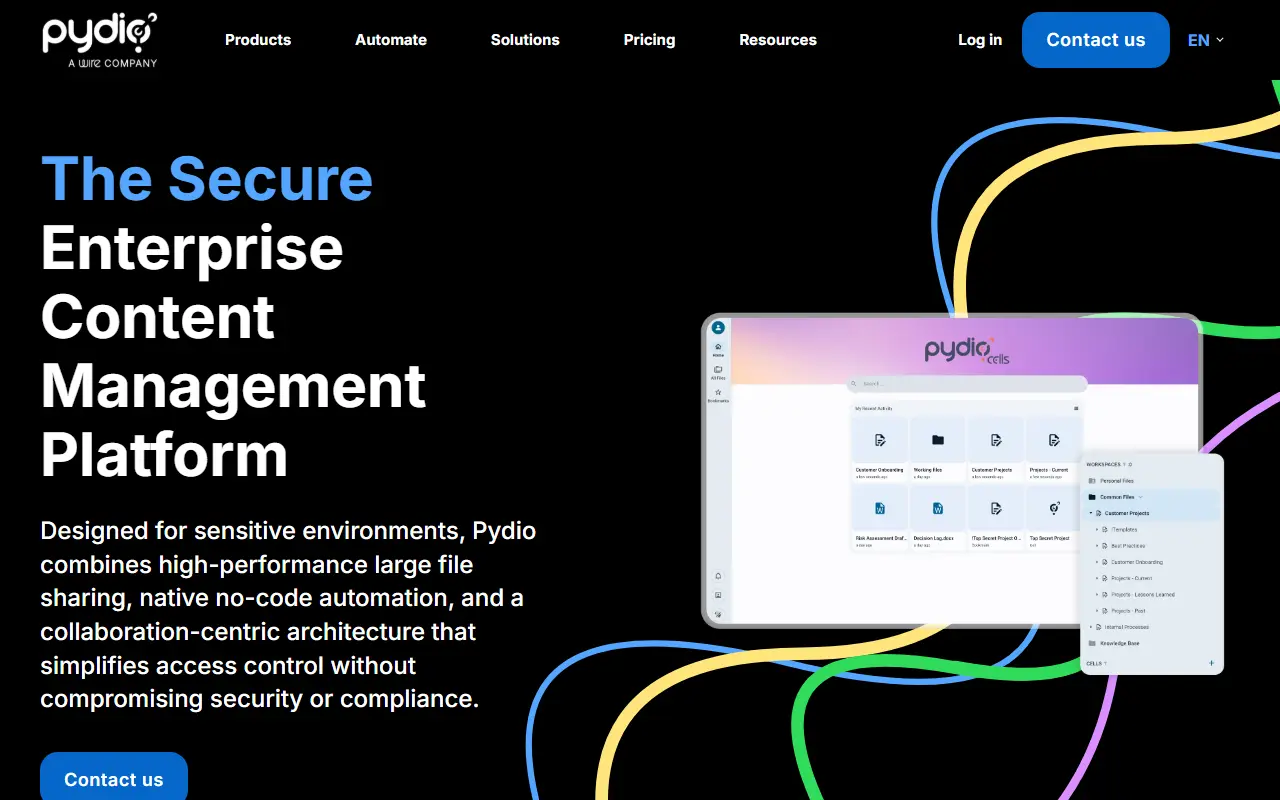
Pydio Cells is a file sharing and content collaboration platform for organizations. It is a full rewrite of the earlier Pydio project in the Go language, built around a microservice architecture. Project topics describe it as a file sharing platform and a Go application made of microservices, and it is licensed under AGPL-3.0.

The README covers building from source for development and testing. It requires a recent Go toolchain and a MySQL or MariaDB database. You build the backend, create a database, run the installer, which guides you through setup, and then open the default site on port 8080. The project says it was developed and tested on macOS, Ubuntu, Debian and CentOS, and that Windows may still have unknown issues.

A notice at the top of the README warns that the version 5 branch is a work in progress to be used at your own risk. Tests and a live reload setup based on the air tool are described for contributors, and a contributing guide explains how to add tests. The vendor, Pydio, hosts documentation, a developer guide and an issue tracker.

Key features

  • File sharing for organizations
  • Go microservice architecture
  • Guided installer
  • MySQL or MariaDB storage
  • Documentation and developer guide

Pricing: Cells Home is free. Connect starts at €3,280 per year and Enterprise at €4,380 per year for 50 users, with volume discounts; free trials are available on request.

2 more pCloud alternatives

pCloud alternatives: questions

What is the best open-source alternative to pCloud?
Syncthing is the top-ranked open-source alternative to pCloud on Enlisted: Open-source continuous file synchronization that keeps folders in step between two or more computers, with a focus on safety, security and ease of use. Other strong options are Nextcloud, Cloudreve, Cryptomator and Seafile.
Are these pCloud alternatives free?
All 12 are open source, so the code is free to use under its licence, and all of them can be self-hosted on your own server or computer. 2 also offer a paid or managed cloud version if you'd rather not host it yourself.
How is this list of pCloud alternatives ranked?
By a score built from GitHub stars, star growth over the last 30 days and how recently the code changed. 12 of these projects shipped code in the last 30 days. Data is refreshed daily, and nobody can pay to move up.

People also look for alternatives to…

View all