
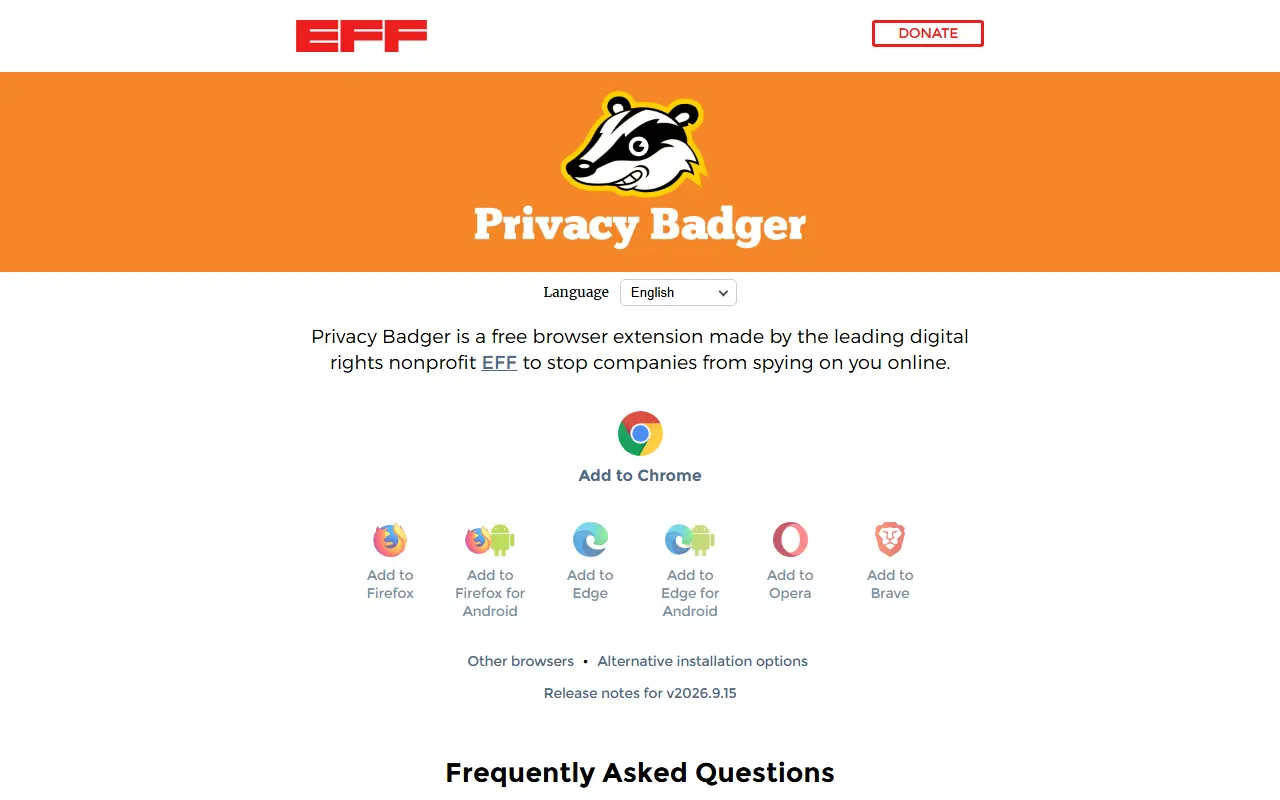
About Privacy Badger
Privacy Badger is a browser extension from the Electronic Frontier Foundation, a digital rights nonprofit, that automatically learns to block hidden trackers. It is meant to stop companies from spying on people as they browse.
The extension sends the Global Privacy Control signal to opt out of data sharing and selling and the Do Not Track signal asking companies not to track you. If trackers ignore these signals, Privacy Badger learns to block them. Extra features include click-to-activate replacements for potentially useful trackers such as video players and comment widgets, and link cleaning on Facebook and Google.
It is built as a WebExtension for browsers such as Chrome and Firefox, written in JavaScript, and licensed under GPL v3 or later. The project follows EFF's Public Projects Code of Conduct, welcomes contributions, and holds public meetings over Jitsi. Installation instructions and an FAQ are on privacybadger.org.
Key features
- Automatic learning of hidden trackers
- Global Privacy Control signal
- Do Not Track signal
- Click-to-activate widget replacements
- Link cleaning on Facebook and Google
- WebExtension for Chrome and Firefox
Good fit for
- →Blocking third-party trackers while browsing
- →Opting out of data sharing automatically
- Built with
- JavaScript
- Tags
- privacy
- tracker-blocking
- browser-extension
- eff
- cookies
- fingerprinting
- firefox
- chrome
Privacy Badger: questions and answers
- What is Privacy Badger used for?
- Privacy Badger is a browser extension from the EFF that automatically learns to block hidden trackers and sends Global Privacy Control and Do Not Track signals. It is a good fit for blocking third-party trackers while browsing and opting out of data sharing automatically.
- Is Privacy Badger open source?
- Yes. Privacy Badger is open source under a custom licence. Its source code is on GitHub at EFForg/privacybadger and is written mainly in JavaScript.
- Is Privacy Badger free?
- Yes. Privacy Badger is open source, so the software itself is free to use under the terms of its own licence.
- Can I self-host Privacy Badger?
- Yes. Privacy Badger can be self-hosted on your own server or infrastructure.
- What are some alternatives to Privacy Badger?
- Similar open-source tools in the Security category include uBlock Origin, Cryptomator and VeraCrypt. SaaS products in the same category include ContextBlur, AIBlurWeb and ADM Guard.
- Is Privacy Badger actively maintained?
- Yes. The most recent commit to Privacy Badger was on 1 October 2026. The project has 3.9k stars on GitHub.
Open-source alternatives to Privacy Badger
See alluBlock Origin
Security
uBlock Origin - An efficient blocker for Chromium and Firefox. Fast and lean.
GPL-3.0★ 68k
Cryptomator
Security
Cryptomator for Windows, macOS, and Linux: Secure client-side encryption for your cloud st
GPL-3.0vs Tresorit★ 16k
VeraCrypt
Security
Disk encryption with strong security based on TrueCrypt
OSS★ 12k
Onetime Secret
Security
Keep passwords and other sensitive information out of your chat logs and inboxes.
MIT★ 3kCryptgeon
Security
cryptgeon is a secure, open source note / file sharing service inspired by PrivNote writte
MIT★ 1.5k
Certbot
Security
Certbot is EFF's tool to obtain certs from Let's Encrypt and (optionally) auto-enable HTTP
OSSvs DigiCert★ 33k
SaaS alternatives to Privacy Badger
See all
ContextBlur
Security
Browser extension that blurs sensitive information on webpages before screen sharing or recording
SaaS
AIBlurWeb
Security
Chrome extension that detects and blurs sensitive data on screen during screen sharing and recording
SaaS
ADM Guard
Security
Compliance and audit software that keeps tamper-evident records of automated decision-making systems
SaaS
Aura
Security
Consumer identity theft protection bundling credit monitoring, VPN and antivirus
SaaS
BigID
Security
Data discovery, privacy and security platform
SaaS
Caviard
Security
Chrome extension that redacts personal information locally before prompts reach ChatGPT and other AI services
SaaS