
About Blur It
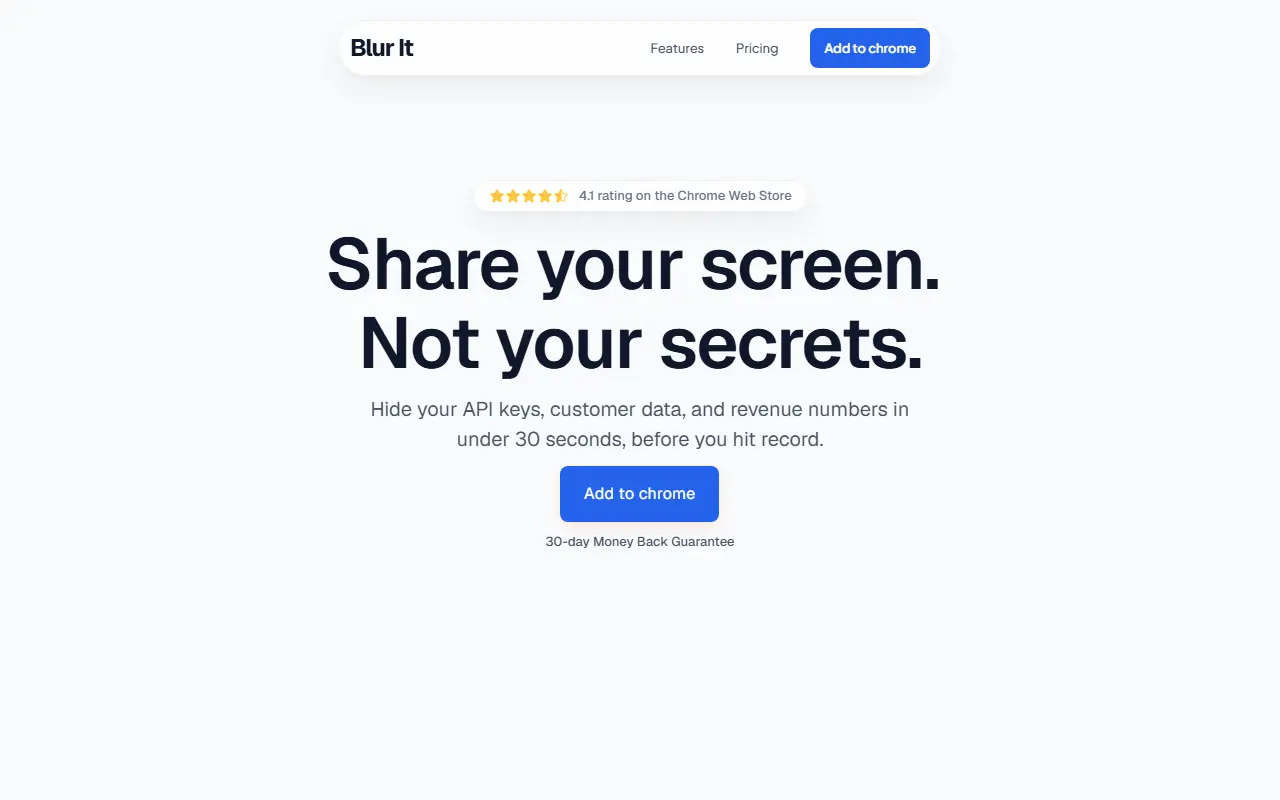
Blur It is a browser extension that hides sensitive information on web pages so you can share your screen on Zoom, Meet or Loom without exposing it. The goal is to replace manual redaction in a video editor with a quick step taken before you start recording.
You can click a number, name or email to blur it, or draw a box so that everything inside a region is blurred at once. Blurs persist across tab switches and page reloads, so they stay in place if you refresh mid-call. Typical targets include API keys, customer details and revenue numbers.
Blur It is a commercial product with a Chrome Web Store listing, a license purchase flow, a pricing page and a 30-day money-back guarantee. The site cites a 4.1 rating on the Chrome Web Store.
Key features
- Click any text to blur it
- Draw a box to blur a region
- Blurs persist across reloads and tab switches
- Hides API keys, emails and revenue figures
- Works while screen sharing or recording
Good fit for
- →Recording product demos without leaking customer data
- →Sharing dashboards on a video call
- Tags
- chrome-extension
- privacy
- screen-sharing
- blur
- redaction
- screen-recording
Blur It: questions and answers
- What is Blur It used for?
- Blur It is a Chrome extension that blurs passwords, emails, customer data and revenue figures on screen before you record or share, for presenters and founders. It is a good fit for recording product demos without leaking customer data and sharing dashboards on a video call.
- How much does Blur It cost?
- Blur It is a paid product with no free plan. Sold as a licensed browser extension with a 30-day money-back guarantee; see the pricing page for current prices.
- Is Blur It open source?
- No. Blur It is proprietary (closed-source) software. In the Productivity category, open-source options include Zen Browser, Ungoogled Chromium and Brave Browser.
- What are some alternatives to Blur It?
- Blur It competes with Blurweb, BlurScreen and AIBlurWeb.
Open-source alternatives to Blur It
See all
Zen Browser
Productivity
Welcome to a calmer internet
MPL-2.0vs Google Chrome★ 45kUngoogled Chromium
Productivity
Google Chromium, sans integration with Google
BSD-3-Clausevs Google Chrome★ 28k
Brave Browser
Productivity
Brave browser for Android, iOS, Linux, macOS, Windows.
MPL-2.0vs Google Chrome★ 24k
Dark Reader
Productivity
Dark Reader Chrome and Firefox extension
MIT★ 22k
Neko
Productivity
A self hosted virtual browser that runs in docker and uses WebRTC.
Apache-2.0★ 22k
Obtainium
Productivity
Get Android app updates straight from the source.
GPL-3.0★ 20k
SaaS alternatives to Blur It
See all
Blurweb
Productivity
Browser extension that hides sensitive information while screen sharing or recording
SaaS
BlurScreen
Productivity
Blurs sensitive data on your screen while recording or screen sharing, with no post-editing
SaaS
AIBlurWeb
Security
Chrome extension that detects and blurs sensitive data on screen during screen sharing and recording
SaaS
ContextBlur
Security
Browser extension that blurs sensitive information on webpages before screen sharing or recording
SaaS
Annotator
Productivity
Windows app for drawing live annotations over anything on your screen
SaaS
Chat Folders for Copilot
Productivity
Chrome extension that adds color-coded folders and search to the Microsoft Copilot chat sidebar
SaaS