7,363 open-source and SaaS tools, with GitHub stats refreshed every day.

8 alternatives ranked by real activity

Open-source Microsoft To Do alternatives

A curated, ranked list of the 8 best open-source alternatives to Microsoft To Do.

The best open-source alternative to Microsoft To Do is Super Productivity. If that doesn't suit you, other good options are Planify, Tasks.org, Tududi and Donetick.

Microsoft To Do alternatives are mainly productivity tools. 7 of them shipped code in the last 30 days, 8 can be self-hosted, and 2 use a permissive licence.

Last updated October 3, 2026 · ranked by GitHub stars, growth and recent commits

Super Productivity

Super Productivity is a local-first to-do app with timeboxing, time tracking and integrations with Jira, GitHub, GitLab and more.

GitHub stars
22k
Last commit
today
Latest release
v19.1.0
Licence
MIT
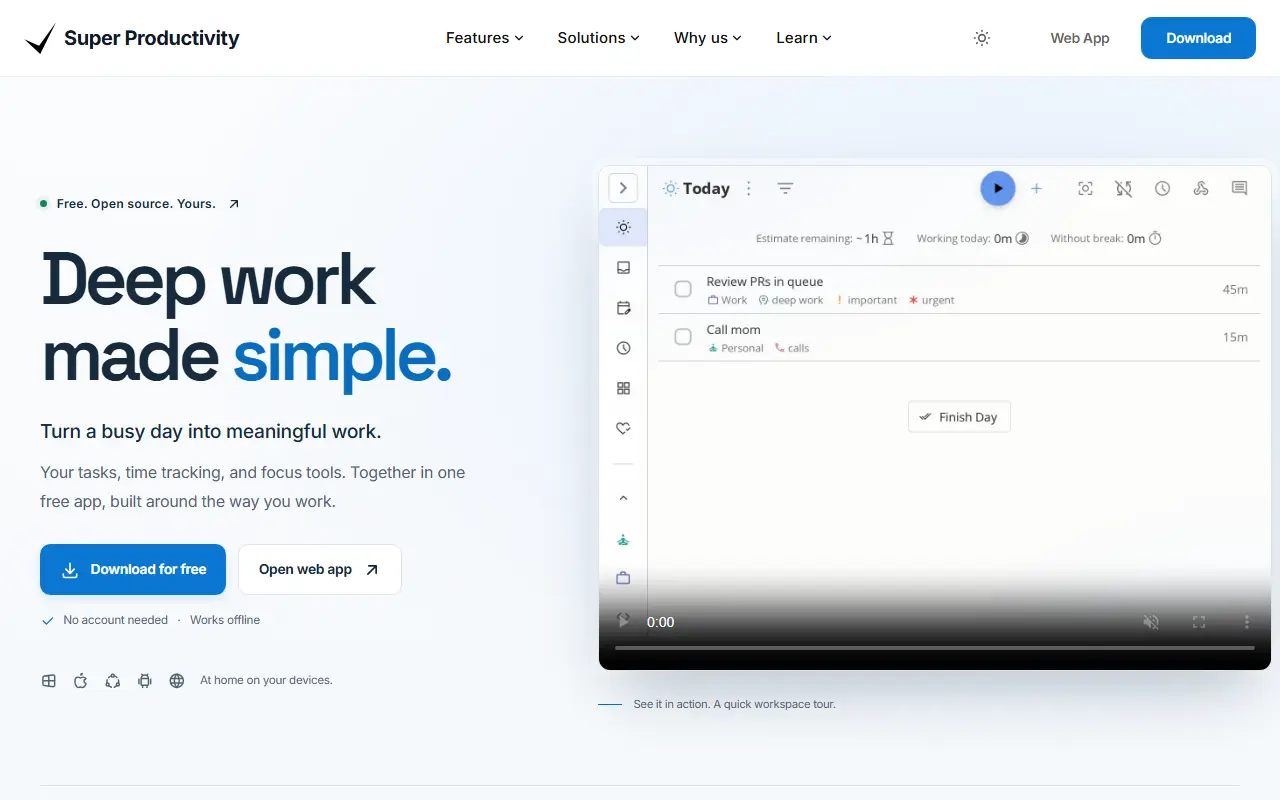
super-productivity.comSuper Productivity homepage screenshot

Super Productivity is a to-do list application that adds timeboxing and time tracking to everyday task planning. Tasks can be organized with sub-tasks, projects and color-coded tags, and viewed in a planner with a schedule timeline next to calendar events. Visual boards, including Kanban and Eisenhower Matrix layouts, help you sort work. It is written in TypeScript, released under the MIT license and tagged as local-first and privacy-friendly.

Time tracking produces time sheets and work summaries that can be exported to a company's tracking system. Habit tools include break reminders, an anti-procrastination feature and a focus mode with Pomodoro, Flowtime and countdown sessions, plus personal metrics. Integrations include Jira, Trello, GitHub, GitLab, Gitea and Linear, plus ClickUp, Redmine and Azure DevOps, importing assigned tasks and creating work logs automatically. It is available as a web app and as apps for Windows, macOS, Linux, Android and iOS.

Key features

  • Tasks with sub-tasks, projects and tags
  • Timeboxing and time tracking with exportable time sheets
  • Kanban and Eisenhower Matrix boards
  • Pomodoro, Flowtime and countdown focus sessions
  • Integrations with Jira, GitHub, GitLab and others
  • Web, desktop and mobile apps

Pricing: Completely free and open source with no premium tiers; development is supported by optional GitHub Sponsors donations.

Planify

A GNOME task manager that syncs with Todoist, Nextcloud and CalDAV, offering projects, sections, reminders and recurring tasks for Linux desktop users.

GitHub stars
5.7k
Last commit
11 days ago
Latest release
v4.20.0
Licence
GPL-3.0
Self-hosted
Yes
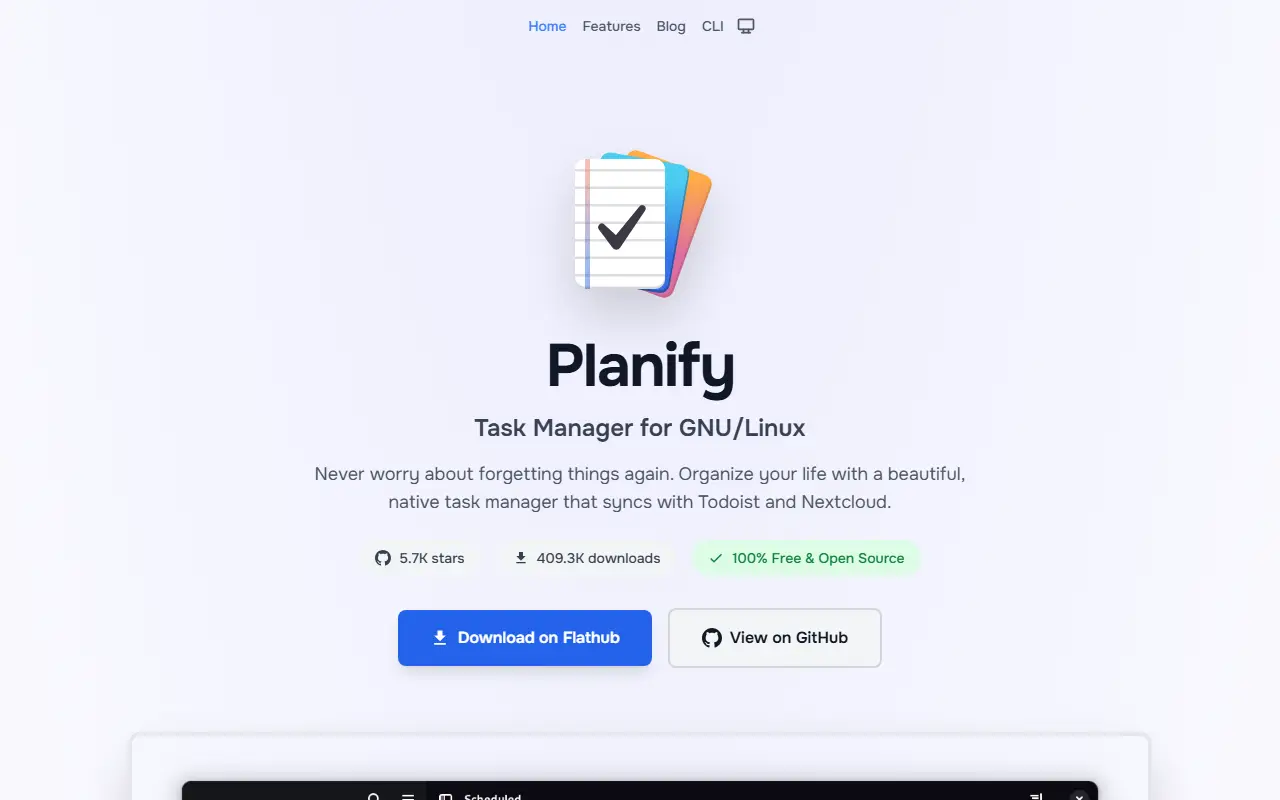
useplanify.comPlanify homepage screenshot

Planify is a desktop task manager designed for GNOME and built with GTK4 and libadwaita. It helps people capture to-dos, group them into projects and sections, and keep a plan for the day, while keeping the data in sync with services they may already use.

Tasks can be organized by drag and drop, tagged with labels, filtered, searched and given attachments or links. It supports several reminders per task, recurring schedules, a calendar view of upcoming work, progress indicators and a productivity overview, with an offline mode that syncs once a connection returns.

Synchronization options include Todoist, Nextcloud and CalDAV servers, which allows a self-hosted setup for people who want their data to stay private. The project states that it is not affiliated with or supported by Doist. Planify is written in Vala, released under GPL-3.0, and requires a Linux distribution with GTK4.

Key features

  • Sync with Todoist, Nextcloud and CalDAV
  • Projects with sections and drag and drop
  • Multiple reminders per task
  • Recurring tasks with flexible schedules
  • Labels, filters and quick search
  • Offline mode with later sync
  • Calendar view and progress tracking

Pricing: Free and open source under the GPL-3.0 licence.

Read more about PlanifyWebsite GitHub

Tasks.org

An open-source Android to-do app that grew from Astrid's code, with an alpha desktop version and Pebble watch support, built with Kotlin.

GitHub stars
5.6k
Last commit
today
Latest release
15.12
Licence
GPL-3.0
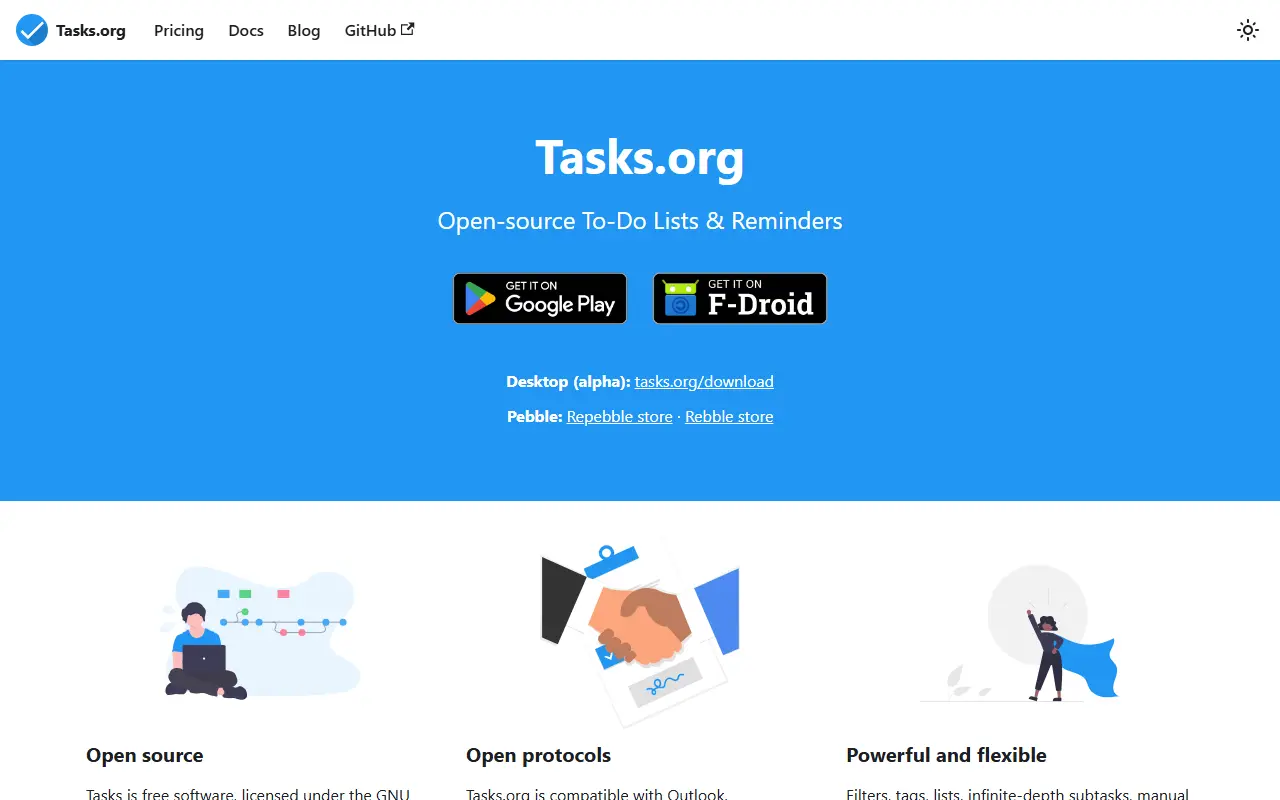
tasks.orgTasks.org homepage screenshot

Tasks is an open-source task and to-do app for Android. It is based on the source code of Astrid, a cross-platform productivity service that was acquired and discontinued in 2013, and the project revives that app as a maintained codebase. It is licensed under GPL-3.0 and its end-user documentation lives on tasks.org.

Beyond the Android app, the project offers an alpha desktop version, and Pebble watch apps are available through the Rebble and Repebble stores. It is written in Kotlin and uses Compose Multiplatform. Release builds are distributed through Google Play, as APKs on GitHub Releases, as a macOS zip and through a Linux apt repository, with published signing fingerprints for verification.

Key features

  • Android to-do and task management
  • Alpha desktop version
  • Pebble smartwatch support
  • Signed releases with published fingerprints
  • Linux apt repository
  • Kotlin and Compose Multiplatform codebase

Pricing: Free forever on Android. Tasks.org Cloud costs $2.49 per month billed annually ($29.99 per year); a name-your-price subscription starts at $0.99 per year, with a 7-day trial on Google Play.

Read more about Tasks.orgWebsite GitHub

Tududi

Self-hostable task and project manager that organizes tasks, projects, areas, notes, and tags, with recurring tasks and Telegram integration.

GitHub stars
3.4k
Last commit
today
Latest release
v1.6.11
Licence
MIT
Self-hosted
Yes
Hosted version
Available
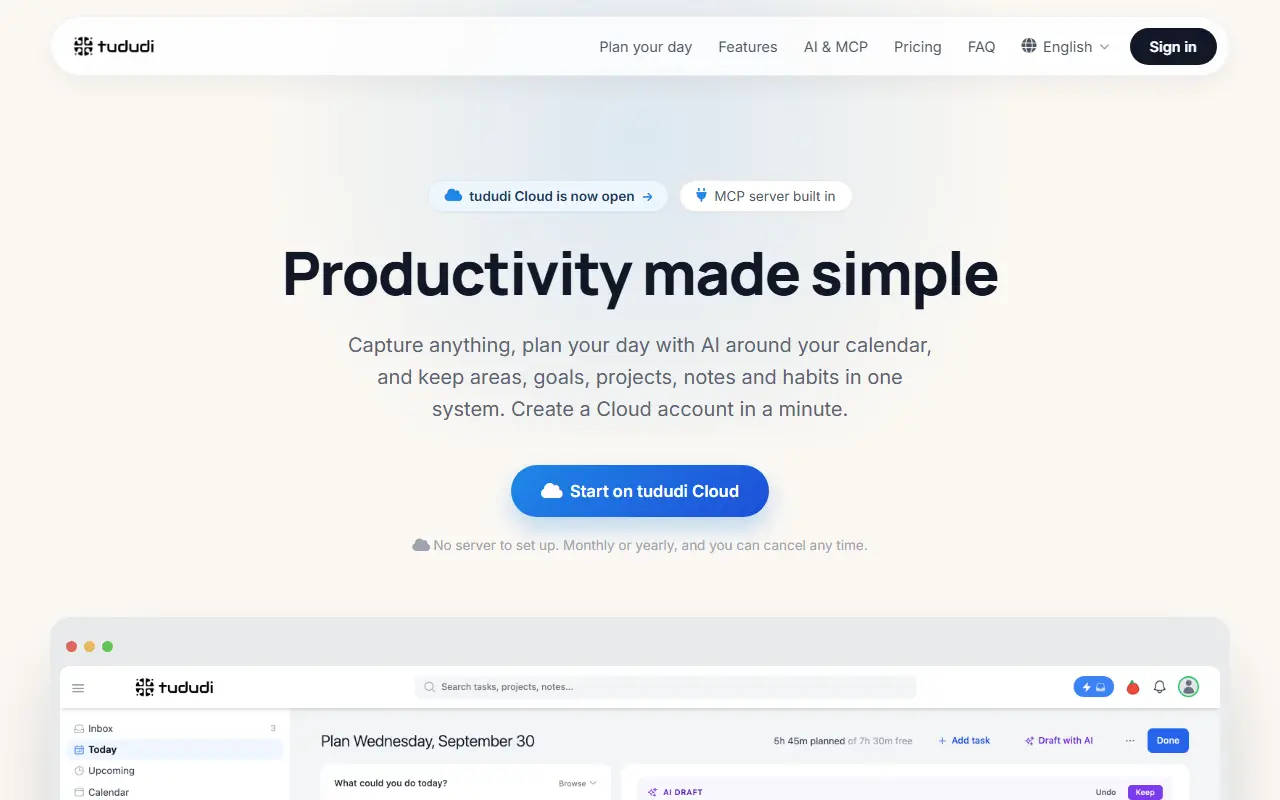
tududi.comTududi homepage screenshot

Tududi is an open-source system for organizing personal and work tasks in a hierarchy. Tasks belong to projects, projects can be grouped into areas, and notes and tags can be attached across the structure, which suits people who follow a getting-things-done style of planning. It is released under the MIT license.

Tasks can be filtered into views such as Today, Upcoming, and Someday and sorted by name, due date, creation date, or priority. It supports subtasks with progress tracking and a recurring-task system with daily, weekly, and monthly patterns, including monthly on specific weekdays. A Telegram integration lets you capture and manage items from chat, and your data stays under your control when self-hosted.

The application is built with React and Node.js with Express, and you can run it on your own server or buy a hosted subscription from the maintainer for a managed setup. It suits individuals and small teams who want a calm, privacy-minded alternative to hosted to-do and project apps.

Key features

  • Tasks with subtasks and progress tracking
  • Recurring tasks with flexible patterns
  • Projects grouped into areas
  • Notes and tags across tasks and projects
  • Today, Upcoming, and Someday task views
  • Telegram integration

Pricing: Self-hosting is free. Hosted Cloud costs €5 per month or €50 per year, with no free tier or trial but a 14-day money-back guarantee.

Read more about TududiWebsite GitHub

Donetick

Self-hosted task and chore manager for individuals and households with natural language entry, flexible recurring schedules, and shared groups.

GitHub stars
2.6k
Last commit
today
Latest release
v0.1.79
Licence
AGPL-3.0
Self-hosted
Yes
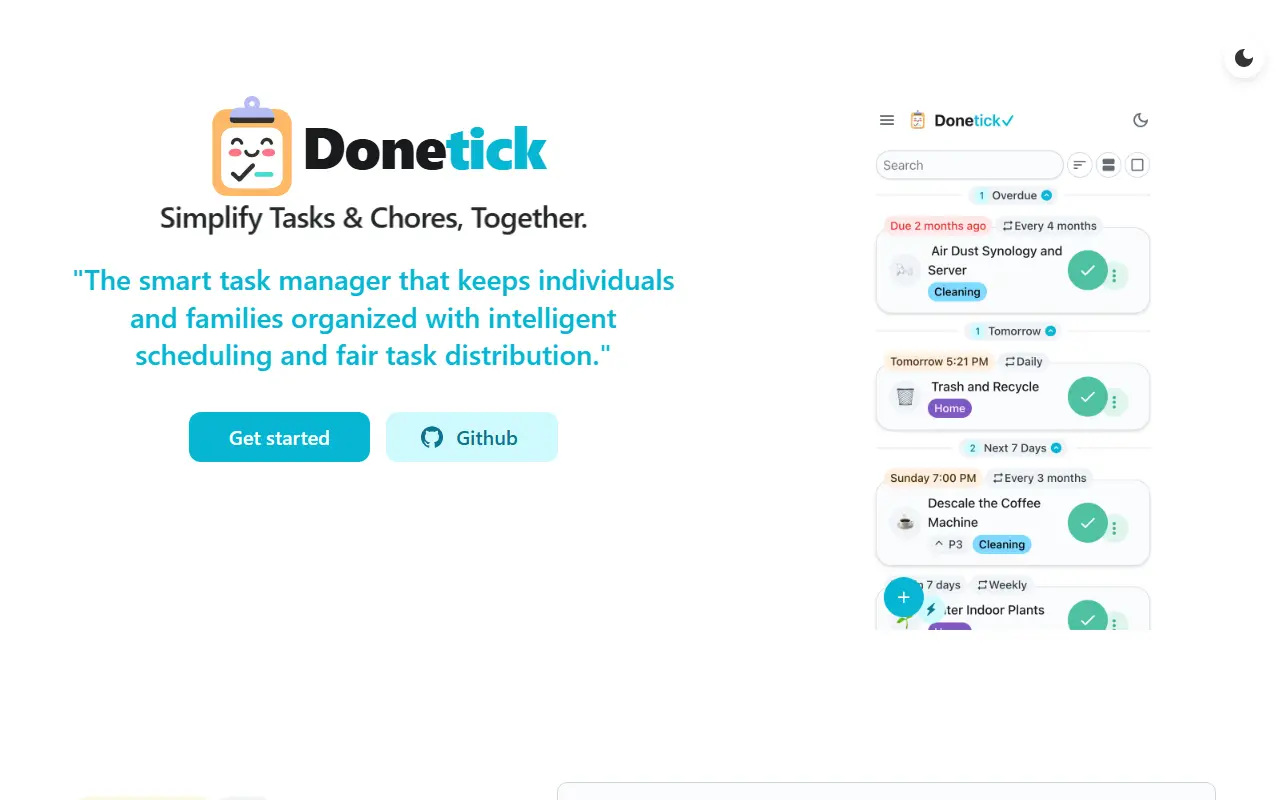
donetick.comDonetick homepage screenshot

Donetick is an open-source app for organizing tasks and chores, either alone or together with family and friends. Groups can be created so that tasks are shared or assigned between members, which makes it popular for households. It is built with Go and React, ships a Docker image, and is released under the AGPL-3.0 license.

Tasks can be created in plain English: the app extracts dates, times, and recurrence from phrases such as every six months or every Monday and Tuesday at a set time. Scheduling is flexible, with daily, weekly, monthly, and yearly patterns, specific months or weekdays, and adaptive scheduling that learns from past completions. Recurrence can be based on the due date or on the actual completion date.

Other features include assignee rotation by fewest completed tasks, random choice, or round-robin, time tracking with session insights, and subtasks with smart reset. It suits families, roommates, and small teams who want a private, self-hosted way to share recurring responsibilities.

Key features

  • Shared groups for household tasks
  • Natural language task creation
  • Flexible and adaptive recurring schedules
  • Due-date or completion-date based recurrence
  • Assignee rotation options
  • Time tracking and subtasks

Pricing: Free and open source under the AGPL-3.0 license.

Read more about DonetickWebsite GitHub

Jotty

Lightweight self-hosted app for checklists and notes that stores data as files on your own server, with optional note encryption, OIDC single sign-on, and MFA.

GitHub stars
2k
Last commit
yesterday
Latest release
1.28.0
Licence
AGPL-3.0
Self-hosted
Yes
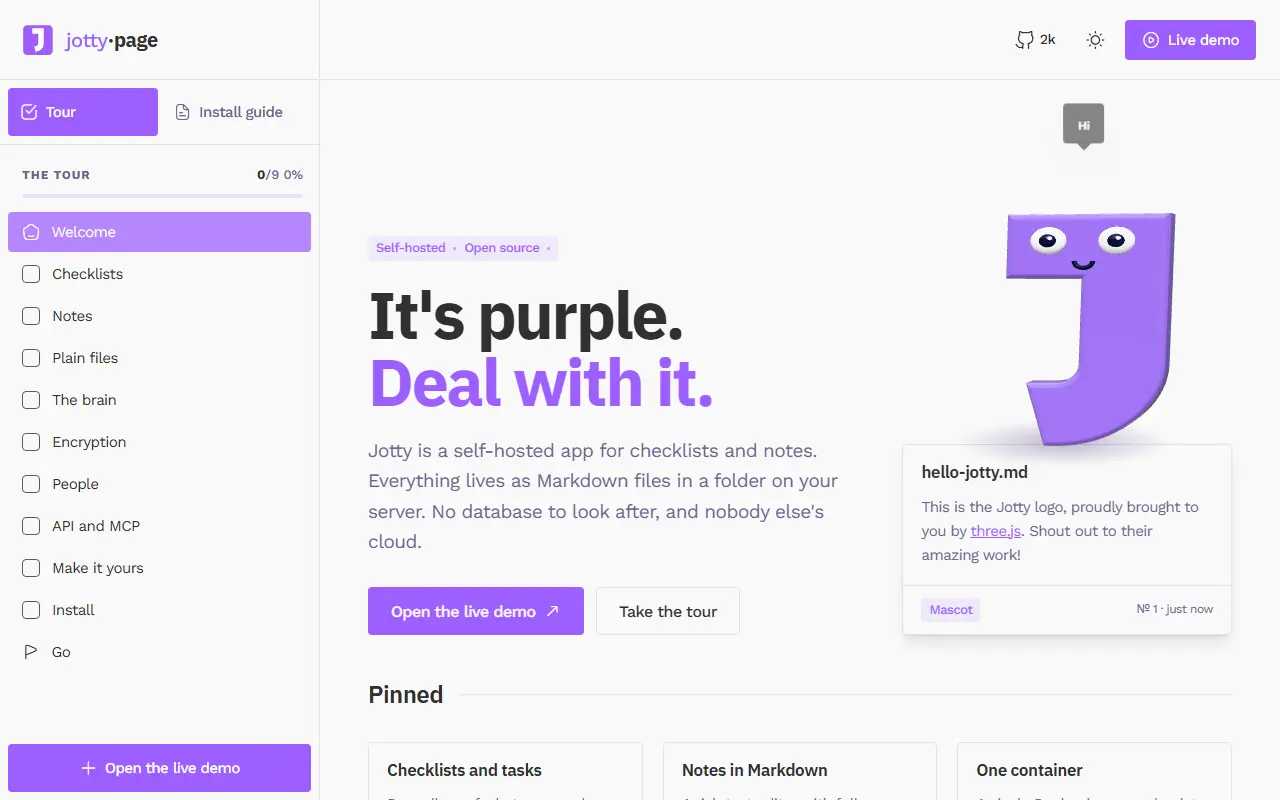
jotty.pageJotty homepage screenshot

Jotty is a self-hosted application for managing personal checklists and notes. It is easy to deploy, keeps all data on your own server, and can encrypt and decrypt notes for extra privacy. It was previously known as rwMarkable and is released under the AGPL-3.0 license.

The interface offers task lists with drag-and-drop ordering, a rich text editor for notes, keyboard shortcuts, translations, and custom themes and emojis. Data is stored as files rather than in a database, which keeps backups simple. For access control it supports single sign-on through OIDC and multi-factor authentication, and it exposes an API.

Docker Compose is the recommended way to install it, and the documentation covers initial setup, data storage, the versioning scheme, and encryption. Jotty suits homelab users and individuals who want a simple, private alternative to cloud to-do and note apps.

Key features

  • Checklists with drag-and-drop ordering
  • Rich text note editor
  • Optional note encryption
  • File-based data storage
  • OIDC single sign-on and MFA
  • API and custom themes

Pricing: Free and open source under the AGPL-3.0 license.

Read more about JottyWebsite GitHub

Manage My Damn Life

Manage My Damn Life is a self-hosted web front end for CalDAV tasks and calendars with list, Gantt and calendar views, currently in beta.

GitHub stars
641
Last commit
20 days ago
Latest release
v0.10.0
Licence
GPL-3.0
Self-hosted
Yes
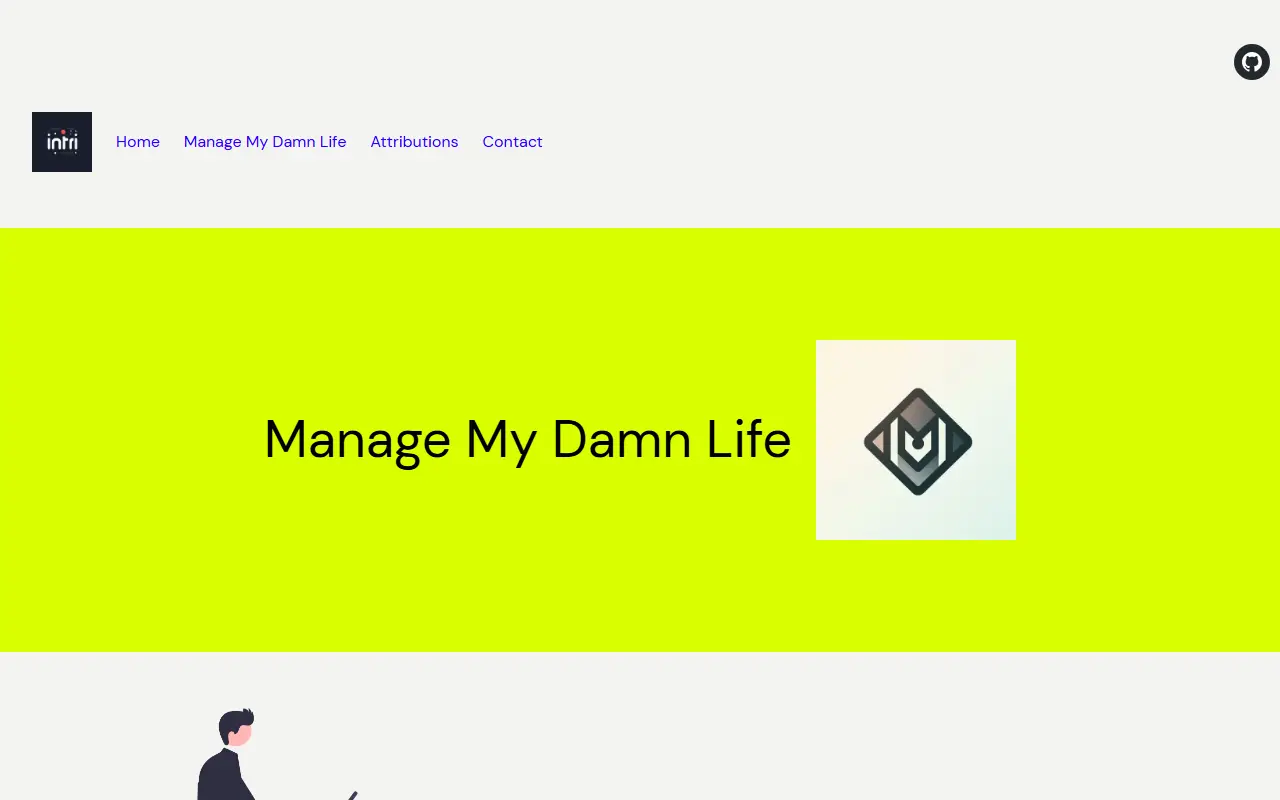
intri.inManage My Damn Life homepage screenshot

Manage My Damn Life (MMDL) is a self-hosted front end for managing CalDAV tasks and calendars. It is a web app, built with Next.js, that talks to your existing CalDAV server, so your tasks and events stay on the server you already run. The project is in beta, so caution is advised with production data.

It supports subtasks and many task fields such as due date, status, description and recurrence, calendar event management, multiple CalDAV accounts and multiple user accounts. Tasks can be viewed as a list, in a Gantt view or on a calendar, and you can create task filters to see them as you prefer. It has OAuth support for CalDAV accounts, with Google Calendar supported, and a desktop-first, somewhat responsive layout. Planned features include full RFC 5545 field support, drag and drop, customizable views and plugins.

MMDL has been tested with Nextcloud, Radicale and Baikal and should work with servers supported by the tsdav library. It is licensed under GPL-3.0 and uses Weblate for translations.

Key features

  • CalDAV task management with subtasks
  • Calendar event management
  • List, Gantt and calendar views
  • Custom task filters
  • Multiple CalDAV and user accounts
  • OAuth for Google Calendar accounts

Pricing: Free and open source under the GPL-3.0 license.

TaskTrove

Self-hosted to-do manager with natural-language task entry, recurring tasks, projects, and list, kanban and calendar views stored as JSON files.

GitHub stars
1.1k
Last commit
8 mo ago
Latest release
v0.12.4
Self-hosted
Yes
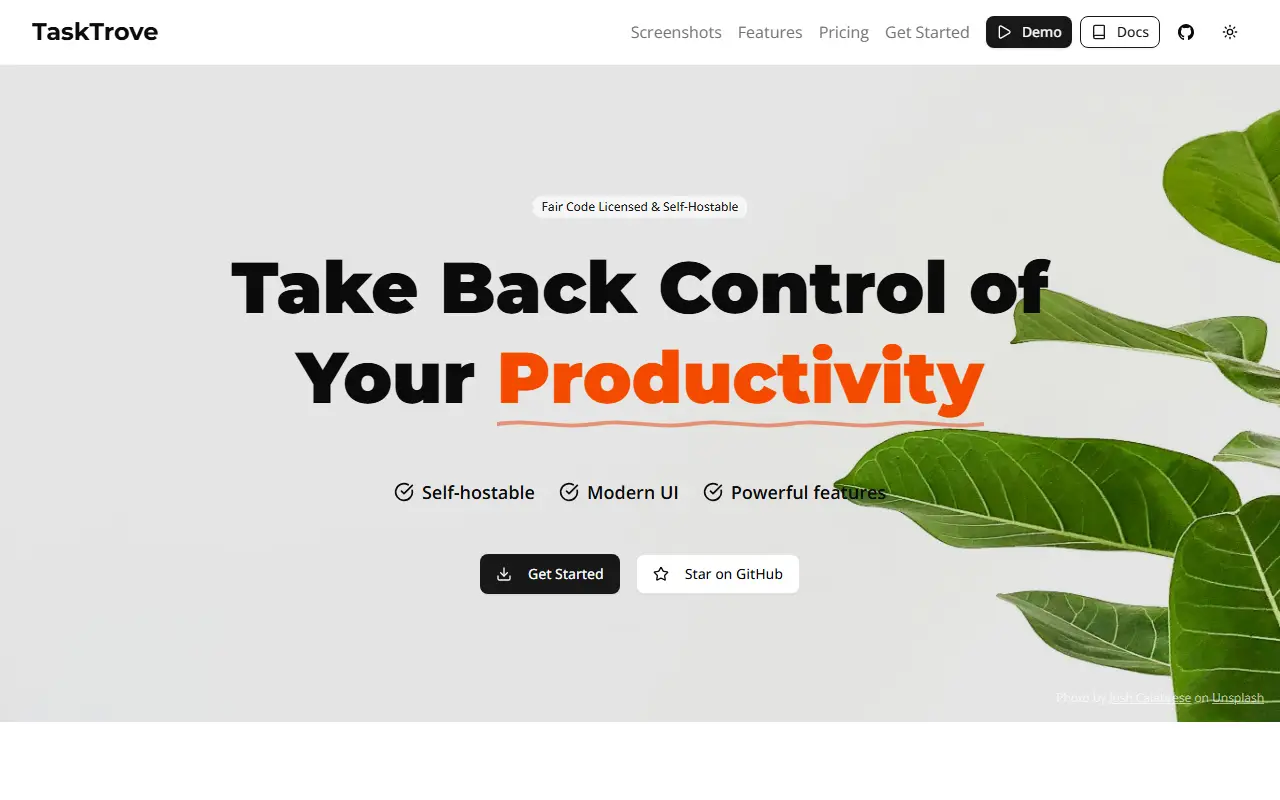
tasktrove.ioTaskTrove homepage screenshot

TaskTrove is a modern to-do manager that you host yourself. The project stresses privacy: it runs on your infrastructure with no tracking or data collection. Tasks can be created in natural language, for example by typing a phrase like tomorrow at 2pm, and can have unlimited subtasks, priorities, due dates, comments and file attachments. It is aimed at individuals and small groups who want a capable task app without a hosted account.

Recurring tasks can follow daily, weekly, monthly or custom patterns with automatic scheduling. Tasks can be grouped into projects with sections and color-coded labels, and viewed as a list, a kanban board or a calendar. The interface has light and dark themes, is mobile friendly and offers keyboard shortcuts such as a quick-add key and a search key.

Data is stored in JSON files, which makes backups and transfers simple. The recommended installation is Docker, with Docker Compose and manual setup also described. TaskTrove is built with TypeScript and React, and the repository metadata lists the license as Other, so check the license file for terms.

Key features

  • Natural-language task creation
  • Unlimited subtasks and rich details
  • Recurring tasks with custom patterns
  • List, kanban and calendar views
  • Projects with sections and color-coded labels
  • JSON file storage for easy backup
  • Keyboard shortcuts

Pricing: Self-hosted use is free forever. Pro is a one-time $129 license with a year of updates, and the Hosted plan is $5 per user per month ($4 annually); both Pro and Hosted are on waitlists.

Read more about TaskTroveWebsite GitHub

Microsoft To Do alternatives: questions

What is the best open-source alternative to Microsoft To Do?
Super Productivity is the top-ranked open-source alternative to Microsoft To Do on Enlisted: Super Productivity is a local-first to-do app with timeboxing, time tracking and integrations with Jira, GitHub, GitLab and more. Other strong options are Planify, Tasks.org, Tududi and Donetick.
Are these Microsoft To Do alternatives free?
All 8 are open source, so the code is free to use under its licence, and all of them can be self-hosted on your own server or computer. 1 also offers a paid or managed cloud version if you'd rather not host it yourself.
How is this list of Microsoft To Do alternatives ranked?
By a score built from GitHub stars, star growth over the last 30 days and how recently the code changed. 7 of these projects shipped code in the last 30 days. Data is refreshed daily, and nobody can pay to move up.

People also look for alternatives to…

View all