
 Strikingly
 GoDaddy Website Builder
 Jimdo
Jimdo Hostinger Website Builder
 Site123
 Webnode
 Cargo
Cargo Pixpa
Pixpa Zoho Sites
 Brightspot
 Blogger
 HubSpot CMS Hub
 Showit
 Format
 IONOS MyWebsite
 Voog
Voog Ucraft
 Yola
Yola Durable
 10Web
10Web Semplice
 Adobe Portfolio
 Bluehost Website Builder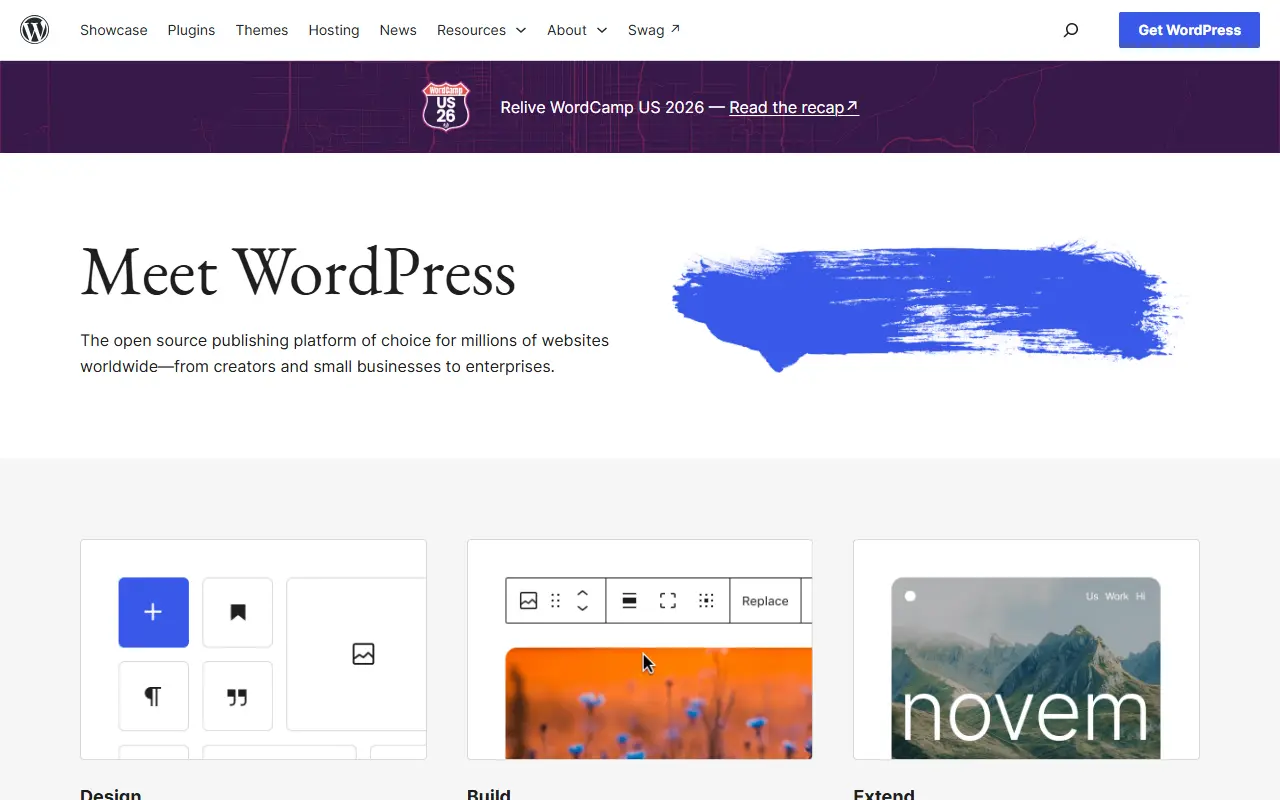
About WordPress
WordPress is a content management system and publishing platform for building websites, blogs and apps. People write and organize content in a browser-based editor, choose how the site looks with themes, and publish without writing code. Its own site describes it as the platform behind millions of websites, from creators and small businesses to enterprises.
Design and editing are built around blocks, so pages can be assembled and rearranged visually with a live preview as content changes. Styling can be adjusted for different screen sizes and interactive states without writing CSS. Functionality is extended through a large library of plugins that add features such as stores, analytics, newsletters and social media integration.
The software is written in PHP and is open source; the GitHub repository is a read-only mirror of the project's Subversion repository, with development happening elsewhere. You can run it on your own hosting, and a managed service is also available through WordPress.com. It suits individual bloggers, small businesses and larger organizations alike.
Key features
- Block-based page and post editor
- Themes for site design
- Plugin library for extra functionality
- Site editor with responsive styling controls
- Media library with a built-in editor
- Runs on your own PHP hosting
Good fit for
- →Business websites and company blogs
- →Online stores built with plugins
- →Publishing sites for creators
- Built with
- PHP
- Tags
- cms
- blogging
- website-builder
- php
- plugins
- themes
- publishing
- self-hosted
WordPress: questions and answers
- What is WordPress used for?
- WordPress is an open-source publishing platform and CMS for building websites, blogs and online stores with themes, blocks and plugins. It is a good fit for business websites and company blogs, online stores built with plugins, and publishing sites for creators.
- Is WordPress open source?
- Yes. WordPress is open source under a custom licence. Its source code is on GitHub at WordPress/WordPress and is written mainly in PHP.
- Is WordPress free?
- Yes. WordPress is open source, so the software itself is free to use under the terms of its own licence. A managed cloud version is also available.
- Can I self-host WordPress?
- Yes. WordPress can be self-hosted on your own server or infrastructure.
- What is WordPress an alternative to?
- WordPress is an open-source alternative to Wix, Squarespace, Webflow and WordPress.com. Other open-source alternatives to Wix include Microweber, Webstudio and Silex.
- Is WordPress actively maintained?
- Yes. The most recent commit to WordPress was on 2 October 2026. The project has 21k stars on GitHub.
Open-source alternatives to WordPress
See all
Microweber
CMS
Drag and Drop Website Builder and CMS with E-commerce
MITvs Webflow★ 3.4k
Webstudio
CMS
Open source website builder and Webflow alternative. Webstudio is an advanced visual build
AGPL-3.0vs Webflow★ 9k
Silex
CMS
Silex is an online tool for visually creating static sites with dynamic data. With the fre
AGPL-3.0vs Webflow★ 3k
Halo
CMS
Halo 是一款强大易用的开源建站工具,从个人博客、知识库,到企业官网、在线商城,Halo 都能助您轻松实现,一站式满足您的多样化建站需求。
GPL-3.0vs Jimdo★ 40k
Vvveb
CMS
Powerful and easy to use cms to build websites, blogs or ecommerce stores.
AGPL-3.0vs Squarespace★ 1.2k
Instatic
CMS
The open-source alternative to Webflow, Framer and WordPress. Agentic self-hosted visual C
MITvs Webflow★ 8.8k
SaaS alternatives to WordPress
See all
Wix
CMS
Hosted website builder with a drag-and-drop editor, ecommerce and AI site creation
SaaS
Squarespace
CMS
Website builder and hosting with templates, ecommerce and scheduling tools
SaaS
Webflow
CMS
Webflow is a visual web design and hosting platform that combines a designer, CMS, hosting and SEO tools so teams can build and run websites without coding.
SaaS
WordPress.com
CMS
Managed WordPress hosting and site builder from Automattic
SaaS
Weebly
CMS
Drag-and-drop website and online store builder from Square
SaaS
Duda
CMS
White-label website builder for agencies managing many client sites
SaaS