7,363 open-source and SaaS tools, with GitHub stats refreshed every day.

15 alternatives ranked by real activity

Open-source Webflow alternatives

A curated, ranked list of the 15 best open-source alternatives to Webflow.

The best open-source alternative to Webflow is WordPress. If that doesn't suit you, other good options are Onlook, Builder.io, Instatic and Webstudio.

Webflow alternatives are mainly CMS tools, but some are also low-code & internal tools and AI tools. 12 of them shipped code in the last 30 days, 14 can be self-hosted, and 8 use a permissive licence.

Last updated October 2, 2026 · ranked by GitHub stars, growth and recent commits

WordPress

WordPress is an open-source publishing platform and CMS for building websites, blogs and online stores with themes, blocks and plugins.

GitHub stars
21k
Last commit
today
Self-hosted
Yes
Hosted version
Available
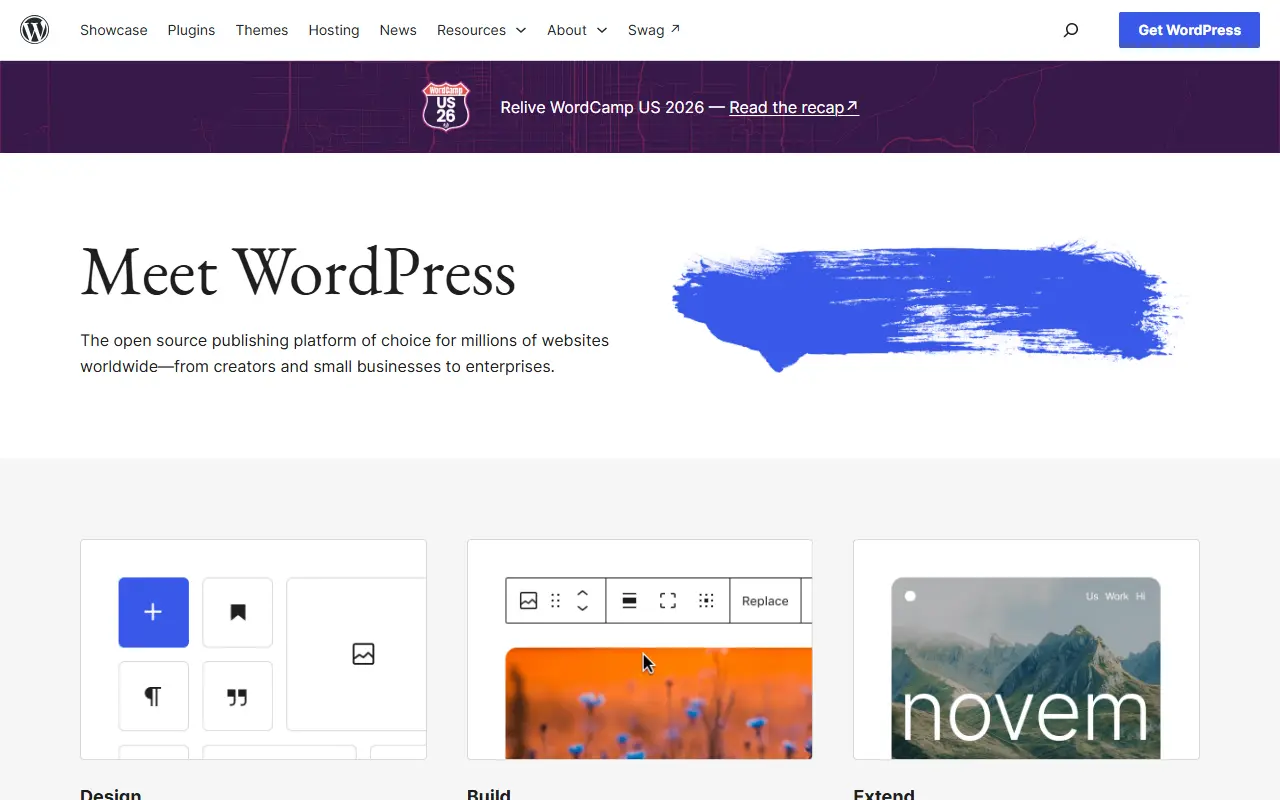
wordpress.orgWordPress homepage screenshot

WordPress is a content management system and publishing platform for building websites, blogs and apps. People write and organize content in a browser-based editor, choose how the site looks with themes, and publish without writing code. Its own site describes it as the platform behind millions of websites, from creators and small businesses to enterprises.

Design and editing are built around blocks, so pages can be assembled and rearranged visually with a live preview as content changes. Styling can be adjusted for different screen sizes and interactive states without writing CSS. Functionality is extended through a large library of plugins that add features such as stores, analytics, newsletters and social media integration.

The software is written in PHP and is open source; the GitHub repository is a read-only mirror of the project's Subversion repository, with development happening elsewhere. You can run it on your own hosting, and a managed service is also available through WordPress.com. It suits individual bloggers, small businesses and larger organizations alike.

Key features

  • Block-based page and post editor
  • Themes for site design
  • Plugin library for extra functionality
  • Site editor with responsive styling controls
  • Media library with a built-in editor
  • Runs on your own PHP hosting

Pricing: The software is free and open source; costs come from hosting and any paid themes or plugins you choose.

Onlook

An open-source visual editor for Next.js and Tailwind apps that lets designers and developers edit real code in the browser with AI, an alternative to Bolt.new and Lovable.

GitHub stars
27k
Last commit
1 mo ago
Latest release
v0.2.32
Licence
Apache-2.0
Self-hosted
Yes
Hosted version
Available
onlook.comOnlook homepage screenshot

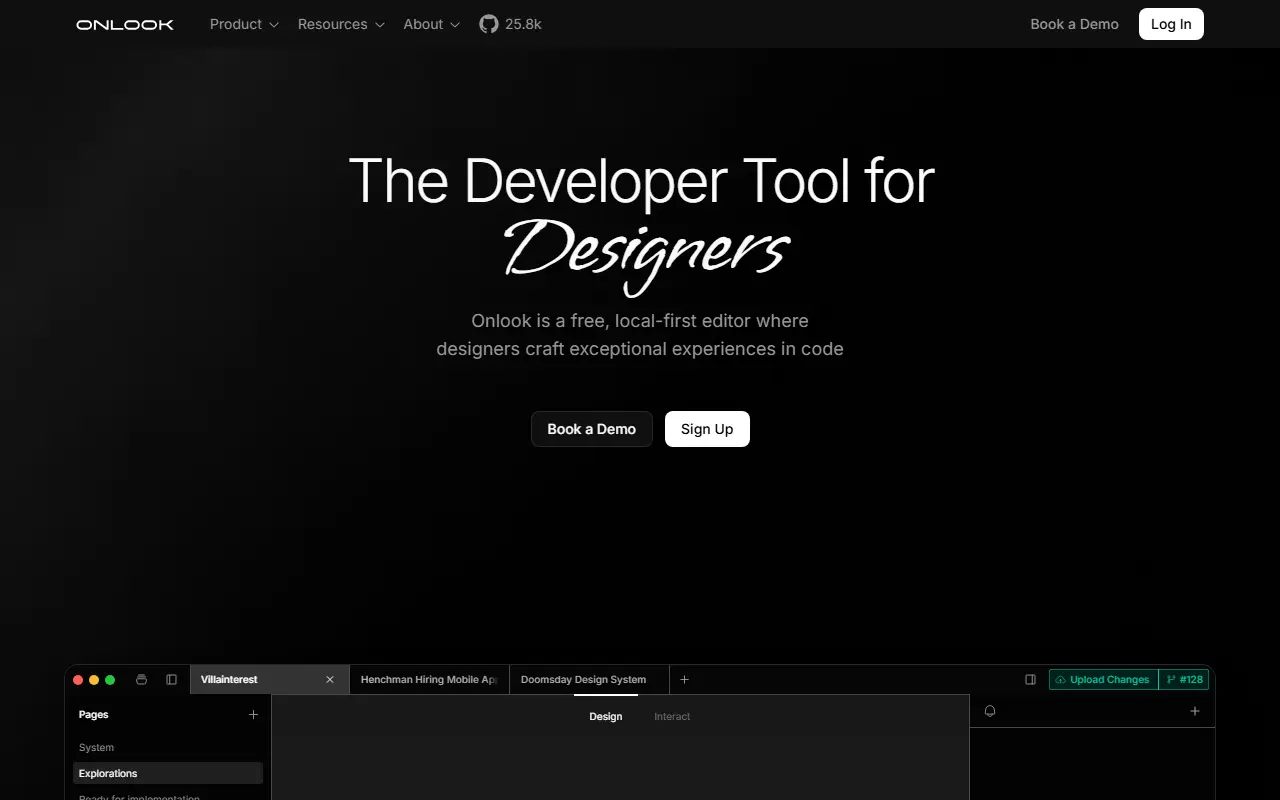
Onlook is an open-source, visual-first code editor for building websites, prototypes and designs in Next.js and Tailwind CSS. Edits are made directly on the browser DOM with a Figma-like interface, while the changes are written to real code, so design and development share one source of truth.

You can create a Next.js app from text or an image or start from templates, then edit it visually, manage brand assets and tokens, create pages, browse layers and manage images. Developer tools include a real-time code editor, checkpoints you can restore, branching for design experiments, a CLI, an app marketplace, one-click deploys, shareable links and custom domains. Team collaboration is on the roadmap.

The README describes this repository as the open-source editor that started Onlook, while the hosted product for AI-native designers is in early access through a waitlist. It is licensed under Apache-2.0 and presented as an open alternative to tools such as Webflow, Figma Make, V0, Replit Agent, Lovable and Bolt.new. It suits designers who want to ship real code and developers who want a visual layer.

Key features

  • Visual editing on the browser DOM
  • Figma-like interface for Next.js apps
  • Start from text prompts or images
  • Real-time code editor with checkpoints
  • Branching for design experiments
  • Brand assets and design tokens
  • One-click deployment with custom domains

Pricing: Onlook can be self-hosted for free. The hosted cloud version is in closed beta with custom team pricing arranged by contacting the team.

Builder.io

Builder.io's repository of SDKs, plugins and starters for its visual development platform, which turns Figma designs and drag-and-drop pages into code for React, Vue, Svelte, Qwik and more.

GitHub stars
8.9k
Last commit
today
Latest release
@builder.io/sdk-vue@5.3.0
Licence
MIT
Self-hosted
No
Hosted version
Available
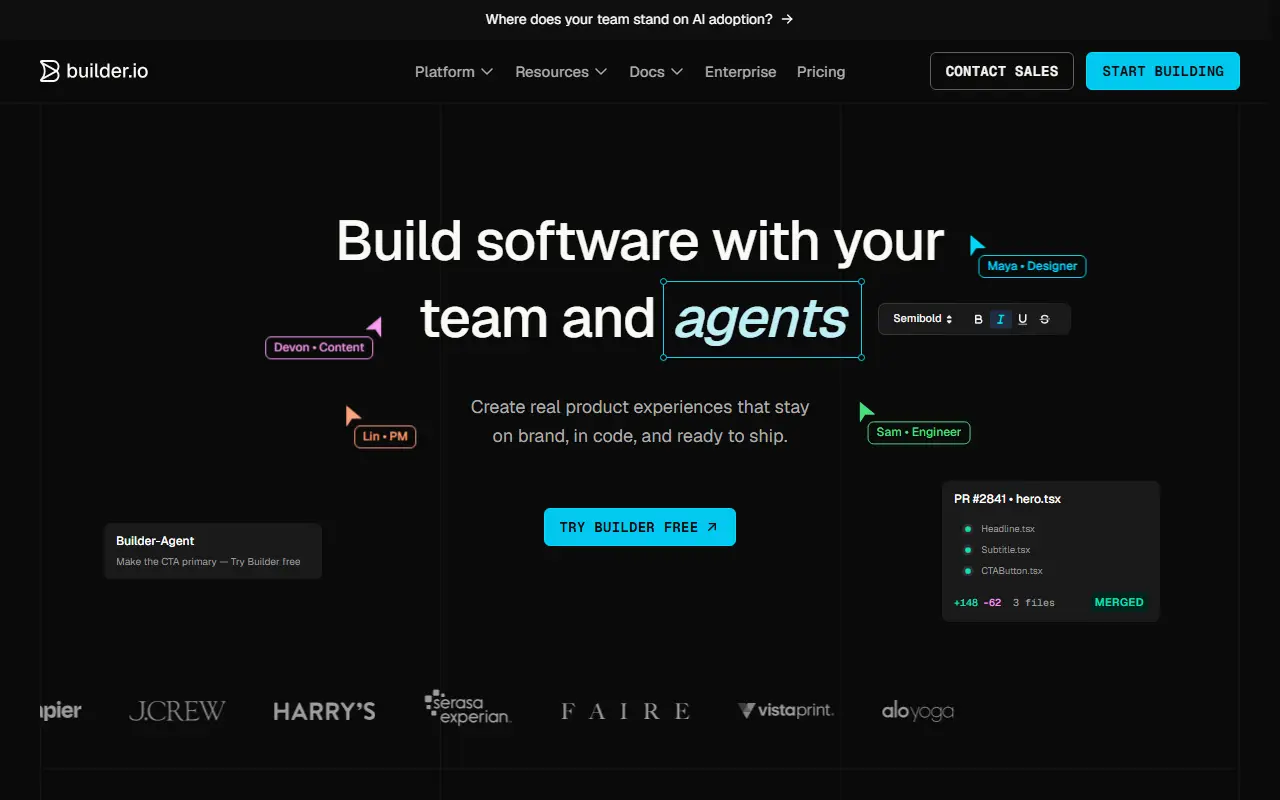
builder.ioBuilder.io homepage screenshot

Builder is the visual development platform from Builder.io, and this repository holds its SDKs, usage examples, starter projects and plugins. The platform connects to an existing site or app so teams can edit visually and generate code using their own components, starting from Figma designs or a drag-and-drop editor.

Updates can be published through the SDKs or exported as code. The SDKs cover frameworks such as React, Vue, Svelte, Angular, Qwik and React Native, and the topics also mention headless CMS use, landing pages, Shopify and Next.js. A free account can be created to try it out, and a community forum handles questions.

The code in this repository is MIT licensed and written in TypeScript, but the editing platform itself is a hosted commercial service rather than software you host. It suits front-end teams that want non-developers to build and update pages from a shared component library.

Key features

  • Drag-and-drop visual page editor
  • Figma designs converted to code
  • SDKs for React, Vue, Svelte and Qwik
  • Works with your existing components
  • Headless CMS content model
  • Publish via SDKs or export code

Pricing: Free plan includes 60 monthly Agent Credits. Pro is $24 and Team $40 per user per month; Enterprise is custom. Extra credits cost $25 per 500.

Instatic

A self-hosted visual CMS and site builder that runs in one Bun server and outputs clean static HTML and CSS, positioned as an open alternative to Webflow, Framer and WordPress.

GitHub stars
8.8k
Last commit
19 days ago
Latest release
v0.0.20
Licence
MIT
Self-hosted
Yes
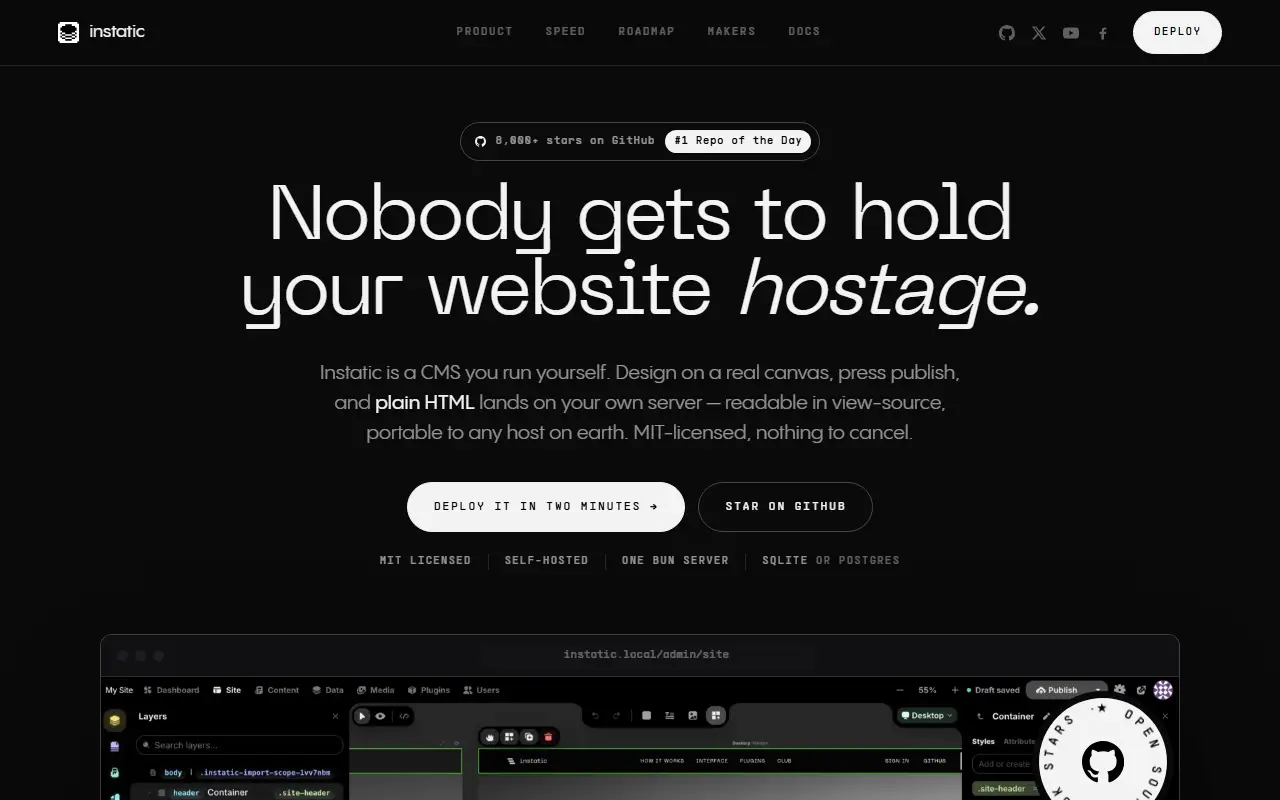
instatic.comInstatic homepage screenshot

Instatic is a self-hosted content management system with a visual editor, content engine and publisher all running in a single Bun server. It is presented as an open-source alternative to Webflow, Framer and WordPress, and aims to replace the usual pile of separate services for CMS, framework, hosting, forms and analytics.

One server holds the canvas editor, content engine, media, authentication, forms, plugins and the publisher, with users, roles and a database included, backed by SQLite or Postgres. Pages it generates are plain semantic HTML with compact CSS, without framework runtime or builder attributes, so they behave like static files. The README suggests one-click deployment on Railway, with options for Render and Docker or a VPS with Caddy TLS.

Instatic is MIT licensed and very new: the repository was created in April 2026 and the latest release is v0.0.20, so expect rapid change. It targets developers, designers and small businesses who want to own their site stack and keep the published output lean.

Key features

  • Visual canvas editor for pages
  • Clean static HTML and CSS output
  • Single Bun server for everything
  • Users, roles and plugins built in
  • SQLite or Postgres storage
  • Forms and media management
  • One-click Railway deployment

Pricing: Free and open source under the MIT licence.

Webstudio

An open-source visual website builder positioned as a Webflow alternative, connecting to any headless CMS and supporting all CSS properties, hosted by Webstudio or yourself.

GitHub stars
9k
Last commit
today
Latest release
0.304.0
Licence
AGPL-3.0
Self-hosted
Yes
Hosted version
Available
webstudio.isWebstudio homepage screenshot

Webstudio is a visual development platform, released as open source, for developers, designers and cross-functional teams, and is presented as an alternative to Webflow. It is a visual builder that connects to any headless CMS and supports all CSS properties, and you own the data, components and infrastructure.

You can choose the hosted version or deploy your own instance, and the topics mention Cloudflare Workers, React, Remix and accessibility via Radix UI. The project provides a blog, documentation, a roadmap and an issue tracker for the builder, and a community on Discord.

Licensing is split. The Webstudio core, meaning all functionality in the repository, is free and open source under AGPL-3.0-or-later, while the optional sdk-components-animation package is proprietary and requires accepting the Webstudio, Inc. EULA. It is written in TypeScript. It suits designers and developers who want Webflow-style visual building with the option to self-host.

Key features

  • Visual builder for websites
  • Support for all CSS properties
  • Connects to any headless CMS
  • Host on Webstudio or self-host
  • React and Remix based codebase
  • Optional proprietary animation package

Pricing: Core is open source under AGPL-3.0-or-later; an optional animation package is proprietary. A hosted version is offered.

Plasmic

A visual builder for React that lets teams drag and drop their own components to build pages, apps and content, integrated with an existing codebase.

GitHub stars
7.1k
Last commit
yesterday
Licence
MIT
Hosted version
Available
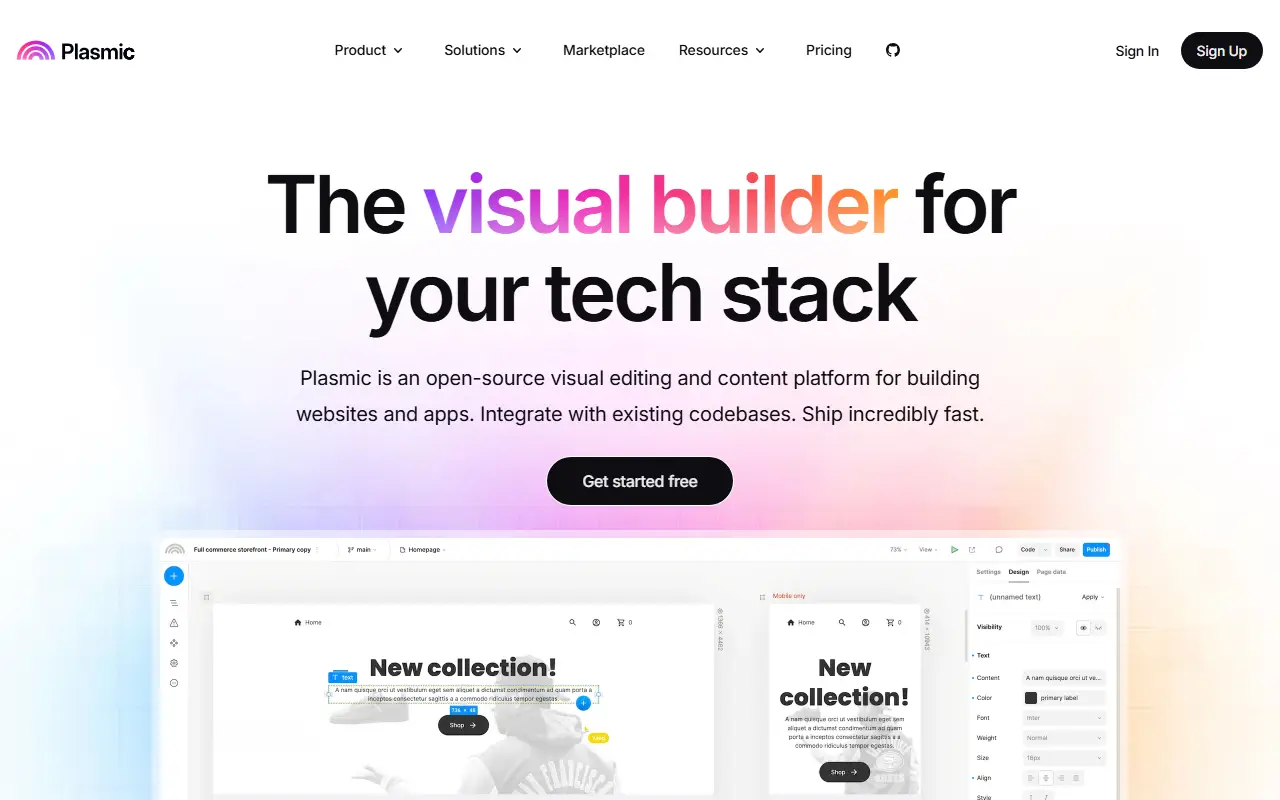
plasmic.appPlasmic homepage screenshot

Plasmic is a visual builder for the web that enables rapidly designing and building applications and websites, with code optional. Its distinguishing idea is codebase integration: you register your own React components so that marketers and designers can arrange them visually, which the project says removes the ceiling usually associated with low-code tools.

The README names three main use cases: content management, where marketing teams drag and drop React components to build landing pages in a Next.js site within design guardrails, applications such as internal tools, client portals and business software built quickly by developers and technical users, and a website builder and design tool that is not limited to a built-in ecommerce platform, CMS or hosting. It works with Next.js, Gatsby and other frameworks, and also acts as a headless CMS.

Plasmic is licensed under MIT and written in TypeScript, with documentation, a quickstart, a forum and a Slack community. The visual editor is offered as a hosted service at plasmic.app, and demos show examples such as a Shopify headless storefront. It suits front-end teams that want non-developers to build with their component library.

Key features

  • Drag-and-drop visual builder for React
  • Register your own code components
  • Works with Next.js and Gatsby
  • Headless CMS capabilities
  • Design guardrails for content editors
  • Internal tools and website building

Pricing: Free forever plan with 3 collaborators. Starter is $39, Pro $103 and Scale $399 per month on yearly billing; Enterprise is custom.

Craft CMS

Craft CMS is a flexible PHP content management system with clean-slate content modeling, Twig templates, a GraphQL API and optional ecommerce.

GitHub stars
3.6k
Last commit
today
Latest release
5.11.4
Self-hosted
Yes
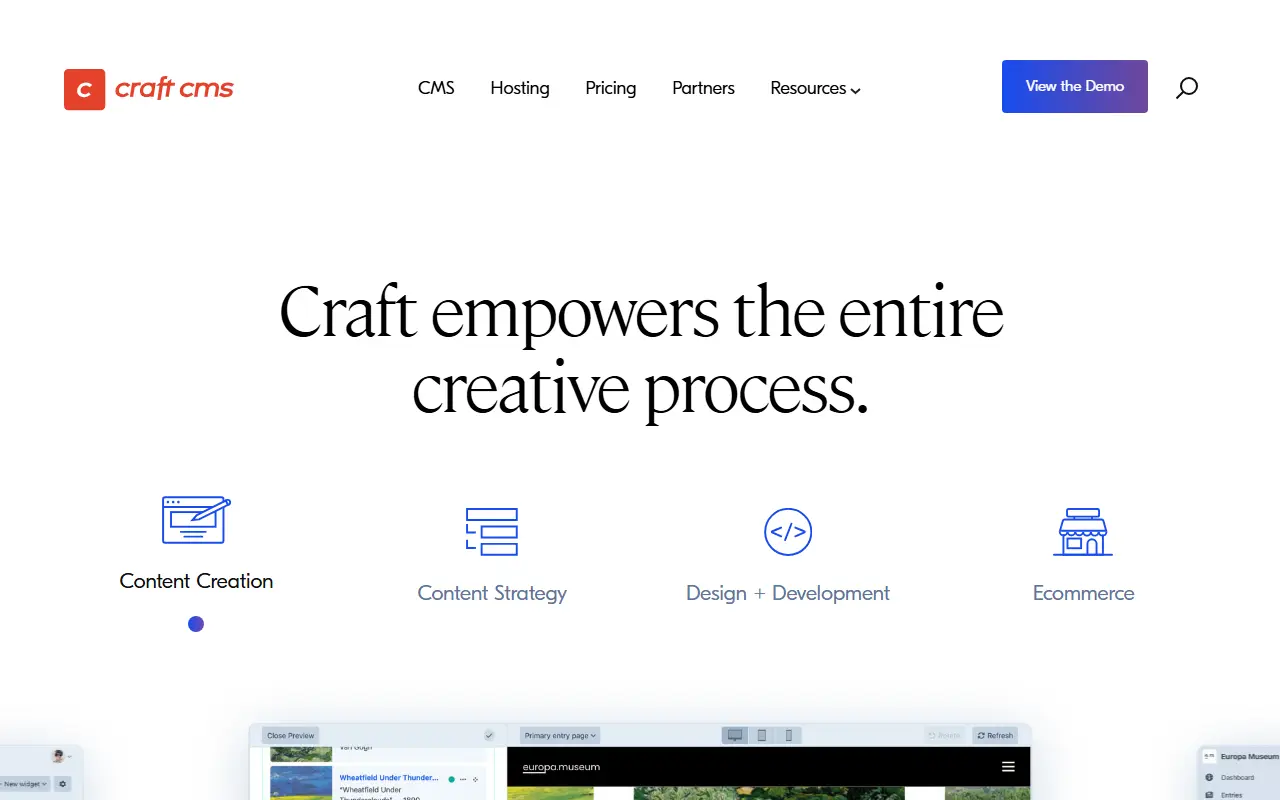
craftcms.comCraft CMS homepage screenshot

Craft is a flexible, easy-to-use content management system for building bespoke digital experiences, online and elsewhere. It offers an intuitive control panel for content creation and administration, and a clean-slate approach to content modeling that makes no assumptions about what you manage.

Developers build front ends with Twig templates, or go headless using the auto-generated GraphQL API. The platform also supports a full ecommerce solution for bespoke online stores, a Plugin Store inside the control panel offering hundreds of plugins, both free and paid, and an extension framework based on Yii2 for advanced customization. Repository topics list Twig, GraphQL, PHP 8 and several major Craft versions.

The code is source-available, and GitHub shows the license as 'Other' because Craft uses its own license, with free and paid editions offered by the vendor. Craft is self-hosted on your PHP server, and the vendor provides support and cloud hosting options. It suits agencies and in-house teams building tailored sites.

Key features

  • Intuitive control panel for editors
  • Flexible content modeling
  • Twig templating system
  • Auto-generated GraphQL API
  • Ecommerce add-on for bespoke stores
  • Plugin Store with free and paid plugins

Pricing: Solo is free to self-host. Team costs $279 and Pro $399 per project, including a year of updates and then $99 per year; Enterprise has a custom license.

Microweber

Microweber pairs a visual drag-and-drop site builder with a Laravel CMS, and adds e-commerce, blogging and ready-made modules.

GitHub stars
3.4k
Last commit
3 days ago
Latest release
v2.0.20
Licence
MIT
Self-hosted
Yes

Microweber combines a drag-and-drop page builder with a content management system on the PHP Laravel framework. It aims to let people create websites, online stores and blogs without technical skills, while still giving developers a modern code base to extend.

The README describes an array of modules, customizations and features tailored for e-commerce, and the current 2.0 version runs on Laravel 10. A shopping cart and content management features sit alongside the visual editor, and the documentation covers system requirements, installation and getting started. Topics include website builder and drag-and-drop.

Microweber is MIT-licensed and can be installed on your own hosting. It suits small businesses, freelancers and agencies that want to build a site or store visually, on an open-source PHP stack they can still modify.

Key features

  • Drag-and-drop page builder
  • CMS built on Laravel
  • Built-in e-commerce and shopping cart
  • Blog and content management
  • Modules and customizations
  • Runs on Laravel 10

Pricing: Free and open source under the MIT license.

Silex

Free, open-source visual website builder that exports clean static HTML and CSS, positioned as a libre alternative to Webflow.

GitHub stars
3k
Last commit
yesterday
Latest release
v3.9.0
Licence
AGPL-3.0
Self-hosted
Yes
Hosted version
Available
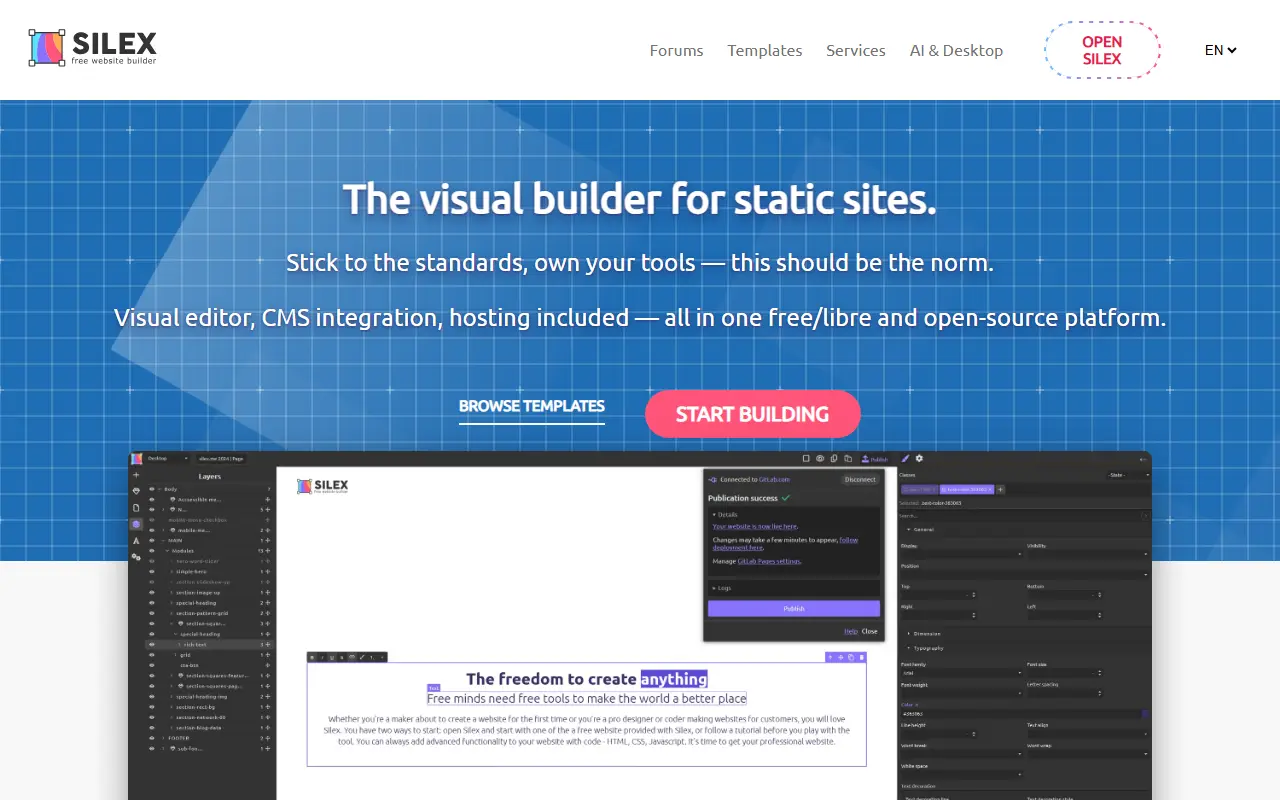
silex.meSilex homepage screenshot

Silex is a visual builder for static websites that can also pull in dynamic data. You design pages visually and export standard HTML and CSS that can be hosted anywhere, so there is no proprietary format, forced hosting, or subscription. It is released under the AGPL-3.0 license and presented as an open alternative to Webflow.

It is maintained by Silex Labs, a non-profit organization, and describes itself as free forever with all features included and no premium tier. It follows JAMstack practices, uses the GrapesJS editor according to its topics, and can pull content from WordPress through GraphQL. An MCP server is also mentioned among the project topics, and a desktop app can be downloaded alongside the online version.

You can try Silex online or run it yourself with Node.js. It suits web agencies, WordPress developers, freelance designers, and no-code builders who want a visual workflow with output they fully own. Because the output is standard web files, learning it also builds transferable HTML, CSS, and JAMstack skills.

Key features

  • Visual page design with clean HTML and CSS export
  • Host the exported site anywhere
  • Dynamic data for static sites
  • WordPress content through GraphQL
  • Desktop app and online editor
  • Built on the GrapesJS editor

Pricing: Silex is free to use hosted through a free GitLab account, as a desktop app, or self-hosted. Training, development and managed hosting are optional services quoted separately.

Frappe Builder

Low-code visual website builder from Frappe for designing responsive pages and publishing them with one click, integrated with the Frappe ecosystem.

GitHub stars
2.4k
Last commit
yesterday
Latest release
v1.35.0
Licence
MIT
Self-hosted
Yes
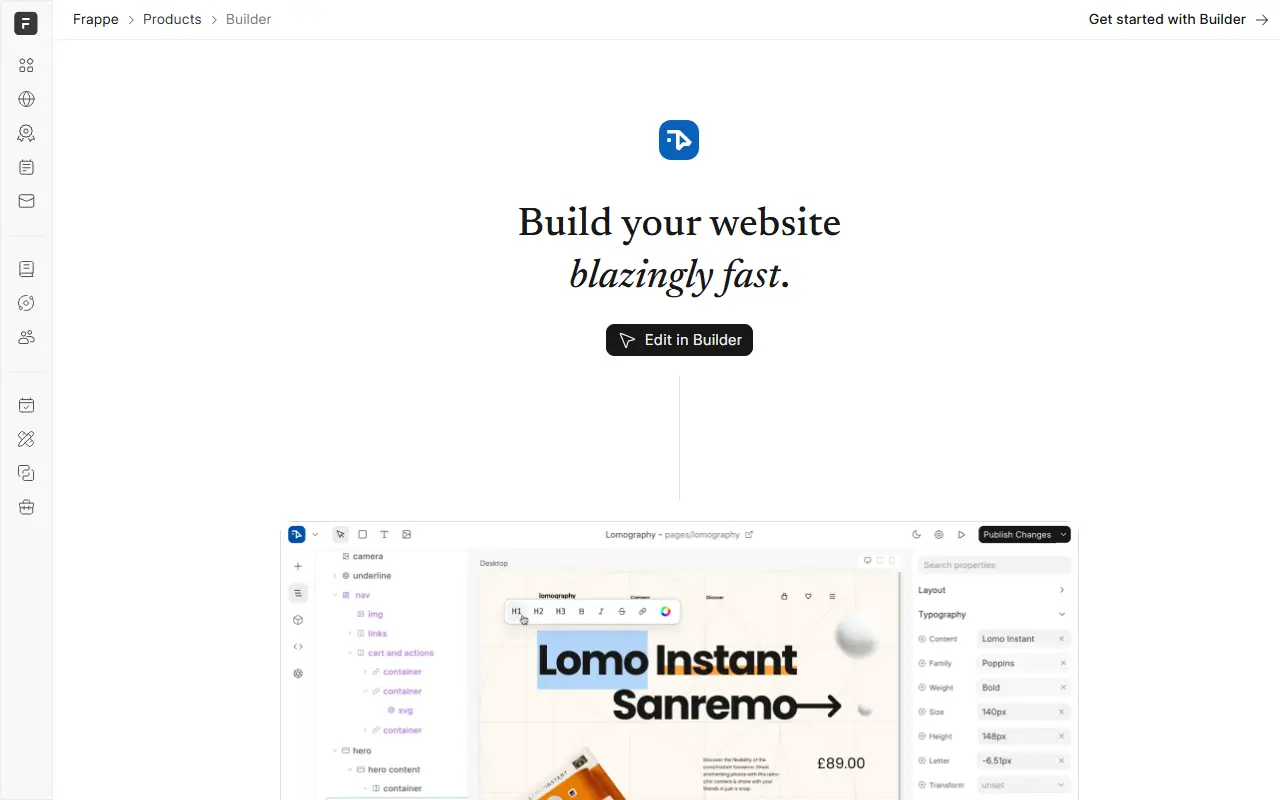
frappe.ioFrappe Builder homepage screenshot

Frappe Builder is a low-code website builder designed for simplicity, speed, and flexibility. Designers can lay out pages visually, and developers can customize them. A click-to-publish option covers the end-to-end process of making a site live. It is part of the Frappe ecosystem, written with Python, Vue, and TypeScript, and released under the MIT license.

The author says existing tools were too complex, too restrictive, or hard to integrate with Frappe, and that pages made with them often carried unnecessary scripts and styles. Builder aims to produce lean pages. The topics mention responsive layouts, Figma, a CMS, ERPNext website integration, and an AI website builder.

It suits teams already running Frappe or ERPNext who want to design public pages such as landing pages and marketing sites without leaving the platform, and developers who want a visual tool that integrates with their Frappe data. Documentation and a project website are available.

Key features

  • Visual drag-and-drop page builder
  • Click-to-publish workflow
  • Responsive page layouts
  • Integration with the Frappe ecosystem
  • Lean pages without extra scripts
  • Customization for developers

Pricing: Free and open source under the MIT license.

5 more Webflow alternatives

Webflow alternatives: questions

What is the best open-source alternative to Webflow?
WordPress is the top-ranked open-source alternative to Webflow on Enlisted: WordPress is an open-source publishing platform and CMS for building websites, blogs and online stores with themes, blocks and plugins. Other strong options are Onlook, Builder.io, Instatic and Webstudio.
Are these Webflow alternatives free?
All 15 are open source, so the code is free to use under its licence, and 14 of them can be self-hosted on your own server or computer. 7 also offer a paid or managed cloud version if you'd rather not host it yourself.
How is this list of Webflow alternatives ranked?
By a score built from GitHub stars, star growth over the last 30 days and how recently the code changed. 12 of these projects shipped code in the last 30 days. Data is refreshed daily, and nobody can pay to move up.

People also look for alternatives to…

View all