
About VideoToTextConverter
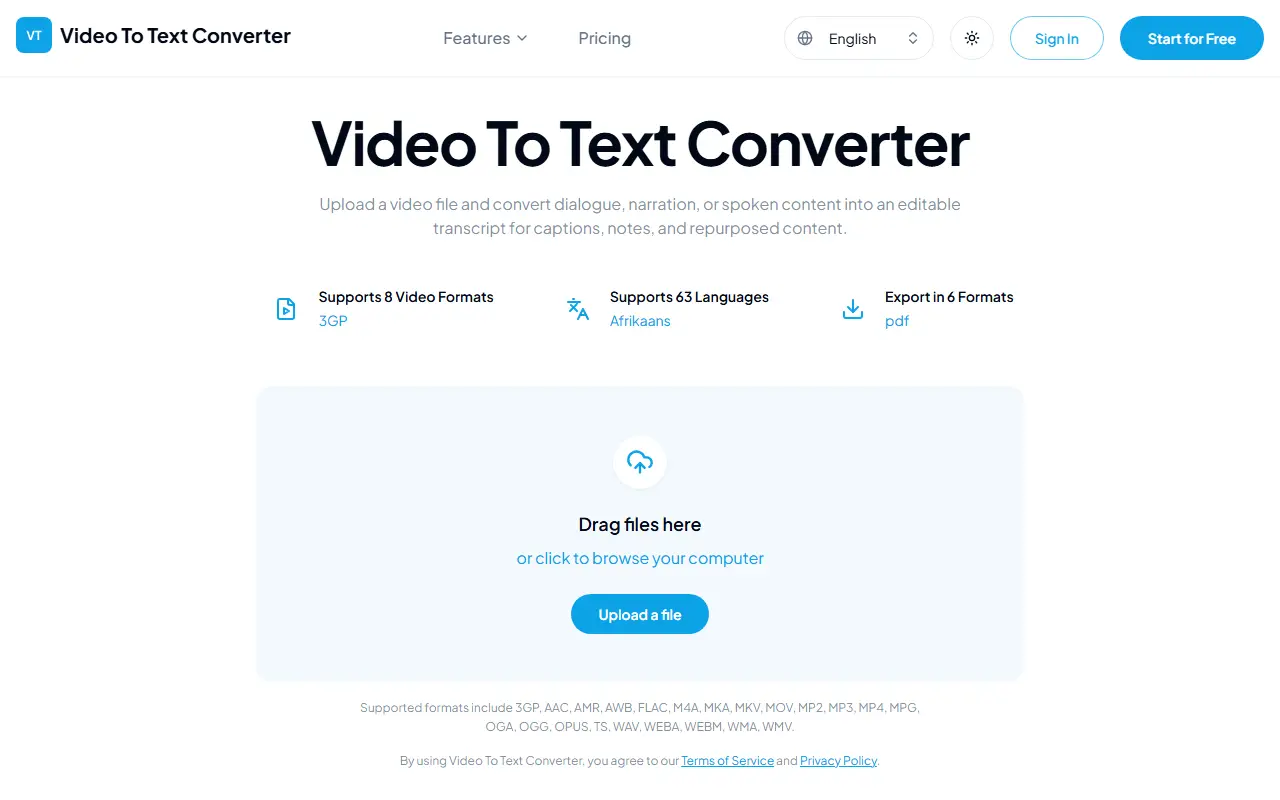
VideoToTextConverter is a hosted tool for converting speech in video and audio files into text. You upload a file from your device, the tool processes the audio track with AI transcription, and you get an editable transcript to use for captions, notes or repurposed content.
It accepts many formats, including 3GP, MKV, MOV, MP4, MPG, TS, WEBM and WMV for video, and audio formats such as AAC, FLAC, M4A, MP3, OGG, OPUS and WAV. Transcripts cover 63 languages and export as TXT, PDF, DOCX, SRT, VTT or CSV, with SRT and VTT intended for subtitle workflows. The site has a dedicated page for each file format. Typical inputs are webinars, interviews and other recordings with spoken content. You can start for free and sign in to use it.
Key features
- Upload video or audio files for transcription
- Support for 3GP, MKV, MOV, MP4 and more
- 63 transcription languages
- Editable transcript output
- Export to TXT, PDF, DOCX, SRT, VTT and CSV
Good fit for
- Generating subtitle files for a video
- Turning webinars into text notes
VideoToTextConverter: questions and answers
- What is VideoToTextConverter used for?
- VideoToTextConverter turns uploaded video or audio files into editable transcripts in 63 languages and exports them as TXT, PDF, DOCX, SRT, VTT or CSV. It is a good fit for generating subtitle files for a video and turning webinars into text notes.
- How much does VideoToTextConverter cost?
- VideoToTextConverter is a paid product with no free plan. A free trial is available. One-time minute packs with no subscription: $4.90 for 60 minutes, $8.90 for 180 and $15.90 for 450. Each account gets a one-time trial of 30 free minutes.
- Is VideoToTextConverter open source?
- No. VideoToTextConverter is proprietary (closed-source) software and can't be self-hosted. In the AI Tools category, open-source options include Buzz, Pluely and ClippedAI.
- What are some alternatives to VideoToTextConverter?
- VideoToTextConverter competes with Otter.ai, Notta and Happy Scribe.
Open-source alternatives to VideoToTextConverter
See all
Buzz
AI Tools
Buzz transcribes and translates audio offline on your personal computer. Powered by OpenAI
MITvs Otter.ai★ 22k
Pluely
AI Tools
The Open Source Alternative to Cluely - A lightning-fast, privacy-first AI assistant that
GPL-3.0vs Otter.ai★ 2.7k
ClippedAI
AI Tools
Open-source alternative to OpusClip - AI-powered YouTube Shorts generator. 100% free and u
OSSvs Opus Clip★ 215
Handy
AI Tools
A free, open source, and extensible speech-to-text application that works completely offli
MITvs Wispr Flow★ 33k
Meetily
AI Tools
The most secure and privacy-focused AI meeting note taker. 100% local transcription. Plugg
MITvs Otter.ai★ 31k
Call.md
AI Tools
Turn meetings into live agent loops. Record, transcribe, and analyze meetings with real-ti
OSSvs Otter.ai★ 1.5k
SaaS alternatives to VideoToTextConverter
See all
Otter.ai
AI Tools
Meeting transcription, notes and summaries for Zoom, Meet and Teams
SaaS
Notta
AI Tools
Speech-to-text transcription and AI meeting notes in many languages
SaaS
Happy Scribe
AI Tools
Transcription, subtitling and translation service
SaaS
Rev
AI Tools
Transcription, captioning and AI notetaking service
SaaS
Descript
AI Tools
Edit video and podcasts by editing their transcript, with AI voice and cleanup tools
SaaS
Transcribe Video to Text
AI Tools
AI video transcript generator with speaker labels, timestamps, 100+ languages and SRT/VTT subtitle export
SaaS