
About TransDub
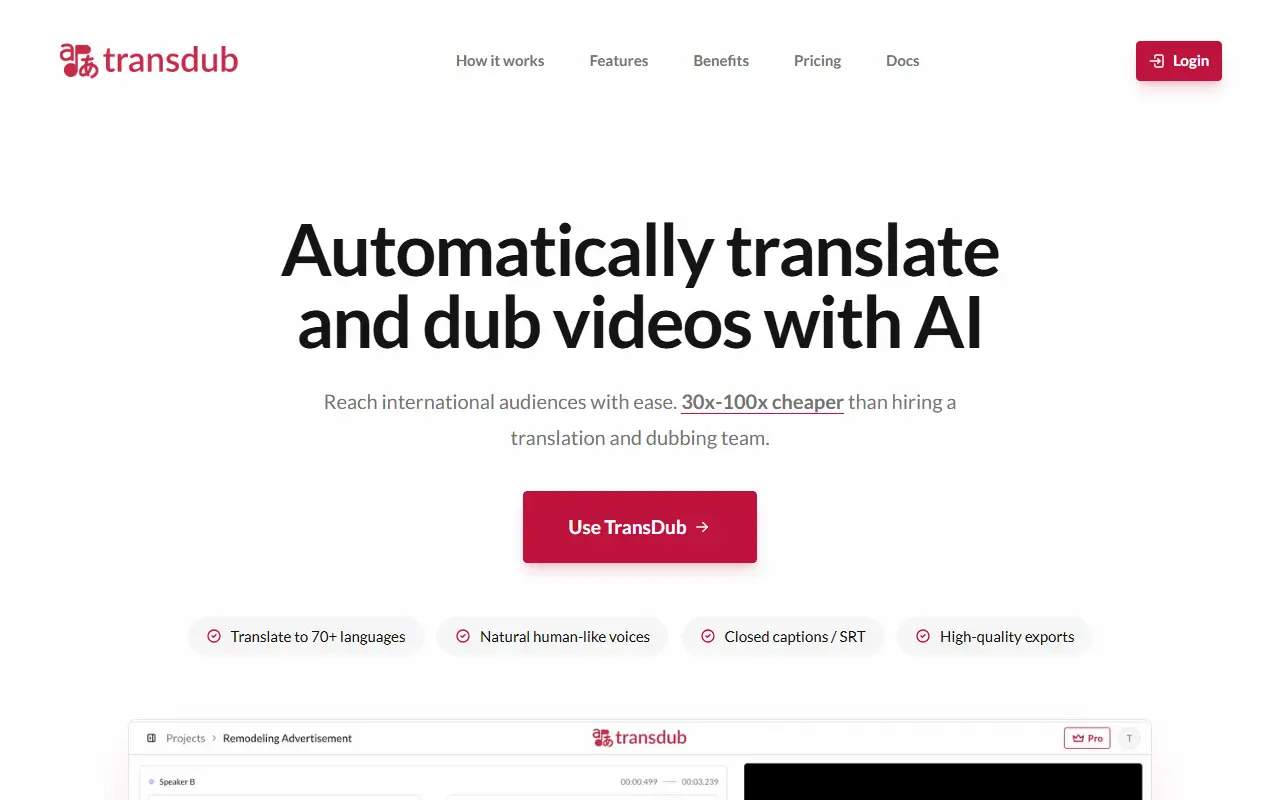
TransDub automatically translates and dubs videos so creators and businesses can reach audiences in other languages. You import a video by direct upload, YouTube link or by linking your YouTube account, and it transcribes and translates the speech. You review the translations, fix anything you want, then export the dubbed video with optional subtitles in SRT format or publish directly to YouTube.
The editor gives fine control over each clip. You can re-translate a clip by changing the source text, regenerate the dub, switch languages while editing to compare against the original, add speakers and give each one a distinct voice, change the speaker on any segment, and use a zoomable timeline. Bulk actions re-translate and regenerate all stale clips, a cost summary shows estimated charges before bulk operations, and work autosaves.
The site lists more than 70 languages and over 10,000 voices, with unlimited exports. It is a hosted service with docs and a pricing section, positioned against hiring studios and voice artists for traditional dubbing.
Key features
- Import by upload, YouTube link or linked account
- Automatic transcription and translation
- Dubbing in 70+ languages
- Per-clip re-translate and regenerate
- Multiple speakers with distinct voices
- SRT subtitle export
- Direct publishing to YouTube
Good fit for
- YouTubers reaching audiences in new languages
- Localizing training or marketing videos
TransDub: questions and answers
- What is TransDub used for?
- TransDub is an AI video dubbing tool that transcribes, translates and dubs videos into 70+ languages with an editor for corrections, speakers, voices and subtitle export. It is a good fit for YouTubers reaching audiences in new languages and localizing training or marketing videos.
- Is TransDub free?
- Yes. TransDub has a free plan. A free plan includes 1 minute of dubbing. Pro is usage-based at $49 per 30 minutes, with purchased minutes valid for 90 days.
- Is TransDub open source?
- No. TransDub is proprietary (closed-source) software and can't be self-hosted. In the Video Editing category, open-source options include Shotcut, OpenShot and Kdenlive.
- What are some alternatives to TransDub?
- TransDub competes with Rask AI, HeyGen and ElevenLabs.
Open-source alternatives to TransDub
See all
Shotcut
Video Editing
cross-platform (Qt), open-source (GPLv3) video editor
GPL-3.0vs Adobe Premiere Pro★ 15k
OpenShot
Video Editing
OpenShot Video Editor is an award-winning free and open-source video editor for Linux, Mac
OSSvs Adobe Premiere Pro★ 6.6k
Kdenlive
Video Editing
Free and open source video editor, based on MLT Framework and KDE Frameworks
GPL-3.0vs Adobe Premiere Pro★ 5.8k
OpenCut
Video Editing
The open-source CapCut alternative
MITvs CapCut★ 93k
OBS Studio
Video Editing
OBS Studio - Free and open source software for live streaming and screen recording
GPL-2.0vs vMix★ 77k
HandBrake
Video Editing
HandBrake's development repository
OSS★ 25k
SaaS alternatives to TransDub
See all
Rask AI
AI Tools
AI video translation, dubbing and subtitle generation
SaaS
HeyGen
AI Tools
Create talking-avatar videos from a script, with voice cloning and video translation
SaaS
ElevenLabs
AI Tools
Text-to-speech, voice cloning, dubbing and speech-to-text with an API
SaaSEasyDubbing
Localization
AI video dubbing into multiple languages with voice cloning
SaaS
Translate-Dub
Video Editing
Translates and dubs videos into any language and adds translated captions and subtitles
SaaS
VoiceCheap
Localization
AI platform that dubs and translates videos with voice cloning, lip-sync and subtitles
SaaS