
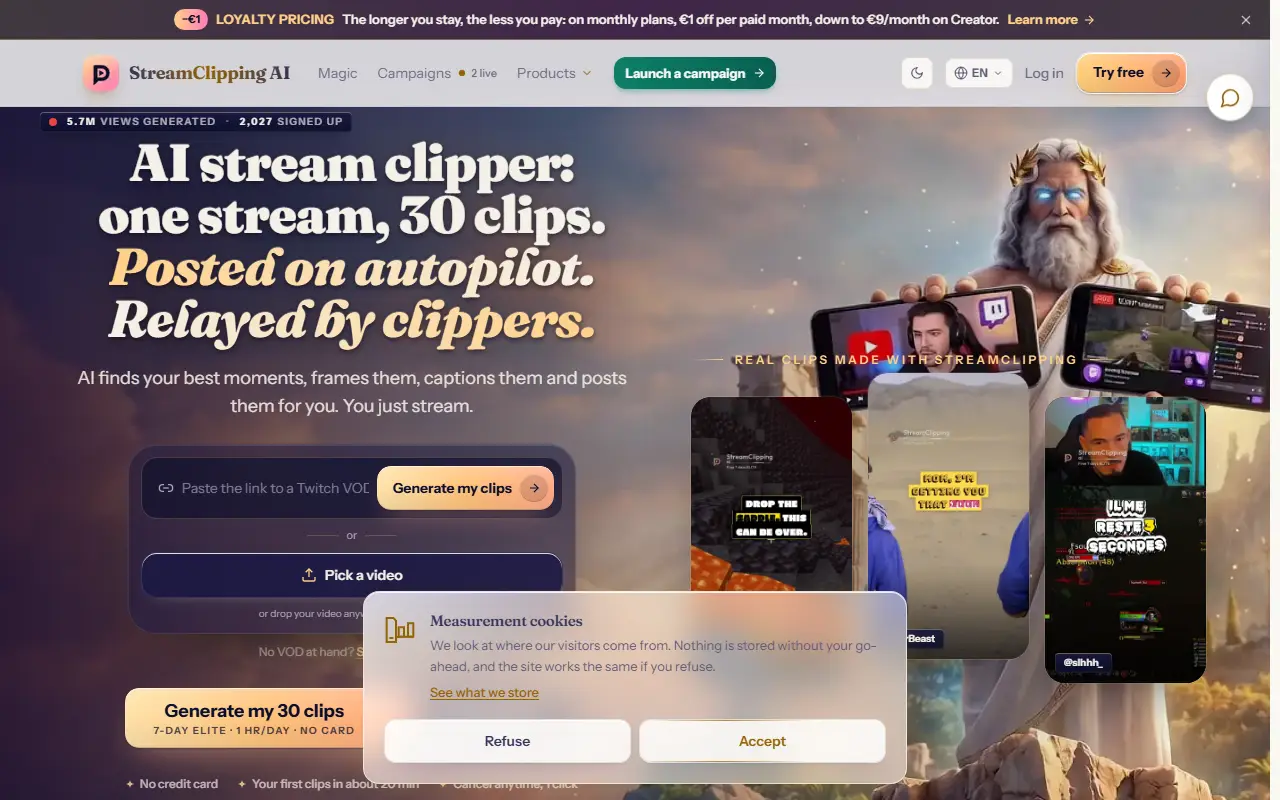
About StreamClipping
StreamClipping converts live broadcasts and recorded VODs into portrait 9:16 clips ready for short-video platforms. The AI finds highlight moments, frames them, adds animated word-by-word captions and AI-generated hooks, and publishes automatically to TikTok, YouTube Shorts and Instagram Reels, with first clips ready in about 20 minutes. The product line also includes Magic, Highlight, Editor and Dubbing modes.
A second part is a clipper community: brands and streamers launch campaigns, and clippers who are paid per view relay the clips on their own accounts. An Elite tier targets clippers and agencies covering five to twenty creator profiles and as many as thirty accounts on each platform, an autopilot publisher and unlimited video processing under fair use. The free plan gives 15 minutes of video per month without a card. Creator costs 19 euros a month with loyalty pricing that takes 1 euro off each paid month down to 9, and Elite starts at 139 euros per month.
Key features
- Finds stream highlights and cuts vertical clips
- Animated word-by-word captions and AI hooks
- Auto-publishing to TikTok, Shorts and Reels
- Clipper campaigns paid per view
- Elite workspace for agencies and clippers
- Works with Twitch, YouTube and Kick
Good fit for
- Turning a long Twitch stream into daily Shorts
- Launching a campaign so clippers spread your content
- Managing clip accounts for several streamers
StreamClipping: questions and answers
- What is StreamClipping used for?
- StreamClipping is an AI tool that turns Twitch, YouTube and Kick streams into captioned vertical clips, posts them to TikTok, Shorts and Reels and connects clippers paid per view. It is a good fit for turning a long Twitch stream into daily Shorts, launching a campaign so clippers spread your content and managing clip accounts for several streamers.
- Is StreamClipping free?
- Yes. StreamClipping has a free plan, and paid plans start at €19 per month. A free trial is also available.
- Is StreamClipping open source?
- No. StreamClipping is proprietary (closed-source) software and can't be self-hosted. In the Video Editing category, open-source options include OpenCut, OBS Studio and HandBrake.
- What are some alternatives to StreamClipping?
- StreamClipping competes with Opus Clip, Vizard and Klap.
Open-source alternatives to StreamClipping
See all
OpenCut
Video Editing
The open-source CapCut alternative
MITvs CapCut★ 93k
OBS Studio
Video Editing
OBS Studio - Free and open source software for live streaming and screen recording
GPL-2.0vs vMix★ 77k
HandBrake
Video Editing
HandBrake's development repository
OSS★ 25k
Cap
Video Editing
Open source Loom alternative. Beautiful, shareable screen recordings.
OSSvs Loom★ 23k
Screenity
Video Editing
The free and privacy-friendly screen recorder with no limits 🎥
GPL-3.0vs Screencastify★ 19k
Shotcut
Video Editing
cross-platform (Qt), open-source (GPLv3) video editor
GPL-3.0vs Adobe Premiere Pro★ 15k
SaaS alternatives to StreamClipping
See all
Opus Clip
AI Tools
Cuts long videos into short vertical clips with captions for social platforms
SaaS
Vizard
Video Editing
AI tool that turns long videos into short clips with captions
SaaS
Klap
Video Editing
AI tool that converts long videos into short clips for social media
SaaSMedal.tv
Games & Emulation
Game clip recording and sharing platform
SaaS
Streamlabs
Video Editing
Live streaming software and tools for creators
SaaS
Capnivo
Video Editing
AI video editor that adds captions, removes silences and turns long videos into short clips for TikTok, Reels and Shorts
SaaS