 TrackMedia
 TrackRev

About Side Copilot
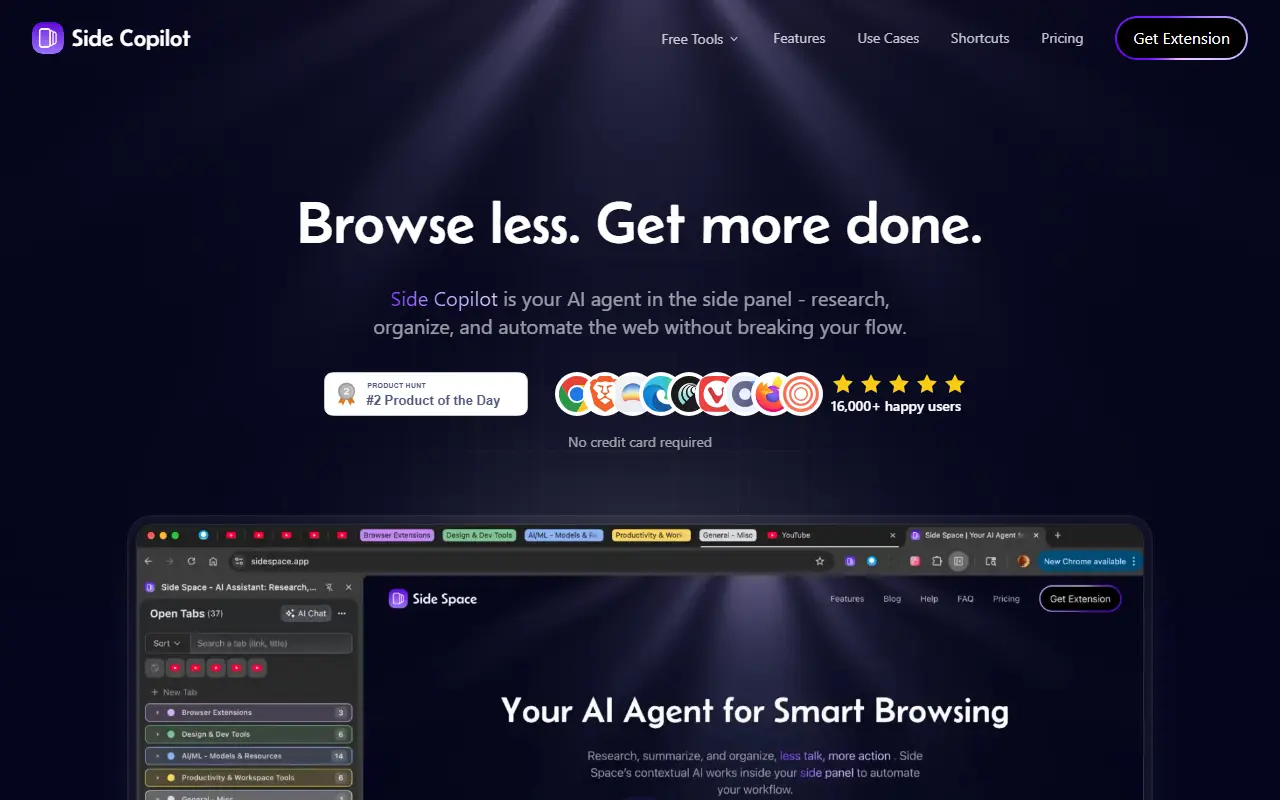
Side Copilot is a browser extension that places an AI assistant in the side panel of the browser. It is meant for people who spend long sessions researching and juggling tabs, offering a way to ask questions about what is open and to hand routine browser chores to an agent without leaving the page.
Agent mode can group tabs, manage windows, search browser history, restore closed windows, and research topics. Chat mode uses the context of your open tabs for summarizing and extracting content. A vertical tabs manager organizes tabs into spaces for work, social media, shopping, study, or hobbies within one window. The site also hosts free utilities such as PDF chat, a summarizer, a mind map generator, and a YouTube summarizer, and says no credit card is needed to start.
Key features
- AI agent mode for browser actions
- Chat with the context of open tabs
- Vertical tab manager in the side panel
- Spaces for grouping tabs by topic
- Search browser history and restore windows
- Free tools including PDF chat and summarizer
Good fit for
- Researchers summarizing many open pages
- Heavy tab users organizing work and personal browsing
Side Copilot: questions and answers
- What is Side Copilot used for?
- Side Copilot is a browser extension with an AI agent in the side panel that researches, summarizes, organizes tabs, and automates routine web tasks. It is a good fit for researchers summarizing many open pages, and heavy tab users organizing work and personal browsing.
- Is Side Copilot free?
- Yes. Side Copilot has a free plan, and paid plans start at $4.90 per month.
- Is Side Copilot open source?
- No. Side Copilot is proprietary (closed-source) software and can't be self-hosted. In the AI Tools category, open-source options include LemonAI, QwenPaw and Open Notebook.
- What are some alternatives to Side Copilot?
- Side Copilot competes with Perplexity Comet, ChatGPT Atlas and Dia.
Open-source alternatives to Side Copilot
See all
LemonAI
AI Tools
Lemon AI is the first Full-stack Open-source Self-Evolving General AI Agent, offering a fu
OSSvs ChatGPT★ 1.6k
QwenPaw
AI Tools
QwenPaw is your personal AI agent workstation running in your own environment. It supports
Apache-2.0★ 38kOpen Notebook
AI Tools
An Open Source implementation of Notebook LM with more flexibility and features
MITvs NotebookLM★ 42k
Nanobot
AI Tools
nanobot is an ultra-lightweight, open-source, self-hosted personal AI agent for chat apps,
MIT★ 50k
ThoughtDAG
AI Tools
Your thinking deserves a map: an infinite canvas where LLM conversations grow into an edit
MIT★ 775
GPT Researcher
AI Tools
An autonomous agent that conducts deep research on any data using any LLM providers
Apache-2.0vs Perplexity★ 31k
SaaS alternatives to Side Copilot
See all
Perplexity Comet
AI Tools
AI web browser from Perplexity with an assistant sidebar and agentic browsing
SaaS
ChatGPT Atlas
AI Tools
OpenAI web browser with built-in ChatGPT and an agent mode
SaaS
Dia
AI Tools
AI-first web browser with a built-in chat assistant, from The Browser Company
SaaS
Aera Browser
AI Tools
Browser-based AI that runs scheduled, long-running workflows and connects your tools through MCP
SaaS
Prophet
AI Tools
Chrome extension that puts Claude in the browser side panel to chat and automate web tasks
SaaS
Evelant
AI Tools
AI browser extension that reads pages and PDFs and chats about them, with floating, side panel and native modes
SaaS