
About ShowMyPC
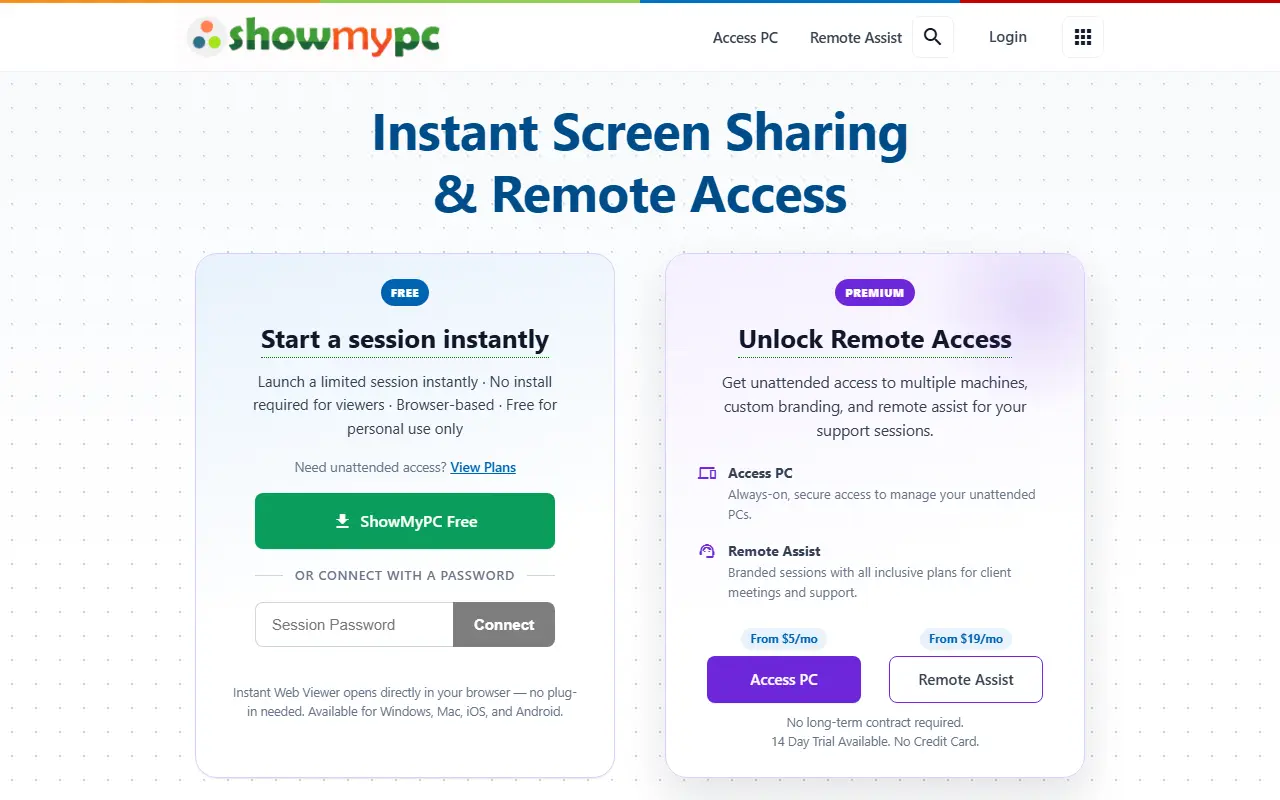
ShowMyPC is a remote access and screen sharing service. It offers instant sessions that can be started without installation for viewers, and it is browser-based. The free version is for personal use only, while premium plans provide unattended access, custom branding, and remote assist features.
The service also includes CloudPC.live, a browser-based virtual desktop platform with GPU instances and persistent storage. It is designed for teams in AI, medical, and DevOps, and can deploy HIPAA compliant clinical environments.
Key features
- Instant screen sharing sessions
- No install required for viewers
- Browser-based web viewer
- Unattended access to multiple machines
- Custom branding
- Remote assist for support sessions
- CloudPC.live GPU instances with persistent storage
Good fit for
- Remote support sessions
- Unattended access to home or office PCs
- GPU cloud workstations for AI, medical, and DevOps
ShowMyPC: questions and answers
- What is ShowMyPC used for?
- ShowMyPC provides instant screen sharing and remote access, with optional CloudPC.live GPU cloud workstations for AI, medical, and DevOps teams. It is a good fit for remote support sessions; unattended access to home or office PCs; and GPU cloud workstations for AI, medical, and DevOps.
- Is ShowMyPC open source?
- No. ShowMyPC is proprietary (closed-source) software. In the Utilities & System Tools category, open-source options include Alt Tab Macos, Amethyst and Clipy.
- What are some alternatives to ShowMyPC?
- ShowMyPC competes with Splashtop.
Open-source alternatives to ShowMyPC
See all
Alt Tab Macos
Utilities & System Tools
Windows alt-tab on macOS
GPL-3.0vs Raycast★ 16k
Amethyst
Utilities & System Tools
Automatic tiling window manager for macOS à la xmonad.
MITvs BetterTouchTool★ 16k
Clipy
Utilities & System Tools
Clipboard extension app for macOS.
MITvs Paste★ 8.9k
Kap
Utilities & System Tools
An open-source screen recorder built with web technology
MITvs CleanShot X★ 19k
LICEcap
Utilities & System Tools
LICEcap simple animated screen capture tool for Windows and OS X
OSSvs CleanShot X★ 5.6k
Tarantool
Database Tools
Get your data in RAM. Get compute close to data. Enjoy the performance.
OSSvs Amazon ElastiCache★ 3.7k
SaaS alternatives to ShowMyPC
See all
Splashtop
Networking & VPN
Remote access and remote support software for desktops and IT teams
SaaS
Ammyy Admin
Utilities & System Tools
Zero-config remote desktop software for remote desktop connection and remote access
SaaS
Remote Desktop Manager
Utilities & System Tools
Centralize remote connections and IT tools in one workspace
SaaS
LogMeIn Pro
Utilities & System Tools
Remote computer and desktop access software
SaaS
Royal TS
Utilities & System Tools
Connection management tool for IT professionals on multiple platforms
SaaS
3CX
Utilities & System Tools
Enterprise IP PBX phone system software with AI receptionist, AI transcription, and call center reports
SaaS