
About Search Your Screen
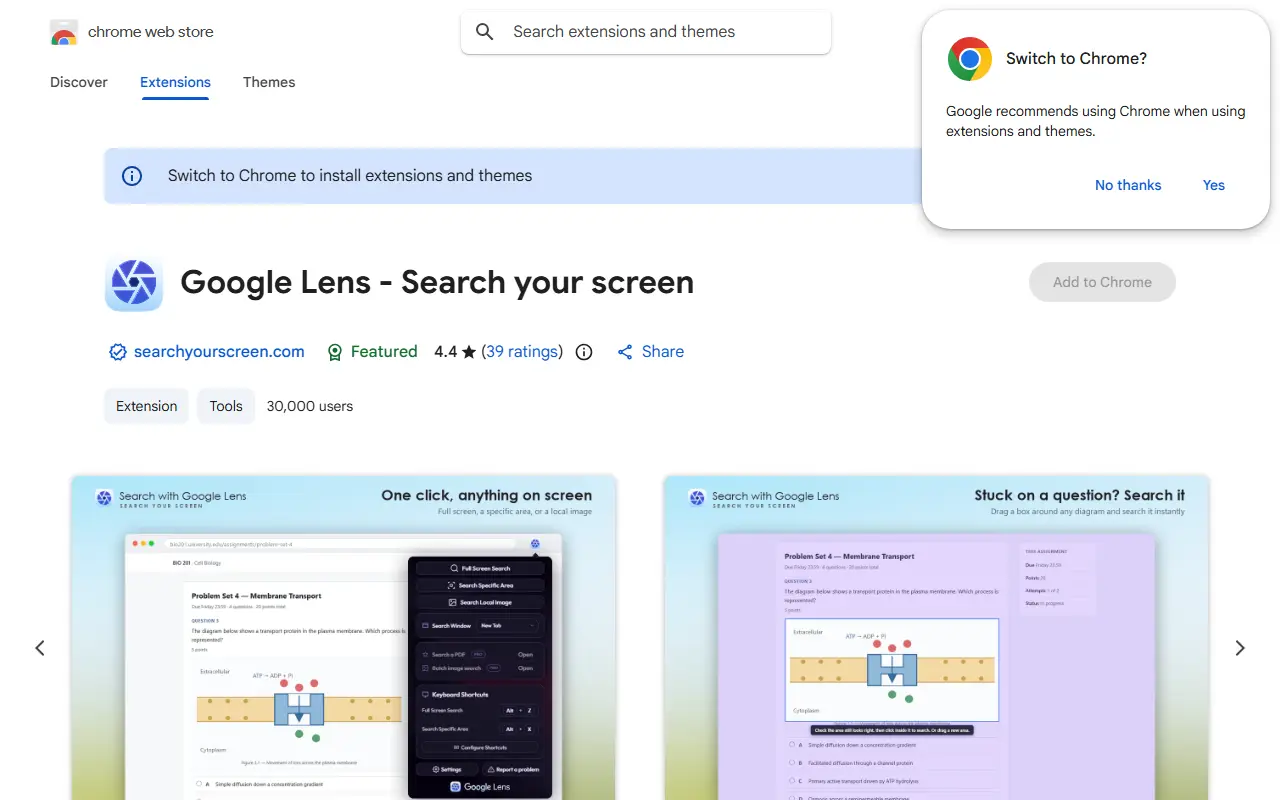
Search Your Screen is a Chrome extension that brings Google Lens style visual search to the browser. You can search the full screen, select an area, search a local image from your device or right-click an image, and results open in a new tab or a floating window. Integrations let you search the current YouTube video frame or find visually similar items from Amazon product images.
Further features include searching a PDF's text, including scanned pages with no text layer, extracting text from an area, saving an area to re-run the search later, a search history with thumbnails, folders for saved areas, batch upload of several images and custom keyboard shortcuts. Everything saved on your side, such as history, saved areas, folders and extracted text, stays in the browser's local storage, and text recognition on scanned PDFs runs entirely in the browser.
The extension is free, with some features reserved for Search Your Screen Pro at $1.99 per month covering up to three devices. The listing also discloses affiliate links on Amazon and eBay product results.
Key features
- Search full screen, selected area or local image
- Right-click image search
- YouTube frame and Amazon product image search
- PDF search including scanned pages
- Text extraction from selected areas
- Local search history with folders
Good fit for
- Identifying products from screenshots
- Translating or extracting text from images
- Searching homework or PDF content
Search Your Screen: questions and answers
- What is Search Your Screen used for?
- Search Your Screen is a Chrome extension that runs Google Lens visual search on your whole screen, a selected area, a PDF or a local image, with local search history. It is a good fit for identifying products from screenshots, translating or extracting text from images and searching homework or PDF content.
- Is Search Your Screen free?
- Yes. Search Your Screen has a free plan, and paid plans start at $1.99 per month.
- Is Search Your Screen open source?
- No. Search Your Screen is proprietary (closed-source) software. In the Search category, open-source options include uBlacklist, Trace.moe and SearchJumper.
- What are some alternatives to Search Your Screen?
- Other SaaS products in the Search category include SnapZyn, IBM Watson Discovery and Tweetfinder.
Open-source alternatives to Search Your Screen
See alluBlacklist
Search
Blocks specific sites from appearing in Google search results
MIT★ 6.7k
Trace.moe
Search
Timestamp Retrieval for Anime Clips Everywhere
MIT★ 5k
SearchJumper
Search
Yet another awesome browser extension for switching search engines, search everything (sel
GPL-3.0★ 1.2k
OpenGenus Quark
Search
Stay happy while offline | World's first offline search engine.
GPL-3.0★ 641Open Semantic Search
Search
Open Source research tool to search, browse, analyze and explore large document collection
GPL-3.0vs Coveo★ 1.2k
OpenSearchServer
Search
Open-source Enterprise Grade Search Engine Software
Apache-2.0vs Algolia★ 517
SaaS alternatives to Search Your Screen
See all
SnapZyn
Search
Makes every screenshot searchable with AI, private and local-first
SaaS
IBM Watson Discovery
Search
Enterprise search and document analysis service from IBM
SaaS
Tweetfinder
Search
Tweet search engine that finds tweets by keyword, user, hashtag and date with 20+ advanced filters
SaaS
AddSearch
Search
Hosted site search with a crawler, analytics and an API
SaaS
Amazon Kendra
Search
AWS enterprise search service that answers questions over indexed company documents
SaaS
Amazon OpenSearch Service
Search
Managed AWS service for running OpenSearch clusters for search and log analytics
SaaS