
About Save Bulk Gmail Attachments
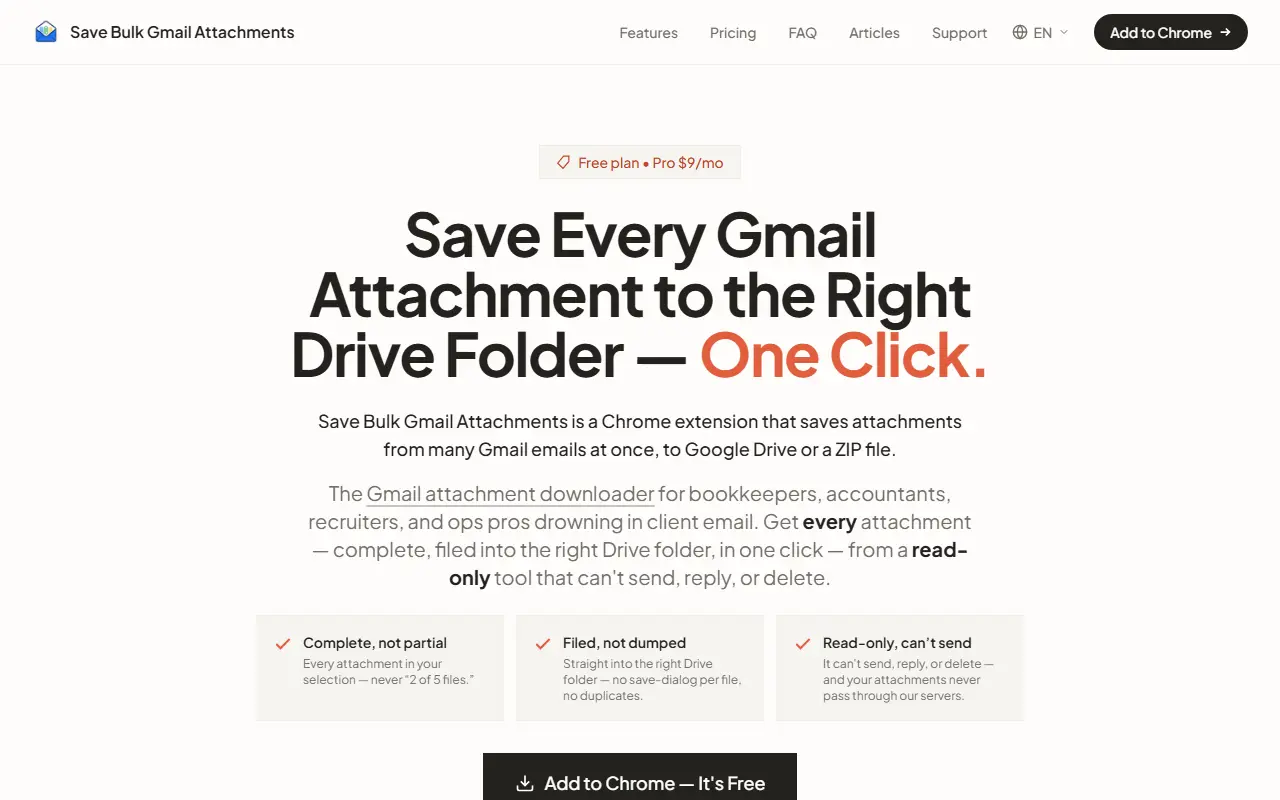
The Save Bulk Gmail Attachments extension for Chrome downloads attachments from many Gmail messages in one go, either into Google Drive or as a ZIP file. It targets bookkeepers, accountants, recruiters and operations staff who receive large numbers of client documents by email. You select one or hundreds of emails in Gmail, click Save All and receive every attachment as organized files.
The extension is read-only, so it cannot send, reply to or delete email, and the site says attachments do not pass through its servers. It files attachments into the right Drive folder rather than dumping them in the downloads folder, avoids duplicates and saves every attachment in a selection instead of a partial set. The site notes Google CASA Tier 2 security verification, says it works on desktop Chrome and offers its pages in many languages. The free plan includes 7 attachments per day, and Pro costs $9 a month for unlimited bulk downloads.
Key features
- Bulk attachment download from selected emails
- Save to Google Drive folders or a ZIP
- One-click Save All for many emails
- Read-only access that cannot send or delete
- Duplicate avoidance when filing to Drive
- Site available in many languages
Good fit for
- Bookkeepers collecting client receipts
- Recruiters and ops staff collecting emailed documents
- Filing invoices into Drive folders
Save Bulk Gmail Attachments: questions and answers
- What is Save Bulk Gmail Attachments used for?
- Save Bulk Gmail Attachments is a Chrome extension for pulling attachments out of many Gmail messages at once into Google Drive folders or a ZIP file, in a read-only way. It is a good fit for bookkeepers collecting client receipts, recruiters and ops staff collecting emailed documents, and filing invoices into Drive folders.
- Is Save Bulk Gmail Attachments free?
- Yes. Save Bulk Gmail Attachments has a free plan, and paid plans start at $9 per month.
- Is Save Bulk Gmail Attachments open source?
- No. Save Bulk Gmail Attachments is proprietary (closed-source) software and can't be self-hosted. In the Email Clients & Servers category, open-source options include Inbox Zero, Mailspring and Thunderbird for Android.
- What are some alternatives to Save Bulk Gmail Attachments?
- Other SaaS products in the Email Clients & Servers category include Repl1, Saymail and Boomerang.
Open-source alternatives to Save Bulk Gmail Attachments
See all
Inbox Zero
Email Clients & Servers
The world's best AI personal assistant for email. Open source app to help you reach inbox
OSSvs Superhuman★ 12k
Mailspring
Email Clients & Servers
:love_letter: A beautiful, fast and fully open source mail client for Mac, Windows and Lin
GPL-3.0vs Microsoft Outlook★ 18k
Thunderbird for Android
Email Clients & Servers
Thunderbird for Android – Open Source Email App for Android (fka K-9 Mail)
Apache-2.0vs Gmail★ 14k
Tuta
Email Clients & Servers
Tuta is an email service with a strong focus on security and privacy that lets you encrypt
GPL-3.0vs Gmail★ 8k
Roundcube
Email Clients & Servers
The Roundcube Webmail suite
GPL-3.0vs Gmail★ 7.2k
SimpleLogin
Email Clients & Servers
The SimpleLogin back-end and web app
AGPL-3.0vs ImprovMX★ 7k
SaaS alternatives to Save Bulk Gmail Attachments
See all
Repl1
Email Clients & Servers
Web app and Chrome extension that drafts contextual AI email replies inside Gmail
SaaS
Saymail
Email Clients & Servers
Chrome extension inside Gmail that turns typed or spoken thoughts into polished emails with AI
SaaS
Boomerang
Email Clients & Servers
Gmail and Outlook add-on for scheduling emails, reminders and tracking
SaaS
Gmailytics
Email Clients & Servers
Gmail inbox cleanup tool that bulk deletes by sender, unsubscribes from newsletters and frees Google storage
SaaS
Mail Sweeper
Email Clients & Servers
Inbox cleaner that clears years of clutter from busy Gmail accounts
SaaS
Mailbutler
Email Clients & Servers
Productivity add-on for Apple Mail, Gmail and Outlook with tracking and templates
SaaS