
About SafeBrowz
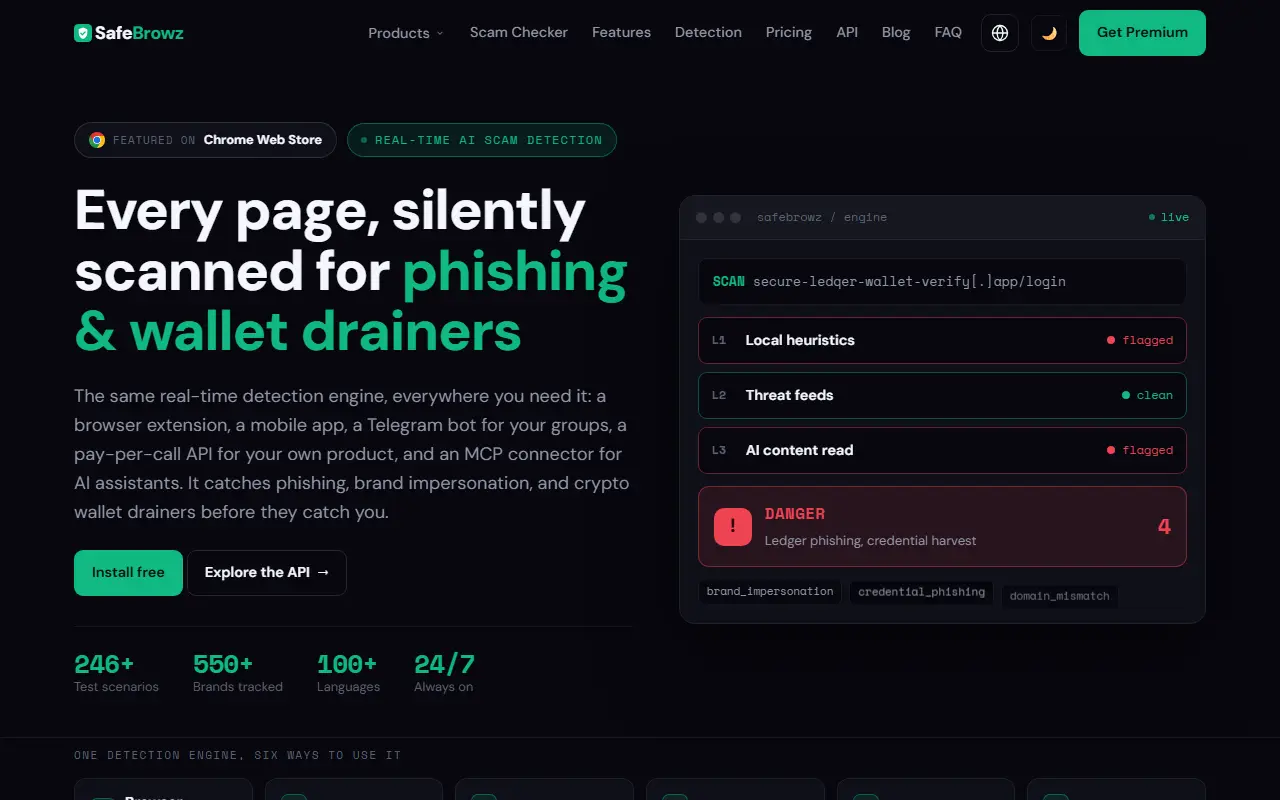
SafeBrowz is a scam and phishing detection service built around one engine that is offered in several ways: a free browser extension for Chrome, Firefox and Edge, a mobile app on the Play Store, a Telegram bot that scans links in groups, a pay-per-call detection API, an MCP connector for AI assistants such as Claude and ChatGPT, and a team product for businesses. It targets phishing, brand impersonation and crypto wallet drainers.
Checks run in three layers: local checks in under 100 ms for URL patterns, typosquats, a database of 550+ tracked brands and a community blacklist; a threat-database check against Google Safe Browsing, PhishTank and URLhaus plus domain age; and an AI brand-impersonation check that works across languages. A Premium deep scan opens a suspicious link in an isolated, disposable browser and watches for hidden redirects, fake-CAPTCHA tricks, wallet-drainer scripts and forced downloads. A free URL checker works without sign-up, handles shortened links and includes one free AI deep scan per day. Premium is a paid upgrade.
Key features
- Browser extension for Chrome, Firefox and Edge
- Free URL checker for suspicious links
- Three-layer detection from local to AI checks
- Isolated browser deep scan on Premium
- Telegram bot that scans group links
- Pay-per-call detection API and MCP connector
Good fit for
- Checking a link before entering credentials
- Protecting Telegram groups from scam links
- Adding scam detection to your own product via API
SafeBrowz: questions and answers
- What is SafeBrowz used for?
- SafeBrowz is an anti-phishing protection with a free browser extension, link checker, mobile app, Telegram bot and API that flag scam sites and crypto wallet drainers. It is a good fit for checking a link before entering credentials, protecting Telegram groups from scam links and adding scam detection to your own product via API.
- Is SafeBrowz free?
- Yes. SafeBrowz has a free plan.
- Is SafeBrowz open source?
- No. SafeBrowz is proprietary (closed-source) software and can't be self-hosted. In the Security category, open-source options include uBlock Origin, Cryptomator and VeraCrypt.
- What are some alternatives to SafeBrowz?
- SafeBrowz competes with Malwarebytes, Norton and Bitdefender.
Open-source alternatives to SafeBrowz
See alluBlock Origin
Security
uBlock Origin - An efficient blocker for Chromium and Firefox. Fast and lean.
GPL-3.0★ 68k
Cryptomator
Security
Cryptomator for Windows, macOS, and Linux: Secure client-side encryption for your cloud st
GPL-3.0vs Tresorit★ 16k
VeraCrypt
Security
Disk encryption with strong security based on TrueCrypt
OSS★ 12k
CISO Assistant
Security
CISO Assistant is a one-stop-shop GRC platform for Risk Management, AppSec, Compliance & A
OSSvs Vanta★ 4.5k
Privacy Badger
Security
Privacy Badger is a browser extension that automatically learns to block hidden trackers
OSS★ 3.9kPassword Pusher
Security
🔐 Securely share sensitive information with automatic expiration & deletion after a set
Apache-2.0★ 3.2k
SaaS alternatives to SafeBrowz
See all
Malwarebytes
Security
Anti-malware software that scans for and removes viruses, ransomware and spyware
SaaS
Norton
Security
Consumer antivirus suites bundling VPN, password manager and identity monitoring
SaaS
Bitdefender
Security
Antivirus and endpoint protection for consumers and businesses
SaaS
Fraud Check
Security
AI fraud protection that detects phishing, spoofed numbers and voice-cloning scams in emails, texts and calls
SaaS
Sentinel
Security
Chrome extension that detects phishing emails, suspicious links and scams while you read email
SaaS
Avast
Security
Antivirus software with a free tier and paid plans adding VPN and web protection
SaaS