
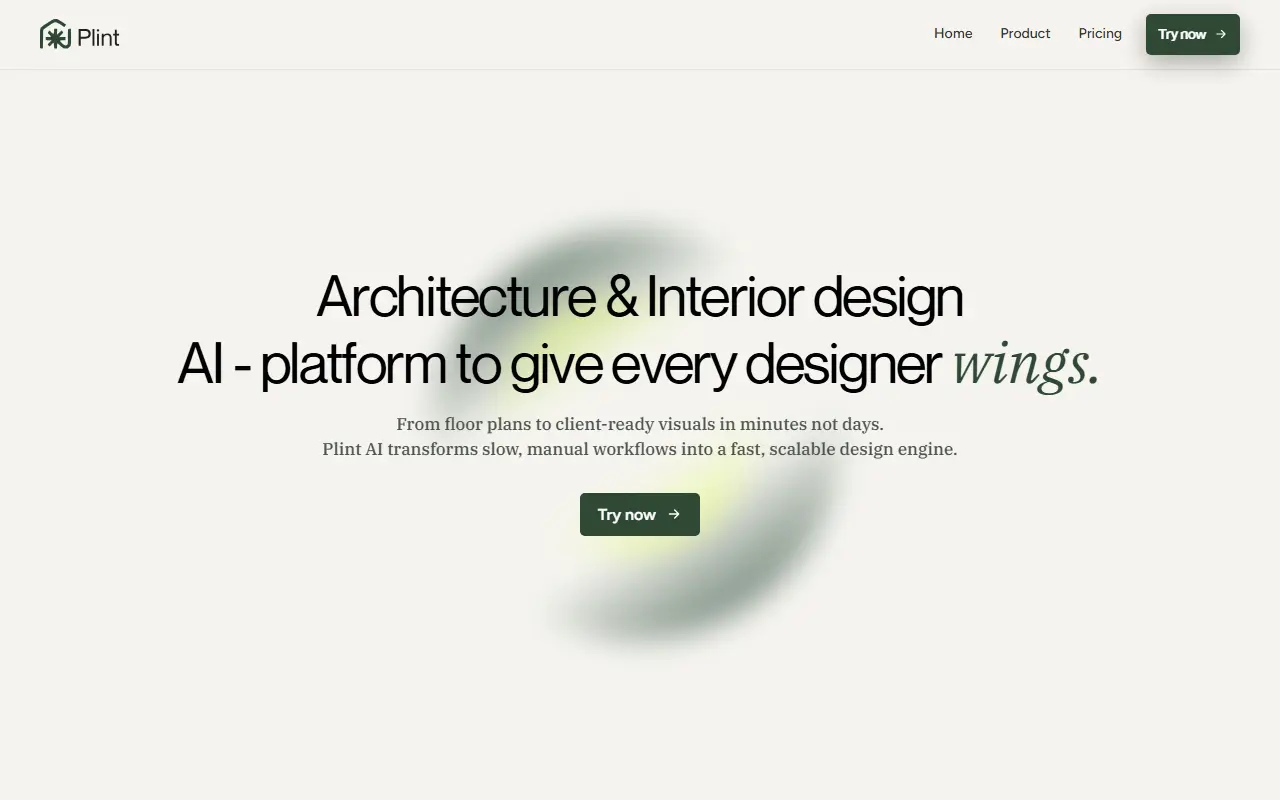
About Plint AI
Plint AI is a design visualization tool for architecture and interiors. You upload a floor plan, references and elevations, and Plint reads the actual dimensions to produce high-resolution renders, with the site stressing proportion accuracy and avoiding hallucinated layouts. You can also export an unrendered 3D view from SketchUp, Rhino or other modeling software, add references and set a style to get a photorealistic render in minutes.
Revision tools let you explore multiple design options and edits quickly, and an exterior design feature takes a building photo or 3D render, applies a chosen style and redesigns the facade while keeping the structure intact. Before and after comparisons show the transformation.
It targets freelancers and studios that want client-ready visuals in minutes instead of days. The site shows testimonials from design studios in India and sample before and after projects. A pricing page is available, though no plan prices appear in the available text.
Key features
- Floor plan to realistic render
- Proportions based on real dimensions
- Renders from SketchUp and Rhino views
- Style and reference image input
- Multiple revision options
- Facade redesign from a building photo
- Before and after comparison
Good fit for
- Producing client visuals from a floor plan
- Rendering unrendered SketchUp views
- Redesigning a building exterior in several styles
Plint AI: questions and answers
- What is Plint AI used for?
- Plint AI turns floor plans, elevations and unrendered 3D views into photorealistic interior and exterior renders for architects and interior designers. It is a good fit for producing client visuals from a floor plan, rendering unrendered SketchUp views and redesigning a building exterior in several styles.
- How much does Plint AI cost?
- Paid plans for Plint AI start at $19 per month, and there is no free plan.
- Is Plint AI open source?
- No. Plint AI is proprietary (closed-source) software and can't be self-hosted. In the Design category, open-source options include Poster Design, Penpot and Graphite.
- What are some alternatives to Plint AI?
- Plint AI competes with Planner 5D, Floorplanner and AI Room Styler.
Open-source alternatives to Plint AI
See all
Poster Design
Design
迅排设计 - 图片编辑器、AI 在线海报设计,仿稿定设计,适用于多种场景:海报生成、电商产品图、文章长图、视频/公众号封面等。A beautiful online image de
AGPL-3.0vs Adobe Express★ 4.9k
Penpot
Design
Penpot: The open-source design platform for Product teams that need scalable collaboration
MPL-2.0vs Figma★ 61k
Graphite
Design
Community-built comprehensive 2D content creation appplication for graphic design, digital
Apache-2.0vs Affinity★ 27k
Krita
Design
Krita is a free and open source cross-platform application that offers an end-to-end solut
GPL-3.0vs Adobe Photoshop★ 10k
GIMP
Design
Read-only mirror of https://gitlab.gnome.org/GNOME/gimp
OSSvs Adobe Photoshop★ 6.5k
OpenPencil
Design
Generate complete, multi-screen product interfaces on a live canvas. Refine every layer wi
MITvs Figma★ 6.1k
SaaS alternatives to Plint AI
See all
Planner 5D
3D & CAD
Home and interior design tool for floor plans and 3D visualization
SaaS
Floorplanner
3D & CAD
Online floor plan and interior design tool
SaaS
AI Room Styler
Design
Upload a room photo to restyle, virtually stage, declutter and render photorealistic redesigns
SaaS
HomeStyler
Design
iOS app that uses AI to plan, decorate and visualise interior and exterior home designs
SaaS
Homie
Design
AI-powered home design app for interior and exterior makeovers
SaaS
Instant Interiors AI
Design
iOS app that turns a photo of a room or home exterior into AI-created design concepts
SaaS