
About PlainMarkdown
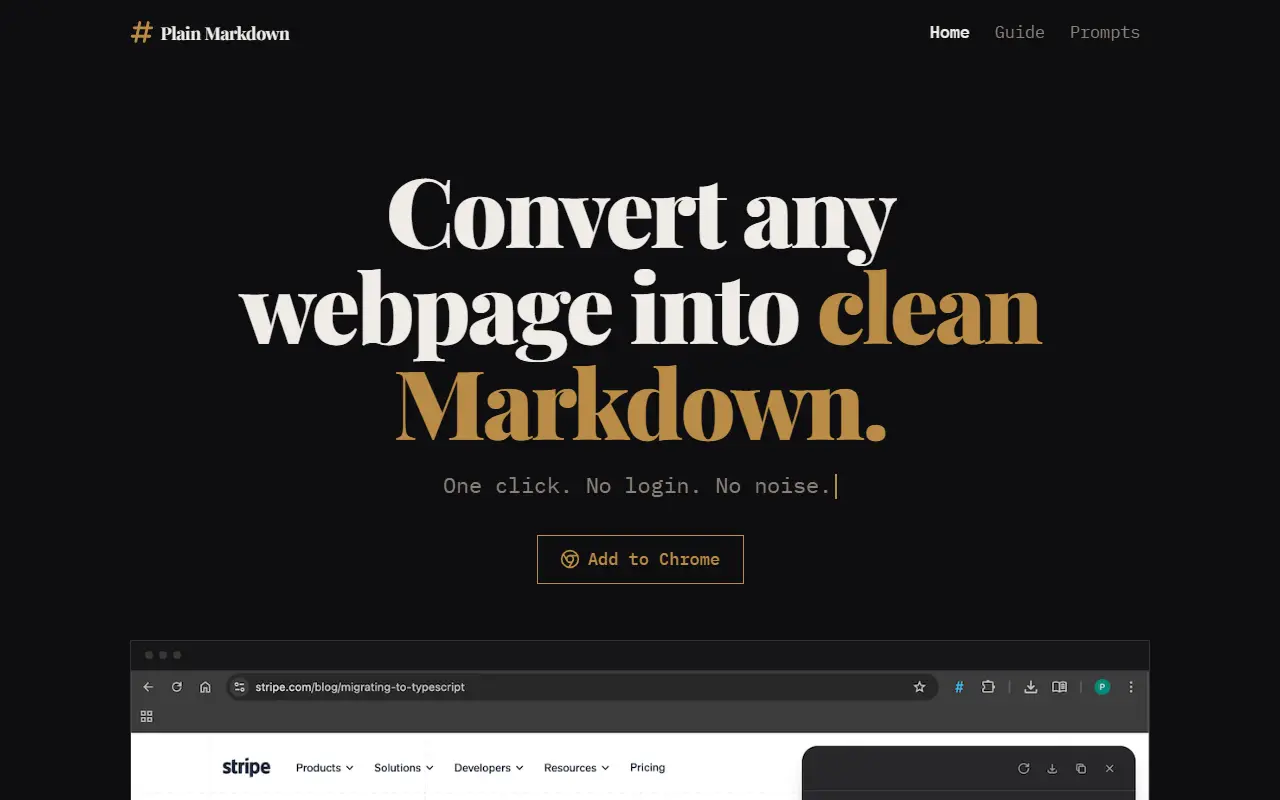
Plain Markdown captures a page as clean Markdown in one click, without login or clutter. It works on the whole article, including tables and code, whole X and Reddit threads and dynamic sites, and offers an inline Markdown editor and source information. Results can be copied or downloaded as a .md file, and conversion runs entirely in your browser. It supports Chrome, Brave and other Chromium browsers.
The free version covers conversion, the editor, copying and downloading, and needs no account. The Premium lifetime license, a one-time $10 purchase usable on up to five devices, adds multi-tab capture, sending to Obsidian, Readwise Reader and Notion, and AI prompts that run on your own OpenRouter or OpenAI key, where OpenRouter covers more than 200 models.
AI requests go straight from your browser to your provider, so page content never reaches the developer's server, and the key is stored encrypted on your device. Premium comes with a 14-day trial inside the extension, which requires your own API key.
Key features
- One-click webpage to Markdown conversion
- Whole X and Reddit thread capture
- Inline Markdown editor
- Copy or download as .md
- Send to Obsidian, Readwise Reader and Notion
- AI prompts with your own API key
- Local conversion with no account
Good fit for
- Saving articles to Obsidian as Markdown
- Feeding a clean page into an AI prompt
- Capturing a Reddit thread for research
PlainMarkdown: questions and answers
- What is PlainMarkdown used for?
- PlainMarkdown is a Chrome-based browser extension that converts any webpage to clean Markdown, with an inline editor and optional AI prompts and note-app exports. It is a good fit for saving articles to Obsidian as Markdown, feeding a clean page into an AI prompt and capturing a Reddit thread for research.
- Is PlainMarkdown free?
- Yes. PlainMarkdown has a free plan. Free forever for core features; Premium is a one-time $10 lifetime license with a 14-day trial.
- Is PlainMarkdown open source?
- No. PlainMarkdown is proprietary (closed-source) software. In the Productivity category, open-source options include Wandao, Dark Reader and Zotero.
- What are some alternatives to PlainMarkdown?
- PlainMarkdown competes with Jina AI.
Open-source alternatives to PlainMarkdown
See all
Wandao
Productivity
万能导:多平台知识库 Markdown 全项目一键导入导出工具(导入导出效果最好),用自动化代替手动复制粘贴(有道云,飞书,语雀,阿里云知识库,知识星球,印象笔记,ima,onen
AGPL-3.0★ 1.2k
Dark Reader
Productivity
Dark Reader Chrome and Firefox extension
MIT★ 22k
Zotero
Productivity
Zotero is a free, easy-to-use tool to help you collect, organize, annotate, cite, and shar
OSSvs Readwise★ 15kVimium
Productivity
The hacker's browser.
MIT★ 27k
Sioyek
Productivity
Sioyek is a PDF viewer with a focus on textbooks and research papers
GPL-3.0vs Adobe Acrobat★ 9.9k
Floccus
Productivity
:cloud: Sync your bookmarks privately across browsers and devices
MPL-2.0★ 8.5k
SaaS alternatives to PlainMarkdown
See all
Jina AI
Search
Search foundation APIs for embeddings, reranking and web content reading
SaaS
Paperpile
Productivity
Reference manager that works with Google Docs and the browser
SaaS
AfterFeed
Productivity
Browser extension that remembers posts you scroll past in social feeds so you can recall them later
SaaS
AI Toolbox
Productivity
Chrome extension adding folders, search, a prompt library and bulk export to ChatGPT, Gemini, Claude and Grok
SaaSAutoScroll Pro
Productivity
Chrome extension for hands-free automatic page scrolling with adjustable speed
SaaS
Blocky
Productivity
Catalogue of no-code widgets and embeds for Notion pages
SaaS