
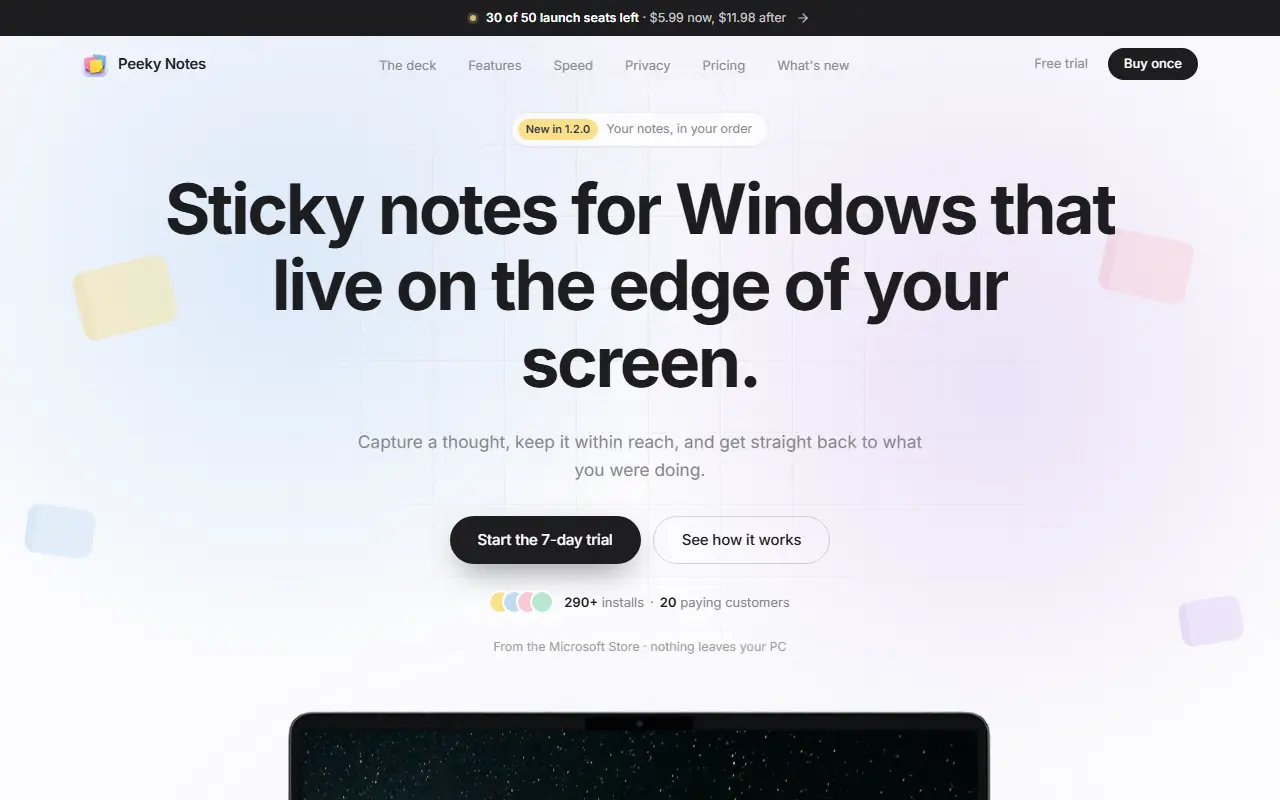
About Peeky Notes
Peeky Notes keeps quick notes within reach without cluttering the desktop. The app sits at the left or right edge of the screen, has no taskbar button and no Alt+Tab entry, stays hidden over fullscreen apps, and opens from a system-wide shortcut. Each note gets its own window, and an All Notes view lets you see, search, sort and manage everything in one place.
Notes can be colored from eight colors with keyboard shortcuts, follow the Windows light or dark theme, be pinned, archived instead of deleted, and imported or exported. Deleting never asks for confirmation but offers a ten-second undo. Version 1.2.0 adds drag-to-reorder for notes and lists that start themselves when a line begins with a dash, a number and a period, or brackets for a checklist. The app can start with Windows and has a portable option.
The product is described as 100 percent local, with no telemetry and no sign-up needed to try it. There is a 7-day trial and a one-time purchase with no subscription, listed at $5.99 for launch seats against $11.98 afterward, and it is distributed through the Microsoft Store.
Key features
- Notes that live at the screen edge
- One window per note
- Search and sort across all notes
- Eight note colors with shortcuts
- Light and dark theme following Windows
- System-wide keyboard shortcut
- Automatic bullet, numbered and checklist formatting
- Local storage with no telemetry
Good fit for
- Capturing quick thoughts without leaving your work
- Keeping short checklists on the desktop
- Replacing a notes app that clutters the taskbar
Peeky Notes: questions and answers
- What is Peeky Notes used for?
- Peeky Notes is a Windows 10 and 11 sticky notes app that stays on the edge of your screen, keeps notes local and is bought once rather than by subscription. It is a good fit for capturing quick thoughts without leaving your work, keeping short checklists on the desktop and replacing a notes app that clutters the taskbar.
- How much does Peeky Notes cost?
- Peeky Notes is a paid product with no free plan. 7-day free trial, then a one-time purchase with no subscription; launch price listed at $5.99 versus $11.98 later.
- Is Peeky Notes open source?
- No. Peeky Notes is proprietary (closed-source) software. In the Note Taking category, open-source options include Anytype, FSNotes and QOwnNotes.
- What are some alternatives to Peeky Notes?
- Peeky Notes competes with Microsoft OneNote and Google Keep.
Open-source alternatives to Peeky Notes
See all
Anytype
Note Taking
Official Anytype client for MacOS, Linux, and Windows
OSSvs Notion★ 8.9k
FSNotes
Note Taking
Fast Markdown note-taking app for Mac and iPhone
MITvs Bear★ 7.5k
QOwnNotes
Note Taking
QOwnNotes is a plain-text file notepad and todo-list manager with Markdown support and Nex
GPL-2.0vs Evernote★ 5.9k
Heynote
Note Taking
A dedicated scratchpad for power users
OSSvs Drafts★ 5.4k
TidGi
Note Taking
TidGi is an privacy-in-mind, automated, auto-git-backup, freely-deployed knowledge managem
MPL-2.0vs Evernote★ 2k
Hubble.md
Note Taking
The best notepad for you and your agents
MITvs Notion★ 1.5k
SaaS alternatives to Peeky Notes
See all
Microsoft OneNote
Note Taking
Digital notebook for typed and handwritten notes organized into sections and pages
SaaS
Google Keep
Note Taking
Lightweight notes, checklists and reminders synced with Google accounts
SaaS
SideNotepad
Note Taking
Notepad that follows you across the web so you can write notes without leaving your work
SaaS
Apple Notes
Note Taking
Built-in Apple notes app with folders, checklists, document scanning and iCloud sync
SaaS
Samsung Notes
Note Taking
Note-taking app on Samsung Galaxy devices with handwriting and S Pen support
SaaS
Braindump
Note Taking
Minimal private space to capture thoughts, ideas, notes and tasks
SaaS