
About PDFWix
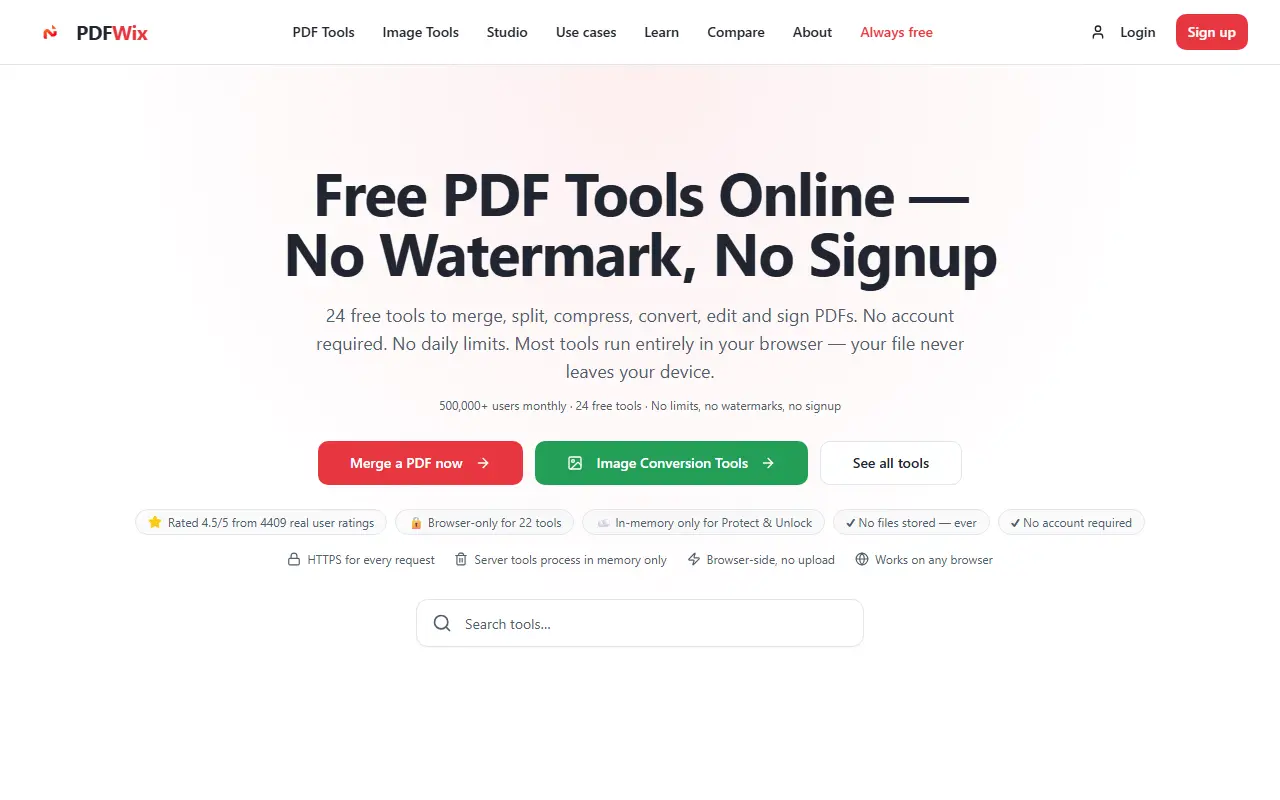
PDFWix offers 24 PDF tools without watermarks, signup or daily limits. Twenty-two of them run entirely in the browser through WebAssembly, so the file never leaves your device, and the two server-side tools, for protecting and unlocking PDFs, handle files in memory only without writing them to disk. It works on Windows, Mac, iPhone, Android and Chromebook without installing anything.
Organizing tools include merge, split, organize, rotate, extract pages, remove pages, multiple pages per sheet and page resizing. Conversion tools include Word to PDF, Excel to PDF, PDF to JPG and PNG, JPG to PDF, HEIC to JPG, extracting images, PDF to text and Markdown, and HTML to PDF, while PDF to Word, Excel and PowerPoint and PDF/A are marked as coming soon. Edit and sign tools are also included, along with separate image tools.
The service describes itself as always free, and the site includes how-to guides, use cases and comparison pages that explain how it differs from other PDF tools, along with a separate set of image tools.
Key features
- Merge, split and reorganize PDF pages
- Conversion between PDF and common formats
- Edit and sign PDFs
- Protect and unlock PDFs
- Browser-only processing for 22 tools
- HEIC to JPG and other image tools
- No watermarks, signup or daily limits
Good fit for
- Merging documents without uploading them
- Converting a Word file to PDF quickly
- Extracting text from a PDF as Markdown
PDFWix: questions and answers
- What is PDFWix used for?
- PDFWix is a free PDF toolkit of 24 tools for merging, splitting, compressing, converting, editing and signing, with most tools running in your browser. It is a good fit for merging documents without uploading them, converting a Word file to PDF quickly and extracting text from a PDF as Markdown.
- Is PDFWix free?
- Yes. PDFWix is free to use.
- Is PDFWix open source?
- No. PDFWix is proprietary (closed-source) software and can't be self-hosted. In the Productivity category, open-source options include PDFsam, BentoPDF and OmniTools.
- What are some alternatives to PDFWix?
- PDFWix competes with iLovePDF, Smallpdf and Sejda PDF.
Open-source alternatives to PDFWix
See all
PDFsam
Productivity
PDFsam, a desktop application to split, merge, mix, rotate PDF files and extract pages
AGPL-3.0vs Smallpdf★ 4.6k
BentoPDF
Productivity
The Privacy First PDF Toolkit
AGPL-3.0vs iLovePDF★ 16k
OmniTools
Productivity
Self-hosted collection of powerful web-based tools for everyday tasks. No ads, no tracking
MITvs iLovePDF★ 10k
Stirling PDF
Productivity
A free, private PDF editor you can run on any infrastructure.
OSSvs Adobe Acrobat★ 94k
Zen Browser
Productivity
Welcome to a calmer internet
MPL-2.0vs Google Chrome★ 45kUngoogled Chromium
Productivity
Google Chromium, sans integration with Google
BSD-3-Clausevs Google Chrome★ 28k
SaaS alternatives to PDFWix
See all
iLovePDF
Productivity
Online PDF tools for splitting, merging, compressing and converting
SaaS
Smallpdf
Productivity
Browser-based PDF tools for merging, compressing, editing and signing
SaaS
Sejda PDF
Productivity
Online and desktop PDF editor with merge, split, compress and sign tools
SaaS
Adobe Acrobat
Productivity
PDF reader and editor with e-signature and document conversion
SaaS
Soda PDF
Productivity
Desktop and online PDF editor, converter and e-signature tool
SaaS
OxygenPDF
Productivity
Private PDF toolkit that runs without uploading your files
SaaS