
About PDFData
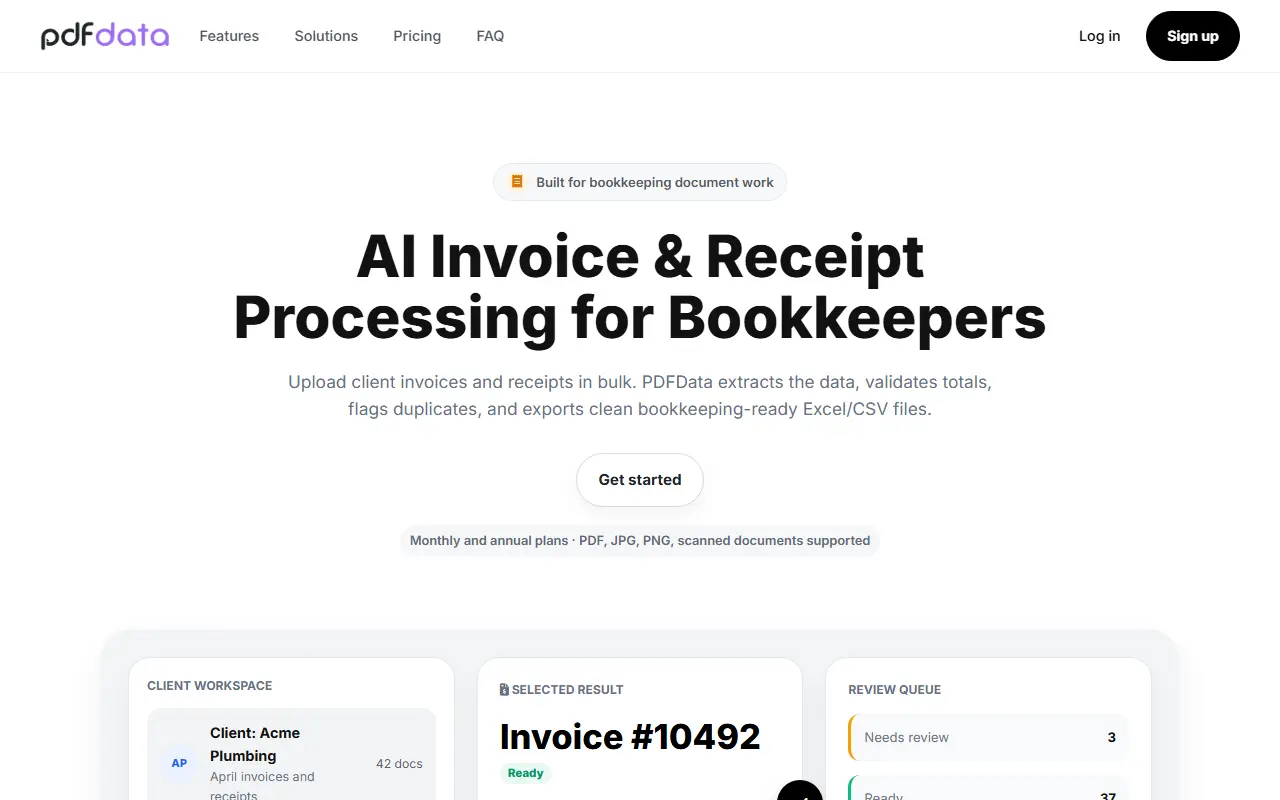
PDFData is aimed at bookkeepers whose clients send messy invoices and receipts by email, portal, scan or phone photo. You create a workspace for each client, upload documents in bulk as PDF, JPG or PNG, including scans that need OCR, and PDFData extracts the data and highlights anything that needs checking.
For invoices it reads the invoice number, the vendor, due date, subtotal, tax, total and each line item, and for receipts the merchant name, purchase date, amount, tax, how it was paid and other expense details. Validation checks compare totals, taxes and line items, and possible duplicates are flagged by vendor, date, invoice number and total. A review queue separates ready, needs-review and possible-duplicate items, and category suggestions are offered for review.
Approved results are exported as clean Excel and CSV files. The site says client-specific rules, vendor memory and QuickBooks and Xero ready CSV formats are on the roadmap rather than available today. Monthly and annual plans are offered.
Key features
- Bulk upload of invoices and receipts
- Workspaces organized per client
- Extraction of invoice and receipt fields
- Total and tax validation
- Duplicate invoice and receipt detection
- Review queue for exceptions
- Excel and CSV export
- Expense category suggestions
Good fit for
- Bookkeepers processing a month of client documents
- Catching duplicate invoices before entry
- Exporting clean receipt data to spreadsheets
PDFData: questions and answers
- What is PDFData used for?
- PDFData extracts data from client invoices and receipts in bulk, validates totals, flags duplicates and exports Excel or CSV files for bookkeepers. It is a good fit for bookkeepers processing a month of client documents, catching duplicate invoices before entry and exporting clean receipt data to spreadsheets.
- How much does PDFData cost?
- Paid plans for PDFData start at $29 per month, and there is no free plan.
- Is PDFData open source?
- No. PDFData is proprietary (closed-source) software and can't be self-hosted. In the Finance & Accounting category, open-source options include TaxHacker, Akaunting and GnuCash.
- What are some alternatives to PDFData?
- PDFData competes with Bank Statement Converter, BankStatementConverter and BankStatementX.
Open-source alternatives to PDFData
See all
TaxHacker
Finance & Accounting
Your personal AI accountant
MITvs Expensify★ 6.7k
Akaunting
Finance & Accounting
Online Accounting Software
OSSvs QuickBooks★ 10k
GnuCash
Finance & Accounting
GnuCash Double-Entry Accounting Program.
OSSvs Quicken★ 4.4k
Bigcapital
Finance & Accounting
💵 Independent financial accounting with intelligent reporting, alternative to Quickbooks,
AGPL-3.0vs QuickBooks★ 3.9k
Fava
Finance & Accounting
Fava - web interface for Beancount
MITvs Quicken★ 2.6k
Firefly III
Finance & Accounting
Firefly III: a personal finances manager
AGPL-3.0vs YNAB★ 25k
SaaS alternatives to PDFData
See all
Bank Statement Converter
Finance & Accounting
Converts PDF bank statements to Excel or CSV locally in your browser without uploading files
SaaS
BankStatementConverter
Finance & Accounting
Converts bank statement PDFs and scans into editable transactions exported as Excel, CSV or JSON
SaaS
BankStatementX
Finance & Accounting
Converts PDF bank statements, including scanned and protected ones, to Excel or CSV for accountants
SaaS
Bank to File
Finance & Accounting
Upload a bank statement PDF and get a clean CSV of its transactions
SaaS
Parse My Statement
Finance & Accounting
Converts bank statement PDFs into clean CSV, Excel and JSON using OCR parsing and validation
SaaS
Bank Statement Converter Pro
Finance & Accounting
Converts bank statements into editable CSV, QBO and Excel files
SaaS