
About Bank Statement Converter Pro
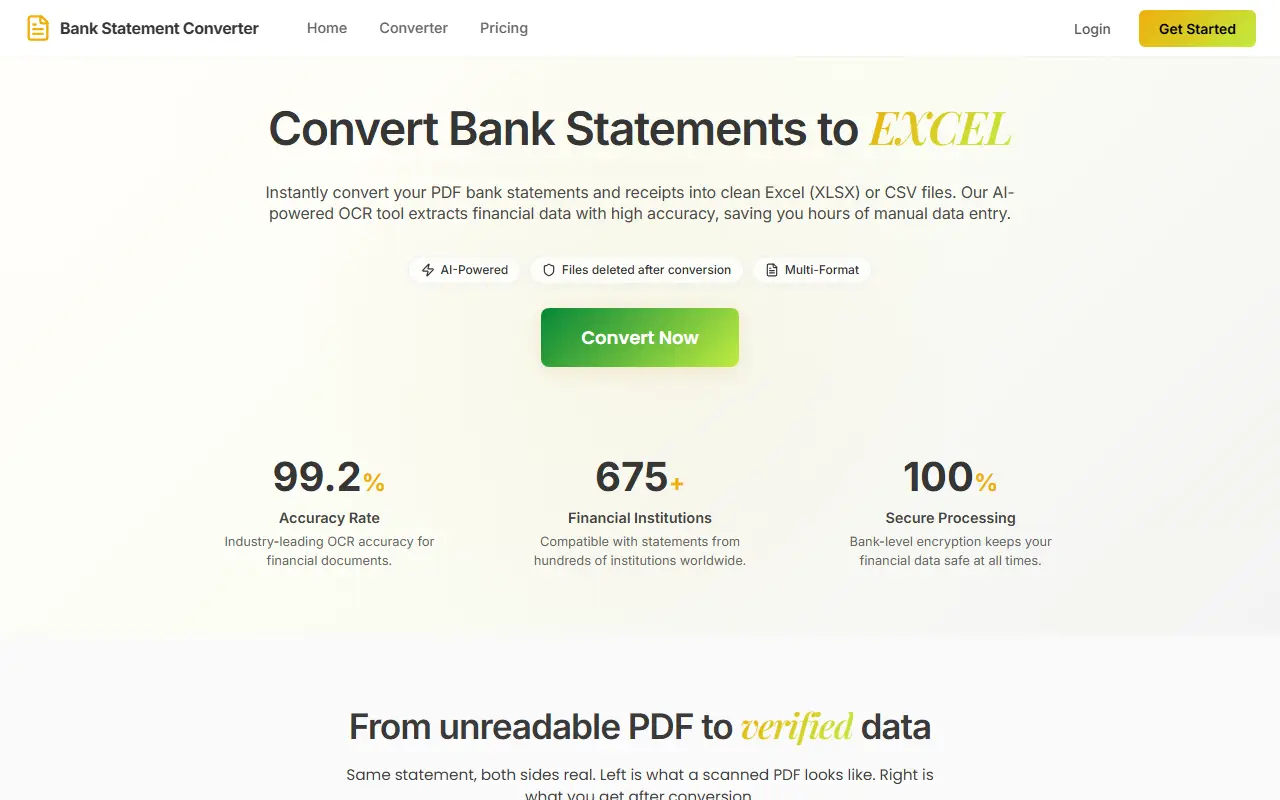
Bank Statement Converter Pro is a hosted tool that turns PDF bank statements into editable data files. It supports more than 675 banks and uses AI-powered OCR, so scanned statements can be read as well as digital ones.
Exports go to Excel (XLSX), CSV, QBO, JSON or OFX. Each extracted transaction links back to its location on the original PDF for one-click verification, debit and credit direction is corrected from the running balance when a bank's layout is ambiguous, and the opening balance plus credits minus debits is checked against the closing balance on every conversion. Transactions are auto-tagged with categories mapped to IRS Schedule C lines.
It is a commercial service with a free tier of 3 conversions per day and no signup, and a pricing page for paid plans. It suits bookkeepers and small business owners who need statement data in an accounting-ready format.
Key features
- Supports 675+ banks
- AI-powered OCR for scanned statements
- Export to XLSX, CSV, QBO, JSON and OFX
- Links each transaction to its PDF location
- Automatic balance reconciliation
- Spending categories mapped to IRS Schedule C
Good fit for
- →Bookkeepers importing statements into QuickBooks
- →Freelancers categorizing expenses for tax filing
- Tags
- bank-statements
- pdf-converter
- ocr
- qbo
- accounting
- bookkeeping
- csv
Bank Statement Converter Pro: questions and answers
- What is Bank Statement Converter Pro used for?
- Bank Statement Converter Pro converts PDF bank statements into Excel, CSV, QBO, JSON or OFX files, with OCR for scans, balance reconciliation and automatic spending categories. It is a good fit for bookkeepers importing statements into QuickBooks and freelancers categorizing expenses for tax filing.
- Is Bank Statement Converter Pro free?
- Yes. Bank Statement Converter Pro has a free plan. 3 free conversions per day with no signup; paid plans are listed on the vendor's pricing page.
- Is Bank Statement Converter Pro open source?
- No. Bank Statement Converter Pro is proprietary (closed-source) software and can't be self-hosted. In the Finance & Accounting category, open-source options include Akaunting, TaxHacker and GnuCash.
- What are some alternatives to Bank Statement Converter Pro?
- Bank Statement Converter Pro competes with Bank Statement Converter, Bank to File and BankStatementConverter.
Open-source alternatives to Bank Statement Converter Pro
See all
Akaunting
Finance & Accounting
Online Accounting Software
OSSvs QuickBooks★ 10k
TaxHacker
Finance & Accounting
Your personal AI accountant
MITvs Expensify★ 6.7k
GnuCash
Finance & Accounting
GnuCash Double-Entry Accounting Program.
OSSvs Quicken★ 4.4k
Bigcapital
Finance & Accounting
💵 Independent financial accounting with intelligent reporting, alternative to Quickbooks,
AGPL-3.0vs QuickBooks★ 3.9k
Fava
Finance & Accounting
Fava - web interface for Beancount
MITvs Quicken★ 2.6k
Firefly III
Finance & Accounting
Firefly III: a personal finances manager
AGPL-3.0vs YNAB★ 25k
SaaS alternatives to Bank Statement Converter Pro
See all
Bank Statement Converter
Finance & Accounting
Converts PDF bank statements to Excel or CSV locally in your browser without uploading files
SaaS
Bank to File
Finance & Accounting
Upload a bank statement PDF and get a clean CSV of its transactions
SaaS
BankStatementConverter
Finance & Accounting
Converts bank statement PDFs and scans into editable transactions exported as Excel, CSV or JSON
SaaS
Bankstatemently
Finance & Accounting
Converts PDF bank statements into CSV, XLSX and QBO files using page-based credits
SaaS
BankStatementX
Finance & Accounting
Converts PDF bank statements, including scanned and protected ones, to Excel or CSV for accountants
SaaS
Convert Bank Statement
Finance & Accounting
Converts PDF bank statements and invoices into CSV or Excel files
SaaS