
About Parse My Statement
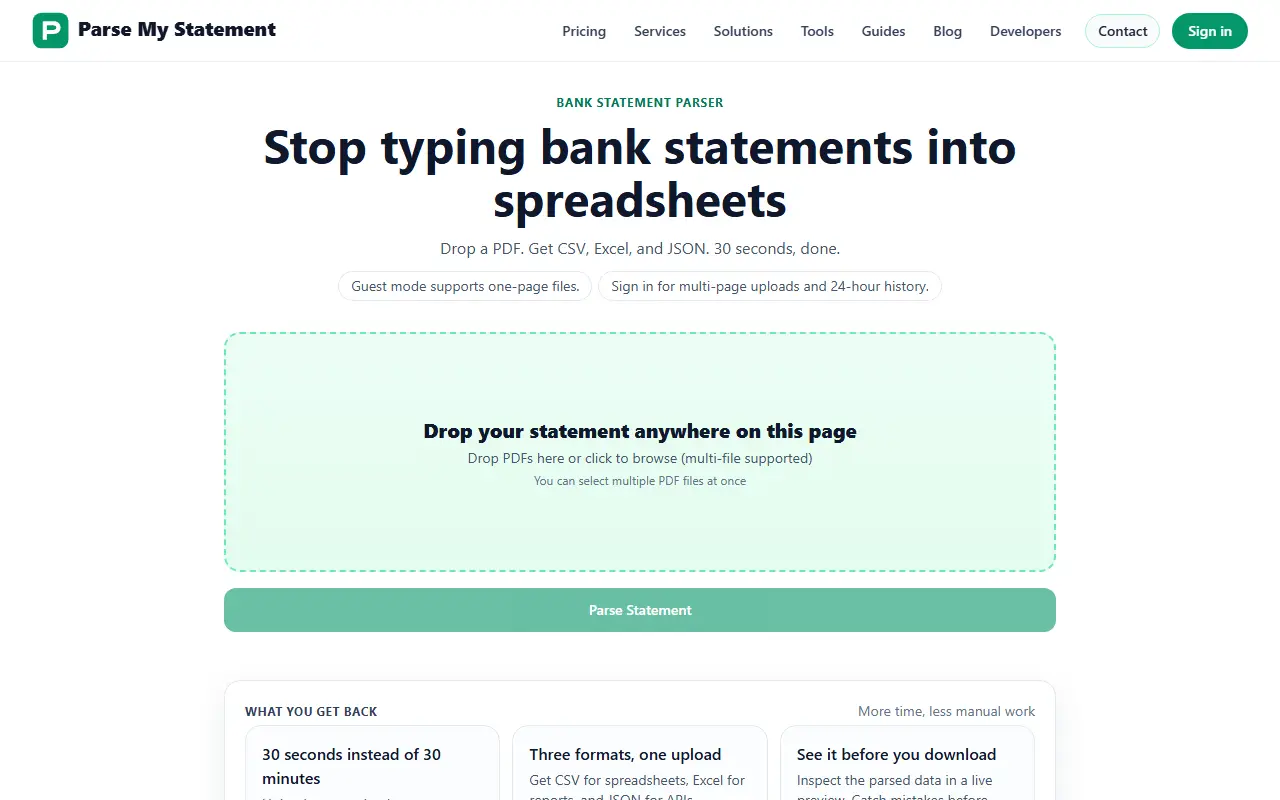
Parse My Statement turns PDF bank statements into structured data. You drop one or several PDFs onto the page, and it returns transaction rows, dates and balances that you can inspect in a live preview before downloading as CSV for spreadsheets, Excel for reports or JSON for APIs. The site presents it as replacing manual retyping and says a conversion takes about 30 seconds.
Guest mode accepts one-page files only. Signing in allows multi-page uploads and a 24-hour history. The site publishes benchmark scores for each engine version against hand-written ground truth from three real personal statements, so you can see how extraction accuracy has changed between releases. There is also a developers section.
Pricing has three tiers: Free, with guest mode, one-page uploads and rate limiting; Pro at $15 per month for up to 400 pages with saved history; and Scale at $30 per month for up to 1,000 pages with priority throughput.
Key features
- PDF bank statements to CSV, Excel and JSON
- OCR parsing with validation
- Live preview before download
- Upload of several PDFs at once
- 24-hour conversion history when signed in
- Published accuracy benchmarks
Good fit for
- Accountants cleaning statement data for reconciliation
- Importing transactions into spreadsheets
- Feeding statement data to an API
Parse My Statement: questions and answers
- What is Parse My Statement used for?
- Parse My Statement extracts transactions from bank statement PDFs with OCR, validates them and exports CSV, Excel or JSON after a preview. It is a good fit for accountants cleaning statement data for reconciliation, importing transactions into spreadsheets and feeding statement data to an API.
- Is Parse My Statement free?
- Yes. Parse My Statement has a free plan, and paid plans start at $15 per month.
- Is Parse My Statement open source?
- No. Parse My Statement is proprietary (closed-source) software and can't be self-hosted. In the Finance & Accounting category, open-source options include TaxHacker, GnuCash and Bigcapital.
- What are some alternatives to Parse My Statement?
- Parse My Statement competes with Bank Statement Converter, BankStatementConverter and Bank to File.
Open-source alternatives to Parse My Statement
See all
TaxHacker
Finance & Accounting
Your personal AI accountant
MITvs Expensify★ 6.7k
GnuCash
Finance & Accounting
GnuCash Double-Entry Accounting Program.
OSSvs Quicken★ 4.4k
Bigcapital
Finance & Accounting
💵 Independent financial accounting with intelligent reporting, alternative to Quickbooks,
AGPL-3.0vs QuickBooks★ 3.9k
hledger
Finance & Accounting
Robust, fast, intuitive plain text accounting tool with CLI, TUI and web interfaces.
GPL-3.0vs Quicken★ 4.7k
Beancount
Finance & Accounting
Beancount: Double-Entry Accounting from Text Files.
GPL-2.0vs Quicken★ 6.1k
Firefly III
Finance & Accounting
Firefly III: a personal finances manager
AGPL-3.0vs YNAB★ 25k
SaaS alternatives to Parse My Statement
See all
Bank Statement Converter
Finance & Accounting
Converts PDF bank statements to Excel or CSV locally in your browser without uploading files
SaaS
BankStatementConverter
Finance & Accounting
Converts bank statement PDFs and scans into editable transactions exported as Excel, CSV or JSON
SaaS
Bank to File
Finance & Accounting
Upload a bank statement PDF and get a clean CSV of its transactions
SaaS
BankStatementX
Finance & Accounting
Converts PDF bank statements, including scanned and protected ones, to Excel or CSV for accountants
SaaS
Convert Bank Statement
Finance & Accounting
Converts PDF bank statements and invoices into CSV or Excel files
SaaS
Bank Statement Converter Pro
Finance & Accounting
Converts bank statements into editable CSV, QBO and Excel files
SaaS