
About Pasly
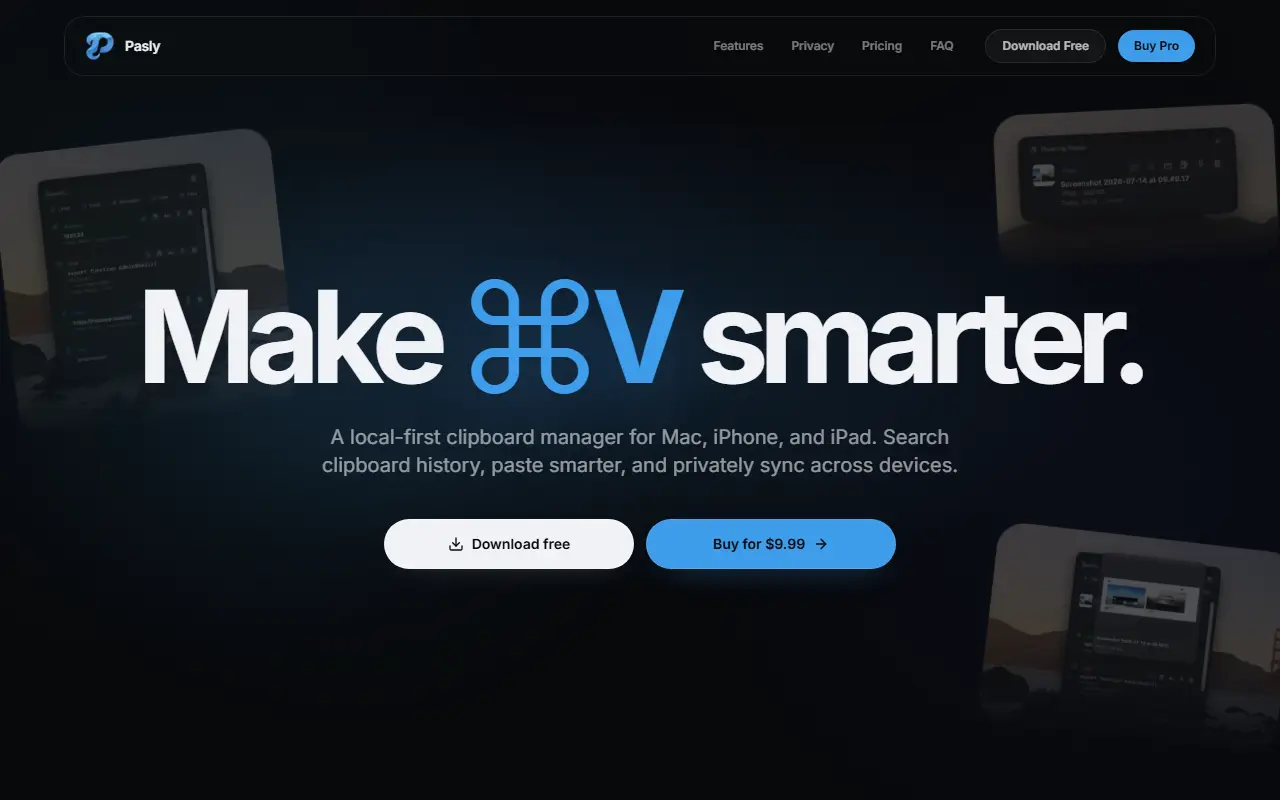
Pasly keeps a searchable history of what you copy, including text, links, code, numbers, images and files, which you can filter, pin, preview and paste again. It is described as local-first: everyday use works on the Mac without an account, the history is encrypted on the device by default, and you can pause capture or clear history at any time.
Smart Paste lets you press Cmd+V and pick the right item from your history without leaving the app you are in. Paste Stack lets you copy several items and then paste them in sequence, and Multi Select with files lets you paste several items and files in one action. Floating Paste and Field Sense are further Pro features.
Pasly Cloud, included with Pro, syncs text, images and files between Macs, iPhone and iPad through your private CloudKit database. The free version keeps up to 20 items for 24 hours with up to two pins, and Pro is a one-time purchase of $9.99.
Key features
- Searchable clipboard history with filters
- Smart Paste on Cmd+V
- Paste Stack for sequential pasting
- Multi-select pasting including files
- Private CloudKit sync across devices
- Local encrypted storage by default
- Pins and previews of clipboard items
Good fit for
- Re-pasting something copied hours ago
- Moving copied text between Mac and iPhone
- Pasting several items in order into a document
Pasly: questions and answers
- What is Pasly used for?
- Pasly keeps a searchable clipboard history on Mac, iPhone and iPad, stores it locally by default, pastes several items at once and syncs privately through iCloud. It is a good fit for re-pasting something copied hours ago, moving copied text between Mac and iPhone, and pasting several items in order into a document.
- Is Pasly free?
- Yes. Pasly has a free plan. Free tier keeps 20 items for 24 hours; Pro is a one-time $9.99 purchase with Cloud sync, Smart Paste and Paste Stack.
- Is Pasly open source?
- No. Pasly is proprietary (closed-source) software. In the Productivity category, open-source options include Maccy, Rectangle and Super Productivity.
- What are some alternatives to Pasly?
- Pasly competes with Paste, Raycast and Alfred.
Open-source alternatives to Pasly
See all
Maccy
Productivity
Lightweight clipboard manager for macOS
MITvs Paste★ 22k
Rectangle
Productivity
Move and resize windows on macOS with keyboard shortcuts and snap areas
OSSvs BetterTouchTool★ 30k
Super Productivity
Productivity
Super Productivity is an advanced todo list app with integrated Timeboxing and time tracki
MITvs Todoist★ 23k
ActivityWatch
Productivity
The best free and open-source automated time tracker. Cross-platform, extensible, privacy-
MPL-2.0vs RescueTime★ 19k
NetNewsWire
Productivity
RSS reader for macOS and iOS.
MITvs Feedly★ 10k
MarkerOn
Productivity
Lightweight (~1.5 MB) open-source screen annotation with click-through mode and keyboard-f
MIT★ 1.1k
SaaS alternatives to Pasly
See all
Paste
Productivity
Clipboard manager for Mac and iOS with a searchable history
SaaS
Raycast
Productivity
Launcher for macOS and Windows with extensions, snippets and an AI assistant
SaaS
Alfred
Productivity
macOS launcher with workflows, clipboard history and snippets
SaaS
Cliptop
Productivity
Local-first clipboard manager for Mac, iPhone and iPad with search, previews and pinboards
SaaS
Notchclip
Productivity
Notch-based clipboard manager for macOS that keeps everything you copy
SaaS
Supaste
Productivity
Saves your clipboard and screenshots in a searchable visual history grouped by type, app and category
SaaS