
About Outlook Catch Up
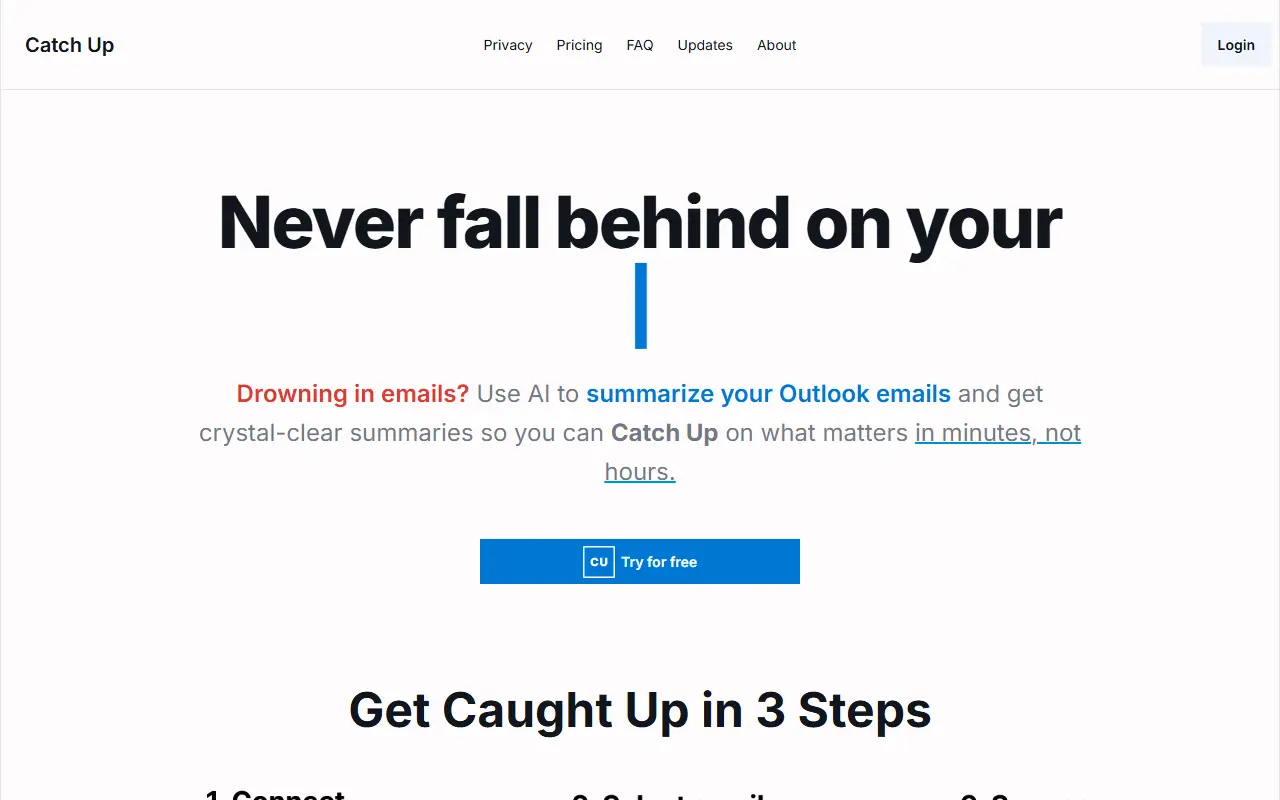
Catch Up is an email summarization tool for Outlook users who manage busy inboxes, sometimes across several accounts. You connect your Outlook account, browse the inbox, select read or unread emails or whole threads, and the AI returns a summary of what matters, so you decide what goes into each summary.
Summaries also cover attachments such as PDFs, images and spreadsheets, and the tool can summarize unread emails with priorities highlighted. It is powered by OpenAI, and the site says API calls involve no data retention and no training on your data, which is its privacy argument for professionals and organizations.
Catch Up positions itself as a cheaper alternative to Microsoft Copilot for email summaries, listing $15 per user per month against the $20 it quotes for Copilot, and notes that it does not require a Microsoft 365 enterprise subscription. A 30-day free trial is offered.
Key features
- Summaries of selected read or unread emails
- Summaries of whole email threads
- Attachment analysis for PDFs, images, spreadsheets
- Priority highlights for unread mail
- Manual control over which emails are summarized
- OpenAI with zero data retention
Good fit for
- Catching up after time off
- Triage across several Outlook accounts
- Summarizing long email threads before a meeting
Outlook Catch Up: questions and answers
- What is Outlook Catch Up used for?
- Outlook Catch Up is a catch Up uses AI to summarize selected Outlook emails and threads, including attachments, so you can get through a crowded inbox faster. It is a good fit for catching up after time off, triage across several Outlook accounts and summarizing long email threads before a meeting.
- How much does Outlook Catch Up cost?
- Paid plans for Outlook Catch Up start at $10 per seat per month, and there is no free plan. A free trial is available.
- Is Outlook Catch Up open source?
- No. Outlook Catch Up is proprietary (closed-source) software and can't be self-hosted. In the Email Clients & Servers category, open-source options include Mailspring, Inbox Zero and Thunderbird for Android.
- What are some alternatives to Outlook Catch Up?
- Outlook Catch Up competes with Shortwave, Superhuman and SaneBox.
Open-source alternatives to Outlook Catch Up
See all
Mailspring
Email Clients & Servers
:love_letter: A beautiful, fast and fully open source mail client for Mac, Windows and Lin
GPL-3.0vs Microsoft Outlook★ 18k
Inbox Zero
Email Clients & Servers
The world's best AI personal assistant for email. Open source app to help you reach inbox
OSSvs Superhuman★ 12k
Thunderbird for Android
Email Clients & Servers
Thunderbird for Android – Open Source Email App for Android (fka K-9 Mail)
Apache-2.0vs Gmail★ 14k
Tuta
Email Clients & Servers
Tuta is an email service with a strong focus on security and privacy that lets you encrypt
GPL-3.0vs Gmail★ 8k
Roundcube
Email Clients & Servers
The Roundcube Webmail suite
GPL-3.0vs Gmail★ 7.2k
SimpleLogin
Email Clients & Servers
The SimpleLogin back-end and web app
AGPL-3.0vs ImprovMX★ 7k
SaaS alternatives to Outlook Catch Up
See all
Shortwave
Email Clients & Servers
Gmail-based email client with AI summaries and a split inbox
SaaS
Superhuman
Email Clients & Servers
Email client with keyboard shortcuts, AI drafting and send-later scheduling
SaaS
SaneBox
Email Clients & Servers
Email management service that filters unimportant messages and adds follow-up reminders
SaaS
Spark Mail
Email Clients & Servers
Email client with shared inboxes, email delegation and AI writing aids
SaaS
Microsoft Copilot
AI Tools
Microsoft's AI chat assistant with web search, image creation and Office integration
SaaS
Sifta
Email Clients & Servers
AI email assistant in iMessage that cleans your inbox, removes spam and texts you only emails that matter
SaaS