
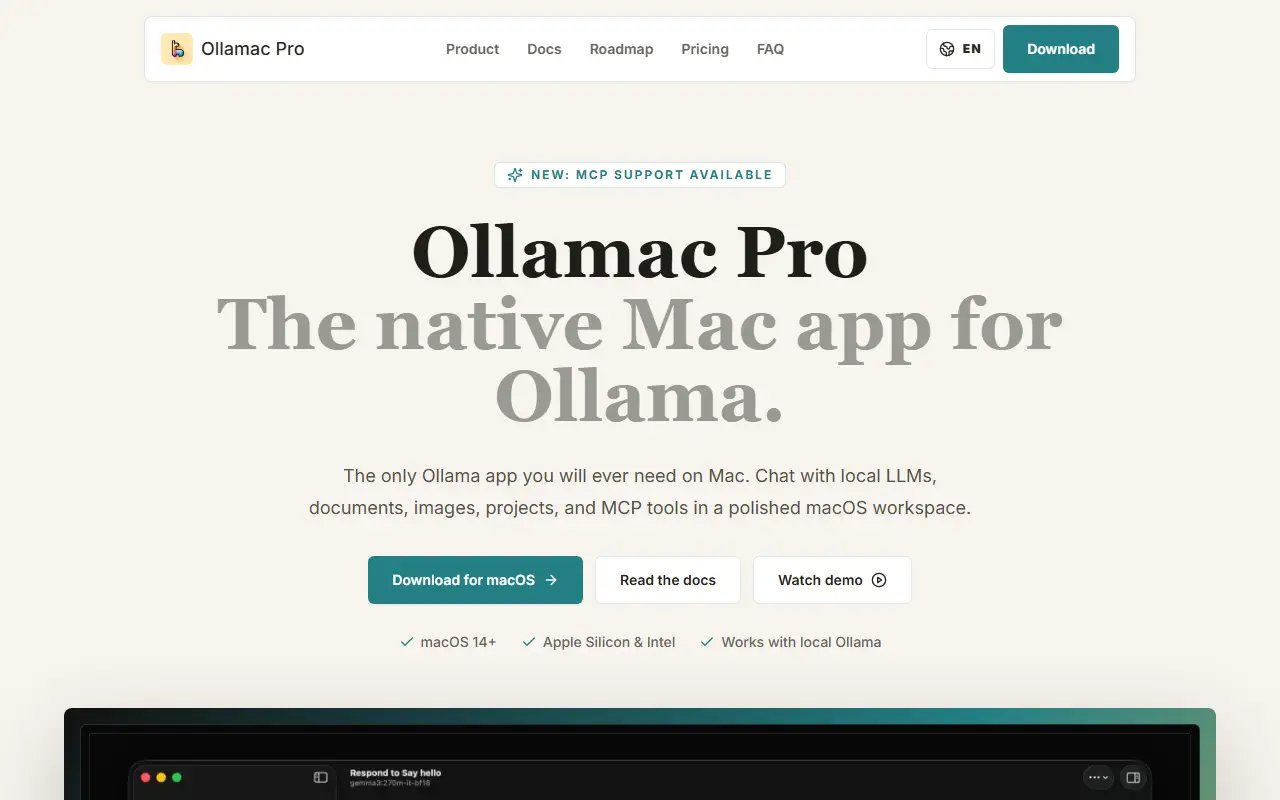
About Ollamac Pro
Ollamac Pro gives Ollama a Mac interface. Ollama runs the models locally, and this app provides the daily workspace: choosing models, saved context, attachments, projects and server profiles in a native macOS window with familiar shortcuts and fast model switching.
Features include asking questions about local documents such as PDFs, Markdown and text files, support for vision models so you can drop in screenshots or diagrams, and MCP support to connect local or remote Model Context Protocol servers. You can adjust parameters, handle prompts and switch between server profiles without leaving the chat, and keep client work, research and coding in separate projects. It requires macOS 14 or later on Apple Silicon or Intel and works with a local Ollama installation. A beta download, docs, roadmap and pricing pages are provided.
Key features
- Native macOS interface for Ollama
- Chat with local documents
- Vision model support for images
- MCP server connections
- Model switching and parameter tuning
- Projects and server profiles
Good fit for
- Running local LLMs with a desktop chat interface
- Asking questions about private documents offline
Ollamac Pro: questions and answers
- What is Ollamac Pro used for?
- Ollamac Pro is a native macOS workspace for Ollama that adds chat, document questions, vision models, projects and MCP tools on top of locally run LLMs. It is a good fit for running local LLMs with a desktop chat interface and asking questions about private documents offline.
- How much does Ollamac Pro cost?
- Ollamac Pro is a paid product with no free plan.
- Is Ollamac Pro open source?
- No. Ollamac Pro is proprietary (closed-source) software. In the AI Tools category, open-source options include Open WebUI, AnythingLLM and Cherry Studio.
- Can I self-host Ollamac Pro?
- Yes. Although Ollamac Pro is closed source, it can be self-hosted on your own servers.
- What are some alternatives to Ollamac Pro?
- Ollamac Pro competes with LM Studio.
Open-source alternatives to Ollamac Pro
See all
Open WebUI
AI Tools
Run AI on your own terms. Connect any model, extend with code, and protect what matters wi
OSSvs ChatGPT★ 154k
AnythingLLM
AI Tools
Stop renting your intelligence. Own it with AnythingLLM. Everything you need for a powerfu
MITvs ChatGPT★ 67k
Cherry Studio
AI Tools
AI productivity studio with smart chat, autonomous agents, and 300+ assistants. Unified ac
AGPL-3.0vs ChatGPT★ 52k
OpenWork
AI Tools
Free, open-source desktop AI agent app for macOS, Windows, and Linux. Any model, local mod
OSSvs Claude★ 24kPage Assist
AI Tools
Use your locally running AI models to assist you in your web browsing
MITvs ChatGPT★ 8.2kEnchanted
AI Tools
Enchanted is iOS and macOS app for chatting with private self hosted language models such
Apache-2.0vs ChatGPT★ 6k
SaaS alternatives to Ollamac Pro
See all
LM Studio
AI Tools
Desktop app for downloading and running local language models
SaaS
OpenCode Superapp
AI Tools
Native, local-first AI workspace for Mac with an open harness for local and self-hosted models
SaaS
LocalClaw
AI Tools
Catalogue matching 200+ local LLMs to your Mac or PC, plus a native OpenClaw control center app
SaaS
DOT Offline AI
AI Tools
Small AI assistant that runs entirely on the phone with no cloud connection
SaaS
Elosia
AI Tools
Private AI workspace in the browser using WebGPU embeddings and access to 70 models
SaaS
Orchard
AI Tools
macOS menu bar app that lets AI assistants control native Apple apps locally through MCP, CLI and Agent Skills
SaaS