
About OCVideoAI
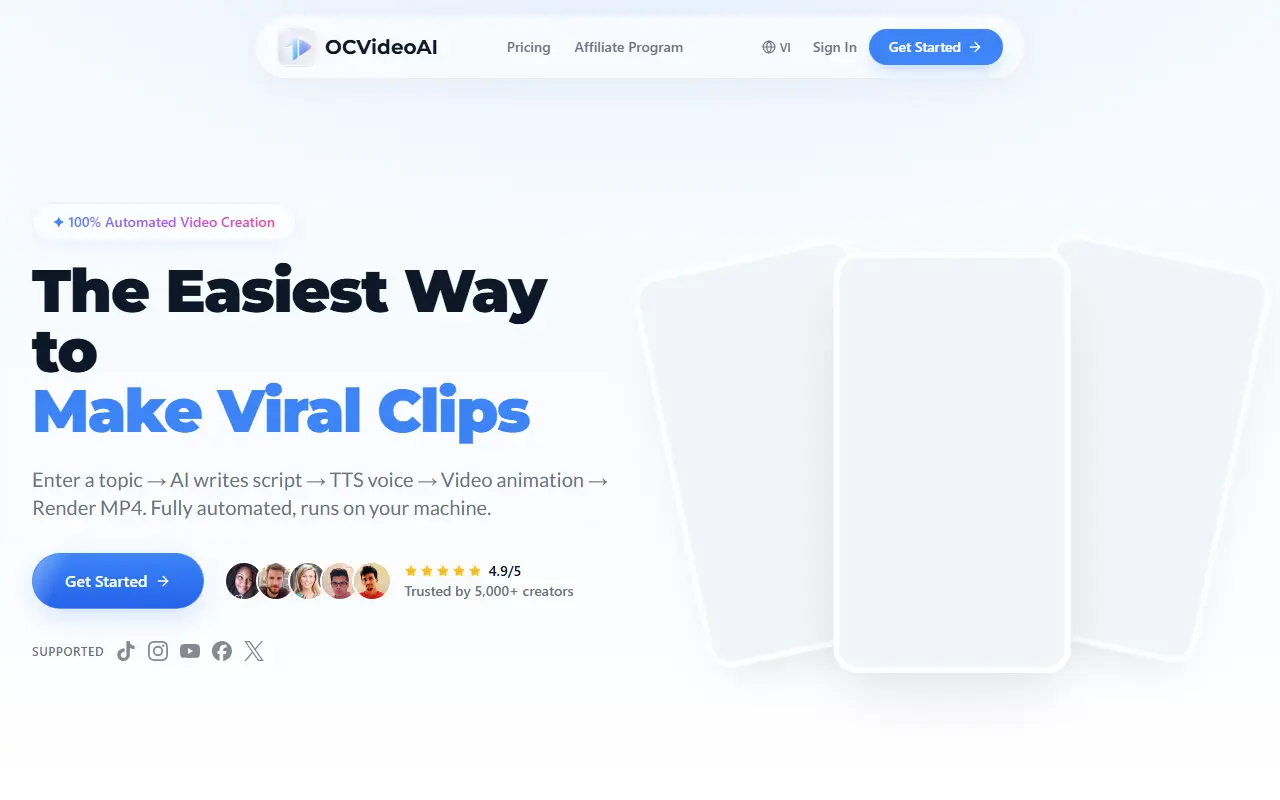
OC Video AI runs a full video pipeline on your own machine. You enter a topic, AI writes a script with nine scenes, voiceover text and visual directions, text-to-speech produces the voice with karaoke-style subtitles synced to the audio, and each scene is animated and rendered to MP4, then joined with crossfade transitions, background music and a logo.
The site says voices cover Vietnamese and English, with more than ten languages overall and several AI models, and that no editing skills are needed. It is a desktop license, so you bring your own API keys for the AI and text-to-speech services. The license is $12 a month, and the site also runs an affiliate program and pricing page.
Key features
- Script generation with nine scenes
- Voiceovers generated by text-to-speech
- Karaoke-style synced subtitles
- Animated scene rendering to MP4
- Crossfade transitions, music and logo
- Runs on Windows or Mac
Good fit for
- Producing short faceless videos from a topic
- Batch-making clips for social platforms
OCVideoAI: questions and answers
- What is OCVideoAI used for?
- OCVideoAI is a Windows and Mac desktop app that automates short video creation from a topic: script, voice, subtitles, animated scenes and a rendered MP4. It is a good fit for producing short faceless videos from a topic and batch-making clips for social platforms.
- How much does OCVideoAI cost?
- Paid plans for OCVideoAI start at $12 per month, and there is no free plan.
- Is OCVideoAI open source?
- No. OCVideoAI is proprietary (closed-source) software. In the Video Editing category, open-source options include HandBrake, ScreenToGif and Nexrender.
- Can I self-host OCVideoAI?
- Yes. Although OCVideoAI is closed source, it can be self-hosted on your own servers.
- What are some alternatives to OCVideoAI?
- OCVideoAI competes with InVideo, Pictory and Fliki.
Open-source alternatives to OCVideoAI
See all
HandBrake
Video Editing
HandBrake's development repository
OSS★ 25k
ScreenToGif
Video Editing
🎬 ScreenToGif allows you to record a selected area of your screen, edit and save it as a
MS-PLvs Snagit★ 28k
Nexrender
Video Editing
📹 Data-driven render automation for After Effects
MIT★ 1.9k
OpenCut
Video Editing
The open-source CapCut alternative
MITvs CapCut★ 93k
OBS Studio
Video Editing
OBS Studio - Free and open source software for live streaming and screen recording
GPL-2.0vs vMix★ 77k
Cap
Video Editing
Open source Loom alternative. Beautiful, shareable screen recordings.
OSSvs Loom★ 23k
SaaS alternatives to OCVideoAI
See all
InVideo
AI Tools
Online video maker that generates videos from text prompts with stock media and voiceover
SaaS
Pictory
Video Editing
AI video generator that turns scripts and articles into short videos
SaaS
Fliki
Video Editing
AI tool that turns text into videos with voiceovers
SaaS
Lumen5
Video Editing
Video creation platform that turns articles and text into social videos
SaaS
Opus Clip
AI Tools
Cuts long videos into short vertical clips with captions for social platforms
SaaS
VEED
AI Tools
Browser-based video editor with auto subtitles, AI avatars and screen recording
SaaS