
About MarkText
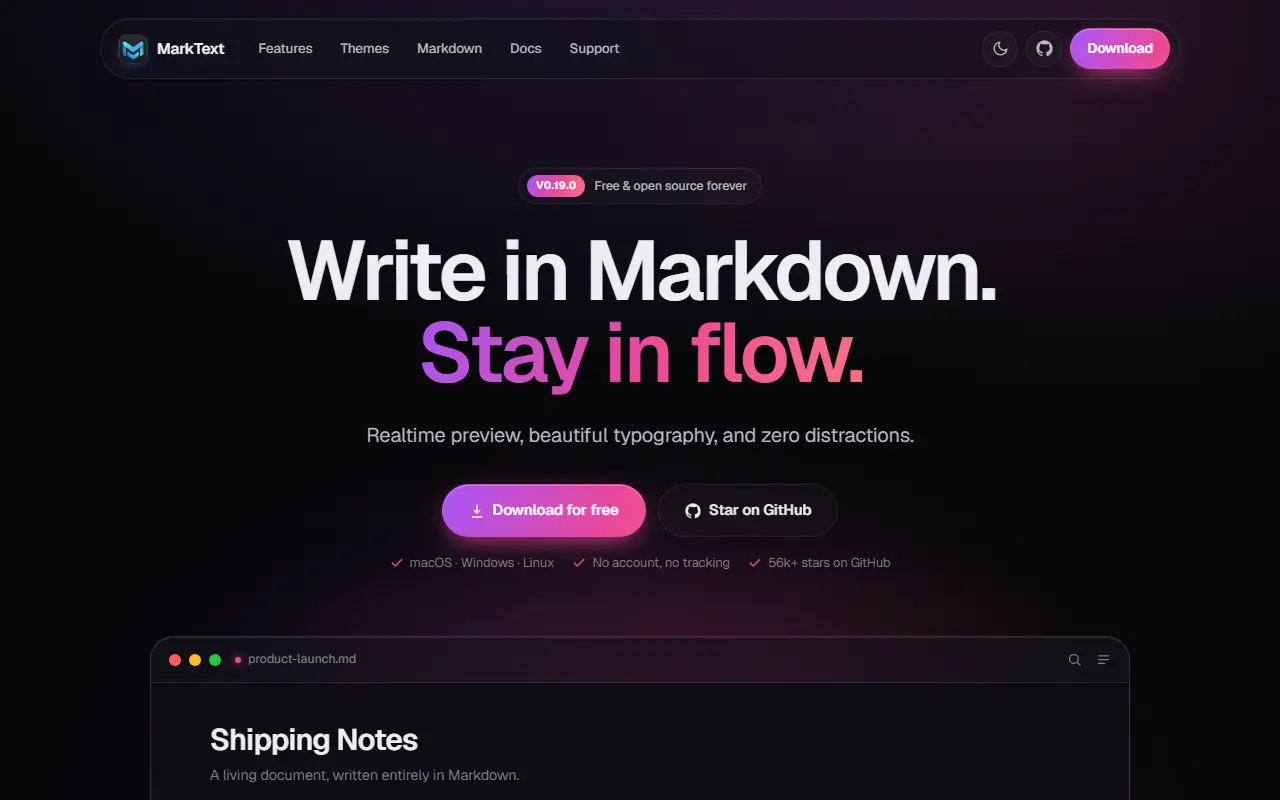
MarkText is an open-source Markdown editor that prioritizes speed and ease of use, and it runs on Linux, macOS and Windows. It offers a realtime WYSIWYG-style preview in a clean interface meant to reduce distractions while writing. It is built with TypeScript, Electron and Vue and released under the MIT license.
It follows the CommonMark and GitHub Flavored Markdown specs with selective Pandoc support, and adds extensions such as math expressions via KaTeX, front matter and emojis. Paragraph and inline-style shortcuts speed up writing, images can be pasted straight from the clipboard, and documents can be exported as HTML or PDF. Themes such as Cadmium Light and Material Dark are included.
Writers can switch between Source Code, Typewriter and Focus editing modes depending on how they like to work. The project is funded by community sponsorship and accepts contributions and translations. It suits writers, developers and note-takers who want a local Markdown editor without a separate preview pane.
Key features
- Realtime WYSIWYG-style Markdown preview
- CommonMark and GitHub Flavored Markdown support
- Math expressions with KaTeX
- Export to HTML and PDF
- Source code, typewriter and focus modes
- Paste images from the clipboard
- Light and dark themes
Good fit for
- →Writing documentation in Markdown
- →Distraction-free note taking
- →Drafting articles and exporting to PDF
- Tags
- markdown
- markdown-editor
- note-taking
- electron
- vue
- wysiwyg
- desktop
- cross-platform
MarkText: questions and answers
- What is MarkText used for?
- MarkText is a simple open-source Markdown editor for Linux, macOS and Windows with real-time preview, several editing modes and HTML and PDF export. It is a good fit for writing documentation in Markdown, distraction-free note taking, and drafting articles and exporting to PDF.
- Is MarkText open source?
- Yes. MarkText is open source under the MIT licence. Its source code is on GitHub at marktext/marktext and is written mainly in TypeScript.
- Is MarkText free?
- Yes. MarkText is open source, so the software itself is free to use.
- Can I self-host MarkText?
- Yes. MarkText can be self-hosted on your own server or infrastructure; there is no official hosted version.
- What is MarkText an alternative to?
- MarkText is an open-source alternative to Typora, iA Writer, Ulysses and Inkdrop. Other open-source alternatives to Typora include VNote, Zettlr and SoloMD.
- Is MarkText actively maintained?
- Yes. The most recent commit to MarkText was on 2 October 2026, and the latest release is v0.20.0, published on 2 October 2026. The project has 62k stars on GitHub.
Open-source alternatives to MarkText
See all
VNote
Note Taking
A pleasant note-taking platform in native C++.
LGPL-3.0vs Typora★ 13k
Zettlr
Note Taking
Your One-Stop Publication Workbench
GPL-3.0vs Typora★ 14k
SoloMD
Note Taking
A markdown editor — and the bridge to your LLM. Local-first, MIT, ~15 MB. Bundled MCP serv
MITvs Typora★ 1.1kWitNote
Note Taking
WitNote is a local-first AI writing companion for macOS and Windows.
OSSvs Typora★ 570
Paperling
Note Taking
A minimal, distraction-free markdown editor built with Tauri, React, and TypeScript
Apache-2.0vs Typora★ 574
FSNotes
Note Taking
Fast Markdown note-taking app for Mac and iPhone
MITvs Bear★ 7.5k
SaaS alternatives to MarkText
See all
Typora
Note Taking
Minimal markdown editor with live preview
SaaS
iA Writer
Note Taking
Minimal markdown writing app with focus mode and cross-device sync
SaaS
Ulysses
Note Taking
Markdown writing app for Apple devices with libraries and export options
SaaS
Inkdrop
Note Taking
Markdown note app with a plugin ecosystem aimed at developers
SaaS
Bear
Note Taking
Markdown notes app for Apple devices with tags and nested organization
SaaS
Drafts
Note Taking
Quick-capture text app for Apple devices with actions to send notes elsewhere
SaaS