7,363 open-source and SaaS tools, with GitHub stats refreshed every day.

6 alternatives ranked by real activity

Open-source Typora alternatives

A curated, ranked list of the 6 best open-source alternatives to Typora.

The best open-source alternative to Typora is MarkText. If that doesn't suit you, other good options are Zettlr, VNote, SoloMD and Paperling.

Typora alternatives are mainly note-taking tools. 5 of them shipped code in the last 30 days, 6 can be self-hosted, and 3 use a permissive licence.

Last updated October 2, 2026 · ranked by GitHub stars, growth and recent commits

MarkText

A simple open-source Markdown editor for Linux, macOS and Windows with real-time preview, several editing modes and HTML and PDF export.

GitHub stars
62k
Last commit
today
Latest release
v0.20.0
Licence
MIT
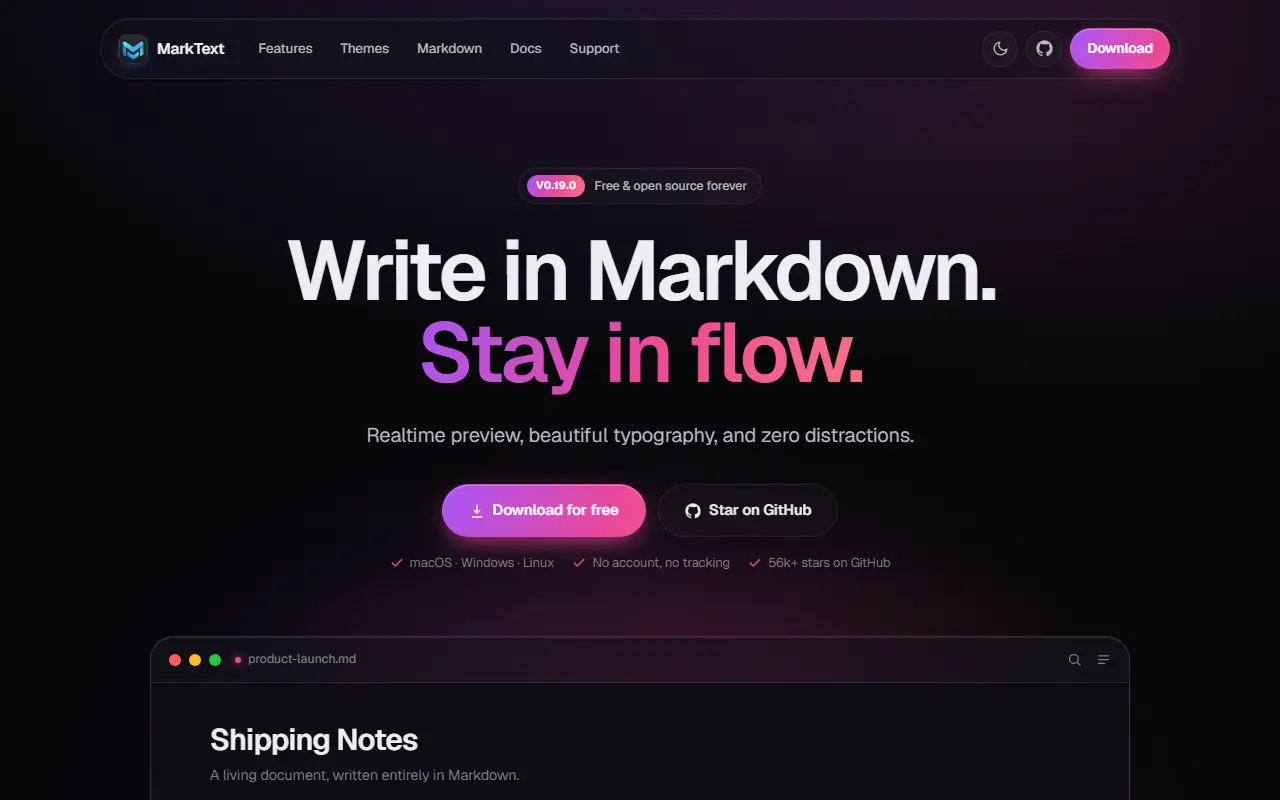
marktext.meMarkText homepage screenshot

MarkText is an open-source Markdown editor that prioritizes speed and ease of use, and it runs on Linux, macOS and Windows. It offers a realtime WYSIWYG-style preview in a clean interface meant to reduce distractions while writing. It is built with TypeScript, Electron and Vue and released under the MIT license.

It follows the CommonMark and GitHub Flavored Markdown specs with selective Pandoc support, and adds extensions such as math expressions via KaTeX, front matter and emojis. Paragraph and inline-style shortcuts speed up writing, images can be pasted straight from the clipboard, and documents can be exported as HTML or PDF. Themes such as Cadmium Light and Material Dark are included.

Writers can switch between Source Code, Typewriter and Focus editing modes depending on how they like to work. The project is funded by community sponsorship and accepts contributions and translations. It suits writers, developers and note-takers who want a local Markdown editor without a separate preview pane.

Key features

  • Realtime WYSIWYG-style Markdown preview
  • CommonMark and GitHub Flavored Markdown support
  • Math expressions with KaTeX
  • Export to HTML and PDF
  • Source code, typewriter and focus modes
  • Paste images from the clipboard
  • Light and dark themes

Pricing: Free and open source under the MIT license.

Zettlr

Markdown editor for researchers and writers with citation management, Pandoc exports and Zettelkasten-style note linking.

GitHub stars
14k
Last commit
4 days ago
Latest release
v4.8.0
Licence
GPL-3.0
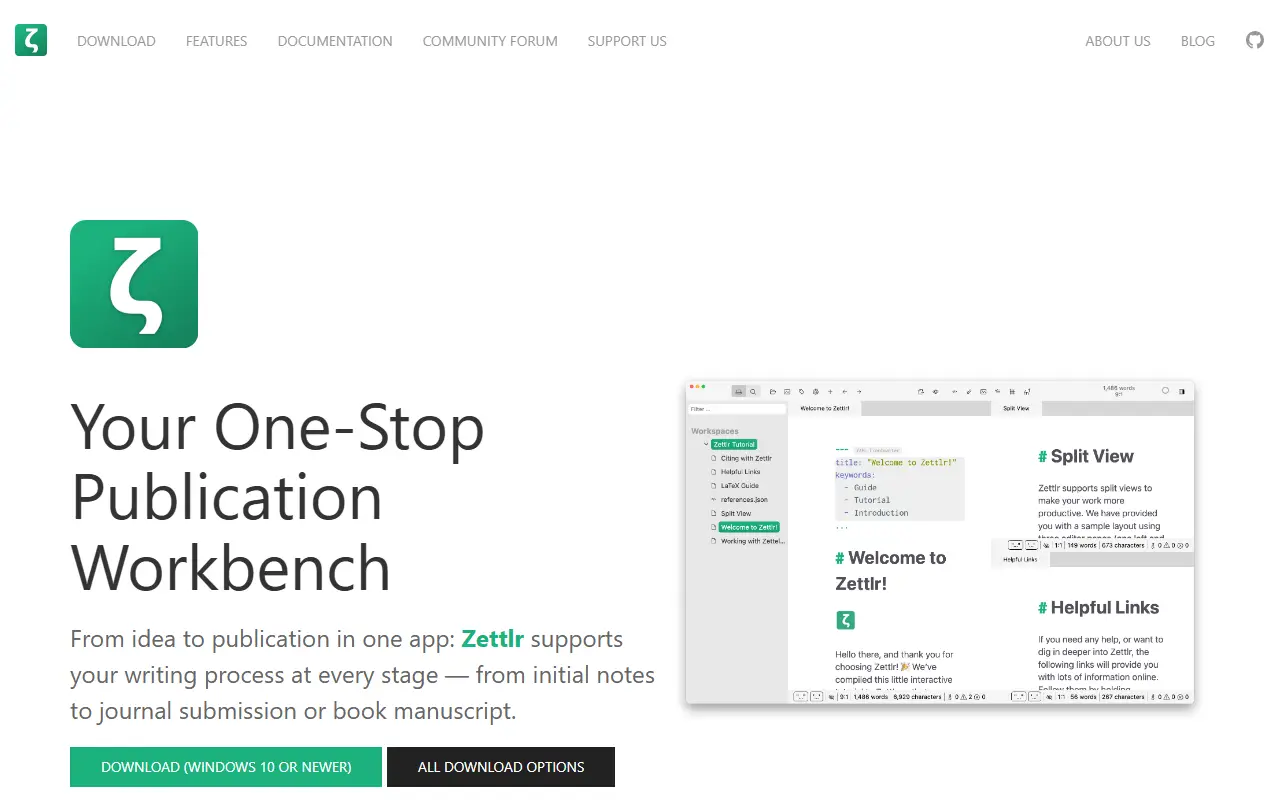
zettlr.comZettlr homepage screenshot

Zettlr is a desktop Markdown editor aimed at academic and long-form writing. It presents itself as a publication workbench, combining note-taking, drafting, reference management and export in one application, with a focus on keeping your notes private and stored as ordinary files on your own computer.

Citations integrate with reference managers such as Zotero and JabRef, and exports rely on Pandoc, LaTeX and Textbundle, with support for LaTeX and Word templates. Other capabilities include snippets for boilerplate text, themes with dark modes and custom CSS, code highlighting, full-text search, and techniques from the Zettelkasten knowledge management method. The interface is translated into over a dozen languages.

Zettlr is built with TypeScript, Electron and Node.js and released under GPL-3.0. Installers are provided for macOS, Windows and most Linux distributions, and the repository documents building from source, command-line switches and contribution workflows. The project is also reachable through a community forum, Discord and Mastodon.

Key features

  • Markdown editor with a distraction-free writing focus
  • Citation support for Zotero and JabRef
  • Export via Pandoc, LaTeX and Textbundle
  • Zettelkasten-style linking and full-text search
  • Snippets, themes and custom CSS
  • Installers for macOS, Windows and Linux

Pricing: Free and open source under the GPL-3.0 license.

VNote

A free, Qt-based note-taking application written in C++ that focuses on Markdown editing and note management on Linux, Windows and macOS.

GitHub stars
13k
Last commit
yesterday
Latest release
v4.8.0
Licence
LGPL-3.0
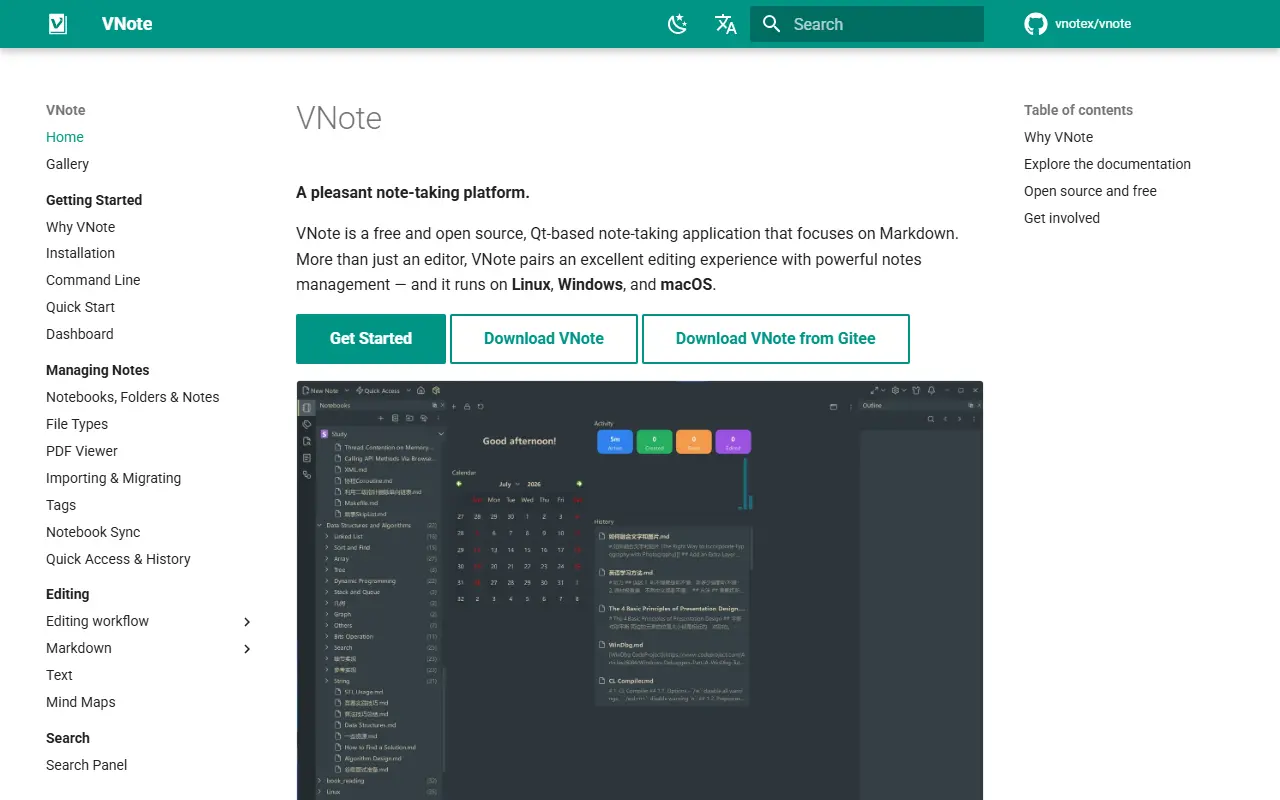
docs.vnote.funVNote homepage screenshot

VNote is a free, open-source note-taking application built with Qt and written in native C++. It currently focuses on Markdown, and aims to offer a pleasant editing experience while also providing notes management, so it is more than a simple Markdown editor.

Because it uses Qt, the same application runs on Linux, Windows and macOS. The project topics reference Vim-style editing, UML diagrams and MathJax math rendering, and the maintainers say that formats beyond Markdown are planned. Continuous builds from the master branch and stable releases are published on GitHub and Gitee.

VNote is licensed under LGPL-3.0, with bundled third-party icon sets recorded in a separate notices file. It is a desktop application that runs locally rather than a hosted service. It suits people who want local Markdown notes organized in notebooks, and developers who prefer a native editor over an Electron-based one.

Key features

  • Native C++ and Qt desktop application
  • Markdown editing focus
  • Notes management and notebooks
  • Vim mode support
  • UML and MathJax rendering
  • Runs on Linux, Windows and macOS

Pricing: Free and open source under the LGPL-3.0 licence.

SoloMD

SoloMD is a local-first Markdown editor with an MCP server and bring-your-own-key AI chat, so tools like Claude Code and Cursor can work on your notes folder.

GitHub stars
1.1k
Last commit
today
Latest release
v4.14.6
Licence
MIT
Self-hosted
Yes
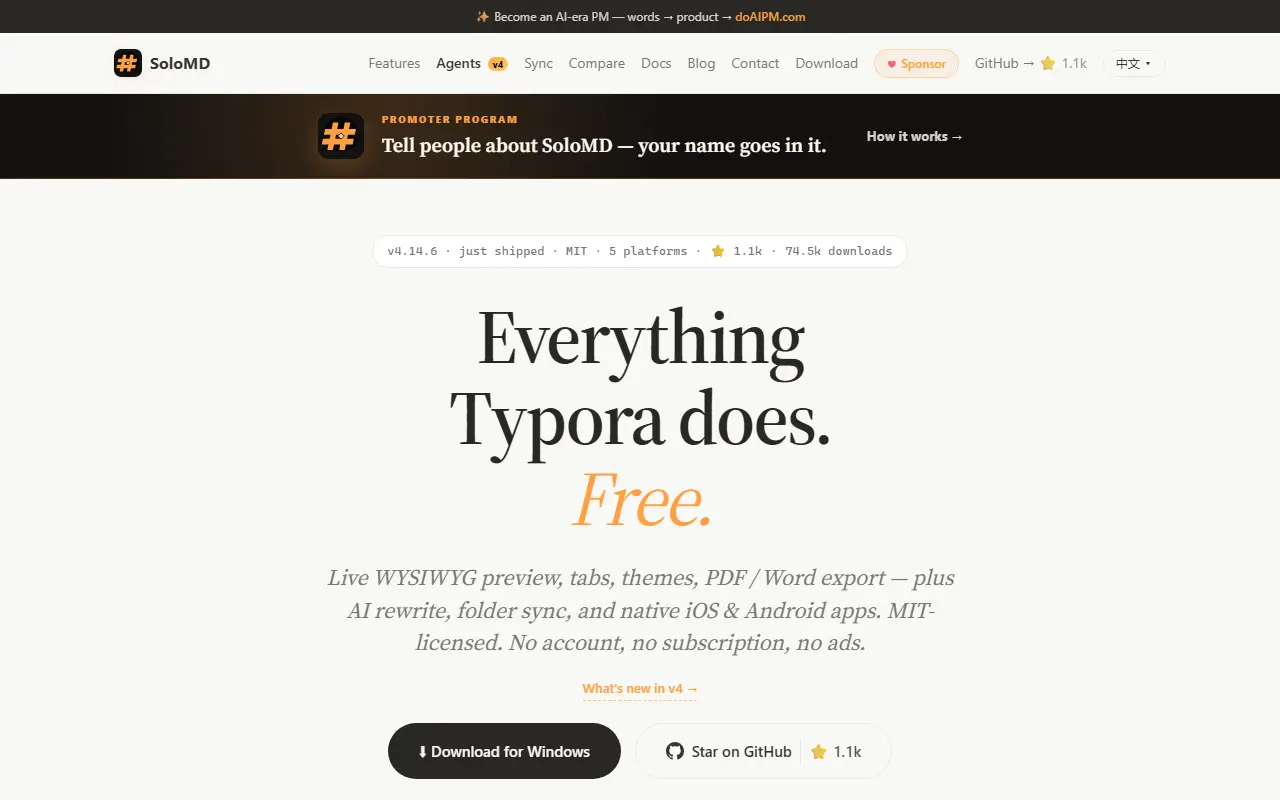
solomd.appSoloMD homepage screenshot

SoloMD is a Markdown editor built around a plain folder of .md files. The same notes can be edited in the app, queried through an in-editor AI chat, or driven from outside by MCP clients such as Claude Code, Codex and Cursor, using a bundled MCP server. It positions itself as an alternative to Obsidian and Typora.

Features include wikilinks, a properties inspector for YAML frontmatter, automatic Git commits, a whiteboard based on tldraw, scheduled recipes that run while you are away, and support for many AI providers with your own keys. The app is built with Tauri 2, Vue 3 and CodeMirror 6, targets desktop and mobile platforms, and stores notes, API keys, embeddings and Git history on your own machine with no SoloMD-hosted servers.

SoloMD is licensed under MIT and is free with no subscription. The README discloses that the code, releases and issue replies are produced largely by Claude Code under a human maintainer who sets direction, and it invites readers to inspect the code and correct mistakes. It suits people who keep their notes in Markdown and want AI assistance without a cloud service.

Key features

  • Markdown editing in a plain folder
  • Bundled MCP server for AI agents
  • AI chat with bring-your-own keys
  • Wikilinks and properties inspector
  • Whiteboard based on tldraw
  • Automatic Git history of notes

Pricing: Fully free and open source under the MIT license, with no paid tier, subscription, in-app purchase or ads; the developer accepts sponsorship.

Paperling

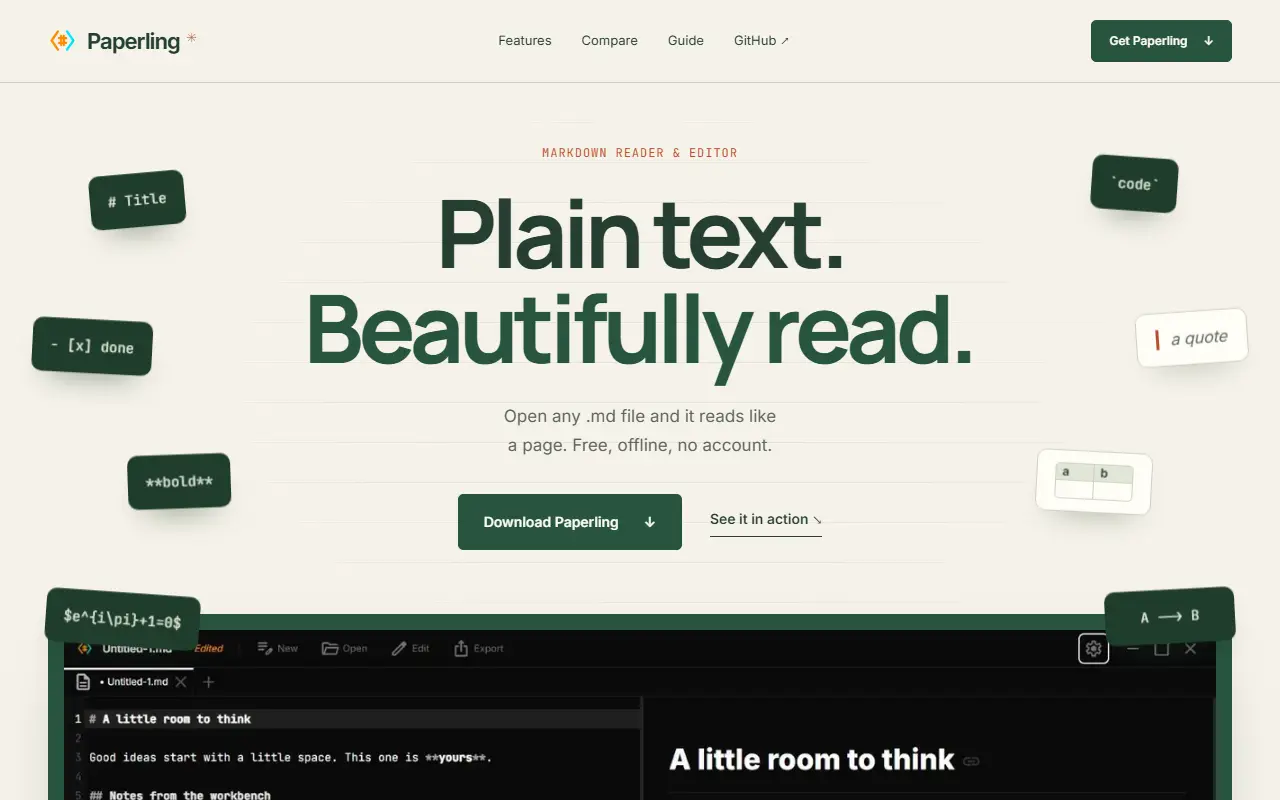
Paperling is a minimal Markdown reader and editor built with Tauri that renders math, chemistry and diagrams live and offers an optional AI that proposes edits.

GitHub stars
574
Last commit
today
Latest release
v1.1.0
Licence
Apache-2.0
Self-hosted
Yes
razee4315.github.ioPaperling homepage screenshot

Paperling is a no-setup Markdown reader and editor. You open any .md file, read it rendered nicely, and edit with a live preview in which math, chemistry and diagrams render as you type. An optional AI, free and bring-your-own-model, proposes edits that you accept or reject inline, with no vaults or plugins to configure.

The author built it out of frustration with seeing raw Markdown in basic text editors, and positions it as lighter than tools such as Obsidian when you only want to open a file and edit it. Rendering supports KaTeX math and Mermaid diagrams, there are four themes called Dark, Light, Paper and Dracula, and the interface includes a file explorer and command palette. A small paper character appears in the app to greet and guide new users.

Paperling is built with Tauri, React, TypeScript and Rust for desktop on multiple platforms, with an Android APK available from the releases page. It is licensed under Apache-2.0 and runs locally on your device.

Key features

  • Open and edit any Markdown file
  • Live preview with math and Mermaid diagrams
  • Optional AI edits accepted or rejected inline
  • Four themes
  • File explorer and command palette
  • Desktop and Android builds

Pricing: Free and open source under the Apache-2.0 license.

WitNote

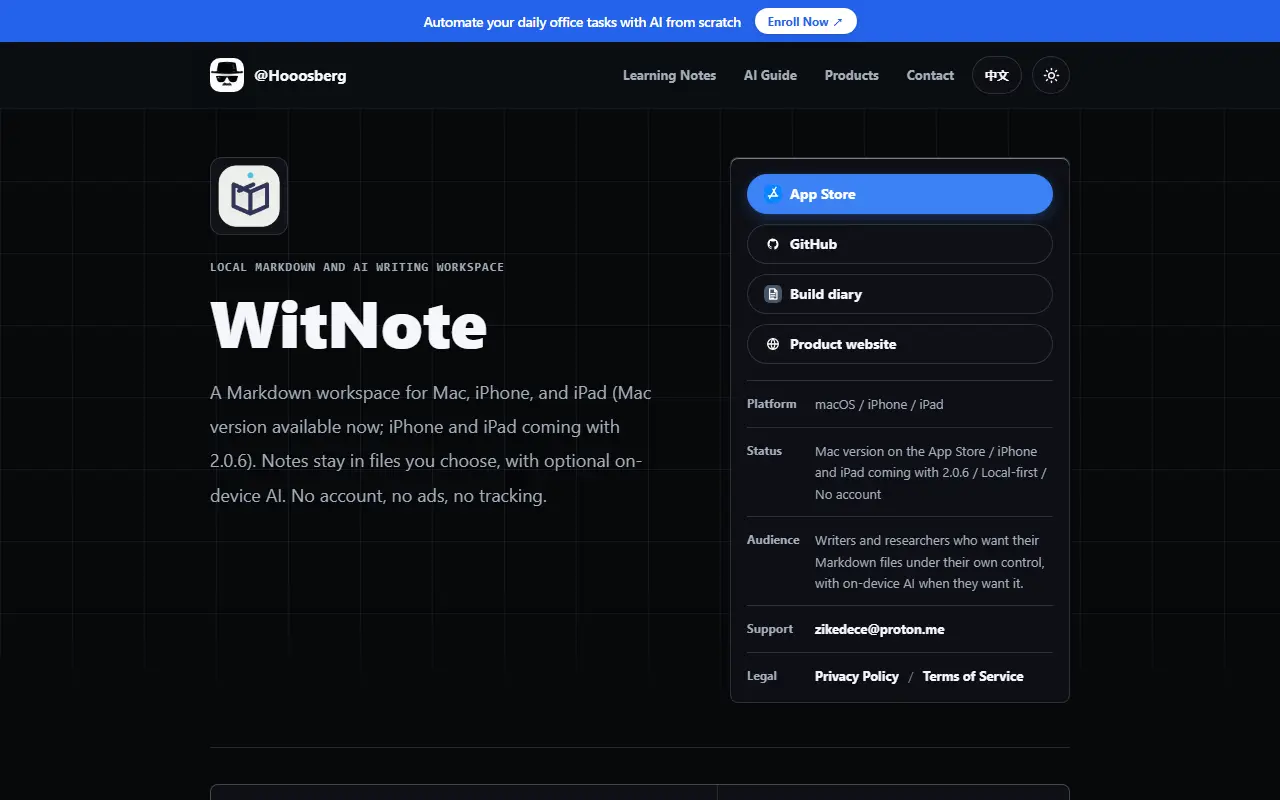
Local-first Markdown editor with a live preview pane and a lightweight offline AI helper for writing and translation, for macOS and Windows.

GitHub stars
570
Last commit
1 mo ago
Latest release
v2.0.1
Self-hosted
Yes
hooosberg.comWitNote homepage screenshot

WitNote is a lightweight, local-first Markdown companion for macOS and Windows. Its philosophy is to stay simple: open any local Markdown or text file or a folder instantly, write on the left, and see the rendered result on the right, with GitHub-flavored Markdown and LaTeX math supported. All files stay on your local disk. It is aimed at writers and note-takers who want a quiet, fast editor rather than a heavy workspace.

The AI element is deliberately modest. Rather than an intrusive agent, it works as an offline encyclopedia, translator and writing assistant, and the repository topics point to local models through Ollama. The README says the Apple versions have moved to a native Swift and SwiftUI architecture, available from the Mac App Store, with iOS and iPadOS versions still in development. The open-source edition for Windows and Linux continues as an Electron build.

Mac users who prefer the open-source build can compile it from source. The interface supports multiple languages, including English and Simplified Chinese. The repository metadata does not specify a license, so check the repository before reuse.

Key features

  • Dual-pane Markdown editing with live preview
  • GitHub-flavored Markdown and LaTeX math
  • Offline-first local file storage
  • Lightweight AI writing and translation helper
  • Native Swift edition for Apple platforms
  • Electron open-source edition for Windows

Typora alternatives: questions

What is the best open-source alternative to Typora?
MarkText is the top-ranked open-source alternative to Typora on Enlisted: A simple open-source Markdown editor for Linux, macOS and Windows with real-time preview, several editing modes and HTML and PDF export. Other strong options are Zettlr, VNote, SoloMD and Paperling.
Are these Typora alternatives free?
All 6 are open source, so the code is free to use under its licence, and all of them can be self-hosted on your own server or computer.
How is this list of Typora alternatives ranked?
By a score built from GitHub stars, star growth over the last 30 days and how recently the code changed. 5 of these projects shipped code in the last 30 days. Data is refreshed daily, and nobody can pay to move up.

People also look for alternatives to…

View all