
 Perfecto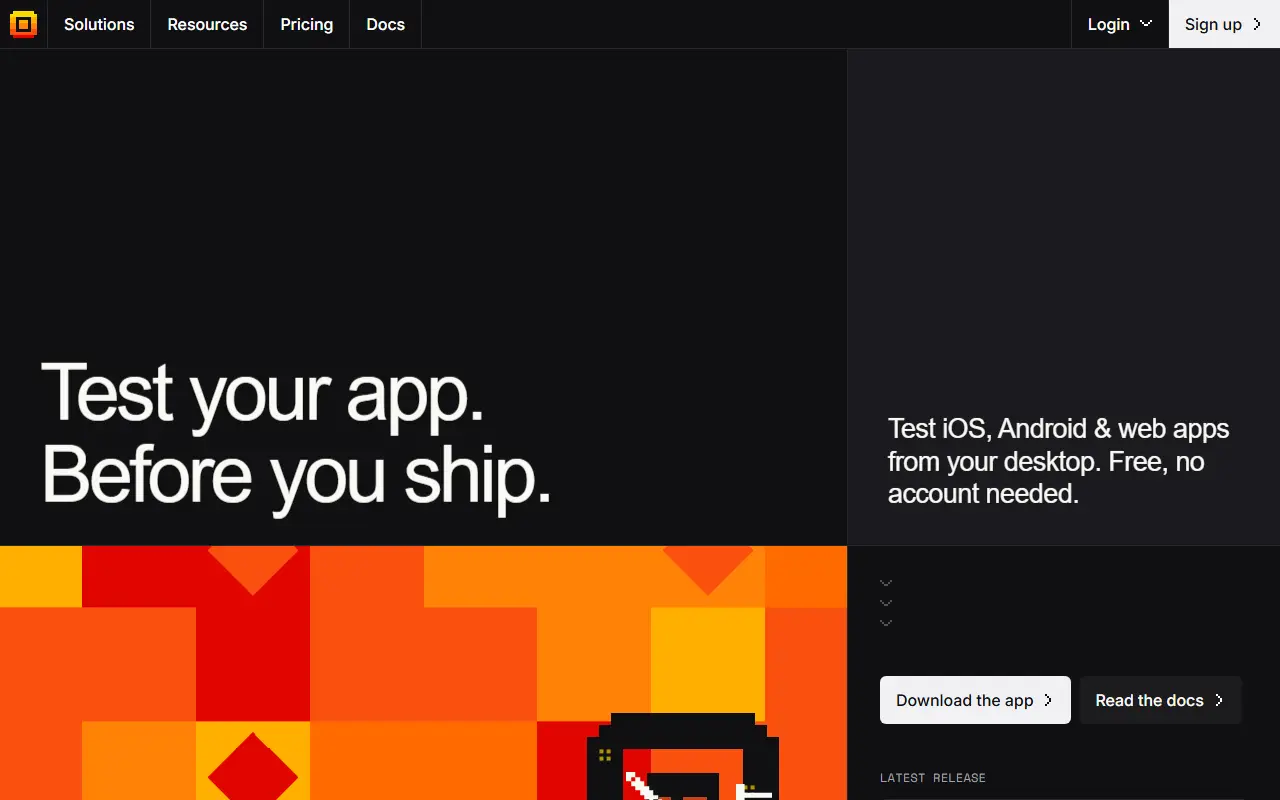
About Maestro Deck
Maestro Deck is a runner for Maestro YAML test flows that covers iOS, Android and web apps. The free app runs entirely on your own machine with no cloud and no account, so flows can be built and executed locally against simulators or connected devices. It is licensed source-available under BUSL 1.1, with a GitHub repository, releases and an issue tracker.
Its Inspector mode mirrors a simulator or device live: you hover to reveal UI elements, right-click to pick an action, and the flow file builds itself as you click, so no YAML has to be typed by hand. When real devices are needed, a managed EU cloud runs tests on cloud devices, with device options listed as local simulators, farm phones and the cloud.
Pricing is by packs of cloud runs rather than subscriptions or seats. Local runs are free and unlimited; the Indie pack is 15 euros for 75 cloud runs, the Pro pack is 59 euros for 250 cloud runs, and Enterprise is negotiated with an SLA and dedicated support.
Key features
- Runs Maestro YAML flows for iOS, Android and web
- Inspector mode with live device mirror
- Right-click actions that write flow steps
- Unlimited local test runs on your machine
- Optional managed cloud devices in the EU
- Pay-per-pack cloud runs with no seats
Good fit for
- Solo developers testing mobile apps before release
- Small teams running end-to-end suites in the cloud
Maestro Deck: questions and answers
- What is Maestro Deck used for?
- Maestro Deck is a source-available desktop app and cloud for running Maestro YAML end-to-end tests on iOS, Android and web, with a click-to-build flow inspector. It is a good fit for solo developers testing mobile apps before release and small teams running end-to-end suites in the cloud.
- Is Maestro Deck free?
- Yes. Maestro Deck has a free plan. Local runs are free and unlimited; cloud run packs are Indie 15 EUR (75 runs) and Pro 59 EUR (250 runs), with custom Enterprise pricing.
- Is Maestro Deck open source?
- No. Maestro Deck is proprietary (closed-source) software. In the Testing & QA category, open-source options include Detox, Appium and agent-device.
- Can I self-host Maestro Deck?
- Yes. Although Maestro Deck is closed source, it can be self-hosted on your own servers, and the vendor also offers a hosted version.
- What are some alternatives to Maestro Deck?
- Maestro Deck competes with BrowserStack, Sauce Labs and Kobiton.
Open-source alternatives to Maestro Deck
See all
Detox
Testing & QA
Gray box end-to-end testing and automation framework for mobile apps
MITvs Kobiton★ 12k
Appium
Testing & QA
Cross-platform automation framework for all kinds of apps, built on top of the W3C WebDriv
Apache-2.0vs BrowserStack★ 22k
agent-device
Testing & QA
Mobile app automation and verification for AI coding agents. CLI, MCP server, and typed No
MIT★ 4.9k
Airtest
Testing & QA
UI Automation Framework for Games and Apps
Apache-2.0vs Kobiton★ 9.6k
WebdriverIO
Testing & QA
Next-gen browser and mobile automation test framework for Node.js
MITvs BrowserStack★ 9.8k
Lamda
Testing & QA
Android Full-Stack Device Control Platform: WebRTC/H.264 remote desktop, UI/OCR/image-matc
MIT★ 8.5k
SaaS alternatives to Maestro Deck
See all
BrowserStack
Testing & QA
Cloud platform for testing websites and mobile apps on real browsers and devices
SaaS
Sauce Labs
Testing & QA
Cloud testing platform for automated web and mobile tests across devices
SaaS
Kobiton
Testing & QA
Mobile device cloud and test automation platform
SaaS
HeadSpin
Testing & QA
Digital experience testing platform with a global device cloud
SaaS
Firebase Test Lab
Testing & QA
Google cloud infrastructure for testing Android and iOS apps on real and virtual devices
SaaS
AWS Device Farm
Testing & QA
AWS service for testing web and mobile apps on real devices in the cloud
SaaS