 TrackMedia
 TrackRev

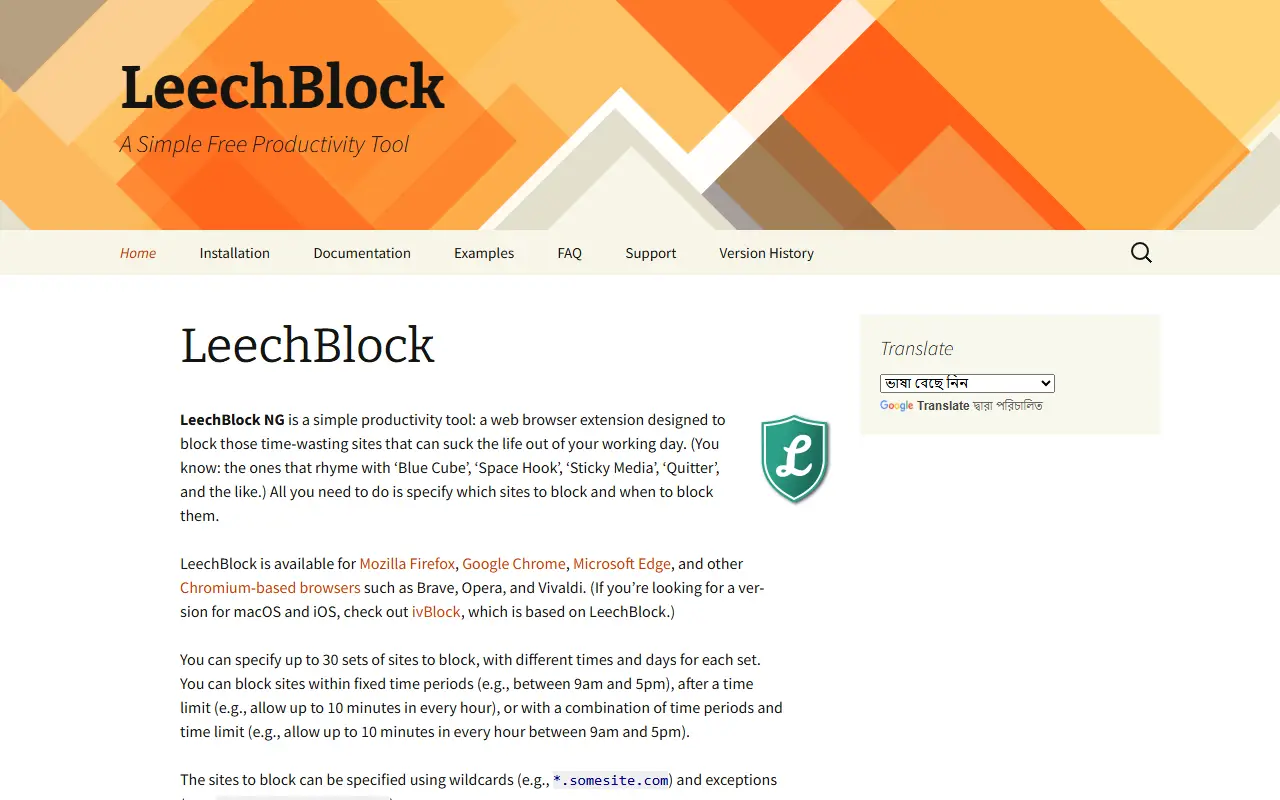
About Leechblockng
LeechBlock NG is a web browser extension for blocking sites that eat into your working day. You choose which sites to block and when. Up to 30 sets of sites can be defined, each with its own times and days, and sites can be written with wildcards and exceptions.
Blocking can follow fixed time periods, a time limit such as ten minutes in every hour, or a combination of both. A lockdown feature blocks sites immediately for a set duration, and the options page can be protected with a password or random access code to slow you down in moments of weakness.
It is available for Firefox, Chrome, Edge and other Chromium-based browsers such as Brave, Opera and Vivaldi. The maker lists two limits: it is not designed for parental control, and a blocked site may still briefly see a connection from your browser.
Key features
- Block chosen sites during set times
- Up to 30 block sets with their own schedules
- Wildcards and exceptions in site patterns
- Lockdown blocks sites immediately for a duration
- Password or random code on the options page
- Fixed periods, time limits or both
Good fit for
- Block social media during work hours
- Limit minutes per hour on certain sites
- Start a short lockdown to focus
Leechblockng: questions and answers
- What is Leechblockng used for?
- Leechblockng is a browser extension for Firefox, Chrome, Edge and other Chromium browsers that blocks time-wasting sites at times you choose. It is a good fit for block social media during work hours, limit minutes per hour on certain sites and start a short lockdown to focus.
- Is Leechblockng open source?
- Yes. Leechblockng is open source under the MPL-2.0 licence. Its source code is on GitHub at proginosko/LeechBlockNG and is written mainly in JavaScript.
- Is Leechblockng free?
- Yes. Leechblockng is open source, so the software itself is free to use.
- Can I self-host Leechblockng?
- Yes. Leechblockng can be self-hosted on your own server or infrastructure.
- What is Leechblockng an alternative to?
- Leechblockng is an open-source alternative to Freedom. Other open-source alternatives to Freedom include Foqos and SelfControl.
- Is Leechblockng actively maintained?
- Yes. The most recent commit to Leechblockng was on 27 September 2026, and the latest release is v1.8, published on 27 September 2026. The project has 1.1k stars on GitHub, with 16 added in the last 30 days.
Open-source alternatives to Leechblockng
See all
Foqos
Productivity
Foqos allows you to lock apps behind the tap of a NFC tag or scan of a QR code. Free and o
MITvs Freedom★ 927
SelfControl
Open source
:skull: Mac app to block your own access to distracting websites etc for a predetermined p
GPL-3.0vs Freedom★ 4.4k
Zen Browser
Productivity
Welcome to a calmer internet
MPL-2.0vs Google Chrome★ 46k
Floccus
Productivity
:cloud: Sync your bookmarks privately across browsers and devices
MPL-2.0★ 8.6k
Moodist
Productivity
Ambient sounds for focus and calm.
MIT★ 4k
Indie Wiki Buddy
Productivity
Browser extension that automatically notifies and redirects you to independent wikis.
MIT★ 547
SaaS alternatives to Leechblockng
See all
Freedom
Productivity
Distraction blocker for websites and apps across devices
SaaS
1 Pixel Workout
Productivity
Site blocker that swaps distracting scrolling for short 60-second workouts
SaaS
DeadBolt
Productivity
Locks distracting apps until you finish your tasks
SaaS
Fliper
Productivity
Focus app with Pomodoro sessions, a flip-your-phone focus mode and progress tracking
SaaS
Focusmate
Productivity
Virtual coworking service that pairs people for live body-doubling work sessions
SaaS
FocusNod
Productivity
Mac focus app that notices when you drift from your task by reading window titles, not your screen
SaaS