
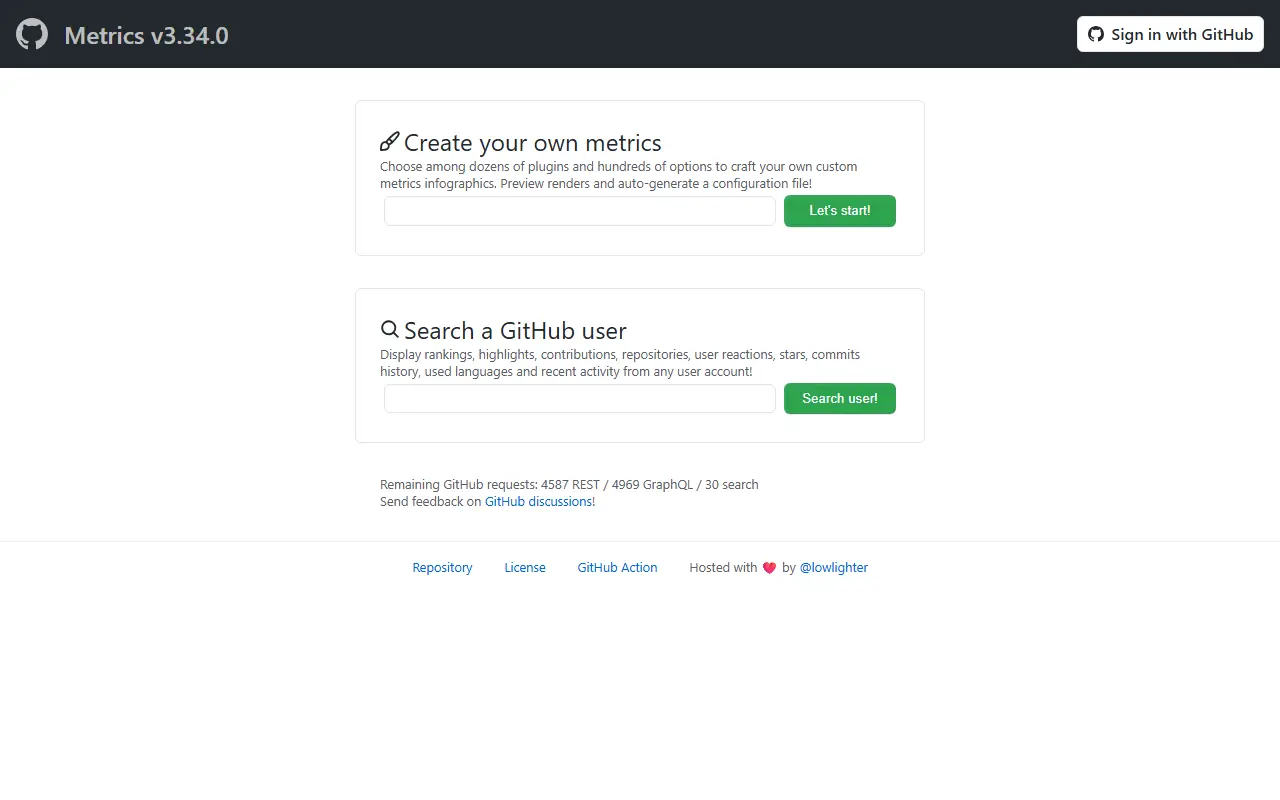
About GitHub Metrics
Metrics is an infographics generator that turns activity on a GitHub account into images you can embed anywhere, most often in a profile README. It works for user accounts, organizations, and individual repositories, and the output can be SVG, Markdown, PDF, or JSON. It is released under the MIT license.
Its content is assembled from plugins: the README lists 47 plugins and 335 options, covering things like an isometric commit calendar, language statistics, stargazers, lines of code changed, starred topics and repositories, repository licenses, and coding habits. Detailed analyses can clone and examine repositories, while lighter ones look at recent activity events.
It is typically run automatically as a GitHub Action that refreshes the generated image on a schedule, and a public web instance is available at metrics.lecoq.io for trying it without setup. The tool suits developers who want to present a profile or project dashboard that updates itself, and it is written in JavaScript.
Key features
- Infographics for users, organizations, and repositories
- 47 plugins with 335 options
- Output as SVG, Markdown, PDF, or JSON
- Isometric commit calendar and language statistics
- Runs as a GitHub Action on a schedule
- Embeddable in profile READMEs
Good fit for
- →Auto-updating GitHub profile README
- →Showing contribution stats for an organization
- Built with
- JavaScript
- Tags
- github
- metrics
- infographics
- github-action
- profile-readme
- svg
- automation
- statistics
GitHub Metrics: questions and answers
- What is GitHub Metrics used for?
- GitHub Metrics generates customizable infographics of GitHub activity for users, organizations, and repositories, rendered as SVG, Markdown, PDF, or JSON for profile READMEs. It is a good fit for auto-updating GitHub profile README and showing contribution stats for an organization.
- Is GitHub Metrics open source?
- Yes. GitHub Metrics is open source under the MIT licence. Its source code is on GitHub at lowlighter/metrics and is written mainly in JavaScript.
- Is GitHub Metrics free?
- Yes. GitHub Metrics is open source, so the software itself is free to use. A managed cloud version is also available.
- What are some alternatives to GitHub Metrics?
- Similar open-source tools in the Developer Tools category include Google Workspace CLI, Vagrant and GitHub Desktop. SaaS products in the same category include ActivityProof, Burg AI and Doc0.
- Is GitHub Metrics actively maintained?
- The most recent commit to GitHub Metrics was on 29 May 2026, and the latest release is v3.34, published on 13 September 2023. The project has 17k stars on GitHub.
Open-source alternatives to GitHub Metrics
See all
Google Workspace CLI
Developer Tools
Google Workspace CLI — one command-line tool for Drive, Gmail, Calendar, Sheets, Docs, Cha
Apache-2.0★ 31k
Vagrant
Developer Tools
Vagrant is a tool for building and distributing development environments.
OSS★ 27k
GitHub Desktop
Developer Tools
Focus on what matters instead of fighting with Git.
MITvs GitKraken★ 22kApprise
Developer Tools
Apprise - Push Notifications that work with just about every platform!
BSD-2-Clausevs Courier★ 18k
App Store Connect CLI
Developer Tools
Fast, scriptable CLI for the App Store Connect API. Automate TestFlight, builds, submissio
MIT★ 7.6k
RStudio
Developer Tools
RStudio is an integrated development environment (IDE) for R
OSSvs IBM SPSS Statistics★ 5.1k
SaaS alternatives to GitHub Metrics
See all
ActivityProof
Developer Tools
Live GitHub-based shipping-status badge you embed as an SVG on indie product sites
SaaS
Burg AI
Developer Tools
AI pull request review agent that uses your own API key to keep data private and control costs
SaaS
Doc0
Developer Tools
Hosted code knowledge graph that AI agents query over MCP to understand a codebase
SaaS
GitHub Codespaces
Developer Tools
Cloud-hosted development environments launched from GitHub repositories
SaaS
Ona
Developer Tools
Cloud development environments and software engineering agents, formerly Gitpod
SaaS
Warp
Developer Tools
Terminal with AI assistance, command blocks and team workflows
SaaS