 TrackMedia
 TrackRev

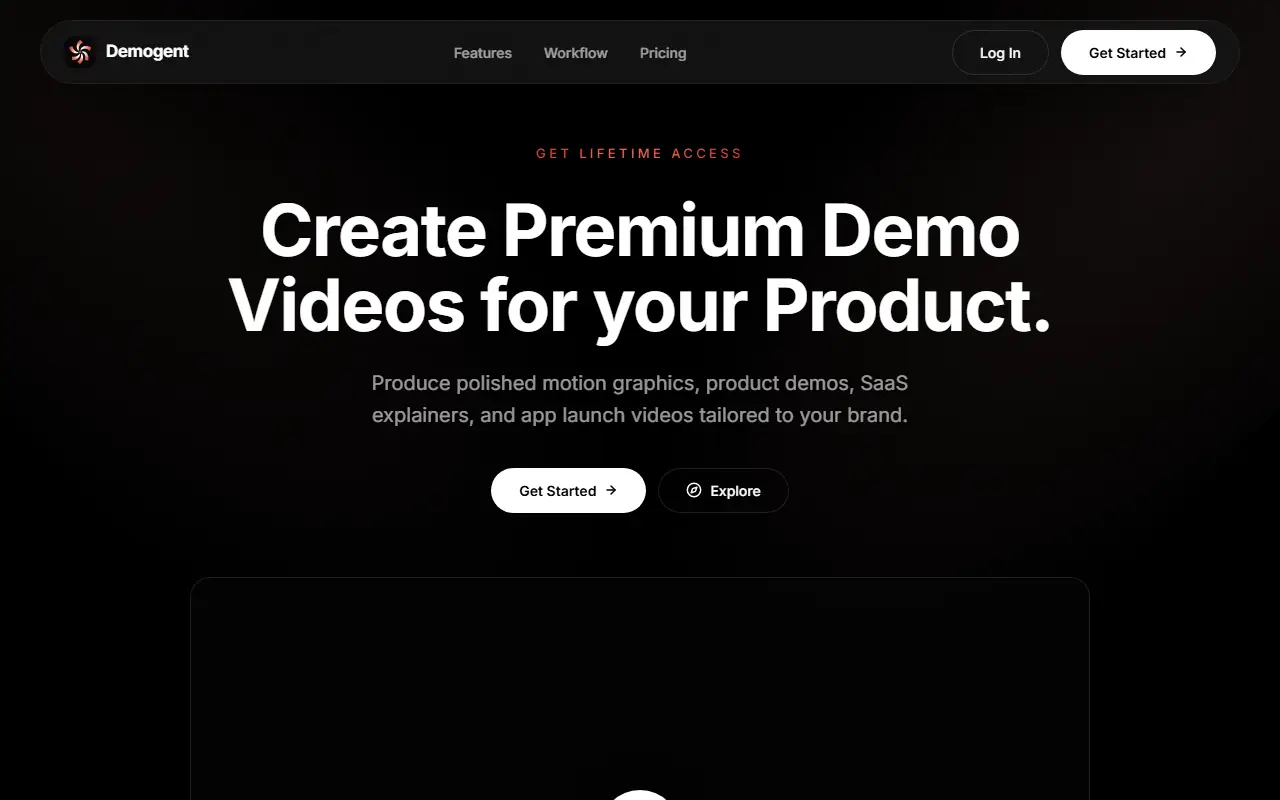
About Demogent
Demogent is a motion graphics editor that runs in the browser, built for product launch videos, SaaS demos and app explainers. You add your logo, screenshots and product details, set a video length, then build the video on a timeline with ready-made components, text, backgrounds and audio. It is aimed at founders and makers who want polished videos without After Effects or editing experience.
The component library includes browser window mockups, device showcases and logo reveals, each with its own style properties. Backgrounds range from gradient and scene options to GPU-rendered shader animations on the Pro tier. Audio support covers background music and voiceover that can be trimmed and mixed on the timeline. Finished videos export at up to 4K and 60 frames per second.
Demogent is a hosted commercial product, and the homepage promotes a lifetime access option alongside a pricing page. Projects stay editable at any time, so a video can be updated when the product changes.
Key features
- Timeline editor for text, audio and components
- Browser window and device mockups
- Logo reveal animations
- Gradient and shader animated backgrounds
- Voiceover and music mixing
- Export up to 4K at 60fps
Good fit for
- Product launch videos for startups
- SaaS demo and explainer clips
- Mobile app promo videos
Demogent: questions and answers
- What is Demogent used for?
- Demogent is a browser-based video editor for SaaS demos, product launches and app explainers, using a timeline, prebuilt components and exports up to 4K. It is a good fit for product launch videos for startups, SaaS demo and explainer clips, and mobile app promo videos.
- Is Demogent free?
- Yes. Demogent has a free plan, and paid plans start at $29 as a one-time payment.
- Is Demogent open source?
- No. Demogent is proprietary (closed-source) software and can't be self-hosted. In the Video Editing category, open-source options include OpenCut, Kdenlive and ScreenToGif.
- What are some alternatives to Demogent?
- Demogent competes with DemoPolish, Screen Studio and debut.sh.
Open-source alternatives to Demogent
See all
OpenCut
Video Editing
The open-source CapCut alternative
MITvs CapCut★ 98k
Kdenlive
Video Editing
Free and open source video editor, based on MLT Framework and KDE Frameworks
GPL-3.0vs Adobe Premiere Pro★ 6.1k
ScreenToGif
Video Editing
🎬 ScreenToGif allows you to record a selected area of your screen, edit and save it as a
MS-PLvs Snagit★ 28k
Shotcut
Video Editing
cross-platform (Qt), open-source (GPLv3) video editor
GPL-3.0vs Adobe Premiere Pro★ 16k
OpenShot
Video Editing
OpenShot Video Editor is an award-winning free and open-source video editor for Linux, Mac
OSSvs Adobe Premiere Pro★ 6.8k
FilmCraft
Video Editing
An open-source, clean-room reimplementation of Adobe Premiere Pro built in pure Rust.
Apache-2.0vs Adobe Premiere Pro★ 18k
SaaS alternatives to Demogent
See all
DemoPolish
Video Editing
Turns rough screen recordings of software into polished demo videos
SaaS
Screen Studio
Video Editing
Mac screen recorder that adds automatic zooms and polished cursor animations
SaaS
debut.sh
Video Editing
Mac screen recorder for product demos with automatic editing
SaaS
Tella
Video Editing
Screen and camera recorder with editing for demos and tutorials
SaaS
Screendrift
Video Editing
Browser tool that turns screen recordings into demo videos with automatic tilt, motion, effects and sound
SaaSCinePhone
Video Editing
Phone screen recording editor: drag, drop, edit and export polished screen recordings
SaaS