
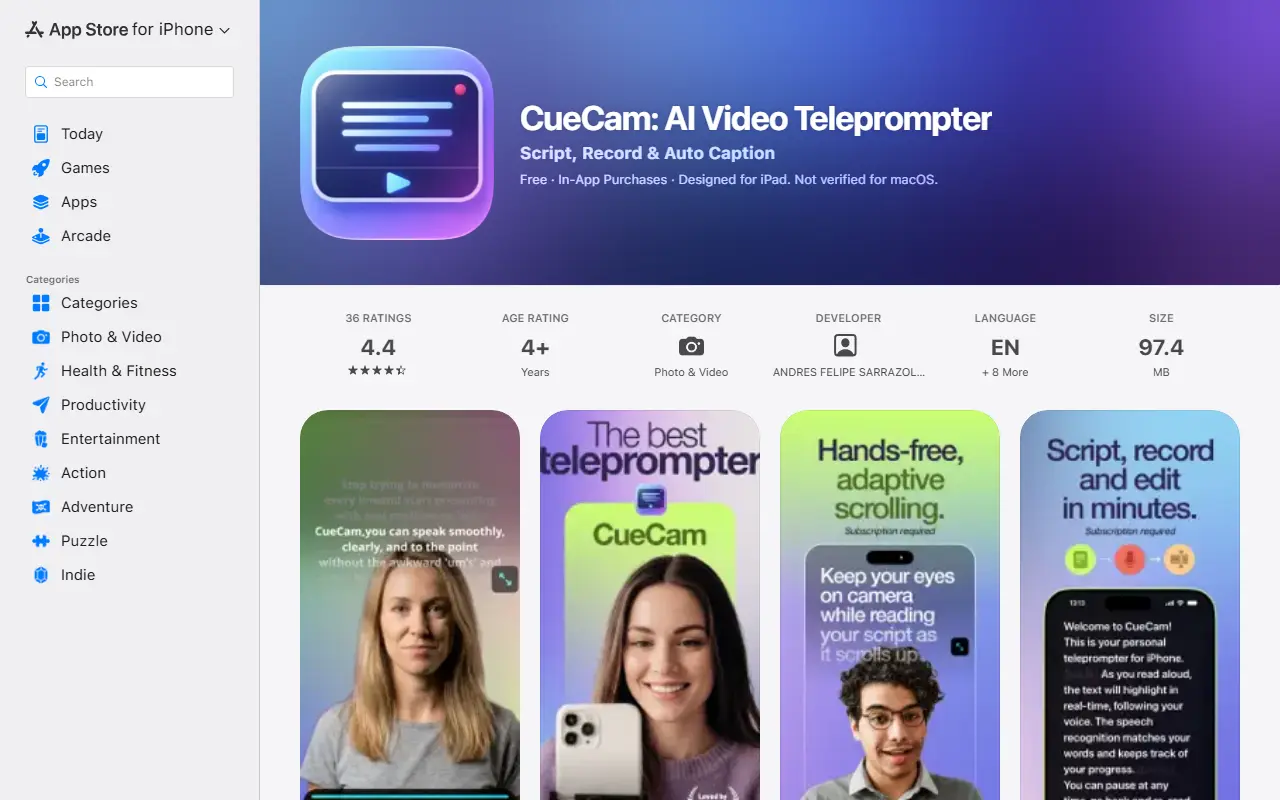
About CueCam
CueCam is an iPhone, iPad, and Apple Watch app that combines a teleprompter with video recording. It is built for content creators, entrepreneurs, and educators who want to read a script while looking at the camera, so they can record on camera without memorizing lines, then edit and publish from the same app.
The teleprompter offers three scroll modes: word tracking that follows your voice using on-device speech recognition, a fixed speed adjustable with a slider, and timed scrolling that paces the script to a target duration. Recording supports front and rear cameras, resolutions from 720p to 4K, several frame rates, video stabilization, and a live audio waveform. Automatic captions are part of the workflow. The free download includes onboarding and a limited demo, and full functionality requires a subscription.
Key features
- Voice-following teleprompter with on-device recognition
- Fixed-speed and timed scrolling modes
- Recording at 720p, 1080p, or 4K
- Selectable frame rates and stabilization
- Automatic captions for recorded videos
- Front and rear camera switching
- Live audio waveform while recording
Good fit for
- →Creators recording talking-head videos from a script
- →Educators and entrepreneurs presenting on camera
- Tags
- teleprompter
- video-recording
- ios-app
- captions
- content-creation
- script-reading
CueCam: questions and answers
- What is CueCam used for?
- CueCam is an iOS teleprompter and video app with voice-following, fixed-speed, and timed scrolling, camera recording, and automatic captions for content creators. It is a good fit for creators recording talking-head videos from a script, and educators and entrepreneurs presenting on camera.
- Is CueCam free?
- Yes. CueCam has a free plan.
- Is CueCam open source?
- No. CueCam is proprietary (closed-source) software. In the Video Editing category, open-source options include OpenCut, OBS Studio and HandBrake.
Open-source alternatives to CueCam
See all
OpenCut
Video Editing
The open-source CapCut alternative
MITvs CapCut★ 91k
OBS Studio
Video Editing
OBS Studio - Free and open source software for live streaming and screen recording
GPL-2.0vs vMix★ 77k
HandBrake
Video Editing
HandBrake's development repository
OSS★ 25k
Cap
Video Editing
Open source Loom alternative. Beautiful, shareable screen recordings.
OSSvs Loom★ 23k
Screenity
Video Editing
The free and privacy-friendly screen recorder with no limits 🎥
GPL-3.0vs Screencastify★ 19k
Shotcut
Video Editing
cross-platform (Qt), open-source (GPLv3) video editor
GPL-3.0vs Adobe Premiere Pro★ 15k
SaaS alternatives to CueCam
See all
Captions
Video Editing
AI video editing app for captions, dubbing and talking-head content
SaaS
Tella
Video Editing
Screen and camera recorder with editing for demos and tutorials
SaaS
Riverside
Video Editing
Browser-based studio for recording podcasts and video interviews in high quality
SaaS
Captions Bro
Video Editing
Mobile video editor with automatic caption generation and a teleprompter
SaaS
AddSubtitles
Video Editing
Browser-based AI subtitle and video editor with word-level captions, silence removal and translation
SaaS
AE Layer Tool
Video Editing
After Effects tool that automates captioning of short-form videos for TikTok, Reels and Shorts
SaaS