 TrackMedia
 TrackRev

About AutoVOD
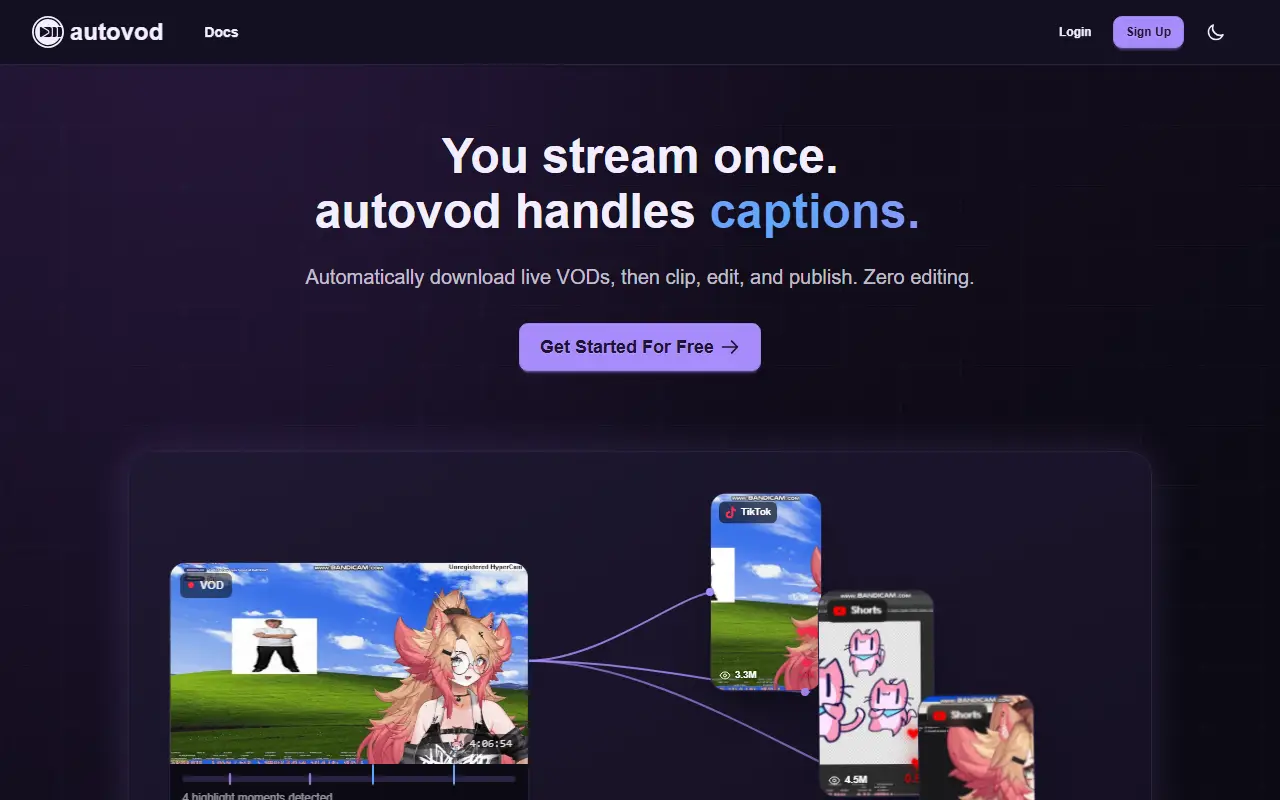
AutoVOD is a hosted service that turns livestreams into short-form content. It records or downloads VODs from streaming platforms, uses AI to detect highlight moments and cut clips, and publishes the results to social channels, with the aim that the streamer does no manual editing.
Listed capabilities include custom automated workflows, AI clipping aimed at viral moments, animated captions, face-aware vertical framing, AI summaries, cloud storage with public sharing, and scheduled publishing to YouTube and TikTok with control over titles, tags and descriptions. The homepage shows Twitch, YouTube, Kick, TikTok and Facebook among the platforms it works with, and the product has a documentation section.
AutoVOD is a commercial product with a credit system: every action spends credits that refill monthly and reset each cycle. A free plan with no card required is offered, and annual billing carries a 15% discount.
Key features
- Automatic VOD download and recording
- AI clipping of highlight moments
- Animated captions
- Face-aware vertical framing
- AI stream summaries
- Scheduled publishing to YouTube and TikTok
Good fit for
- Twitch and Kick streamers feeding a Shorts channel
- Creators automating post-stream clip workflows
AutoVOD: questions and answers
- What is AutoVOD used for?
- AutoVOD is an AI tool for streamers that records livestreams, generates clips and shorts with captions, and schedules uploads to YouTube and TikTok. It is a good fit for Twitch and Kick streamers feeding a Shorts channel, and creators automating post-stream clip workflows.
- Is AutoVOD free?
- Yes. AutoVOD has a free plan, and paid plans start at $7.99 per month. A free trial is also available.
- Is AutoVOD open source?
- No. AutoVOD is proprietary (closed-source) software and can't be self-hosted. In the Video Editing category, open-source options include Cap, OpenCut and OBS Studio.
- What are some alternatives to AutoVOD?
- AutoVOD competes with Opus Clip, Vizard and Klap.
Open-source alternatives to AutoVOD
See all
Cap
Video Editing
Open source Loom alternative. Beautiful, shareable screen recordings.
OSSvs Loom★ 25k
OpenCut
Video Editing
The open-source CapCut alternative
MITvs CapCut★ 98k
OBS Studio
Video Editing
OBS Studio - Free and open source software for live streaming and screen recording
GPL-2.0vs vMix★ 79k
HandBrake
Video Editing
HandBrake's development repository
OSS★ 25k
Kdenlive
Video Editing
Free and open source video editor, based on MLT Framework and KDE Frameworks
GPL-3.0vs Adobe Premiere Pro★ 6.1k
ScreenToGif
Video Editing
🎬 ScreenToGif allows you to record a selected area of your screen, edit and save it as a
MS-PLvs Snagit★ 28k
SaaS alternatives to AutoVOD
See all
Opus Clip
AI Tools
Cuts long videos into short vertical clips with captions for social platforms
SaaS
Vizard
Video Editing
AI tool that turns long videos into short clips with captions
SaaS
Klap
Video Editing
AI tool that converts long videos into short clips for social media
SaaS
Submagic
Video Editing
AI tool that adds captions and edits to short-form videos
SaaS
proclips
Video Editing
Turns a long YouTube, Twitch or Vimeo video into captioned vertical clips and schedules them for posting
SaaS
Autoclip
Video Editing
AI tool that turns YouTube videos into short clips for TikTok, Reels and Shorts
SaaS