6 open-source alternatives ranked by real activity

Open-source Journey alternatives

A curated, ranked list of the 6 best open-source alternatives to Journey.

The best open-source alternative to Journey is Joplin. If that doesn't suit you, other good options are Standard Notes, Jrnl, Journiv and GitJournal.

Commercial alternatives to Journey include Daylio, Penzu, Rosebud and Diarium. See all 33.

Journey alternatives are mainly note-taking tools. 3 of them shipped code in the last 30 days, 6 can be self-hosted, and none uses a permissive licence.

Last updated November 13, 2026 · ranked by GitHub stars, growth and recent commits

Joplin

A free, open-source, offline-first note-taking and to-do app with Markdown notes, end-to-end encrypted sync, plugins and apps for desktop and mobile.

GitHub stars
57k
Last commit
today
Latest release
v3.7.22
Self-hosted
Yes
Hosted version
Available
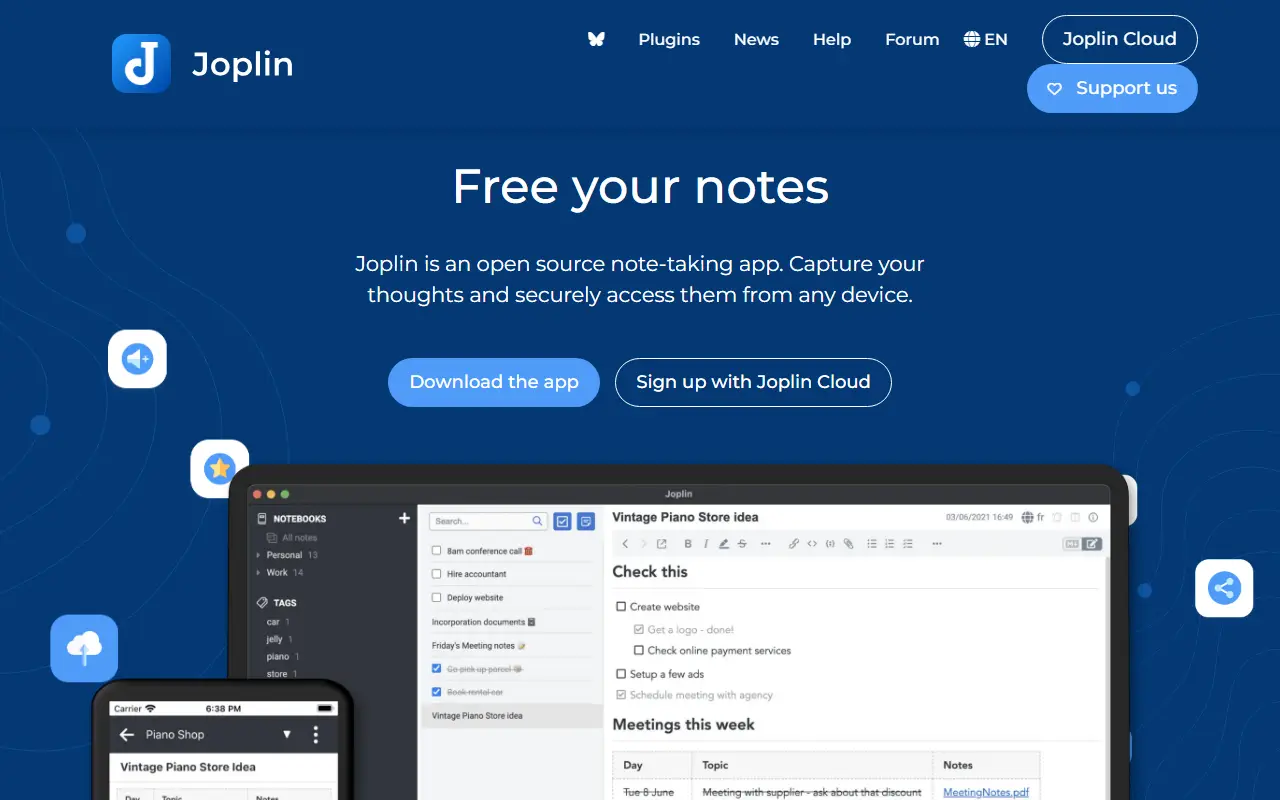
joplinapp.orgJoplin homepage screenshot

Joplin is a note-taking and to-do application, free and open source, that can manage large collections of notes organized into notebooks. Notes are written in Markdown, are searchable, can be tagged, and can be edited either in the app or in your own text editor. Apps are available for Windows, macOS, Linux, Android and iOS.

The app is offline first, so all your data lives on your phone or computer and stays accessible without a connection. Notes can be synchronized with end-to-end encryption through services such as Nextcloud, Dropbox, OneDrive and Joplin Cloud, and topics also mention WebDAV. Full-text search is available on every platform, and plugins and themes let you customize the app. A web clipper saves pages, and notes exported from Evernote can be imported with formatting, attachments and metadata intact; plain Markdown files can be imported as well.

The repository license is listed as 'Other', so check its terms if you plan to redistribute. Joplin is a popular choice for people who want an Evernote replacement that keeps data local or on storage they already control.

Key features

  • Markdown notes organized into notebooks
  • Offline-first storage on your own devices
  • End-to-end encrypted sync via Nextcloud, Dropbox or OneDrive
  • Evernote import with attachments and metadata
  • Plugins and themes
  • Web clipper for saving pages
  • Apps for desktop and mobile

Pricing: Joplin Cloud costs 2.99€ (Basic), 5.99€ (Pro) or 9.99€ (Pro 100 GB) per month, and Teams 7.99€ per user per month. Self-hosted Server Business is 3.33€ per user per month; 14-day trial.

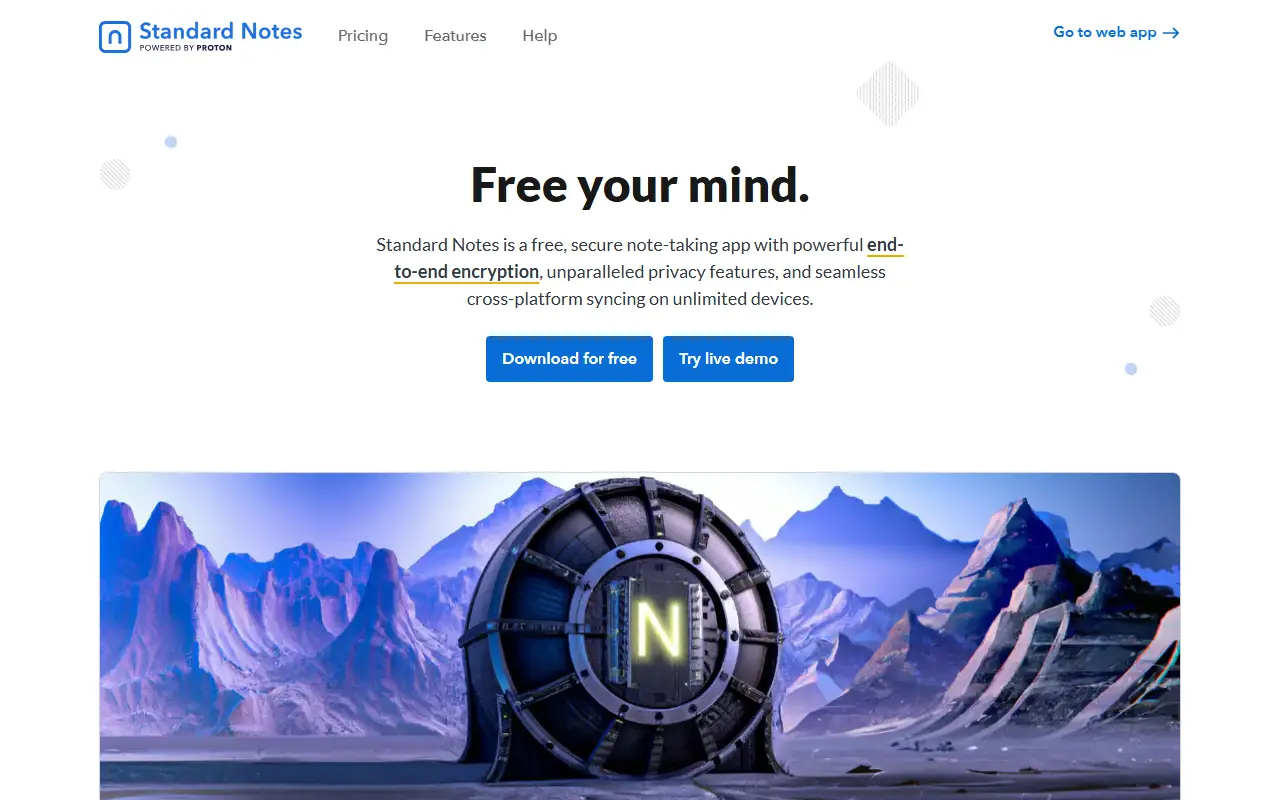
Standard Notes

An end-to-end encrypted note-taking app with sync across devices and a self-hostable server, available on web, desktop and mobile.

GitHub stars
6.7k
Last commit
today
Latest release
@standardnotes/desktop@3.202.11
Licence
AGPL-3.0
Self-hosted
Yes
Hosted version
Available
standardnotes.comStandard Notes homepage screenshot

Standard Notes is a note-taking app with end-to-end encryption, built for digitalists and professionals, aiming to keep notes, files and life's work in one secure place. Only the user can read their notes, and sync across devices is encrypted by default.

You register for an account on the web app and install clients for Mac, Windows, Linux, iOS and Android. The README highlights fast, free and encrypted sync on an unlimited number of devices, public source code, the option of hosting your own server with a few steps, and a focus on longevity and sustainability. A companion service called Listed turns notes into an online publication with email newsletters, and developers can build and publish extensions.

The web app compiles to static HTML, JavaScript and CSS files that can be served from any web server, and the README includes build and development instructions. Standard Notes is written in TypeScript and licensed under AGPL-3.0, with a forum and help pages for support. It suits privacy-minded users who want encrypted notes with the option to host their own backend.

Key features

  • End-to-end encrypted notes and files
  • Sync across unlimited devices
  • Apps for web, desktop and mobile
  • Self-hostable sync server
  • Listed publishing and newsletters
  • Extensions published by developers

Pricing: Free Standard plan includes end-to-end encryption and device sync. Productivity costs $90 and Professional $120 per year; there is no trial, but refunds are offered.

Jrnl

A simple command-line journal application for creating, searching and viewing entries stored as human-readable plain text, with optional AES encryption.

GitHub stars
7.4k
Last commit
today
Latest release
v4.6
Licence
GPL-3.0
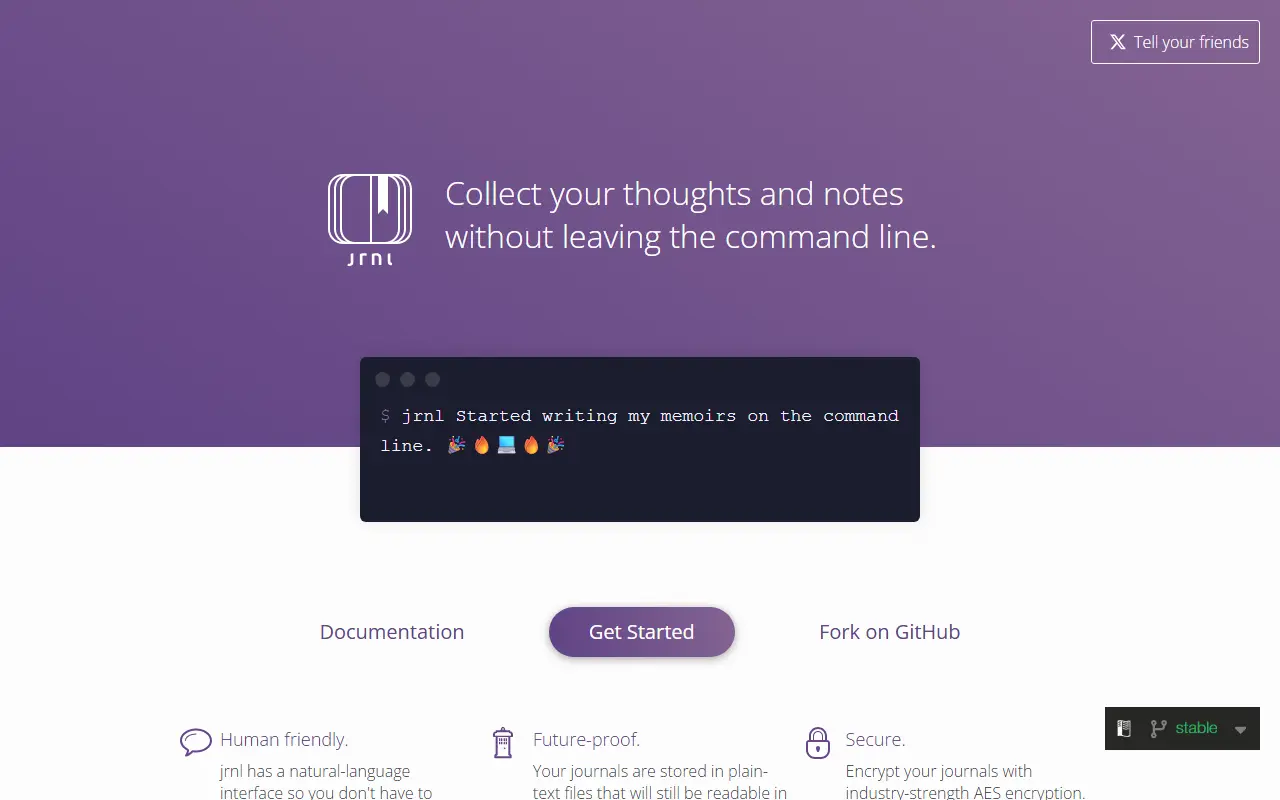
jrnl.shJrnl homepage screenshot

jrnl is a journal application for the command line. You use it to create, search and view entries without leaving the terminal, which suits people who live in a shell and want to capture thoughts or notes quickly.

Entries live in readable plain-text files, with AES encryption available as an option. Typing a sentence after the command creates a new entry, and natural-language prefixes such as yesterday are interpreted as the timestamp. The text up to the first sentence ending becomes the title and the rest the body, and in the journal file each entry is saved with a bracketed date and time. Calling jrnl without text opens a prompt, or you can configure an external editor.

The project is written in Python, licensed under GPL-3.0, maintained by a small group of volunteers and supported by financial backers. Full documentation is available on its website. It suits developers and writers who want a private, scriptable journal in plain files.

Key features

  • Create entries from the command line
  • Plain-text storage in readable files
  • Optional AES encryption
  • Natural-language timestamps like yesterday
  • Search and view past entries
  • External editor support

Pricing: Free and open source under the GPL-3.0 licence.

Read more about JrnlWebsiteGitHub#3 Journey alternative

Journiv

A self-hosted private journaling app with mood tracking, prompts, media uploads, analytics and search, currently in beta.

GitHub stars
1.3k
Last commit
1 mo ago
Latest release
v0.1.0-beta.26
Self-hosted
Yes
journiv.comJourniv homepage screenshot

Journiv is a self-hosted journaling application for people who want to keep their writing private on their own server. It includes mood tracking, prompt-based journaling, media uploads, analytics and advanced search in a clean, minimal interface, and it is aimed at the homelab and privacy-minded crowd.

The project is in beta, and the README warns that breaking changes may still occur and that regular backups are important. A single Docker command starts a minimal version, but media processing, import and export require a Redis or Valkey broker and a Celery worker, so the full Docker Compose file is recommended. React is now the default interface, with an older Flutter interface temporarily available at a legacy path.

Journiv is installed with Docker and served from a single FastAPI origin. The README warns that plain HTTP is only for isolated trusted networks and recommends HTTPS for anything reachable from the internet. The repository lists its licence as other, so check the terms. It suits people who want a private alternative to cloud journaling apps and are comfortable running a small stack.

Key features

  • Mood tracking and analytics
  • Prompt-based journaling
  • Media uploads for photos, video, and audio
  • Advanced search across entries
  • Docker and Docker Compose deployment
  • React interface with legacy Flutter option

GitJournal

GitJournal is a mobile-first Markdown note-taking app that stores notes in a Git repository you choose, such as GitHub or GitLab.

GitHub stars
4.2k
Last commit
5 mo ago
Latest release
v1.80.0
Licence
AGPL-3.0
Self-hosted
Yes
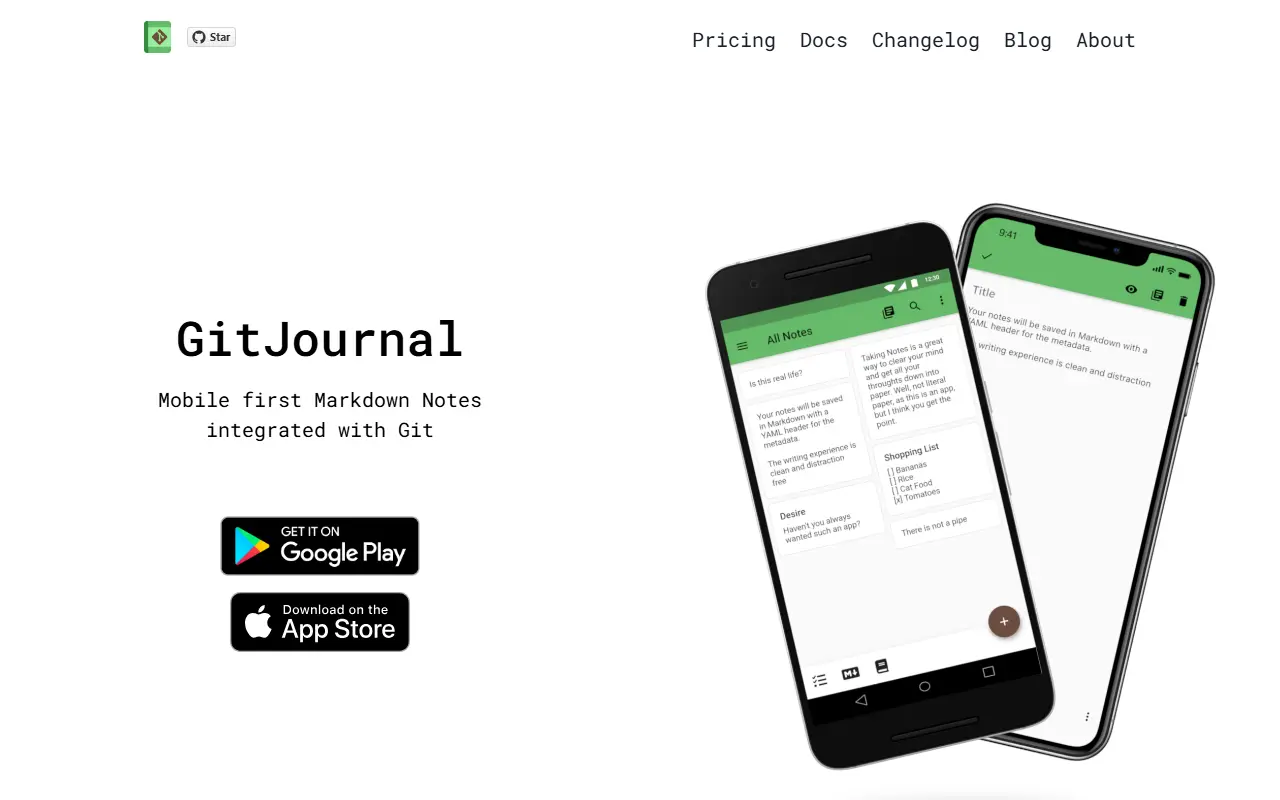
gitjournal.ioGitJournal homepage screenshot

GitJournal is a note-taking app focused on privacy and data portability. It stores all notes in a standard Markdown format with an optional YAML header, and keeps them in a Git repository of your choice, whether that is GitHub, GitLab or a custom provider you host yourself.

Because the notes are plain files in Git, you control where they live and can edit them with other tools. The README lists import paths from Google Keep, Day One Classic, Narrate and Simplenote, which helps people migrate from existing apps. The app is mobile first and is written in Dart, and the topics also mention journaling and knowledge management.

GitJournal is open source, with code by its main author under AGPL-3.0 and code from other contributors under Apache-2.0, a split chosen so the app can be distributed on the Apple App Store without a contributor license agreement. Documentation and translations use a Creative Commons license.

Key features

  • Notes stored as Markdown in Git
  • Works with GitHub, GitLab or custom hosts
  • Optional YAML header for metadata
  • Import from Google Keep and Simplenote
  • Mobile-first app written in Dart

Pricing: The Basic app is free on Android and $3.99 on iOS, bought once with no subscription. Pro is pay-what-you-want with a minimum set in the app stores, roughly $24 to $36 one-time.

Linked

Linked is a free desktop journaling app for writing a distraction-free note per day, with search, keyboard navigation and local file storage.

GitHub stars
1k
Last commit
2 yr ago
Latest release
v1.5.2
Licence
GPL-3.0
Self-hosted
Yes
uselinked.comLinked homepage screenshot

Linked is an Electron desktop app for daily journaling. It gives you a place to write down thoughts and things you want to remember, organized by day, so your head is free for deeper thinking. The interface is intentionally minimal to keep distractions away.

Each day holds as much text as you like, with several text styles plus todo, list and code blocks. You can search across all days, switch between dark and light mode, move around with keyboard shortcuts, and use the interface in multiple languages. Notes are stored as plain files in a folder under Documents, so they stay on your computer and remain yours.

Linked is built with Vue and Tailwind CSS and licensed under GPL-3.0. The maintainers say it will always be free and open source and accept sponsorships, and the roadmap lists linking days, a month overview, day ratings and cross-device sync, none of which are described as available yet. It suits people who want a simple local journal.

Key features

  • One journal space per day
  • Search across all days
  • Todo, list and code blocks
  • Dark and light modes
  • Keyboard shortcuts for navigation
  • Files stored locally in Documents
  • Multi-language interface

Pricing: Free and open source under GPL-3.0; the maintainers accept sponsorships.

Commercial Journey alternatives

Hosted, closed-source products that compete with Journey. Showing 12 of 33.

See every Journey alternative on its tool page

Journey alternatives: questions

What is the best open-source alternative to Journey?
Joplin is the top-ranked open-source alternative to Journey on Enlisted: A free, open-source, offline-first note-taking and to-do app with Markdown notes, end-to-end encrypted sync, plugins and apps for desktop and mobile. Other strong options are Standard Notes, Jrnl, Journiv and GitJournal.
What are the best commercial alternatives to Journey?
Daylio, Penzu, Rosebud, Diarium and Flowy are among the hosted, closed-source alternatives to Journey listed on Enlisted, which lists 33 in total. Compare their pricing and features on each tool page.
Are these Journey alternatives free?
All 6 are open source, so the code is free to use under its licence, and all of them can be self-hosted on your own server or computer. 2 also offer a paid or managed cloud version if you'd rather not host it yourself.
How is this list of Journey alternatives ranked?
By a score built from GitHub stars, star growth over the last 30 days and how recently the code changed. 3 of these projects shipped code in the last 30 days. Data is refreshed daily, and nobody can pay to move up.

People also look for alternatives to…

View all