 TrackMedia
 TrackRev
About Vivideo
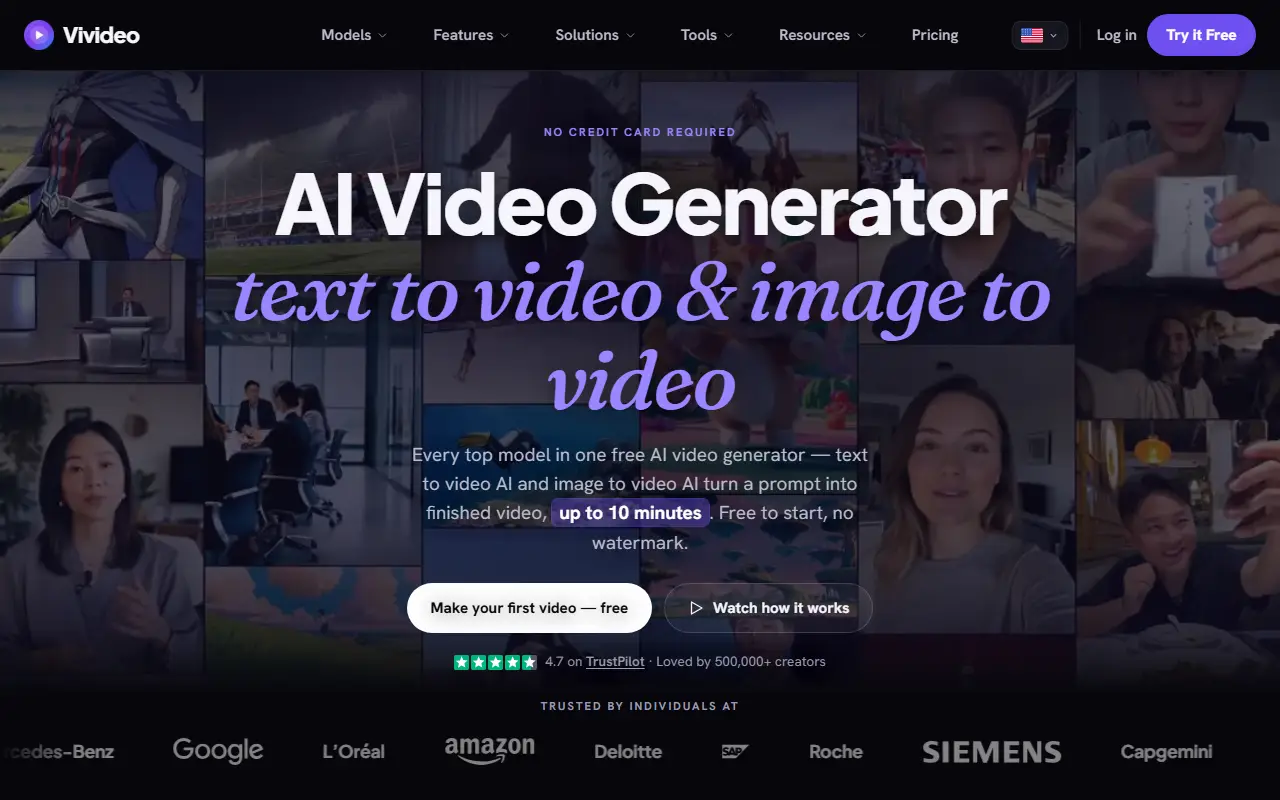
Vivideo is a hosted platform for making video with AI. You can start from text or an image, choose among modes such as agentic chat, auto-generate and manual control, and produce clips for TikTok, YouTube Shorts, Instagram Reels, LinkedIn and other social formats.
Rather than relying on one engine, it lists a wide set of video models including Sora 2, Veo 3.1, Kling, Seedance, WAN, Hailuo, Luma Ray, Pika and Hunyuan Video. Creation tools include AI avatars, AI voices, video translation, dubbing with lip sync, brand kits and templates. For automation, it provides an MCP server, a command-line tool and an API, and the site also has free video utilities such as converters, compressors, trimmers and resizers. It is a commercial SaaS product that markets itself as free to start with no watermark or credit card, and it has a pricing page.
Key features
- Text-to-video and image-to-video
- Access to many third-party video models
- AI avatars and AI voices
- Video translation and lip-sync dubbing
- Brand kit and video templates
- MCP server, CLI and API
- Free video converters and trimmers
Good fit for
- Marketers making social video ads
- Small businesses producing product videos
- Agencies automating video production
Vivideo: questions and answers
- What is Vivideo used for?
- Vivideo is a browser-based AI video generator that builds videos from text or images using many third-party models, with avatars, voices, dubbing and brand kits. It is a good fit for marketers making social video ads, small businesses producing product videos and agencies automating video production.
- Is Vivideo free?
- Yes. Vivideo has a free plan, and paid plans start at $99 per year. A free trial is also available.
- Is Vivideo open source?
- No. Vivideo is proprietary (closed-source) software and can't be self-hosted. In the Video Editing category, open-source options include Cap, OpenCut and OBS Studio.
- What are some alternatives to Vivideo?
- Vivideo competes with HeyGen, Synthesia and InVideo.
Open-source alternatives to Vivideo
See all
Cap
Video Editing
Open source Loom alternative. Beautiful, shareable screen recordings.
OSSvs Loom★ 25k
OpenCut
Video Editing
The open-source CapCut alternative
MITvs CapCut★ 98k
OBS Studio
Video Editing
OBS Studio - Free and open source software for live streaming and screen recording
GPL-2.0vs vMix★ 79k
HandBrake
Video Editing
HandBrake's development repository
OSS★ 25k
Kdenlive
Video Editing
Free and open source video editor, based on MLT Framework and KDE Frameworks
GPL-3.0vs Adobe Premiere Pro★ 6.1k
ScreenToGif
Video Editing
🎬 ScreenToGif allows you to record a selected area of your screen, edit and save it as a
MS-PLvs Snagit★ 28k
SaaS alternatives to Vivideo
See all
HeyGen
AI Tools
Create talking-avatar videos from a script, with voice cloning and video translation
SaaS
Synthesia
AI Tools
AI video platform that turns scripts into presenter videos with digital avatars
SaaS
InVideo
AI Tools
Online video maker that generates videos from text prompts with stock media and voiceover
SaaS
Fliki
Video Editing
AI tool that turns text into videos with voiceovers
SaaS
D-ID
AI Tools
AI avatar and talking-head video generation platform
SaaS
Brainrot.mov
Video Editing
Turns a script into short videos with AI avatars, motion control and captions
SaaS