
About Vezz me
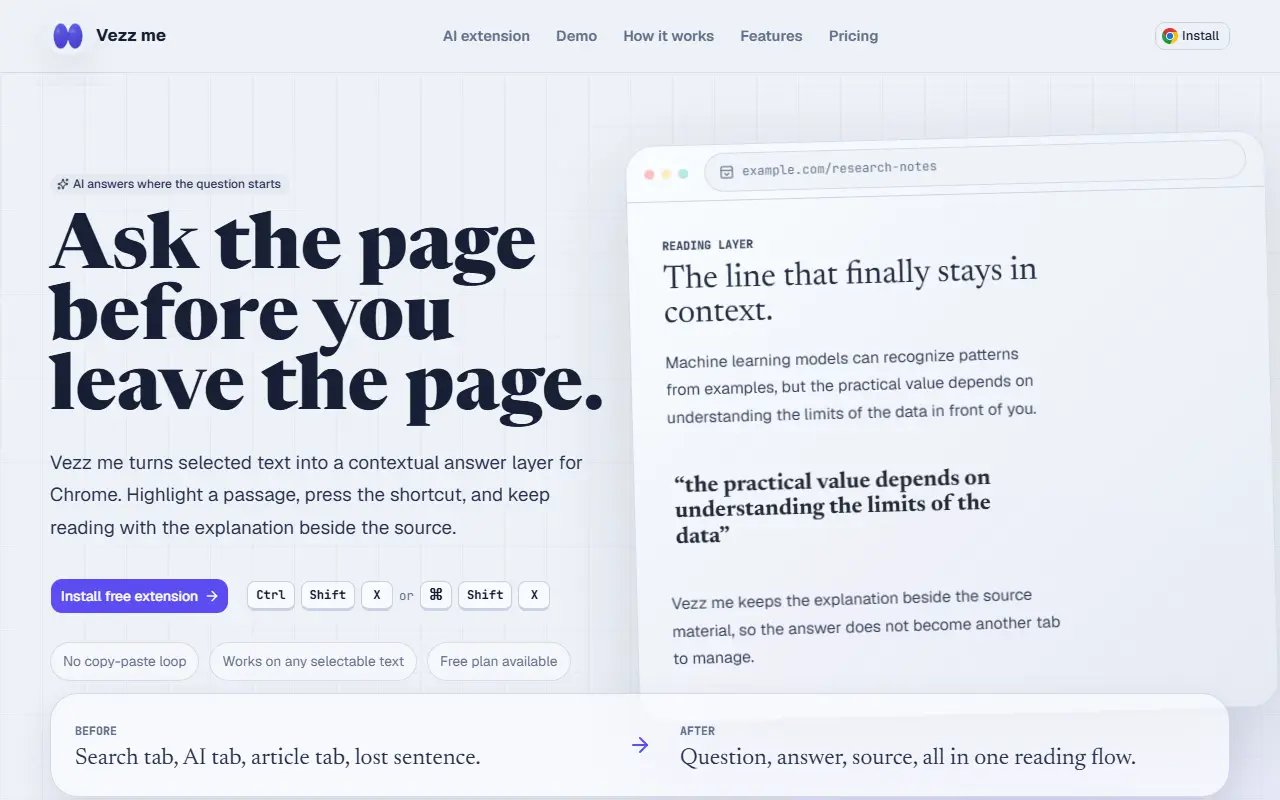
Vezz me adds an answer layer to web pages. You highlight a passage, press the shortcut, Ctrl+Shift+X or Command+Shift+X, and get a compact explanation next to the source text, then continue reading without opening a separate AI or search tab. Follow-up questions use the same selection and page context, so there is no copy and paste loop, and it works on any selectable text.
Custom prompts let you switch between modes such as a tutor, a researcher, a code reviewer or a style of your own, for example a lens that extracts assumptions and sources, a quick explain mode that rewrites dense text in plain language, or a careful reader that flags claims needing more evidence. Typical content includes research papers, documentation, news analysis, Wikipedia, newsletters and learning material, with guides for researchers, students and developers reading unfamiliar APIs.
The extension is free to install with a free plan, and a pricing page lists paid options. Guides on the site cover asking AI about a webpage, using it as a reading assistant, research workflows and developer reading.
Key features
- Highlight-to-explain on any webpage
- Keyboard shortcut to call the assistant
- Follow-up questions with page context kept
- Custom prompt modes for research and code
- Answers shown beside the source text
- Free plan available
Good fit for
- Clarifying a confusing paragraph in a research paper
- Understanding unfamiliar code in documentation
Vezz me: questions and answers
- What is Vezz me used for?
- Vezz me is a Chrome extension that shows an AI explanation beside any highlighted text, keeps page context for follow-up questions and offers custom prompt modes. It is a good fit for clarifying a confusing paragraph in a research paper and understanding unfamiliar code in documentation.
- Is Vezz me free?
- Yes. Vezz me has a free plan, and paid plans start at $12 per month.
- Is Vezz me open source?
- No. Vezz me is proprietary (closed-source) software. In the AI Tools category, open-source options include Page Assist, OpenClaw and Open Notebook.
- What are some alternatives to Vezz me?
- Other SaaS products in the AI Tools category include Askee, Claras and Earthly Insight.
Open-source alternatives to Vezz me
See allPage Assist
AI Tools
Use your locally running AI models to assist you in your web browsing
MITvs ChatGPT★ 8.2k
OpenClaw
AI Tools
The AI that really does things. Any OS. Any Platform. The lobster way. 🦞
OSSvs ChatGPT★ 391kOpen Notebook
AI Tools
An Open Source implementation of Notebook LM with more flexibility and features
MITvs NotebookLM★ 40k
NanoClaw
AI Tools
NanoClaw is a secure, lightweight alternative to OpenClaw. Your personal AI agent that run
MIT★ 31k
Ego Lite
AI Tools
The fastest browser for AI agents to run browser automation, built for sharing your logged
MITvs ChatGPT Atlas★ 17k
Khoj
AI Tools
Khoj is an applied artificial intelligence company building safe, useful AI software for h
AGPL-3.0vs ChatGPT★ 38k
SaaS alternatives to Vezz me
See all
Askee
AI Tools
AI assistant to chat with the content of any website you are visiting
SaaS
Claras
AI Tools
Chrome side panel that summarizes a YouTube search page or playlist and ranks which videos are worth watching
SaaS
Earthly Insight
AI Tools
AI chat assistant for content creation and everyday questions
SaaS
Evelant
AI Tools
AI browser extension that reads pages and PDFs and chats about them, with floating, side panel and native modes
SaaS
Fourline
AI Tools
Workspace that sends one prompt to multiple AI models and compares the responses side by side
SaaS
Google Gemini
AI Tools
Google AI assistant for chat, writing, coding, research and image generation
SaaS