
About UaiTec
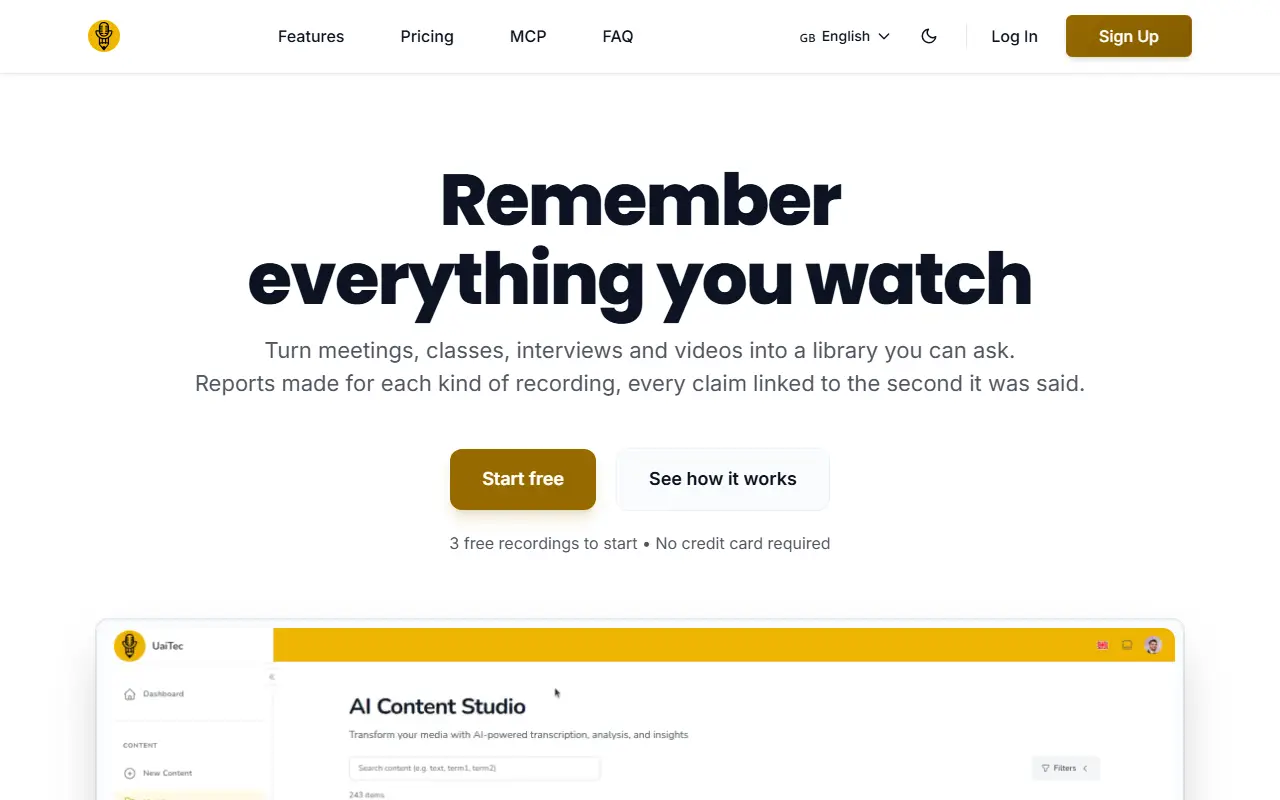
UaiTec turns recordings into a library you can search and ask questions of. You can import by pasting a link from over 1,000 sites, uploading a file or recording your screen or voice, with no bots joining meetings and no length limit. Each recording gets a report suited to its type, such as objections and next steps for a sales call, key concepts for a class or decisions for council minutes, and every claim links to the exact second so it can be checked.
Transcripts are speaker-labeled with voice samples to confirm each speaker, and search works by meaning across the whole archive. UaiTec connects to Claude, ChatGPT or an editor through MCP so an assistant answers from your recordings with source links. Translation to 100 languages keeps quotes and timestamps, subtitles can be exported, a study mode creates questions, and folders can be shared or sold. The site states GDPR readiness and encryption in transit and at rest.
The Free plan covers 3 recordings with all features, Pro is 12.59 euros per month for 20 recordings, and Premium is 27.30 euros per month for 100 recordings, with annual billing saving 30 percent. The site is available in English and Spanish and includes an FAQ and an MCP page.
Key features
- Import from links, files or screen recording
- Type-specific AI reports with linked timestamps
- Transcripts labeled by speaker
- Search by meaning across all recordings
- MCP access from Claude and ChatGPT
- Translation to 100 languages
- Subtitle export and study mode
Good fit for
- Searching years of meetings and lectures
- Letting an AI assistant answer from your recordings
UaiTec: questions and answers
- What is UaiTec used for?
- UaiTec is a searchable library for meetings, lectures, YouTube videos and podcasts that creates AI reports with linked timestamps, speaker-labeled transcripts and MCP access. It is a good fit for searching years of meetings and lectures, and letting an AI assistant answer from your recordings.
- Is UaiTec free?
- Yes. UaiTec has a free plan, and paid plans start at €12.59 per seat per month.
- Is UaiTec open source?
- No. UaiTec is proprietary (closed-source) software and can't be self-hosted. In the Note Taking category, open-source options include NoteGen, EdgeEver and Inkstone.
- What are some alternatives to UaiTec?
- UaiTec competes with Otter.ai, Notta and NotebookLM.
Open-source alternatives to UaiTec
See all
NoteGen
Note Taking
Capture first. Organize later. A local-first Markdown app that turns scattered records int
GPL-3.0vs Mem★ 13k
EdgeEver
Note Taking
Open-source, AI-native knowledge base & Evernote alternative with native MCP. Zero-cost on
AGPL-3.0vs Evernote★ 2kInkstone
Note Taking
A self-hosted Markdown notebook that runs entirely on Cloudflare Workers.
OSSvs Obsidian★ 1.1k
AFFiNE
Note Taking
There can be more than Notion and Miro. AFFiNE(pronounced [ə‘fain]) is a next-gen knowledg
OSSvs Notion★ 73k
Logseq
Note Taking
A privacy-first, open-source platform for knowledge management and collaboration. Download
AGPL-3.0vs Notion★ 45k
Trilium Notes
Note Taking
Trilium Notes is an open-source note-taking and personal knowledge base app that runs loca
AGPL-3.0vs Evernote★ 38k
SaaS alternatives to UaiTec
See all
Otter.ai
AI Tools
Meeting transcription, notes and summaries for Zoom, Meet and Teams
SaaS
Notta
AI Tools
Speech-to-text transcription and AI meeting notes in many languages
SaaS
NotebookLM
AI Tools
Google AI research assistant that answers questions grounded in uploaded sources
SaaS
Glasp
Note Taking
Web highlighter that saves and shares highlights and notes from articles and videos
SaaS
Fireflies.ai
AI Tools
AI notetaker that records, transcribes and summarizes meetings across platforms
SaaS
QuickQuill
AI Tools
Mac app that records and writes up meeting notes entirely on-device
SaaS